Installing mods on Android games safely means adding third-party files or a modified APK to a game on your phone while keeping your device and your ability to replay the original game intact. In practice that means three habits: back up your data first, download only from a source you trust, and keep away from online games with anti-cheat.
The reason this matters is not the mod itself but the file behind it. A mod is an unverified executable you are handing to your phone, and Android’s storage rules changed in version 12 in ways that break the instructions most guides still publish. Get the setup right and a texture pack takes five minutes. Get it wrong and the game stops launching at all.
Most of the pain in this topic comes from a handful of predictable mistakes, so this guide walks the whole process in order: what to gather, how to vet a source, which install method each type of mod needs, and how to undo everything if it goes sideways. Nothing here requires root.
Table of Contents
- What You Need
- Step-by-Step: How to Install Mods on Android Games Safely
- Common Mistakes
- Frequently Asked Questions
- Are Android game mods safe to install?
- Can installing a mod delete my original game?
- Do I need to root my Android phone to install game mods?
- Why does the game close immediately after I install a mod?
- How do I remove an Android mod and restore the original game?
- Can I install the same mod on an Android emulator?
What You Need
Before you download anything, get these in place. Most failed installs trace back to a missing item on this list rather than a broken mod.
- A recent Android version note. Android 12 and newer restrict how apps write into other apps’ folders, which is the biggest real-world blocker. Knowing your version tells you which method will even work.
- Free storage. Have at least twice the size of the game plus the mod available. Copying files needs room for the original, the mod and the copy in progress.
- A matching game and mod. Note the exact game version installed on the phone and check that the mod targets the same version and the same Android release.
- A file manager with root-style access to Android/obb. FV File Manager, X-plore, Solid Explorer and Total Commander come up repeatedly in user reports for writing inside compressed archives. ZArchiver is the other name people recommend.
- An archive tool if you will unpack or repack an OBB by hand.
- A backup method. Cloud sync for the game’s save folder, a local copy of the save files, or simply a screenshot of your progress.
- The package name of the game so you can find the right folder. Check Settings, Apps, then the game’s own info screen.
- A trusted source you have reason to believe in. APKMirror and APKPure are the two mirrors users name most often when they want an unmodified official APK.
Step-by-Step: How to Install Mods on Android Games Safely
How to prepare the Android game and back up its data
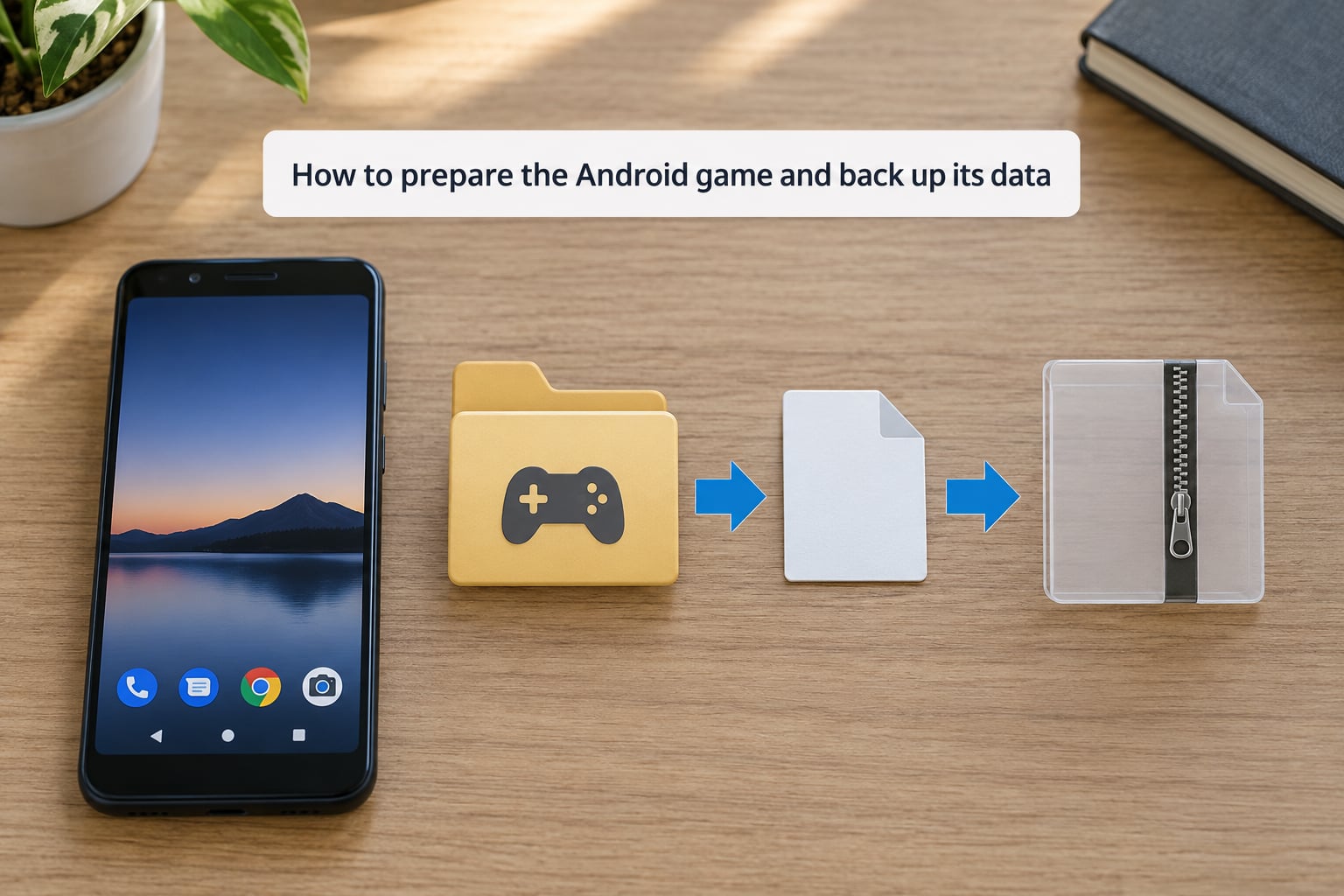
Open the game once before you touch anything, play for a few minutes, and let it save. Then confirm the version number and copy the save files somewhere outside the game’s folder. On Android the save data usually lives under Android/data/<package name>/files, and you need a file manager that can actually see Android and data inside it.
Close the game fully before copying anything. Swiping it out of the recent-apps list is not enough on some launchers, and a running game can overwrite your backup with an old in-memory copy.
Write down the package name, the game version, and the names of the files already in the game’s folder. That note is your rollback plan: if a mod breaks something, knowing exactly which files changed is the difference between a five-minute fix and reinstalling the whole game.
How to check that the mod supports the game and Android version
Read the mod’s own documentation before downloading anything. Look for four things: the game version it was built for, the minimum Android version, the file format it ships in, and the install method it expects.
If any of those do not line up with what is on your phone, stop there. A texture pack built for version 1.4 applied to version 1.5 usually does nothing visible. A script mod for a different engine will crash the game on launch. Version mismatch is the most common reason a correct-looking install produces no change at all.
Pay attention to filename casing too. Android paths are case-sensitive, and users on the Beamdog forums traced a broken install to a renamed file that did not match what the game expected. dialog.tlk and dialog.klt are different files as far as the game is concerned, even when the letters are visually close.
How to download the mod from a trustworthy source
This is where the word “safely” does the most work. Check who published it: a named developer, a maintained repository, an established mod forum with a real post history. A file with no author, uploaded last Tuesday, promising every item in the game, is not a mod. It is bait.
Run the file through VirusTotal before you open it. Upload the downloaded APK or archive, let the scan finish, and read the result rather than glancing at it. A mod that gets flagged by several engines deserves a second look even if one or two complain about a repackaged signature, which is common with legitimate mod APKs.
Then run these checks on the source itself. Look at the file size and update date, and compare them with what the mod’s own page claims. Read the comments for reports of silent installs or sudden battery drain. Avoid shortened URLs, fake “official download” buttons, and any mirror that asks you to disable your antivirus or turn off Play Protect before continuing.
Users on r/moddedandroidapps ask the “which sites are safe” question constantly, and the honest answer in those threads is that there is no zero-risk site for repackaged APKs. There are sources with a track record and there are the ones that only exist to deliver something malicious.
How to install the mod with the method the game requires
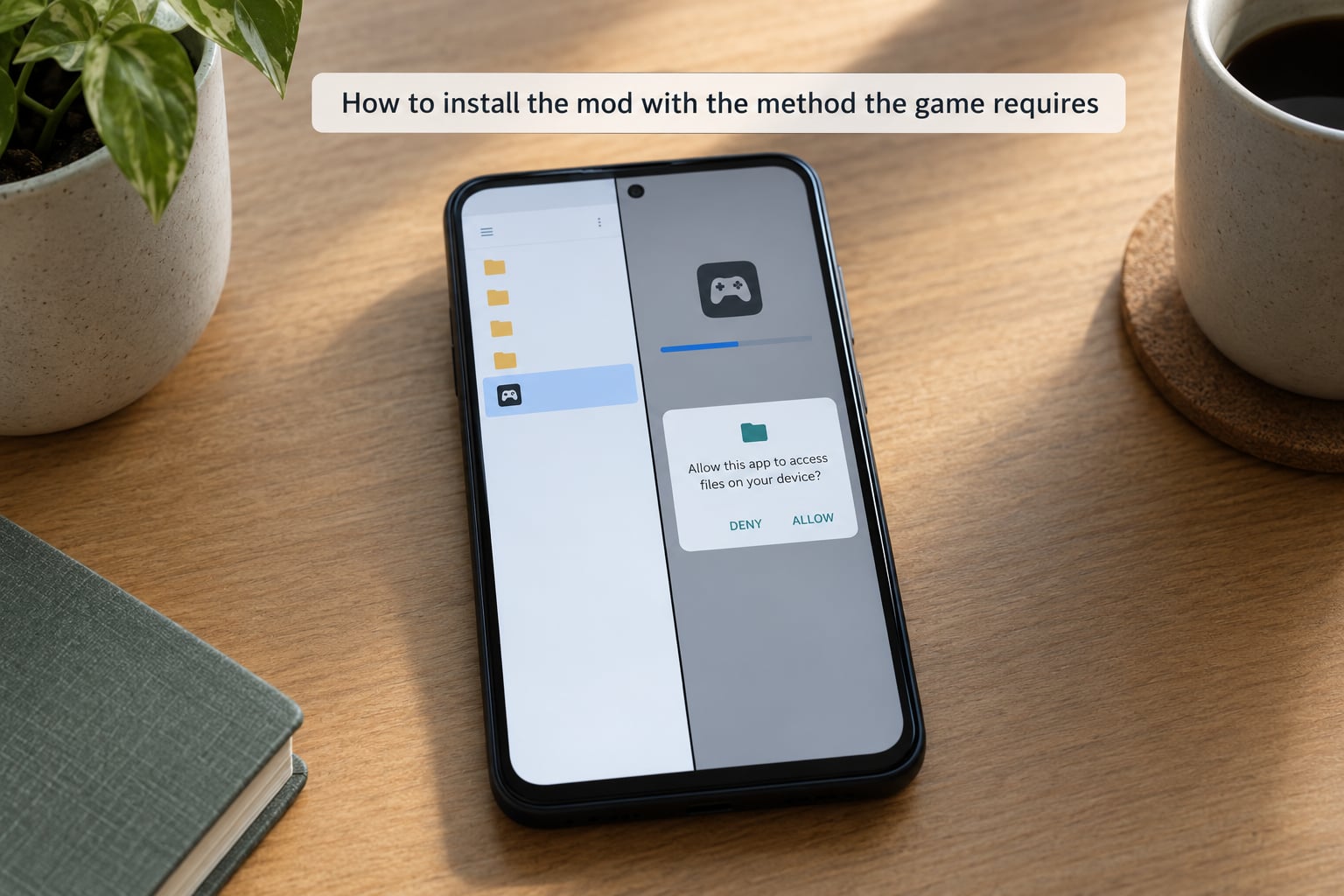
Different mods need genuinely different installs. Pick the one that matches the mod you are holding and stay with it. Running two methods on the same game is how people end up with a folder full of half-applied files and no idea what changed.
| Method | Root needed | Difficulty | Easy to undo |
|---|---|---|---|
| Replacement files in the game folder | No | Low | Yes, delete what you added |
| Script or config mod | No | Low to medium | Yes, remove the script |
| Modded APK swap | No | Medium | Yes, reinstall the official APK |
| Loader-based install | No | Medium | Mostly, uninstall the loader |
| Emulator instead of phone | No | Medium | Yes, delete the emulator data |
| Rooted device install | Yes | High | Harder, touches system areas |
Replacement files. Unpack the mod archive, copy the files it contains into the game’s own folder at Android/data/<package name>/files or Android/obb/<package name>, and match the original filenames exactly. Large asset files are often split across main.obb and patch.obb, and both need updating when the mod touches them. Some key files, like the archive key in a Beamdog title, have to be replaced alongside the data or the game will not read the new content.
Script and config mods. These sit in a known scripts or config subfolder and load at game start. Put each file where the mod’s documentation says, keep the folder structure intact, and give it a test run before you add a second one.
Modded APK swap. Uninstall the official game first, then install the modded APK. Android will refuse to install one app over another with a different signature, and users routinely lose an evening to the resulting error. Turn on install unknown apps for the browser or file manager you are using, expect a Play Protect warning because sideloading always triggers one, and read what it says before deciding.
Loader-based installs. A loader app watches the game’s folder and applies mods at launch. Install the loader from its own source, give it the mod files, and let it manage placement instead of copying things by hand.
Expect one of two practical problems. On Android 12 and newer you may hit java.io.IOException: permission denied when writing into another app’s folder, because scoped storage hides those directories from the file manager unless it has been granted access. And Android throttles large transfers heavily, so a multi-gigabyte copy that takes seconds on a computer can take hours on the phone.
How to test the game and confirm the mod works
Launch the game and check the specific thing the mod changes. A texture pack should show its textures in a known scene. A cheat menu should appear where the documentation said it would. Anything less than a visible change usually means a path or version problem, not a broken mod.
Watch for crashes on the start screen, black textures, missing sounds and frame drops. These point to a partial file replacement or a mod built for a different engine version.
Then confirm nothing unrelated broke. Load a save you made before the install, walk through a level you have already finished, and check that other files in the folder are still where they were. If your progress is intact and the mod works, you are done. Keep the backup somewhere until you have played for a while.
Common Mistakes
java.io.IOException: permission denied on Android 12 and newer. Scoped storage is the cause, not a broken file. Try a file manager with a documented ability to access Android/obb, such as FV File Manager or X-plore, and grant it the storage permission when prompted. If the folder still will not open, mod in an emulator instead, where you control the whole filesystem.
The game re-downloads its OBB and the mod disappears. The game found the archive missing or invalid and replaced it with a fresh copy. Check that both main.obb and patch.obb are present and correctly named, and that the file sizes match what the mod documentation lists. A file whose size does not match is treated as corrupt, which is why renaming a file inside the archive without repacking it correctly breaks things.
The game closes immediately after installing. Almost always a version mismatch or an incomplete copy. Verify the game version against the mod’s supported range, re-copy the files rather than patching them in place, and confirm no file was truncated. Clearing the game’s data from Android settings resets a half-applied install, though on some Android 12 builds that button is greyed out, and clearing storage through settings or reinstalling is the fallback.
The mod installs but nothing changes. Check the path character by character, including capitalisation, then check the load order if you added more than one mod. Some games only read mods from an override folder, and a file placed one level too high will sit there silently forever.
Progress disappeared or the save looks wrong. Stop and restore from the backup you made. A mod that edits the game’s database can rewrite records it does not understand, so keep a copy until you have confirmed your saves survive a full play session.
The install is taking hours. This is Android throttling background transfers, not a hang. Leave the screen on, plug the phone in, disable battery saver, and do not open the game while the copy is running.
The Play Protect warning appears. Expected for any sideloaded APK. Read the reason it gives, scan the file yourself, and only then decide. Turning off Play Protect permanently to make a warning disappear is how a genuine problem gets missed.
Frequently Asked Questions
Are Android game mods safe to install?
Mostly, with a source check first. The risk is not the mod feature, it is that a mod APK is an executable file from someone you do not know. Download from a source with a real post history, run the file through VirusTotal, read any Play Protect warning instead of dismissing it, and keep install-unknown-apps permission limited to the one app you actually use for installing. Mods from mod apps you installed yourself are the second highest risk category.
Can installing a mod delete my original game?
A mod cannot delete the app through Android settings, because apps cannot remove each other. What can happen is far more common: the game updates itself and overwrites your mod files, a mod replaces the data files in place, or you uninstall the official version to install a modded APK and change your mind. Backing up your save folder and noting the game version before you start makes every one of those recoverable.
Do I need to root my Android phone to install game mods?
No. Most mods install without root using a modded APK swap, replacement files copied into the game folder, a script folder, or a loader app. Root is only needed for a handful of mods that touch system areas or modify the game binary itself. On Android 12 and newer, root is less about convenience than necessity, because scoped storage blocks normal file-manager access to app data. Emulator modding is the cleaner route when permissions block you.
Why does the game close immediately after I install a mod?
A crash on launch almost always means a version mismatch or an incomplete file. The mod was built for a different game version or engine build, a file was truncated during a long copy, or a file inside the OBB archive was renamed without being repacked correctly, which changes its size and makes the game reject it. Verify the version range, re-copy the files cleanly with the screen on, and reset the app data if the game still refuses to start.
How do I remove an Android mod and restore the original game?
For file-based mods, delete the files you added and restore any you replaced from your backup, then launch the game to confirm. For a modded APK, uninstall the mod and install the official version from the Play Store or a mirror such as APKMirror or APKPure. If the game data was modified, clear the app’s storage in Android settings so it re-downloads clean assets. If a game update overwrote everything already, you may need to reinstall from scratch.
Can I install the same mod on an Android emulator?
Yes, and it is often the better option. An emulator gives you full filesystem access with no scoped-storage restrictions, keeps mod files off your phone entirely, and makes rollback a matter of deleting the emulator’s data folder. Mods that fail on Android 12 and newer phones frequently install without any change on an emulator running the same Android version. The mod must target the emulator’s architecture, which is usually the same as your phone.
Back up your game’s save folder and note the exact game version before anything else, because that is the step that makes every later problem recoverable. Vet the source, scan the file, and pick the one install method your mod actually needs. If you hit a permission error on Android 12 or newer, move to an emulator rather than reaching for root.