
Open-world mod guides
Install walkthroughs for open-world crime and driving games
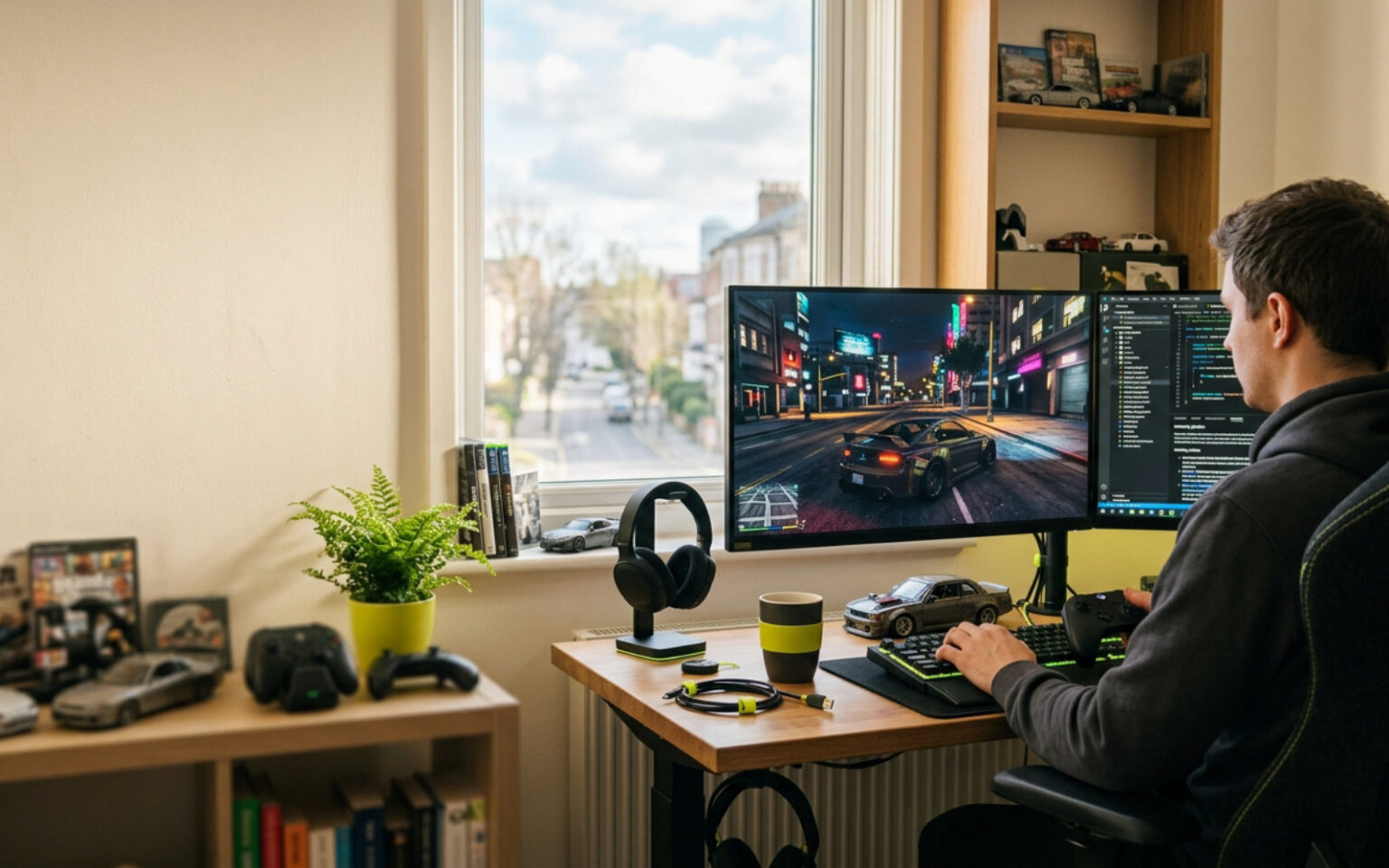
GTA Land is a working notebook for people who mod: install walkthroughs, graphics and lighting presets, vehicle-mod fixes and the folder paths that actually matter, written for PC, console and Android players who read the manual before they drag a file in.
Fresh from the garage
Latest guides

How to Make Custom Character Skins for Beginners (2026)
Learn how to make custom character skins for beginners in GTA, from backing up game files and editing textures to importing, testing,…
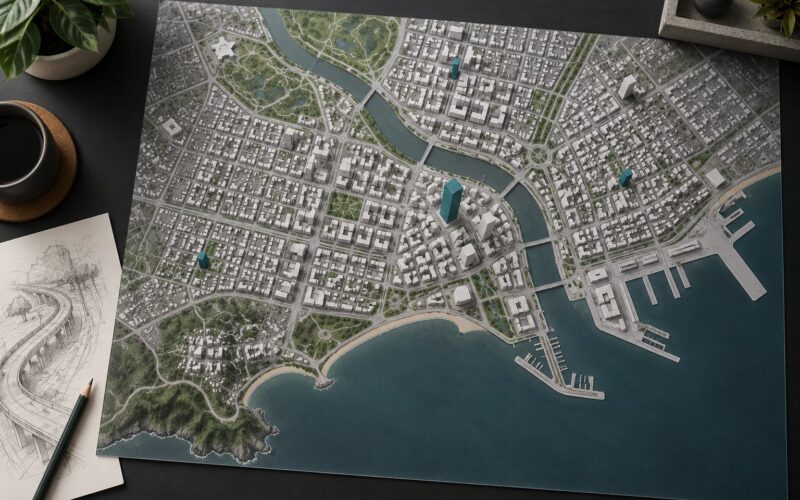
How City Maps Are Built in Open World Games (October 2026)
Learn how city maps are built in open world games: terrain, coastlines, road networks, districts, modular buildings, streaming and playtesting.
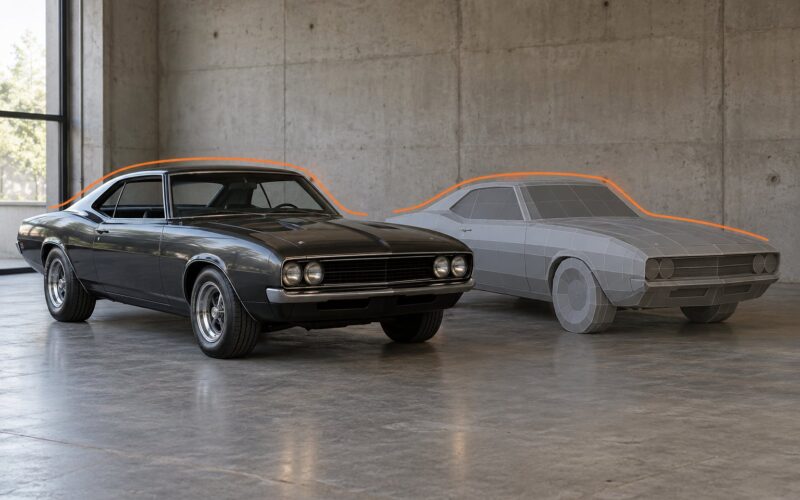
How Muscle Car Styling Is Recreated in Game Models 2026
How muscle car styling is recreated in game models in : proportions, curves, PBR paint, lighting, LOD budgets and licensing for game…
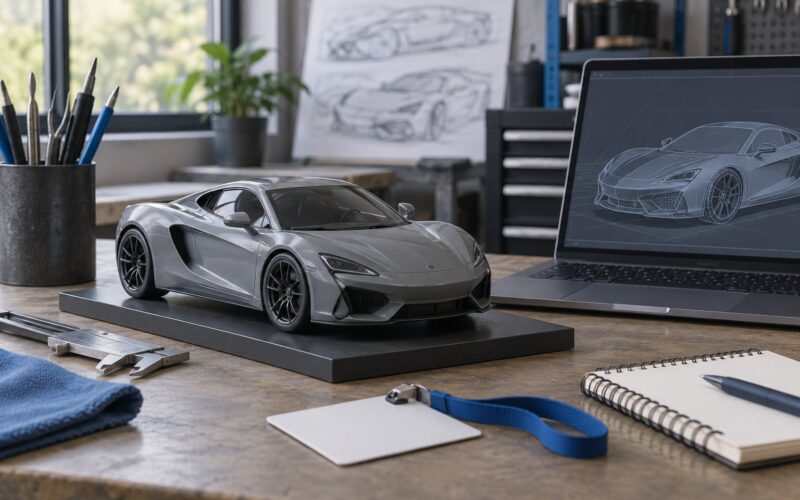
How Real Cars Get Renamed in Video Games: Simple Guide (2026)
How real cars get renamed in video games explained for : licensing rules, fictional marques, localization and what modders change first when…
What Is Cut Content and How Modders Restore It in GTA 2026
What is cut content and how modders restore it in GTA? As of , the removed missions and assets sit in game…

How to Identify the Real Car Behind a Game Vehicle in GTA 2026
Learn how to identify the real car behind a game vehicle in using GTA V, IV, San Andreas and Vice City files,…
How to Research Game Files to Confirm Cut Content (October 2026)
How to research game files to confirm cut content in : find the install folder, identify the engine, extract assets with FModel…
How to Restore Beta Features with Mods in GTA V (2026)
How to restore beta features with mods in GTA V (): back up your files, check Legacy vs Enhanced, install into dlcpacks…
How to Make a Drift Setup for a Modded Car (2026)
How to make a drift setup for a modded car in GTA V in : install the add-on, find the model name,…
Browse by job
Pick the job, not the game
The bench procedure
Back up the file, drop it in, test on a clean save
01Back up the file
02Drop it in
03Test on a clean save
Every walkthrough here runs in that order. We name the file you are about to overwrite before anything replaces it, give the folder path as it really reads on your platform, and describe what the screen should look like when the mod loaded. When a mod is more trouble than it is worth, we say so instead of padding the page.
Kept and corrected as the games change.
About this notebook
Made for people who tinker
GTA Land keeps install guides, graphics comparisons and vehicle-mod notes for open-world crime and driving games, and widens out to the tools, launchers and hardware those games lean on.
If a step here does not match your build, tell us and the page gets fixed.