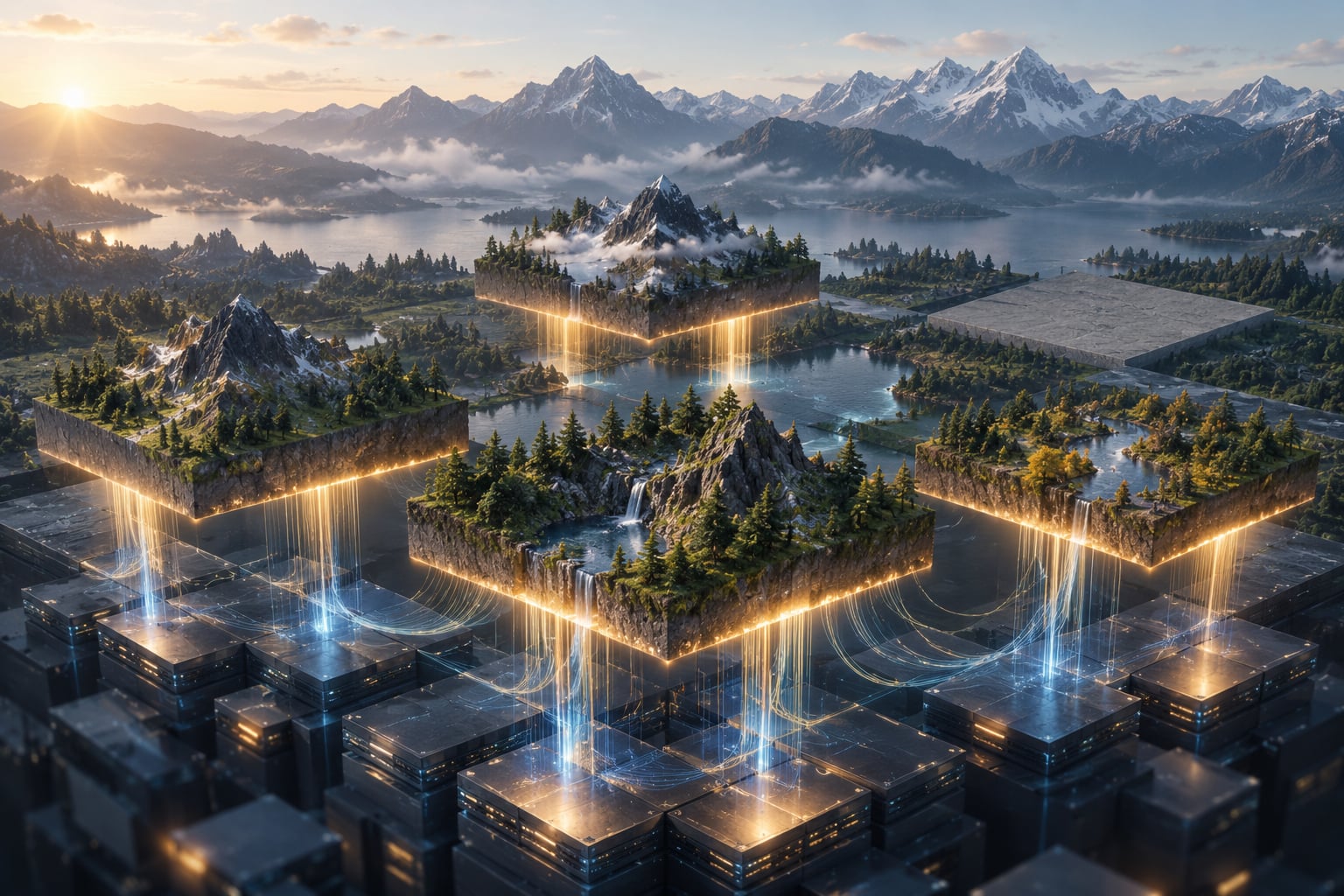
Game streaming of map data causes pop in because the engine draws a chunk before the real version of that chunk has finished arriving from storage or memory. In an open world, the game only holds a ring of terrain around you and swaps in better detail as you move. When your movement outruns that streaming, you see the change happen.
One clarification before we go further. This article is about a game engine streaming map and terrain data to your screen, not about live streaming platforms such as Twitch.
Table of Contents
- What Is Game Data Streaming?
- How Map Data Becomes Missing or Delayed
- Why Game Streaming of Map Data Causes Pop In
- What Commonly Causes Map Pop-In
- How to Tell Whether the Problem Is Streaming
- How to Reduce Map Pop-In
- How Large Mods Can Make Streaming Worse
- Frequently Asked Questions
- Will installing an SSD completely stop map pop-in?
- Why does map pop-in happen in only one part of the game world?
- Does adding more RAM always fix streaming stutter and pop-in?
- Why do my GTA mods cause more map pop-in than the unmodified game?
- Is lowering texture quality the best way to prevent map pop-in?
- Conclusion: What to Check First
What Is Game Data Streaming?
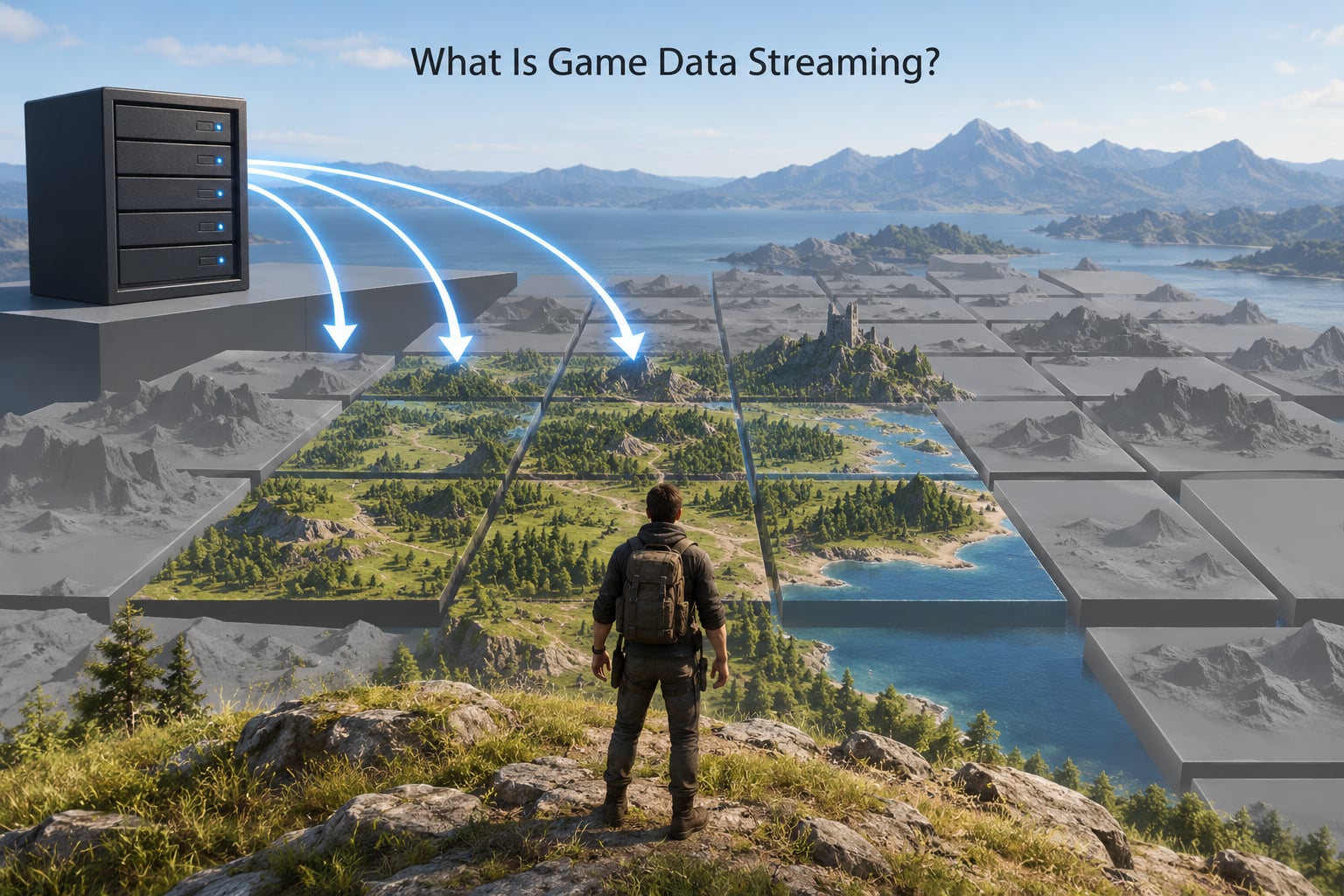
Streaming is the game loading data around you while you play, instead of loading the entire world before the first frame. A whole planet would need terabytes, so engines keep a moving window of loaded terrain around the camera and fetch the rest on demand.
Everything outside that window is either a low-detail stand-in or nothing at all, which is why the horizon looks flat and grey until you drive toward it.
Streaming work gets triggered by several ordinary actions. Moving quickly in any direction forces new chunks into the window. Panning the minimap camera often reveals areas outside the loaded ring. Teleporting, fast travel and respawning jump the camera so far that almost everything on screen is new.
Time of day matters too. Changing the sun angle can force a re-bake of lighting data for chunks you have already visited, which competes with loading brand new ground.
How Map Data Becomes Missing or Delayed
The pipeline from camera movement to pixels runs roughly like this.
- The engine records where the camera is and which direction it faces.
- Frustum culling throws away everything outside the field of view, so off-screen chunks cost nothing.
- Remaining chunks get a level of detail assigned based on distance, screen coverage and game priority.
- Chunks you do not already hold are added to a request queue, ordered by how soon the camera will reach them.
- The data is read from storage, or downloaded from a server if the world is not local.
- The engine decodes the compressed data into usable geometry, textures and objects.
- Textures and meshes are uploaded into graphics memory, which is a limited pool.
- The stand-in is swapped for the detailed version and the frame is drawn.
Each stage can fail on its own, and the symptom differs. A late texture means the surface is there with a flat colour or a blurry version and the detailed image arrives later. A late mesh means geometry is missing, so you see through to the skybox or a hole in the terrain.
A late collision object feels completely different. The world looks finished, but a wall stops registering as solid and you fall through it. Late vegetation leaves grass and trees absent in patches. A late physics object usually shows up as an odd visual glitch where something is drawn slightly out of position until its physics state settles.
Why Game Streaming of Map Data Causes Pop In
Pop in appears when the swap happens after the frame that should have shown it. The engine asks for a chunk, the request queue puts something else first, the data misses the deadline, and the placeholder gets drawn. The frame after that, the real version lands, and the change is visible.
What Streaming Budget and Asset Priority Mean
A streaming budget is a hard cap on how much data may be read or decoded per frame. Once the cap is reached, requests wait. Asset priority decides who waits and who goes first, usually favouring what is nearest, what is visible, and what the current mission needs.
Draw distance sets how far the engine even considers loading, collision range controls how far ahead it prepares solid ground, and texture residency decides how much of the loaded area stays fully detailed in graphics memory instead of being downgraded to a lower resolution mipmap.
| What you see | What is actually late | Usual reason |
|---|---|---|
| Ground changes colour or sharpness while close by | Texture data and its mipmap chain | Texture budget too low, or storage too slow |
| Holes in terrain, sky showing through ground | Terrain mesh geometry | Chunk still queued or outside the loaded ring |
| Trees, rocks and grass missing in patches | Vegetation layer and its imposters | Decoration streaming throttled behind terrain |
| Falling through a building or cliff face | Collision mesh | Collision range smaller than draw distance |
| Objects briefly hovering or sunk | Physics object state | Visual loaded before the simulation catches up |
How much data does map streaming use? It depends entirely on view radius and resolution. A flight simulator tile covering roughly 300 metres at high detail can run a few megabytes of imagery and mesh data, and a wide view radius can put tens of thousands of square metres of new ground into view every second at cruise speed. Locally cached terrain needs no network traffic at all, which is why a fully downloaded world streams at disk speed instead.
Why Game Streaming of Map Data Causes Pop In at Speed
A loading screen is a gift. The game freezes the camera, spends several seconds pulling in an entire region, and hands you a fully prepared scene. Instant transitions skip that pause, so the renderer has to rebuild the whole scene while you are already moving and already looking at it.
Worse, everything rebuilds at once. Terrain, textures, objects, lighting, audio zones and scripts all request their data in the same second, and the queue decides who suffers. At a normal walk or drive speed you outrun that queue rarely. Teleporting across the map reliably does it.
What Commonly Causes Map Pop-In
Slow storage is the big one. A mechanical drive or a busy external drive delivers data in bursts, so a chunk request can sit in the queue far longer than the frame budget allows. You see pop-in that worsens with draw distance and clears when you stop moving.
Overloaded memory causes a different pattern. The system starts paging chunks out to disk, so detail arrives late and then late again on the way back, and pop-in repeats in the same familiar places.
A CPU that cannot keep up starves the queue. If the engine spends its frame budget on logic and physics, the streaming thread gets less of it, and pop-in appears during busy scenes rather than empty ones.
A saturated GPU shows up as a frame-time problem first and a streaming problem second. Everything else stays correct but the draw never happens on time, so the older detail stays on screen a beat too long.
Overly aggressive draw distance is self-inflicted. Raising the slider pushes the loaded ring past what storage, memory and bandwidth can supply, and pop-in grows until the setting is pulled back.
Background applications compete quietly. A browser with dozens of tabs, a video call and a drive indexer can consume the bandwidth and disk queue that streaming depends on.
Outdated drivers and a first-run shader compile both cause a burst of stutter that looks like pop-in while it lasts. Corrupted archive data gives you something different: a chunk that repeatedly fails and reloads in the same spot. Conflicting mods cause the same symptom, and usually trace back to two packages claiming the same file.
How to Tell Whether the Problem Is Streaming
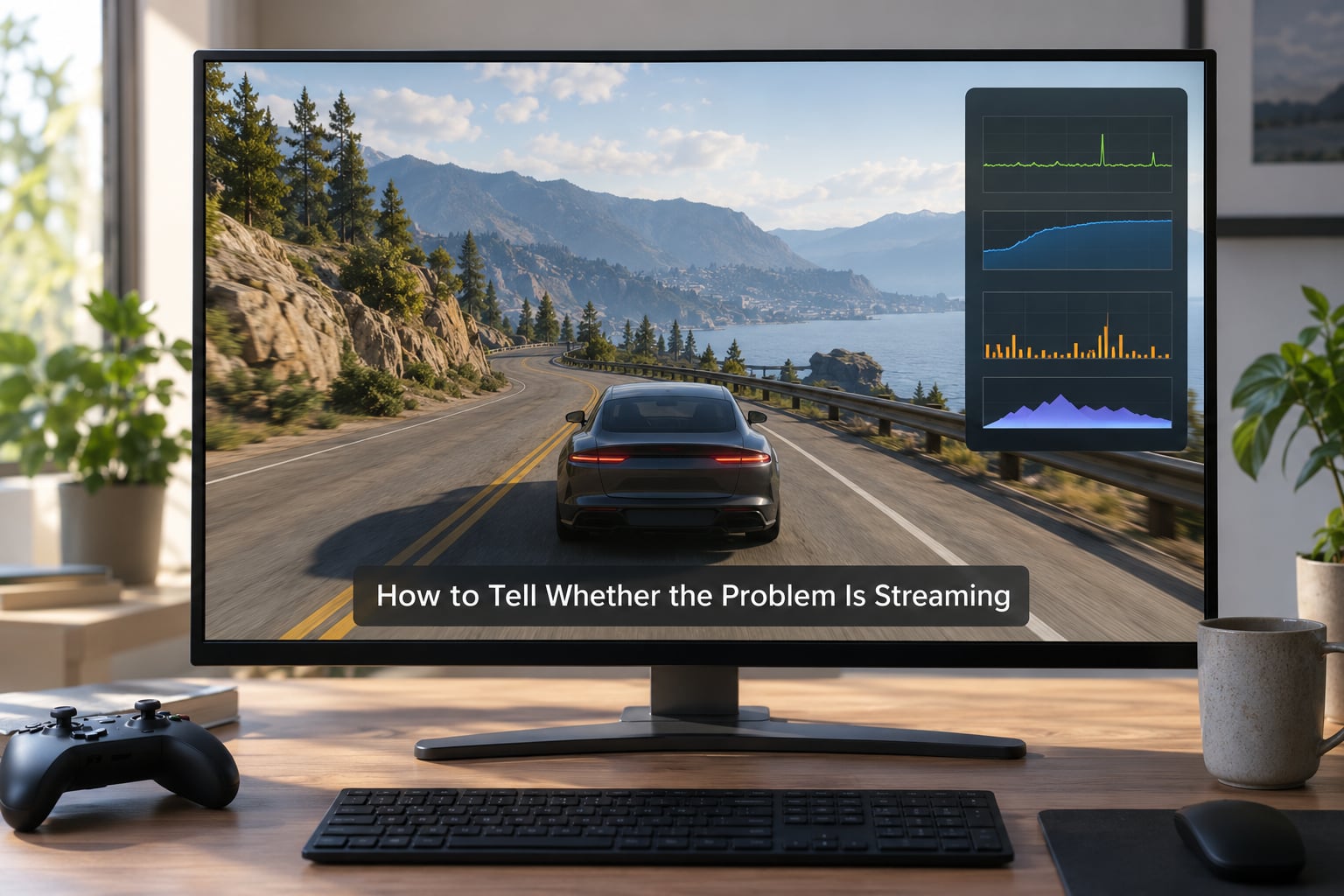
Start with a repeatable route. Fly or drive the same line twice at the same speed and in the same direction. If the artefact appears at the same coordinates both times, you have a predictable streaming issue rather than a random glitch.
Turn on the built-in performance overlay and watch two numbers. Frame time tells you whether the draw is late; memory use tells you whether the system is short on room. A steady climb in memory usage over a long session points at paging, while flat memory with bad pop-in points at storage or bandwidth.
Run a storage read test on the drive the game lives on while the game is closed, then watch disk activity during the artefact. Long bursts of near-zero throughput followed by a stall match a slow or busy drive.
Then test the unmodified game. Clear every mod, load a clean save, and repeat the route. If the artefact is gone, you have narrowed it to the mod set rather than the engine or the hardware. If it remains, the cause is the base install, your storage or your connection.
One more test worth running: compare a short hop against a long fast-travel jump. If only the long jump shows pop-in, your streaming budget is adequate and the problem is scene rebuild ordering. If both show it, you are short on a resource.
How to Reduce Map Pop-In
Work in this order, because the earlier items cost nothing and often fix the rest.
- Free up drive space. A drive close to full slows allocation and updates, which stalls reads.
- Close background work. Especially browser tabs, cloud sync and anything writing large files.
- Move the game to a solid-state drive. This is the single biggest improvement on older hardware.
- Update platform software and graphics drivers. Shader and stutter issues often clear here.
- Verify or repair the game files. This clears corrupted archive data that causes permanent repeat pop-in.
- Stabilise the frame rate. A locked frame rate keeps the streaming budget predictable.
- Lower draw distance before anything else graphical. A shorter ring is easier to fill, and pop-in shrinks with it.
- Raise the texture streaming budget in small steps. Watch memory while you do it.
On PC you get sliders for draw distance, texture quality and a streaming budget. On console the storage choice is the only lever you control: a faster internal drive fills chunks quicker, and a larger one reduces cache eviction. Console players also cannot clear a rolling cache or swap imagery sources, which is why they have fewer paths out of this problem.
How Large Mods Can Make Streaming Worse
Mods push on the same limited resources the engine was already stretching. A high-resolution texture pack multiplies the bytes each tile needs. A detailed vegetation pack adds thousands of drawable objects inside a chunk that already struggled. Custom maps bring their own terrain data, which means loading something the base game never loaded at all.
Scripts, vehicle packs and HUD replacements add CPU work in the same frame that streaming wants the CPU. Two mods touching the same file usually produce a chunk that loads, disappears, and loads again.
Use a fixed order when testing. Add one mod, play the exact route where the artefact appeared, and note the result before adding the next. Then remove them in reverse, one at a time. Testing in pairs gives you guesses; testing one at a time gives you answers.
Keep heavy texture packs last. They improve how a chunk looks once it has fully arrived, which is not the stage that is failing.
Frequently Asked Questions
Will installing an SSD completely stop map pop-in?
A solid-state drive removes the slowest part of the chain, so pop-in becomes far less frequent and usually confined to fast travel and high draw distances. It cannot remove pop-in entirely, because streaming budgets, level of detail switching and frame timing still apply on a fast drive. Expect the biggest change on older hardware where the drive was the bottleneck.
Why does map pop-in happen in only one part of the game world?
That area is almost always where the demand exceeds what the current budget can supply. Dense cities, heavy vegetation and steep terrain need more data per chunk than open countryside, so the same settings that look fine elsewhere fall behind here. Corrupted archive data or two mods claiming the same files can also pin the problem to one region, and that repeats at the same coordinates every run.
Does adding more RAM always fix streaming stutter and pop-in?
Only when memory is the actual constraint. If the game is paging chunks to disk because the working set exceeds physical memory, more RAM removes that stutter. If memory use sits comfortably below the installed total and pop-in persists, extra memory changes nothing, because the bottleneck is storage speed, bandwidth or the streaming budget instead. Watch memory use over a long session before spending on it.
Why do my GTA mods cause more map pop-in than the unmodified game?
Mods compete for the same resources the base game already stretches. High-resolution texture packs multiply the bytes each chunk needs, vegetation packs multiply the objects inside it, and scripts take CPU time away from the streaming thread. Two mods editing the same file produce a chunk that repeatedly reloads. Test by removing every mod, replaying the same route, then adding them back one at a time.
Is lowering texture quality the best way to prevent map pop-in?
Not usually. Texture quality reduces the bytes each chunk needs, but draw distance, memory pressure and background workload are usually larger factors. Lowering the draw-distance slider shrinks the ring the engine must keep filled, which reduces pop-in more directly. If you do reduce texture quality, watch memory at the same time, since a smaller budget can help more than the resolution change.
Conclusion: What to Check First
Reproduce the artefact on a fixed route so you know it is real. Run the same route on an unmodified save to separate engine and hardware from mods. Watch frame time and memory use during the problem rather than before it, then check drive speed and free space. Change one setting or one mod at a time, starting with draw distance and background workload, because streaming budgets and level of detail switching still trade detail against distance no matter how fast the storage is.