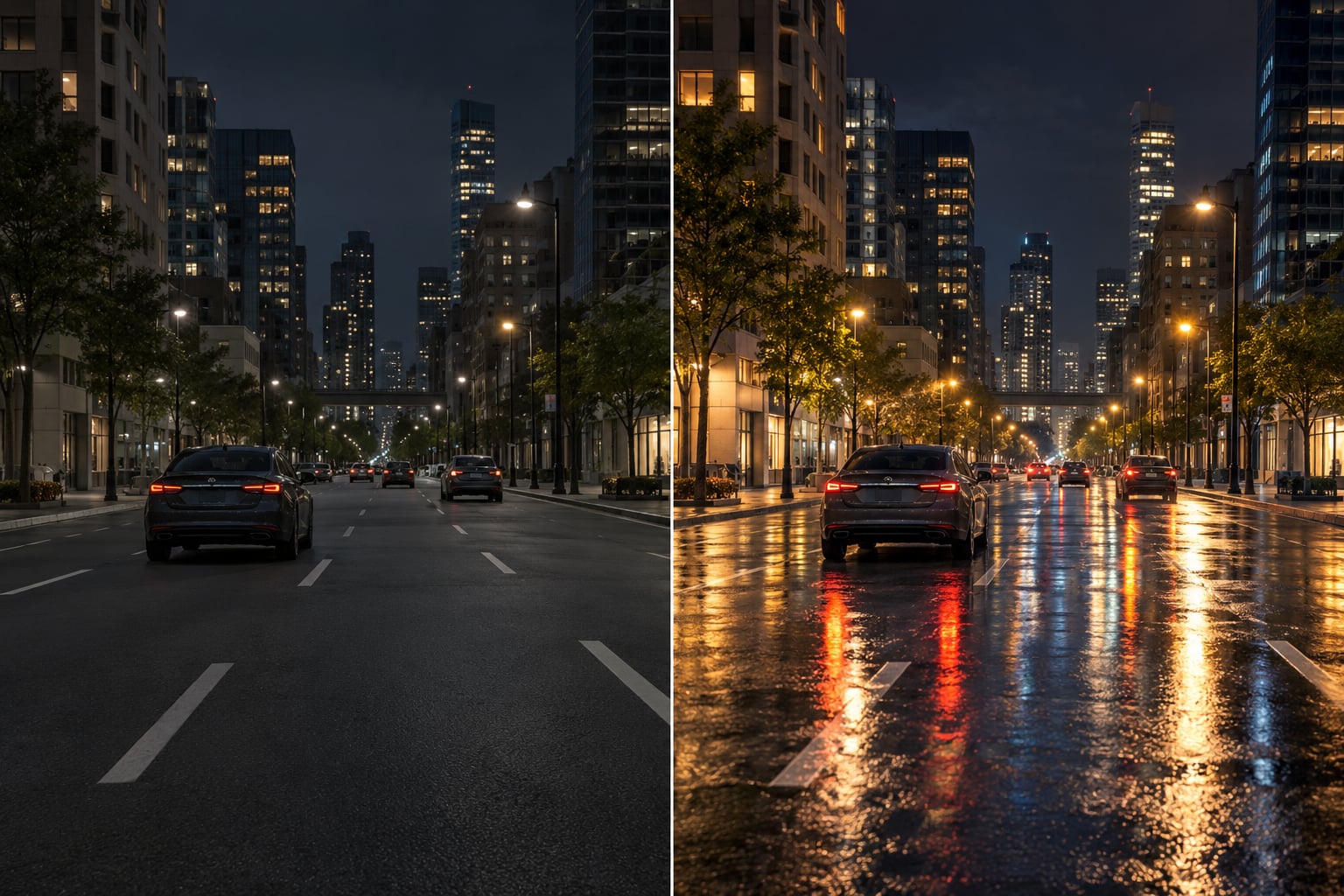
Ray tracing modded game performance depends less on the ray tracing itself than on what your mods are already asking the GPU to do every frame. In a lightly touched game, turning on ray-traced lighting can cost a noticeable slice of your frame budget. In a 200-mod loadout, that same setting competes with every other GPU-heavy mod you have installed, and the result is often choppy frame pacing rather than a simple lower average. This guide breaks down what changes, which mod types hurt most, and how to measure the real cost on your own machine.
Table of Contents
- Key Takeaways
- What Ray Tracing Changes in Modded Games
- How Ray Tracing Affects Modded Game Performance
- Which Mod Categories Create the Biggest Performance Impact
- Why the Performance Difference Changes Between Systems
- How to Measure the Cost of a Modded Ray-Traced Preset
- How to Balance Ray Tracing and Modded Performance
- Recommended Settings by PC Performance Tier
- Frequently Asked Questions
- Does ray tracing always reduce FPS in a modded game?
- Are ENB-style lighting mods the same as native ray tracing?
- Why can a ray-traced preset perform worse at higher resolutions?
- Can ray tracing cause stuttering even when average FPS looks acceptable?
- Is upgrading the GPU better than replacing an old graphics preset?
- Conclusion
Key Takeaways
- Ray tracing adds GPU work per frame. Mods add GPU work per frame. They draw from the same budget.
- Ray tracing, path tracing, RTGI and ray-traced reflections are four different things with four different costs.
- Visual replacers and lighting frameworks usually cost more than texture packs or weather mods, because they change how light is computed rather than how much data is loaded.
- Bounce count is the single highest-leverage setting for cutting ray tracing cost without removing the effect.
- Upscaling buys back a lot of the cost cheaply. Frame generation is where the real tradeoff lives, because it adds latency and ghosting.
- Measure the unmodified game first. Any comparison taken against a modded build you did not record is guesswork.
What Ray Tracing Changes in Modded Games
Conventional lighting in most games is an approximation. Reflections come from a screen-space buffer, shadows from a shadow map, and indirect light from a value baked into the level when the developer made it. Ray tracing replaces that approximation with actual calculations: the GPU traces rays through the scene, hits geometry, and works out what the surface returns.
The distinction matters more in a modded build than in a vanilla one, because the four terms get used interchangeably online and each one costs a different amount.
| Technique | What it changes | Typical cost profile |
|---|---|---|
| Rasterization | The baseline every game uses without ray tracing | Cheapest, and the baseline you are measuring against |
| Ray-traced reflections | Off-screen surfaces mirrored accurately | Moderate, scales with reflection quality setting |
| Ray-traced global illumination (RTGI) | Bounced light and colour bleeding between surfaces | Expensive, scales directly with bounce count |
| Path tracing | The whole lighting solution, light paths traced over many bounces | Most expensive by a wide margin |
A mod does not have to rewrite the engine to add these effects. A framework mod can replace the game’s lighting pipeline, a preset mod can inject higher settings than the developer exposed, and a shader replacement can approximate ray-traced reflections with heavy screen-space work. The last one looks similar but runs on a completely different workload, which is why two players can enable a feature with the same name and get very different frame rates.
How Ray Tracing Affects Modded Game Performance
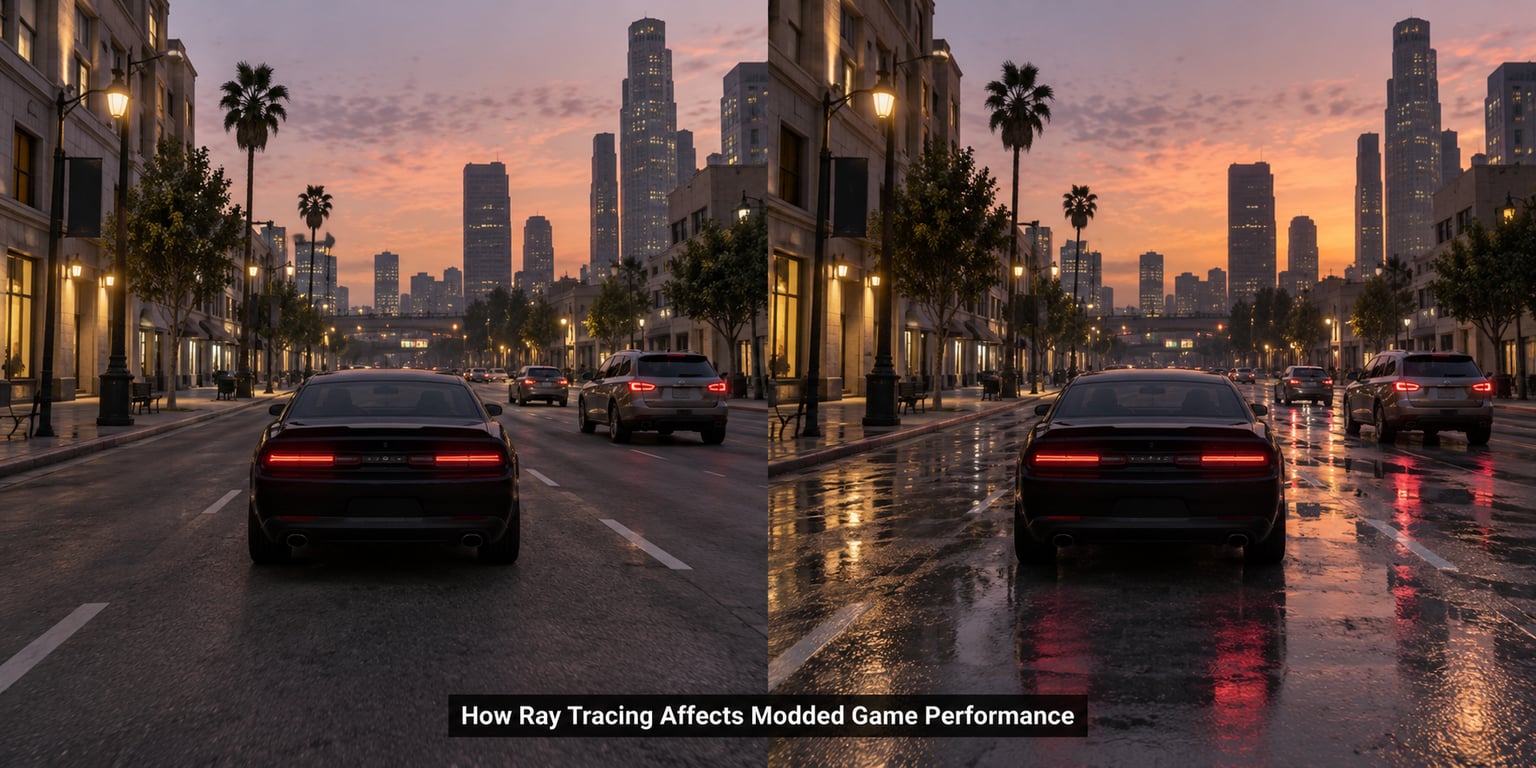
It affects it through shared GPU time. Every mod that adds geometry, textures, particles or post-processing spends part of the same per-frame budget the ray tracer needs. When the frame is already near saturation, adding ray tracing pushes you past the point where the frame can complete inside its budget, and the frame time that matters is the slowest one, not the average.
That is why the reported cost varies so widely between players. One person enables ray tracing on an unmodified game and loses 15 percent of their average. Another enables it on a heavily modded Bethesda title on a mid-range card and watches their 1% lows fall by half while the average barely registers.
Resolution matters more than most guides admit. Ray tracing cost scales with the number of pixels being traced, so moving from 1080p to 1440p raises it by roughly 1.8 times, and to 4K by roughly 4 times, before mod load is considered at all. This is also the reason a 4K monitor changes the argument entirely. One poster on r/pcmasterrace running a native-resolution path tracing mod reported around 30 FPS on an RTX 5090, which tells you the top of the market is not a blank cheque for frame rate.
The other effect people feel before they can name it is frame pacing. Ray tracing pushes shader work into unpredictable bursts, and combined with heavy scripted mods it can produce stutter that no average FPS figure would reveal. A fluctuating 140 FPS feels worse in practice than a locked 120.
Which Mod Categories Create the Biggest Performance Impact
Categories differ more from each other than game to game does. Ranked roughly by how much GPU time they tend to take from a ray tracing budget:
| Mod category | GPU demand | VRAM use | Frame pacing risk |
|---|---|---|---|
| Visual replacers (entire cities or regions redone) | High | High | High, streaming assets during fast travel |
| Lighting frameworks and ENB-style presets | High | Moderate | Moderate |
| Graphics preset mods that raise RT settings | High | Low | Low to moderate |
| Weather and water effect mods | Moderate to high | Moderate | High when particles stack with RT volumetrics |
| Script-driven gameplay enhancements | Low on GPU, moderate on CPU | Low | Moderate, scripts can hitch per tick |
| Vehicle and physics overhauls | Moderate | Moderate | Moderate |
| Texture overhauls and 4K texture packs | Low on compute, high on memory | Very high | Low, but can trigger stutter if VRAM runs out |
The practical takeaway is that visual replacers and lighting frameworks are the pair that hurt most together. A full environment replacer already fills the frame with unique geometry and materials, which gives a ray tracer far more surfaces to intersect. Texture packs are the opposite case: cheap to compute, expensive in VRAM, and if your card runs out of memory the game stutters regardless of whether ray tracing is on.
Why the Performance Difference Changes Between Systems
Six variables account for most of the variation you will see between other people’s numbers and your own.
Engine. Each engine scales ray tracing cost differently, and mod load changes that scaling.
| Engine | How it handles ray tracing | How mod load interacts with it |
|---|---|---|
| Unreal Engine 5 with Lumen | Hardware RT rays, then software methods to fill the rest | Rises roughly in step with scene complexity, so replacers cost more here |
| REDengine | Selective RT for reflections, shadows and lighting volumes | Well documented with ini tuning, so configs can claw back a lot |
| Creation Engine | Older lighting model, with RT added by mods rather than natively | Ray tracing cost arrives on top of an already heavy script load |
Native versus injected. A feature built into the engine is usually compiled with the lighting pass and scales predictably. The same feature injected by a mod may run as an extra full-screen pass, which costs more for the same visual result.
GPU generation. Cards without dedicated RT hardware run ray tracing in software and lose dramatically. One user on r/radeon reported Quake 2 RTX, a Quake ray-traced mod and a DOOM ray-traced mod all running acceptably on a 6800 when paired with FSR, which is a realistic pattern: ray tracing on non-RTX hardware works mostly when upscaling hides the cost.
CPU bottlenecking. Scripted mods, physics overhauls and many draw calls can make the CPU the limit. In that case, buying a faster GPU changes little, and ray tracing quality can often be raised without losing frames.
VRAM and memory behaviour. Ray tracing buffers, high-resolution textures and a 200-mod loadout compete for the same memory. A separate community-reported issue in The Witcher 3 involves a memory leak tied to ray tracing settings, patched by a community mod, so a build that degrades after an hour is worth checking before you blame your driver.
Baseline and background load. The same modlist gives different results on different machines because the vanilla frame was already closer to the limit on one of them. Overlays, browser tabs, a background recording tool and a laptop power profile all shift the number too.
How to Measure the Cost of a Modded Ray-Traced Preset
A repeatable measurement takes about 20 minutes and produces a number you can trust. Most forum figures fail simply because nobody held anything constant.
- Record your vanilla baseline. Disable every mod, set your graphics options manually, and run the test route below. Note the modlist you are starting from.
- Fix the route. Pick a repeatable path: a walk through a town with lots of reflective surfaces, or a standing camera shot with a fixed view. Random play produces numbers that cannot be compared.
- Fix everything else. Same resolution, same upscaler mode, same frame cap, same driver version, same background apps. Turn off the in-game frame counter overlay if your capture tool provides its own.
- Run it twice. The first run warms shader caches. Discard it and use the second.
- Enable one mod at a time. This is the step almost everyone skips. Adding a preset plus four replacers plus a weather overhaul in one go tells you nothing about which one cost you the frames.
- Log the numbers.
| Run | Mods active | Average FPS | 1% lows | VRAM used | GPU utilisation |
|---|---|---|---|---|---|
| Baseline | None | — | — | — | — |
| Run 2 | Ray tracing only | — | — | — | — |
| Run 3 | Lighting preset | — | — | — | — |
| Run 4 | Full modlist | — | — | — | — |
Use the game’s own benchmark where it exists, since it fixes the route for you. Where it does not, an external capture tool reading frametime graphs gives you the 1% low figure that the in-game counter usually hides.
Stating your GPU, CPU, resolution and exact modlist next to the result is the single thing that makes your number comparable to anyone else’s. One user on r/radeon reported a path tracing mod holding a locked 60 FPS on a 9070 at 1440p with FSR quality upscaling, which says very little until you know whether that was a vanilla game.
How to Balance Ray Tracing and Modded Performance
Work from the cheapest sacrifice to the most expensive one. Menu names differ by game, engine and driver version, so match the concept to your own options rather than hunting for a specific label.
- Turn the quality level down before you turn the feature off. Moving from a maximum preset to a medium one usually keeps the effect visible while giving back a large share of the cost.
- Lower bounce count. This is the highest-leverage knob in ray-traced global illumination. One user on r/nvidia reported dropping bounce count via ini files dramatically improved performance on a 3070, and it is the standard first change in most community ini guides.
- Cut volumetrics and shadow quality. Volumetric lighting recomputes a volume every frame, and it is usually the most expensive single toggle in a preset.
- Use a quality upscaler. DLSS, FSR and XeSS quality mode render below native and upscale, which cuts ray tracing cost in proportion to the pixel reduction. Keep an eye on sharpening and on fine detail in distant foliage.
- Reduce resolution scale last, or not at all. Dropping internal resolution is the most effective switch and also the one that softens the image most.
- Apply mods that lower the cost. Optimized Raytracing exists for both The Witcher 3 and Cyberpunk 2077 and works by reducing RT accuracy, trading a little visual purity for frame rate. One r/nvidia poster also reported roughly 9 percent uplift from ray reconstruction on their card.
Ray Tracing Modded Game Performance vs Performance-Friendly Settings
The honest tradeoff is not maximum quality against minimum frame rate. It is which specific effect you keep for how much cost, because the settings are not priced equally. Shadow quality and reflection resolution are the two most affordable things to keep, volumetrics are the most expensive to keep, and bounce count sits in the middle, where dropping it two steps usually reads as a slightly flatter image rather than a broken one.
Frame generation deserves its own warning. Most coverage presents it as free performance, and community discussion consistently identifies it as the actual tradeoff, because the frames it adds are synthesised rather than rendered. Upscaling costs sharpness. Frame generation costs latency and can add ghosting on fast movement. If you play at a competitive pace or on a high-refresh display, weigh that before enabling it.
Exact option names, available technologies and even which upscaler a mod supports change with driver versions and game updates, so treat any specific label as something to look for rather than something guaranteed to exist on your setup.
Recommended Settings by PC Performance Tier
| Tier | Ray tracing starting point | Resolution strategy | Watch for |
|---|---|---|---|
| High-end, current generation GPU | Medium quality, bounce count at default, volumetrics off | Native with a quality upscaler, or performance mode at 4K | Frame pacing in dense cities rather than raw FPS |
| Modern midrange GPU | Low quality, reduced reflection resolution, bounce count lowered | 1440p with balanced upscaling | 1% lows, and whether the CPU is the limit |
| Older or low-powered PC | Ray tracing off by default; use it for still capture if you like | 1080p with balanced or performance upscaling | VRAM limits from texture packs competing with RT buffers |
These are starting points for your own testing, not promised frame rates. The right setting is the one that holds your target frame rate at your target resolution with your modlist installed, and only your own log will tell you where that sits.
Frequently Asked Questions
Does ray tracing always reduce FPS in a modded game?
No. On a CPU-limited build, ray tracing quality can sometimes rise without costing frames, because the GPU has spare capacity the CPU never reaches. On a GPU-limited build it almost always costs something, and on a heavily modded one it can cost far more than in an unmodified game. That is why you should record your vanilla baseline first and change one mod at a time.
Are ENB-style lighting mods the same as native ray tracing?
No. An ENB-style lighting mod rewrites how the engine calculates light using its own preset values, and the cost depends on which settings you choose. Native ray tracing uses the engine’s own hardware-accelerated path. They can look similar in a screenshot and cost very different amounts of frame time, which is why two people can enable a similar feature and get unrelated results.
Why can a ray-traced preset perform worse at higher resolutions?
Ray tracing cost scales with the number of pixels being traced, so raising resolution raises the workload directly. Moving from 1080p to 1440p increases it roughly 1.8 times and to 4K roughly 4 times, before any mod load is counted. That is also why upscaling helps so much with ray tracing: it reduces the pixels being traced before the upscale happens.
Can ray tracing cause stuttering even when average FPS looks acceptable?
Yes. Average FPS hides the worst frames, and ray tracing combined with asset-heavy mods tends to produce occasional long frames from shader compilation, memory pressure and streaming. Check 1% lows and frametime graphs rather than the average counter. A build that hovers around 60 with bad 1% lows will feel noticeably worse than a locked 55.
Is upgrading the GPU better than replacing an old graphics preset?
Try tuning first, because it is free and reversible. Lower bounce count, drop the quality level, cut volumetrics and use an upscaler, then measure again. If your card has no hardware RT support, or if your CPU is already the bottleneck in a script-heavy build, no GPU upgrade fixes the underlying problem and tuning is the better investment.
Conclusion
Benchmark your unmodified game first, with a fixed route and fixed settings. Then enable one visual change at a time and record average FPS, 1% lows and VRAM use for each.
Once you know which mod is actually costing you frames, lower the ray tracing quality level or bounce count before you disable the effect, and reach for an upscaler before you drop resolution. If ray tracing modded game performance still will not hold your target frame rate after that, the loadout has outgrown the hardware rather than the settings.