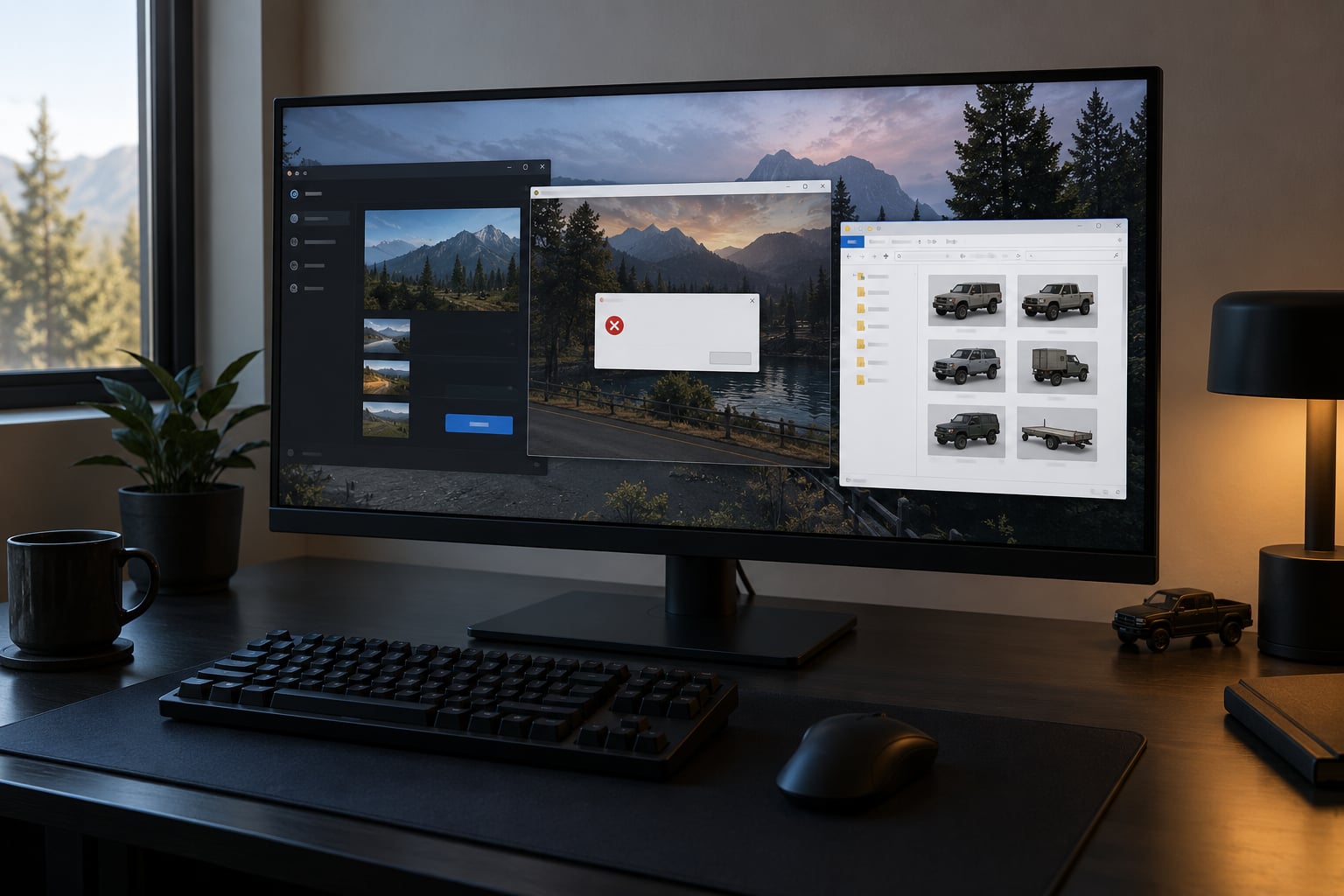
Car mods crash your game after install because the mod loader cannot read what was just added to it. In most cases the vehicle model itself is fine. The failure comes from a gameconfig file written for an older patch, a missing dependency, a dlclist that has run out of room, or vanilla game files that were already damaged before you touched anything.
That matters because the fix is completely different in each case. Swapping the car again wastes an evening when renaming one folder would have told you the answer in ninety seconds. Let me show you how to tell the four apart, then work through them one at a time.
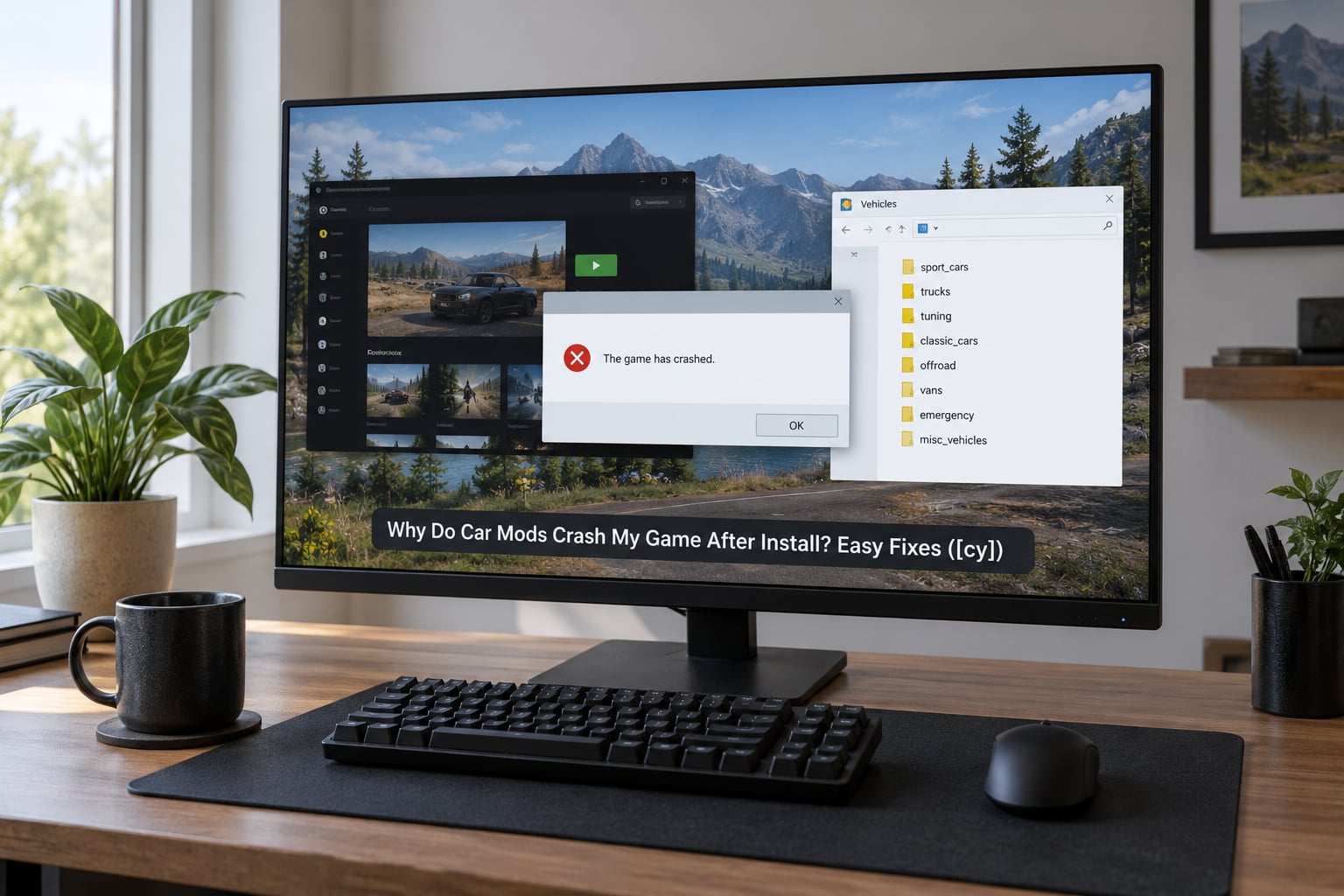
Table of Contents
- Why Do Car Mods Crash My Game After Install?
- Which Game Version Does the Car Mod Require?
- What Files Should a Car Mod Include?
- How Do You Fix a Car Mod Crash?
- 1. Reproduce the crash on purpose
- 2. Verify the game and mod versions match
- 3. Read the install notes before anything else
- 4. Isolate the dependencies
- 5. Confirm every file is in the right directory
- 6. Test from a clean mod setup
- Checkpoint: a clean mod folder before you go further
- 7. Check the load order
- 8. Update or remove the offending mod
- Is It a Mod Conflict, Load Order, or Missing Dependency?
- Why Does the Game Crash Only When I Spawn the Car?
- Could PC Performance or Modded-System Settings Be the Cause?
- How to Test a Car Mod Without Reinstalling the Game
- Why Do Car Mods Crash on Android?
- When Should You Remove or Replace a Car Mod?
- Frequently Asked Questions
- Start With the First Thing to Check
Why Do Car Mods Crash My Game After Install?
Short answer: the game crashes at load time, not at paint time. When you install a car mod, the files are dropped into a mods folder and registered so the engine can find them alongside the original assets. If the configuration file that describes those files does not match the build you are running, loading fails and you get a crash before you ever see the car.
Here are the seven causes I would work through, roughly in the order they are worth ruling out.
- Gameconfig written for an older patch. Every Rockstar update renumbers the internal build, and a gameconfig.xml from a previous build stops matching what the engine expects.
- Missing core files or dependencies. Add-on vehicles need the shared library pack installed into
modsupdateupdate.rpfcommondatabefore they will load at all. - Too many add-on entries in dlclist.xml. Players on the Steam forums report the mods-folder dlclist failing at entry 149 and crashing during load.
- Damaged vanilla files. If the game already had a broken archive, any mod install simply exposes it.
- Mod conflict or load-order problem. Another add-on, a script loader or a Spawner version is already occupying the slot your car needs.
- Hardware limits. Not enough VRAM, RAM, or a streaming range that is set too low for the assets you just added.
- Bad download or wrong folder structure. An incomplete archive, a stray nested folder, or files dropped one level too high.
Identify where it crashes before you change anything
The moment of the crash tells you more than the error message does. Notice it the first time it happens rather than guessing later.
| Where it crashes | Most likely cause | First thing to try |
|---|---|---|
| Immediately on launch, before the main menu | Broken gameconfig or damaged vanilla files | Rename the mods folder and launch again |
| At the main menu, right after the Rockstar logo | dlclist entry ceiling or a bad core file | Count the entries in dlclist.xml |
| Only when the car spawns via trainer, phone or menu | Model assigned to an invalid slot, or an add-on/replace mismatch | Check whether the car is installed as add-on or replace |
| Only inside a mission or cutscene | A script or dependency that loads on demand | Read the crash log for the script name |
| First save load after adding or removing a mod | One-off recompile, not a hard failure | Load again and check whether it repeats |
| Right after a Rockstar patch was installed | Version-locked gameconfig | Get a gameconfig for the current build |
| Only with a large pack installed, never with one car | Add-on entry count or VRAM pressure | Split the pack into smaller groups |
One note on that last row. A single truck working while an entire pack crashes is a strong signal it is file count rather than a broken model, which is exactly the pattern reported on LCPDFR. Same car, same game, different result, purely by how many files arrived at once.
Which Game Version Does the Car Mod Require?
Confirm the build before you touch a single folder. Nearly every version-specific fix on the internet is useless against the wrong build, and that is the reason so much advice is buried years deep and version-locked to old patches.
| Edition or build | How to check it | What a car mod needs here |
|---|---|---|
| GTA V Story mode, current build | Check the build number in the launcher or pause menu | A gameconfig.xml written for that exact build, plus core files in the mods data folder |
| GTA V legacy or pre-patch builds | Older launcher versions still show the legacy number | A gameconfig matched to that legacy build, not the current one |
| FiveM server installs | Server build shown in the server browser or console | Files converted or declared as FiveM-ready, plus a server resource that matches |
| GTA IV, San Andreas, Vice City | Edition label on the executable or launcher | Mods built for that engine and edition. A GTA V file will not work here at all. |
| Android converted editions | DE, LE or converted package name in the app list | Assets converted for the exact edition you installed, placed in the app data path |
Similarly named releases are not interchangeable. A mod page titled for one edition may only work on that edition, and a gameconfig file carrying a build number in its name, such as the widely shared 1.0.1180.2 add-on crash fix, is dead weight on any other patch. Read the version line before downloading anything.
What Files Should a Car Mod Include?
Vehicle mods do not all use the same structure, but the parts are predictable. Knowing what should be in the archive tells you immediately when a download was incomplete.
- Model and texture files. On GTA V these are the .yft model and .ytd texture files, often accompanied by .ymt files that control how the vehicle renders and which parts are removable or damageable.
- Metadata. Files ending in .meta describe the parts and the handling data. A car missing its tuning metadata can load and then crash the moment physics tries to use it.
- Script and trainer dependencies. Any mod that spawns, replaces or animates vehicles needs a loader or script package, plus whatever libraries that script requires.
- Archive packaging. Loose files are commonly delivered inside a .rar or .zip, and mod managers often use an OpenIV-format moddata folder structure.
On other engines the names change but the logic does not. What you are really checking is whether the archive contains a loadable asset plus the data that describes it, and whether anything it references came along with it.
How Do You Fix a Car Mod Crash?
Work through this in order. Each step rules out one cause, and skipping ahead is what turns a ten-minute fix into an evening.
1. Reproduce the crash on purpose
Launch the game the way you did when it failed. A crash that only appears inside a mission is a different problem from one that happens on launch, and you need the accurate version before continuing.
2. Verify the game and mod versions match
Check the current build number, then confirm the gameconfig.xml and any version-locked file you installed were made for it. If a patch landed since you last played, treat that as your prime suspect.
3. Read the install notes before anything else
Requirements are usually listed at the top of the download page. If the mod needs core files, a specific loader version, or a particular Spawner build, install those first instead of testing without them.
4. Isolate the dependencies
Temporarily remove the suspect car and confirm the game launches clean. Then add back only its required files. If the game stays stable, the problem is a conflict rather than a missing piece.
5. Confirm every file is in the right directory
Users on r/Gta5Modding repeatedly confirm that add-on cars will not work at all without the core files placed in modsupdateupdate.rpfcommondata. Getting this path wrong is the single most common cause, and it produces a launch crash with no error message worth reading.
6. Test from a clean mod setup
Move your mods folder aside and launch. This is the fastest isolation test there is, and it is the step r/GTAV_Mods users reach for first. If the game launches fine, the mods folder is the problem. If it still crashes, vanilla files are damaged and verification is your next move.
Checkpoint: a clean mod folder before you go further
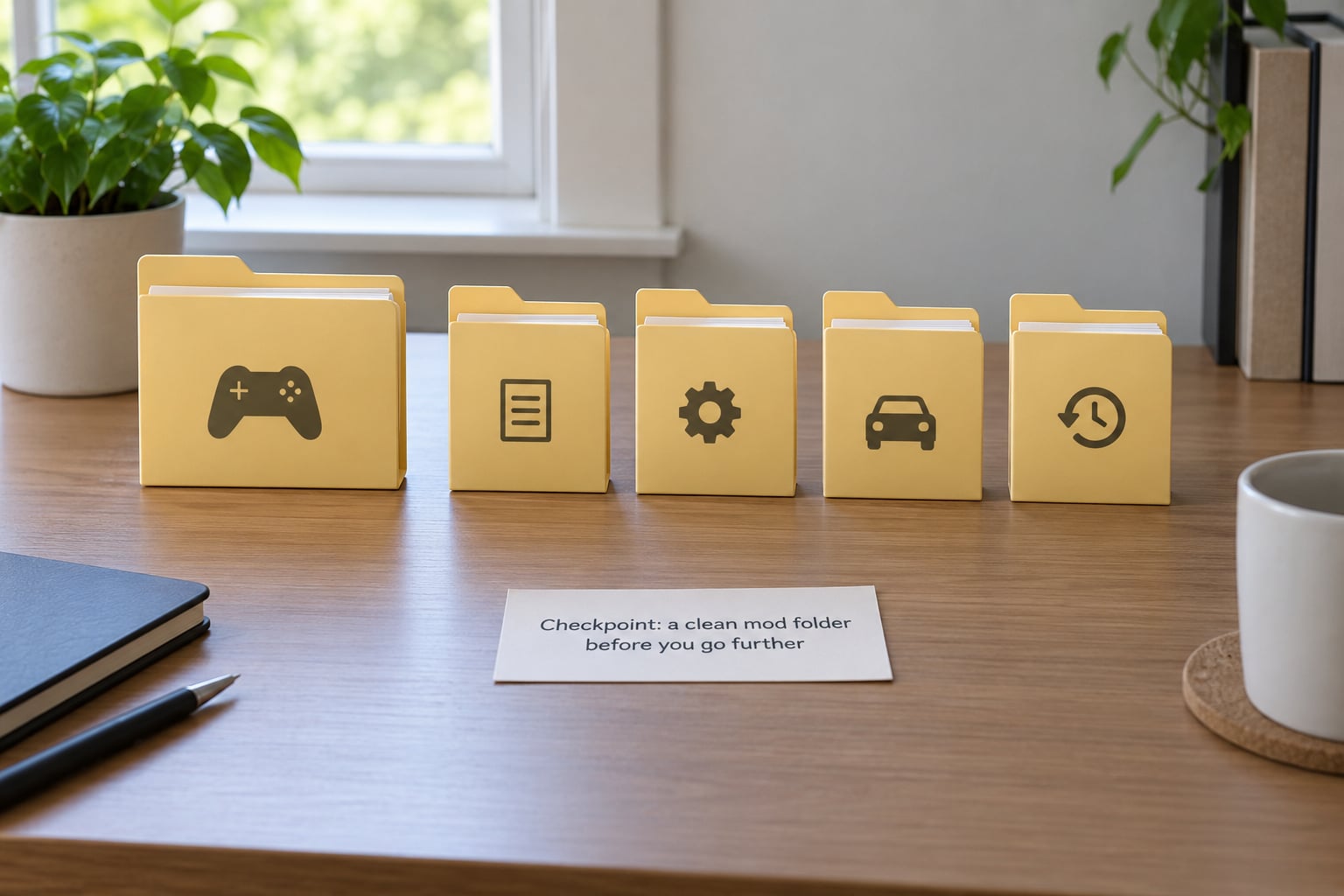
From here, keep the working setup small. One folder for add-on vehicles, one for scripts, one for anything the game needs globally, and a backup folder you never install from. When something breaks you want four folders you understand, not a single directory holding two hundred archives.
7. Check the load order
If a script loader, an ASI loader, OpenIV mod data or a Spawner build is involved, order matters. Install the loader before the things it loads, and make sure only one tool is writing to the same slot.
8. Update or remove the offending mod
Once you have isolated the cause, fix it or drop it. Reinstalling the same pack over a broken setup usually reproduces the same crash and teaches you nothing new.
Is It a Mod Conflict, Load Order, or Missing Dependency?
These three get confused constantly, and they produce different symptoms. The distinction saves you from replacing files that are perfectly fine.
Mod conflict. Something else already occupies the same resource, so the engine has two files claiming one slot. The symptom is a crash that starts the moment a second add-on for the same vehicle appears, or one that began when you added an unrelated mod to a different folder. Removing the newer mod fixes it instantly.
Load order. The files are all present and correct, but they load in the wrong sequence. A script that reads configuration before the loader provides it will throw an error or crash quietly. The symptom is a crash tied to a specific tool such as an ASI loader, Script Hooker, OpenIV mod data or a Spawner version, and it often disappears when the tools are reinstalled in the documented order.
Missing dependency. A library, script, texture archive or core pack was never installed. The crash is immediate and consistent, and it happens with a single correctly installed car. The Forge forums show this pattern in a completely different game: a vehicle mod that crashes purely because a required library mod was absent. Same class of failure, same fix.
If your game runs fine with the mod folder renamed and crashes the second you add one car back, you are looking at a dependency or a conflict. If it runs with the car but not with a second add-on for a similar vehicle, you are looking at a slot conflict.
Why Does the Game Crash Only When I Spawn the Car?
A spawn-only crash tells you the files loaded, which is already progress. The problem is what happens the moment the vehicle is created in the world.
Common triggers include an incompatible game build where the spawn tool expects functions the current patch renamed, an add-on installed where a replace was expected, missing tuning metadata that physics needs before the car can exist, a damaged or partially extracted download, and a model file assigned to a vehicle slot number that is already taken.
Scripts add a layer of their own. A car added through a trainer, phone, menu or script needs whatever permissions and components that specific script requires, and spawning it from the pause menu is not the same action as spawning it from a script. If the car works in one method and crashes in the other, the vehicle is fine and the script is not.
To test this properly, spawn the car in free roam away from any mission and with no traffic around you. If it survives there, the model and its metadata are valid and you have a script or mission-content problem instead.
Could PC Performance or Modded-System Settings Be the Cause?
Sometimes the answer is in your system, not your mod folder. This is rarely the first thing to check, but it is worth ruling out before you start swapping files.
- VRAM. A high-detail vehicle pushes texture memory harder than most add-ons. Watch usage in Task Manager while the car loads, and expect problems if it sits pinned at the limit.
- RAM. A large pack of custom assets competes with everything else. If memory is already near capacity before the game starts, the new files push it over.
- Streaming range. A range set too low for the assets you added can starve the game. Raise it in small steps and retest after each one.
- Graphics driver settings. Overclocked or heavily modified driver profiles cause crashes that look exactly like file problems. Reset to defaults and test again.
- Antivirus and firewall. Security software can quarantine or block mod files mid-load, which produces a crash with no useful error. Whitelist the game and mod folders, then reinstall the affected files.
Test one change at a time. Changing three settings at once and getting a clean launch tells you nothing about which one mattered, and you will be back here next month when a different mod hits the same wall.
How to Test a Car Mod Without Reinstalling the Game
You never need to reinstall the game to find the culprit. You need isolation, and isolation is mostly moving folders.
Start by moving only the new car mod out of your mods folder and launching. Note the result in one line: crashes on launch, crashes on spawn, or loads clean. That note is worth more than the error dialog, because it survives the next ten attempts.
Then bisect. If you added a pack, put back half of it and retest. If it crashes, the problem is in that half. If it loads, it is in the other half, and you have narrowed a forty-vehicle pack down to twenty in a single launch. Two more rounds gets you to a single car.
Relaunch after every single change. The game caches loaded state, so a test without a fresh launch tells you nothing about the change you just made.
On PC, renaming the mods folder is the fastest and safest isolation method available. Keep a separate save where your setup is untested rather than load-testing on your main story file, and take a copy of anything you cannot easily redownload. On console, backup and restore behaviour varies by platform and mod tool, so check what your specific tool supports before moving files. Budget five to fifteen minutes for the whole procedure once you know the order.
Why Do Car Mods Crash on Android?
Mobile car mod crashes have their own causes, and the PC fix list will not help you. Everything on Android is a converted file rather than an original, so a failure usually means the conversion produced something incomplete or the files went to the wrong place.
- Wrong edition. GTA SA DE and LE builds differ, and mods made for one will not run on the other. San Andreas and Vice City conversions have the same problem.
- Missing loader components. Mobile modding relies on library components that must match the game version. A missing or mismatched component fails silently at launch.
- Wrong data path. Files dropped in the wrong folder inside the app data directory simply never load, and some placements corrupt an existing installation instead.
- Device memory. Low-end devices run out of memory long before a desktop would, and a converted vehicle is heavier in memory than the original it replaces.
- Incomplete conversion. Conversion tools sometimes produce partial assets. The texture or model set is incomplete, and the game crashes the moment that asset is requested.
If you are on mobile, verify the edition name before anything else, confirm the loader component version matches your game, and reinstall from a fresh copy rather than adding files on top of a previous attempt.
When Should You Remove or Replace a Car Mod?
Some mods are simply broken, and continuing to test them wastes your time. Replace the mod when the archive is corrupted, when files are missing after repeated extraction, when the creator states a different game build and offers no update, or when it crashes across a clean, version-matched setup with nothing else installed.
Corrupted archives are worth calling out specifically. Once a download is damaged, every reinstall attempt pulls from a bad copy unless you delete the file completely and fetch it again, and users report mod files becoming scrambled after a hard crash. A full clean reinstall of the base game is occasionally the only way back from that state.
When you report the problem, include the exact game build, the mod name and version, the folder path you installed to, the moment the crash occurs, and the crash log line if you have one. That information is what lets the creator reproduce it, and posts without it usually go unanswered.
Before you move on, restore a setup you know launches cleanly. Get back to a working configuration, confirm it in a save you do not mind risking, and only then add one more mod. Testing a new mod on an already unstable setup tells you nothing.
Frequently Asked Questions
Why do car mods crash my game immediately after installation?
An immediate launch crash almost always means the mod loader cannot read what was just added. The usual reasons are a gameconfig.xml written for an older patch, missing core files in the common data folder, or an archive that did not extract completely. Rename your mods folder and launch: if the game runs clean, the problem is inside the mod rather than the base game.
Are all GTA V car mods compatible with the latest game update?
No. Every Rockstar patch changes the internal build, and a gameconfig.xml is written against one specific build number. A mod that worked last month can stop loading the morning after an update. Check the current build, then look for a gameconfig matched to it or a mod version updated for that patch. This is why so much older advice stops working.
Can antivirus software cause a car mod to crash GTA V?
Yes, and it is more common than people expect. Security software can quarantine or block mod files while the game is loading them, which produces a crash with no useful error message. Add the game folder and your mods folder to your exclusions, restart the security software, then reinstall the affected files. Test with the software paused once to confirm before you reinstall anything.
Why does my PC crash only when I enter a modded vehicle?
If the game runs fine until you spawn the car, the files loaded correctly and the failure is in the spawn itself. Check whether the car is installed as an add-on where a replace was expected, whether its tuning metadata came with the download, and whether the model points at a vehicle slot already in use. Testing the same car in free roam away from missions isolates the model from the script.
Can I safely use a car mod made for another GTA game version?
Not reliably. A mod built for a different edition or a different engine version may reference files that do not exist in your install, and the result is usually a crash on launch rather than a degraded experience. The same applies to FiveM and Android conversions, which need their own prepared versions. Check the stated edition and build before installing, and expect version-specific files to be required.
Start With the First Thing to Check
Verify the exact game build first. Then move the new car out of your mods folder, launch, and confirm the game runs clean without it. Those two steps take a couple of minutes and they split the problem in half: mods or broken vanilla files.
Once you know which half you are in, reinstall one mod at a time and relaunch after every change. Do not keep adding add-ons while the crash is unresolved, because the next install only gives you a second suspect and no useful information.
If a game update landed recently, start there. Version-locked configuration files are the most common single cause of a car mod that worked fine until it did not, and getting a gameconfig matched to your current build resolves more cases than anything else on this list.