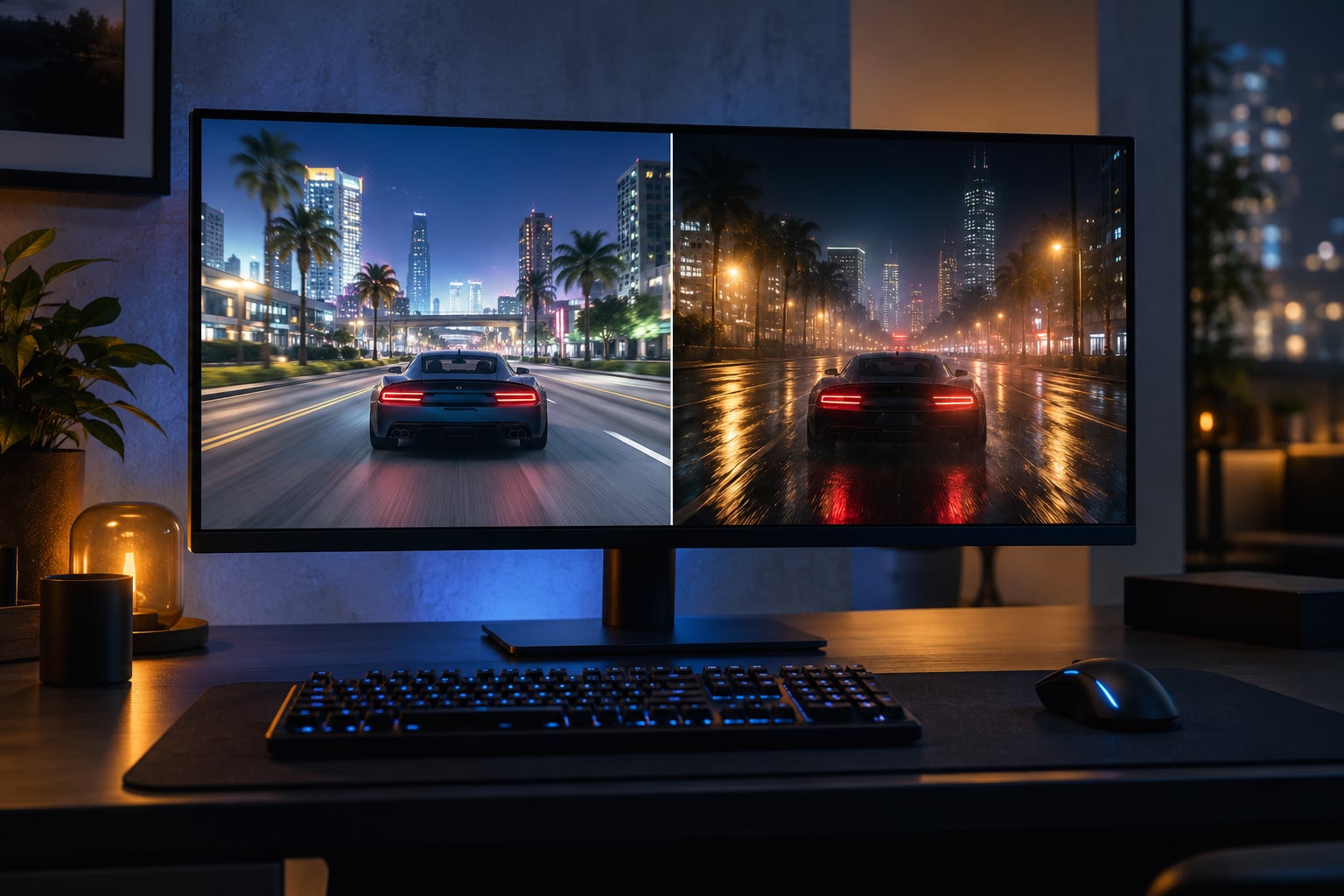
If your PC can take the frame-rate hit, ENB looks better, because it rewrites how a game lights its world instead of just filtering the finished picture. If it cannot, ReShade is the smarter pick: it re-grades and sharpens almost any title for a small performance cost. The reshade vs enb which looks better question only has one honest answer, and it depends on your hardware and how much patience you have.
Both tools come up constantly on Skyrim, Fallout and open-world forums, usually in the same breath as a screenshot. I have gone back and forth between them across a dozen installs, and the pattern is consistent: ENB is transformative, ReShade is corrective, and the people happiest with their setup usually stopped looking for a single winner and started combining them.
Table of Contents
ReShade vs ENB at a Glance
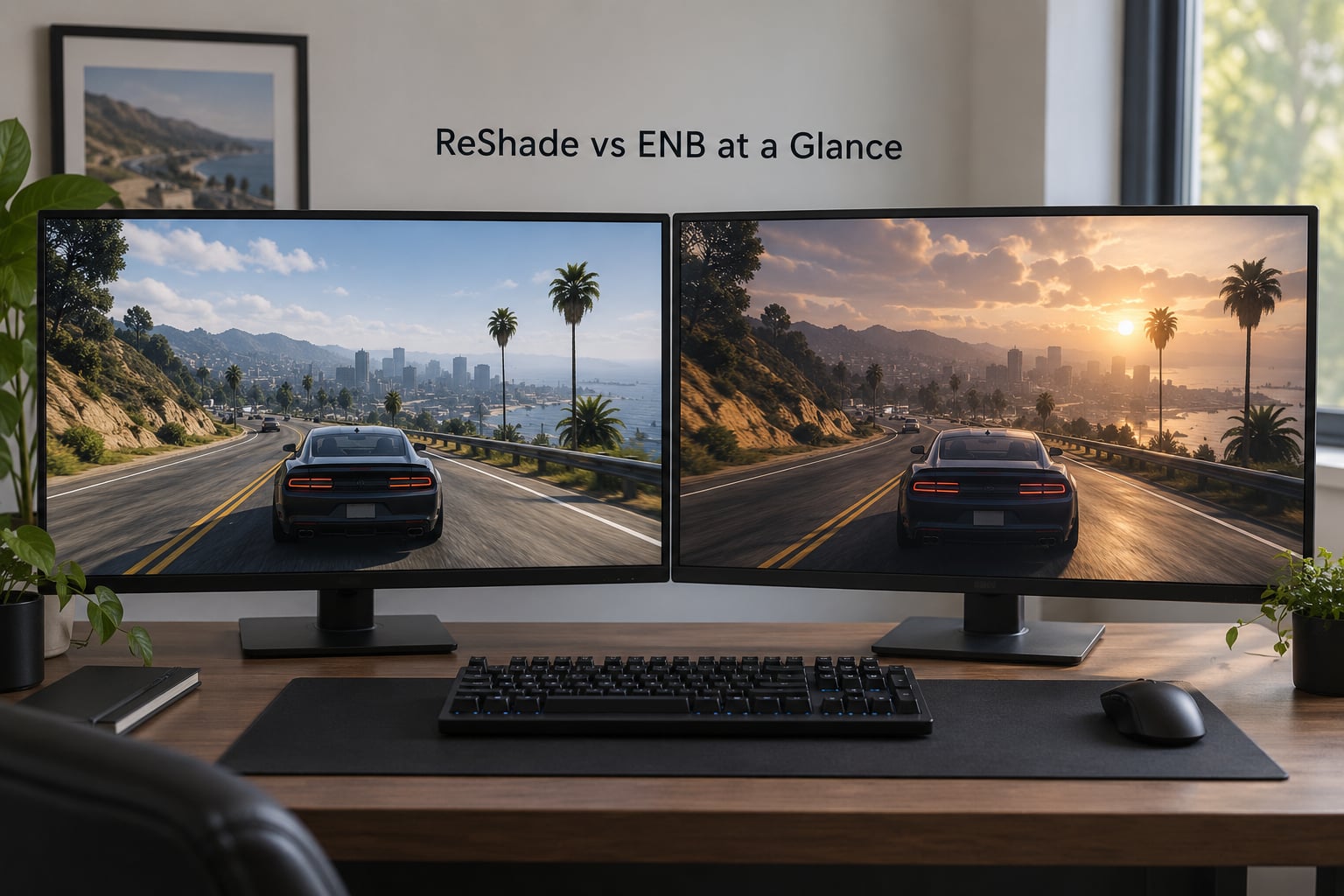
This table is the fastest way to answer reshade vs enb which looks better before you commit an evening to installing anything.
| Criterion | ReShade | ENB |
|---|---|---|
| Visual style | Colour grading and screen effects on the final frame | A full lighting and atmosphere overhaul |
| Lighting changes | Shadows, highlights and colour temperature only | Dynamic sun, sky, weather, ambient bounce and volumetrics |
| Signature effects | Bloom, depth of field, sharpen, anti-aliasing, lens dirt, colour correction LUTs | Water reflections, parallax, motion blur, high-res shadows, weather presets |
| Performance impact | Low to moderate, preset dependent | Moderate to severe, preset dependent |
| Installation | Drop the files in, restart, done | ini edits, preset selection, tuning |
| Compatibility | Almost any DirectX or Vulkan game, plus video players | Only the titles it was built to support |
| Configuration | One preset, effect order, hotkeys | Several ini files, quality settings, weather and water parameters |
| Best for | Laptops, low-end GPUs, competitive play, quick fixes | Remastering an old engine on a capable GPU |
Read the lighting row twice. Almost every argument between the two tools is really an argument about whether you want the game’s own lighting rebuilt or the finished image re-graded.
What Is ReShade and What Does It Do?
ReShade is a universal post-processing injector. It loads into a game as an extra graphics layer, waits until the engine has finished drawing a frame, and applies your preset to that finished image before it reaches the screen.
It was written by Crossfire, and that universality is the whole point. The same installer works across thousands of titles, and it also runs on video players, which is why preset creators sometimes publish a version tuned for footage rather than gameplay.
What you can change with it:
- Colour correction and grading, often through LUT files that map one colour range onto another
- Anti-aliasing, sharpening and a configurable resolution scale
- Bloom, lens flare, depth of field, vignette and film grain
- Screen-space effects such as ambient occlusion and god rays, which are approximations, not true lighting
- Your own custom shaders, if you want to write or download one
Because it works on the output image, it cannot add a shadow the renderer never drew or a reflection the game never computed. It can only make what is already there look better balanced.
What Is ENB and What Does It Do?
ENB is a graphics and lighting framework built by Boris Vorontsov, and it sits inside the game’s own render pipeline rather than after it. Where ReShade filters a picture, ENB changes the instructions the engine follows while producing that picture.
That is why ENB can add things a post-processing layer has no access to: real dynamic shadows, higher resolution shadow maps, volumetric light shafts, screen-space reflections on water, parallax on foliage and rock, motion blur, and its own sky and weather models.
The quality bar is set by three things, in this order: the preset you pick, the game it targets, and your hardware. The same preset that looks cinematic on a modern GPU can crawl on an older card, and older presets built for a 2010 engine can look soft and dated on a 4K display.
Preset names carry weight here for a reason. When modders mention Rudy, Nolvus, Cabbage, Gate To Sovngarde or Ruvaak Dahmaan by name, they are usually telling you which look they are after, not just that ENB is installed.
ReShade vs ENB: Which Looks Better?
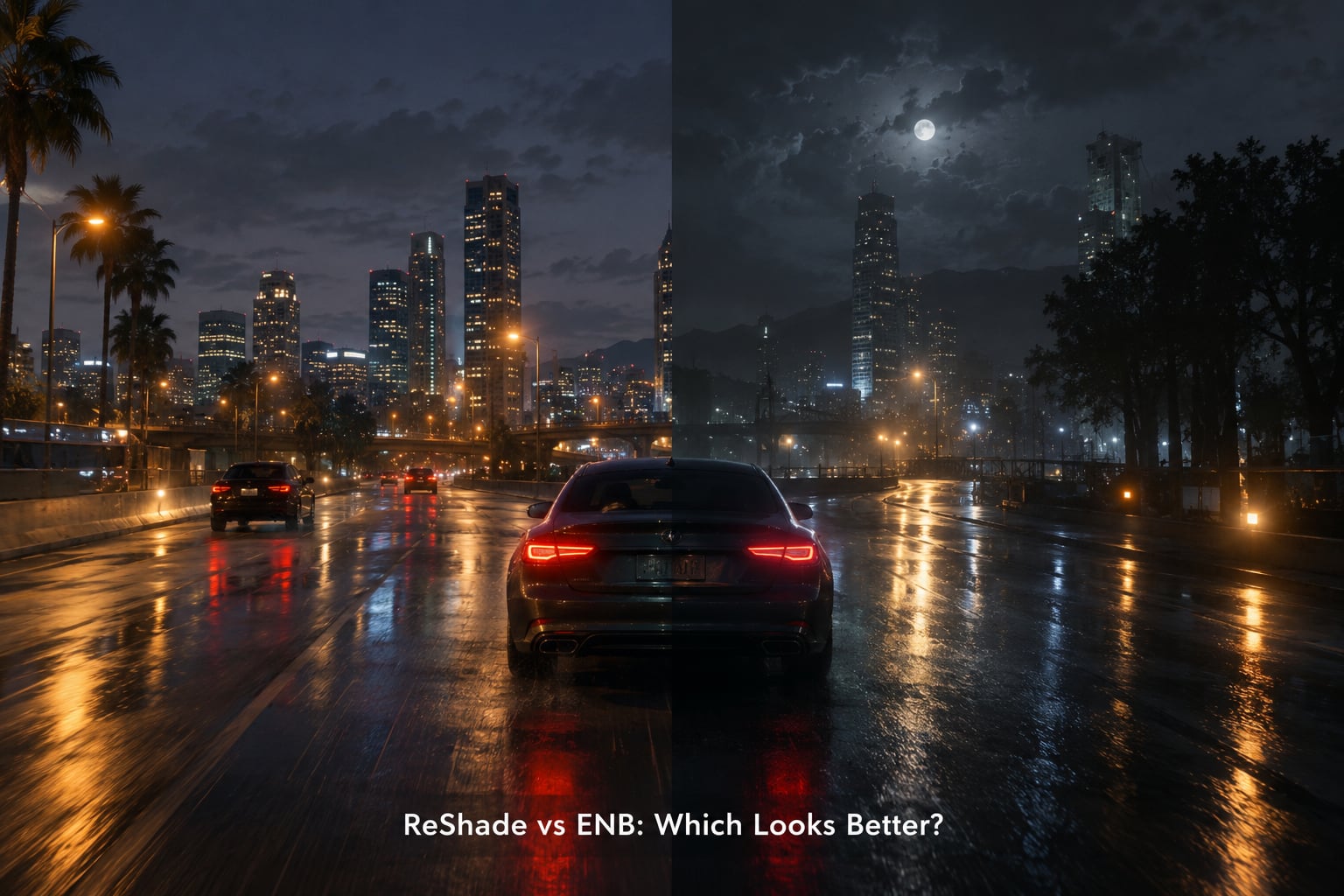
ENB looks better, and that is not a close call on a capable machine. Rewritten lighting changes the shape of a scene: shadows stretch and soften correctly, the sky sits behind the terrain in a believable way, and water stops looking like a flat blue plane. No preset can reproduce that from the outside, because the information was never rendered.
ReShade wins in narrower areas, and they are not trivial:
- Fixing a game with genuinely bad default colour, such as a heavy green or yellow cast in the vanilla image
- Recovering detail in a soft or over-sharpened presentation, which is common on older engines with heavy cinematic mode
- Adding bloom, lens effects, vignette and film grain quickly, with one preset swap
- Improving a game that has no ENB build at all, including most non-Bethesda titles
- Adding effects to video players and captured footage
Where ReShade regularly disappoints is defaults. Fresh preset files often arrive heavy on contrast and crushed blacks, and forum complaints about characters looking dirty or the whole scene turning too dark come from exactly that. The fix is simple: drop the contrast, lift the exposure a little and turn down saturation in the preset’s own parameters.
A New Vegas before-and-after comparison on Nexus Mods captures the three outcomes neatly: the vanilla game as the baseline, ENB alone judged as fine, ReShade alone judged too contrasty and too dark, and the two installed together judged the best of the set. That middle result is the one that surprises most people, because the two tools operate on different parts of the pipeline and rarely fight each other when the order is right.
There is a third option worth naming before you decide. Community Shaders has become the default choice for a lot of Skyrim Special Edition players, and posts titled along the lines of Skyrim 2026, what are you using, ENB or Community Shaders show the crowd has largely moved on from the older framing. It is built around the Skyrim Script Extender, it changes lighting and weather the way ENB does, and it is usually far kinder on frame rate. A few years ago ENB was the only serious answer; in 2026 it is one of three.
Performance and System Requirements
ReShade costs a small, predictable slice of performance. A heavy preset with depth of field, several effects and a large LUT set is the worst case, and a light colour-correction-only setup is close to free. Frame pacing usually stays smooth, which matters more for competitive shooters than raw frame rate does.
ENB is the expensive one, and the cost scales with preset ambition. High-resolution shadow maps, volumetrics, screen-space reflections and high water quality all add fixed per-frame work that a faster card simply absorbs faster. A widely repeated figure from r/skyrimmods is that on a GTX 1050 Ti or weaker, 20 to 30 frames per second with ENB is about all you get, regardless of which preset you choose. That is a user report rather than a lab benchmark, but it matches the general pattern.
Budget like this:
| Hardware situation | ReShade | ENB | Community Shaders |
|---|---|---|---|
| Older GPU or laptop | Comfortable | User reports around 20-30 FPS on a 1050 Ti class card | Most realistic option here |
| Mid-range desktop GPU | Negligible impact | Playable with a lower-tier preset | Comfortable |
| Modern high-end GPU | Negligible impact | High presets run well | High presets run well |
| VRAM and CPU | Small additional texture memory | Noticeable VRAM use and extra CPU work per frame | Moderate, usually the lightest of the three |
| Frame pacing | Stays consistent | Can stutter in cities and interiors | Frequently reported as smoother than ENB at similar quality |
Frame pacing deserves its own line because it is the metric players notice first. Even when average frames match, a preset that stutters in dense areas can feel worse than a cheaper one that holds steady, and that is a common reason people move off ENB.
Compatibility With Games and Mods
ReShade is near-universal. It hooks the graphics API, so it works with most DirectX 9, DirectX 11 and DirectX 12 titles, with Vulkan titles, and with video players. If a game launches in full screen, there is a good chance ReShade will load. Games with aggressive anti-cheat are the main exception, and some of those will refuse to start with an injected graphics layer present.
ENB is specific by design. It exists because a framework that stays inside one engine’s render pipeline has to be written for that engine, so support covers a specific list of titles. For a Bethesda RPG you have plenty of choice. For GTA V, Assassin’s Creed or a modern open-world game, there is usually no ENB build, and ReShade or a preset pack is the realistic route to a better-looking image.
Older titles deserve their own note. Games built on the same engine years apart can often share an ENB series, but not always, and running an old build on a new engine is a common source of crashes.
Two conflict categories are worth knowing before you install anything:
- Other graphics mods. Two tools that write the same effect or shader files fight over them, and the usual symptom reported on r/oblivionmods is that one of them silently stops working. Install them one at a time, test, and only then add the second.
- Overlays and anti-cheat. Discord overlays, recording software and some anti-cheat systems interact badly with injected layers. Single-player is the safe place to experiment; online multiplayer is where problems start.
Antivirus warnings are a similar false alarm. Injectors work by hooking a graphics library, which is behaviour security software flags generically. Plenty of first-time users delete the files thinking they caught malware, then wonder why the preset never loads.
Installation, Configuration, and Troubleshooting
ReShade installs in a couple of minutes. Run the installer, pick the executable, choose a preset or start from nothing, and restart the game. Hotkeys let you toggle the effect stack without leaving it, which is how you compare a preset against vanilla in ten seconds.
ENB takes longer. You copy files into the game directory, edit enbseries.ini, choose a preset, set the quality parameters and then test in a place with weather and water so you can judge it properly.
To run both together, follow this order:
- Install ENB first and confirm it loads and looks correct on its own.
- Install ReShade on top of that working ENB setup, using a gentle preset rather than a heavy one.
- Start the game, wait for both to load, and use the ReShade hotkey to toggle its stack on and off. If the difference is hard to see, the preset is doing nothing useful.
- If the game crashes or a black screen appears, remove ReShade first, confirm ENB is still fine, then reinstall with a lighter preset.
- Never copy an ENB preset’s effect files over the game’s originals. Take a backup of the game folder before you start.
Game updates break setups more often than anything else. A patch can change an executable or a data file the preset depends on, and the symptom is usually a black screen, a crash on launch or visuals that suddenly look wrong.
A short troubleshooting list covers most of it:
| Symptom | Likely cause | Fix |
|---|---|---|
| Black screen on launch | Preset too heavy for the GPU, or a bad ini edit | Fall back to a lower-tier preset and reset your quality parameters |
| No visible effect from ReShade | Antivirus quarantined the injector, or the game runs in a mode it cannot hook | Restore the files from quarantine and test in windowed or borderless mode |
| Scene looks too dark or grimy | Preset contrast and exposure set too high | Lower contrast, raise exposure slightly, reduce saturation |
| Only one of the two tools works | They overwrote the same effect or shader files | Reinstall in order, ENB first, and never merge folders manually |
| Everything broke after a game update | Files the preset relied on were replaced | Reinstall the preset over the fresh game files |
| Stutter in cities and interiors | Preset requests expensive screen-space effects | Lower water and effect quality in the ini settings |
Which Should You Choose?
Choose ENB when the game is a single-player RPG on a mid-range or better GPU, you want the remaster look, and you are willing to tune it. That is the scenario where the visual difference is worth the frame-rate cost and the setup time.
Choose ReShade when your machine is a laptop or an older card, you play competitively where smooth frame pacing matters more than atmosphere, or the game has no ENB build. It is also the right first tool for anyone who mainly wants to fix bad vanilla colour rather than rebuild a world.
Consider Community Shaders if you are on Skyrim Special Edition and want the ENB look without the ENB cost. It is where a lot of current setups have landed, and the switch is described by returning players as a bit of a job, then done.
And if you can spare the setup time, run both. Start with ENB, layer a light ReShade preset on top for colour and sharpening, and use the ReShade hotkey to switch it off whenever you want to see the ENB result on its own.
Frequently Asked Questions
Can you use ReShade and ENB together?
Yes, and it is a common setup. Install ENB first and confirm it works, then add ReShade with a gentle preset. The two operate on different parts of the pipeline, so ENB rewrites lighting while ReShade re-grades the finished frame. Problems usually come from one tool overwriting the other’s effect files, so install in order and never merge folders by hand.
Is ReShade or ENB better for GTA V?
ReShade, because there is no ENB build for GTA V. ENB works inside a specific engine, and that support does not exist for this title. With ReShade you can still get a large improvement through colour correction, sharpening, anti-aliasing and bloom, and it runs on almost any DirectX or Vulkan title with a very small performance cost.
Does ENB always look better than ReShade?
On the same game, usually yes, because ENB changes real lighting, shadows, weather and reflections rather than filtering a finished image. The exceptions are cases where the vanilla game has a badly tuned colour grade or a soft presentation, where a good ReShade preset can correct it faster and more cheaply. On a game with no ENB build, the question does not arise at all.
Which option is better for a low-end PC?
ReShade, without much debate. A light colour-correction preset costs very little, while ENB at high quality adds fixed per-frame work. Users on r/skyrimmods report around 20 to 30 frames per second with ENB on a GTX 1050 Ti or weaker, regardless of preset. If you want atmosphere rather than a filter, Community Shaders is the more realistic choice on that hardware.
Can I use ReShade or ENB with other graphics mods?
Usually, but not carelessly. Tools that write the same effect, shader or ini files will overwrite each other, and the common symptom on r/oblivionmods is that one of them quietly stops working. Install one at a time, test it, then add the next. Back up the game folder before the first install, and keep an eye on overlays, recording software and anti-cheat systems.
How do I fix crashes or a black screen after installing visual tools?
Start by removing the most recently installed tool and confirming the other one still runs. Then reinstall with a lighter preset and lower the quality settings in your ini file rather than the extreme option. If nothing loads at all, check whether antivirus software quarantined the injector, and test the game in windowed or borderless mode. A game update can also break a preset, in which case reinstalling it over the fresh files fixes it.
Do this first: install ENB on the game you care most about and give it one honest evening. If the frame rate holds, keep it and add a light ReShade preset for colour. If it does not, fall back to ReShade alone and spend the time you saved on a preset that suits the game instead.