A single-player-only mod menu is a trainer script that loads into GTA V while you play offline in Story Mode, giving you an in-game overlay with a vehicle spawner, teleports, weather and time controls, and player options. You install it by dropping a mod loader and the menu’s script files into your game folder, then opening the menu with a hotkey once Story Mode has loaded. It takes about 20 minutes if the files are right the first time, and nothing at all to undo if your antivirus eats them.
The single most important rule: never launch GTA Online with these files in place. Rockstar’s anti-cheat only watches the online session, and people who trigger it rarely get an appeal. Everything below is about keeping your install offline.
Table of Contents
- 1What You Need
- 2Step-by-Step
- 3Confirm the game edition and back up Story Mode
- 4Create a separate modded save
- 5Download the menu and its required files
- 6Place the files in the correct directories
- 7How to install a mod menu for single player only with the config file
- 8Launch Story Mode and verify the setup
- 9Common Mistakes
- 10Frequently Asked Questions
- 11Why can I not see the mod menu after installing it?
- 12Does a single-player-only mod menu make GTA Online safe?
- 13Can I install the same mod menu on PS4, PS5, or Xbox?
- 14How do I reset my mods if the menu crashes Story Mode?
- 15Why does my antivirus warn me about the ASI loader or menu files?
- 16Conclusion
What You Need
Gather these before you download anything. Most failed installs are missing one of the middle items, and finding out halfway through means starting over.
- The PC edition of GTA V — Legacy or Enhanced. Console versions do not accept these files, and the two PC editions are not interchangeable.
- A verified copy of the menu — a mod site with a version history and a comment section beats a random mirror every time.
- OpenIV — the standard modding tool for placing files and reading install logs. OpenIV is how you handle anything that touches game archives.
- ScriptHookV, plus ScriptHookVDotNet if your menu needs it. This is the hook library the script runs on.
- An ASI loader — usually a small
dinput8.dlldropped in the game root. Its whole job is to load.asiscripts at game start. - A plain text editor — Notepad is fine. You will edit one config file and you need to see the exact characters.
- The menu’s own dependencies — some menus ship extra libraries listed in their readme. Download the whole set the author tested, not just the menu file.
- A few hundred MB of free storage for the unpacked files, plus room for a save backup.
One distinction to hold onto: Story Mode is the offline campaign and sandbox with your own character. GTA Online is the shared online world connected to your Rockstar account. A mod menu belongs in the first one and never in the second.
Legacy and Enhanced also differ in a way that bites beginners. Enhanced uses DirectStorage, which blocks some in-game file writes, so a trainer’s trainerV.ini config usually has to live outside the game folder instead. If you copied files across from the wrong edition, expect silence.
Step-by-Step
Confirm the game edition and back up Story Mode
Open the Rockstar Games Launcher or whatever launcher owns your copy and check which edition you have. Legacy installs live in the old folder layout; Enhanced is a separate install. Look up the folder your build uses, because every path in this guide starts from the game root, the folder containing GTA5.exe.
Then start Story Mode, play a few minutes so the save is fully written, and quit. Copy your save folder — usually under DocumentsRockstar GamesGTA VSaved Games — somewhere outside the game directory and name it something obvious like Saved Games - clean backup. Mods corrupt saves more often than people expect, and rolling back is a copy-paste if you have that folder.
Do this while GTA Online is closed. Not because a backup needs the game running, but because installing files while an online session is live is how accounts get flagged.
Create a separate modded save
Load Story Mode again and save manually through the in-game save option rather than relying on autosave. This gives you a named slot the modded game will write to, distinct from the clean backup you just made.
Work in that slot from here on. If a mod crashes the game mid-mission or a script corrupts your stats, you restore the backup and load the other save instead of debugging a ruined campaign.
Download the menu and its required files
Pick a menu that states which editions it supports. Long-time players on r/GrandTheftAutoV lean toward Simple Trainer for Story Mode because it survives patches more often than heavier menus, while fancier world-editing menus give you more features and more ways to break a save.
Download three things as one matched set: the menu script, the ScriptHookV build for your edition, and the ASI loader. If the menu needs ScriptHookVDotNet, that comes from a separate page and needs its own matching build.
Scan every archive before you open it. Mod menus are a common malware vector precisely because people grab the first mirror they see.
Place the files in the correct directories
Unpack the archives with 7-Zip or WinRAR rather than double-clicking the zip. Then copy files into the game root: dinput8.dll or OpenIV.asi as your loader, ScriptHookV.dll, and any .asi menu files sit right there beside GTA5.exe.
Net-based menus go into a scripts subfolder in the same root. NativeHook and ScriptHookVDotNet installs usually add NativeHook.dll and ScriptHookVDotNet3.dll to the root as well, with each script in its own folder under scripts.
Anything that modifies the game’s own archives — replacing a vehicle, for instance — goes through OpenIV rather than a direct copy. OpenIV writes to the archive safely and keeps an undo.
When you finish, the root should look like a normal GTA V folder plus a handful of extra DLLs you recognise. You found out about a problem now if something lands in a folder you did not create.
How to install a mod menu for single player only with the config file
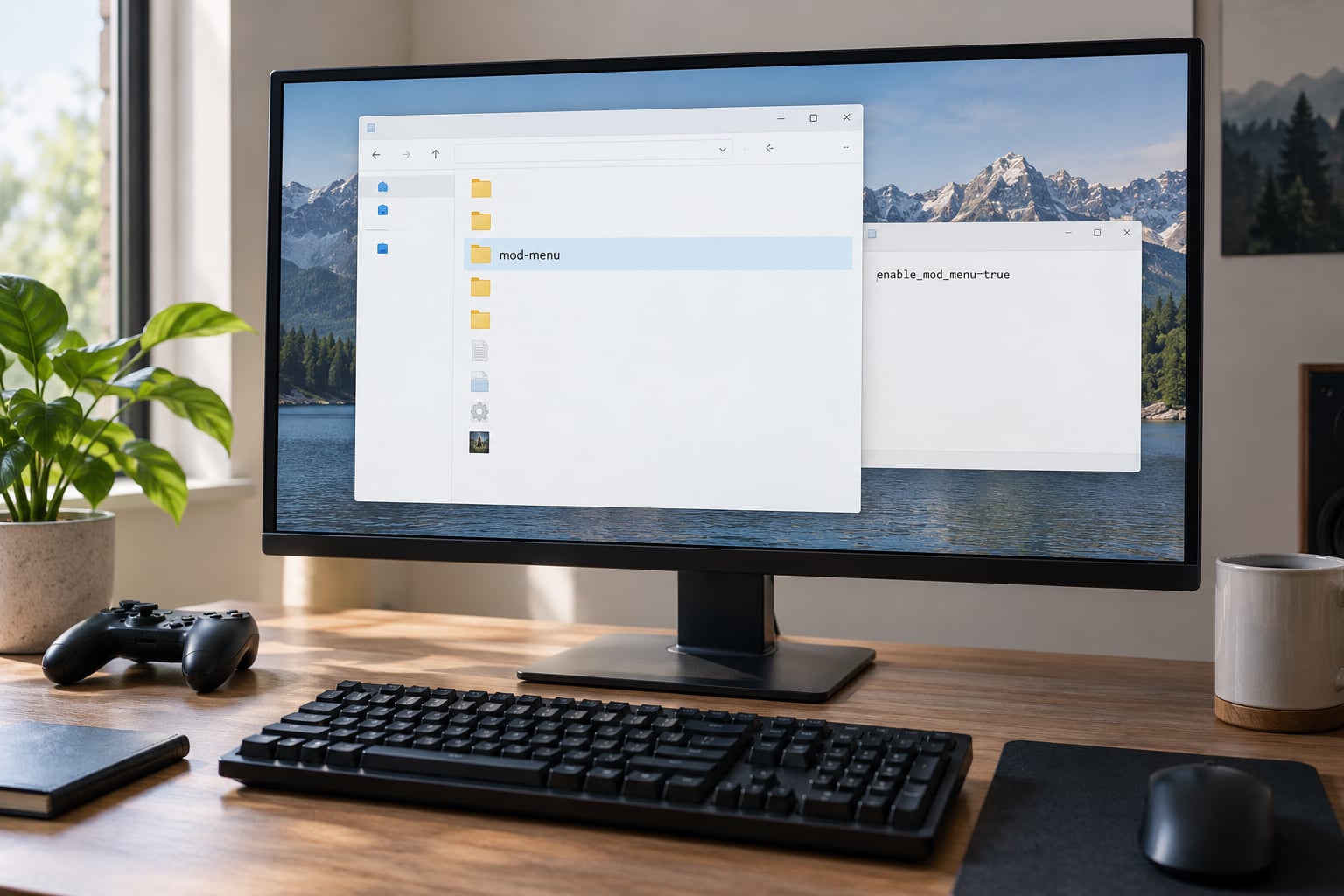
Many menus ship a config that decides whether the script attaches during online sessions at all. Open the menu’s archive and look for a file called singleplayer.mod, or the menu’s own equivalent such as a line in its main config. Do not confuse it with singleplayer2.mod, which is a separate file for a different purpose.
In Notepad, set the single-player flag to true so the menu only attaches offline:
SinglePlayerOnly = true
Save the file in the same folder you found it, keeping the extension intact. Windows will hide extensions by default, so check that you edited singleplayer.mod and not singleplayer.mod.txt — that one detail causes a surprising number of “my settings do nothing” posts.
Some menus have no such file and use a different switch entirely. The author’s readme names it, and guessing at a config path is how people end up convinced their install is broken when only the setting was wrong.
If the menu uses a trainerV.ini, check where that file is expected before editing. On Legacy it commonly sits in the game folder. On Enhanced, DirectStorage blocks in-game writes, so it usually belongs under your app data folder in separate legacy and enhanced subfolders.
Launch Story Mode and verify the setup
Start the game, choose Story Mode, and load into the world. Do not click through to GTA Online from the main menu. Once you are actually in the world as your character, press the menu’s hotkey — commonly F8 or F9 for trainer-style menus — and the overlay should appear.
Some menus only open while the game is paused, so if the key does nothing, check the pause menu before assuming the install failed. Then try one feature: spawn a vehicle or change the time. A working overlay with a broken feature usually means a missing dependency rather than a failed load.
Your evidence that the install is offline-only is simple. There is no ScriptHookV.log or asiloader.log created during an online session, and if the menu opens inside Story Mode but never near Rockstar’s servers, the split is working. That log file is also the best diagnostic tool you have, so open it before anything else when something misbehaves.
Common Mistakes
The menu never opens and nothing happens on the hotkey. Check your antivirus quarantine first. Windows Defender regularly removes dinput8.dll and ASI loaders as suspicious DLLs, and the game then starts perfectly normally with no mods loaded, which is why this bug is so common. Restore the file and add an exclusion for the game folder rather than switching protection off.
It worked yesterday and stopped after a Rockstar update. ScriptHookV breaks whenever the game version changes, and menus break in sympathy. Update ScriptHookV first, then the menu, then reinstall only if the menu author listed a new version.
The game hangs on the loading screen. That points to a conflicting or duplicated NetHook file, often two versions of ScriptHookVDotNet3.dll in the same folder. Remove the older copy and test again.
Nothing shows in GTA Online, and the menu also will not open. If the menu was attached in an online session, it stays blocked for a period. Restore the clean save backup, delete the mod files, and reinstall in Story Mode only.
The hotkey does nothing even though the menu is installed. Function keys can be swallowed by the Fn lock on your keyboard, and Windows Mouse Keys in Ease of Access can eat them too. Test the key in Notepad first to see whether the game is the problem at all.
Config edits appear to do nothing. Either the file has the wrong extension, or you edited the copy while the menu expects it elsewhere. Confirm the expected path in the readme before changing anything else.
A last tip: keep a folder of known-clean game files, or simply know exactly which files you added. Reverting is a delete operation when you can name the files, and a reinstall when you cannot.
Frequently Asked Questions
Why can I not see the mod menu after installing it?
Most often Windows Defender quarantined dinput8.dll or the ASI loader, so the game started normally with nothing loaded. Check your antivirus protection history and restore the file, then add an exclusion for the game folder. Other common causes are an out-of-date ScriptHookV after a game patch, a duplicate or conflicting NetHook file, or editing the config while the game was still running.
Does a single-player-only mod menu make GTA Online safe?
It does not make GTA Online safe to use mods. A single-player-only configuration simply stops the script from attaching while you are online, which keeps you away from the situation that ends bans. If you ever launch an online session with mod files present, treat your account as at risk, because Rockstar applies its anti-cheat only there and enforcement is rarely reversible.
Can I install the same mod menu on PS4, PS5, or Xbox?
No. These files are PC-only. PC menus are built around ScriptHookV and an ASI loader that do not exist on console, and console menus are a different ecosystem built for hacked PS3 and PS4 hardware using HEN or PKG installs. Consoles found in stores have their modding locked down, and using those tools voids your console warranty at your own risk.
How do I reset my mods if the menu crashes Story Mode?
Delete every file you added to the game folder: the loader, ScriptHookV files, NativeHook files, and the scripts folder. Then restore the clean save you backed up before installing, or load the separate save you created for modded play. Once the game launches clean with no mod files present, you know the conflict is gone and can reinstall one component at a time.
Why does my antivirus warn me about the ASI loader or menu files?
ASI loaders are small unsigned DLLs that inject code into a running game, which is exactly the pattern antivirus tools flag. That does not prove the file is malicious, but it does mean you should not dismiss the warning. Download from a reputable mod site with a version history, scan the archive before extracting, and exclude only the specific game folder instead of turning protection off entirely.
Conclusion
Start by backing up your Story Mode save and confirming whether you run Legacy or Enhanced. Everything else depends on that being right, and it takes two minutes to check.
From there the sequence is short: unpack the menu, the ScriptHookV build and the loader as one matched set, drop them into the game root, point any archive edits through OpenIV, and set the single-player-only flag in the config file so the script never attaches online. Then launch Story Mode, load a world, and press the hotkey.
Test the menu offline with one feature before adding anything else. If it opens and spawns a vehicle, the install is sound, and you can layer in more mods one at a time knowing exactly which change broke something if it does.