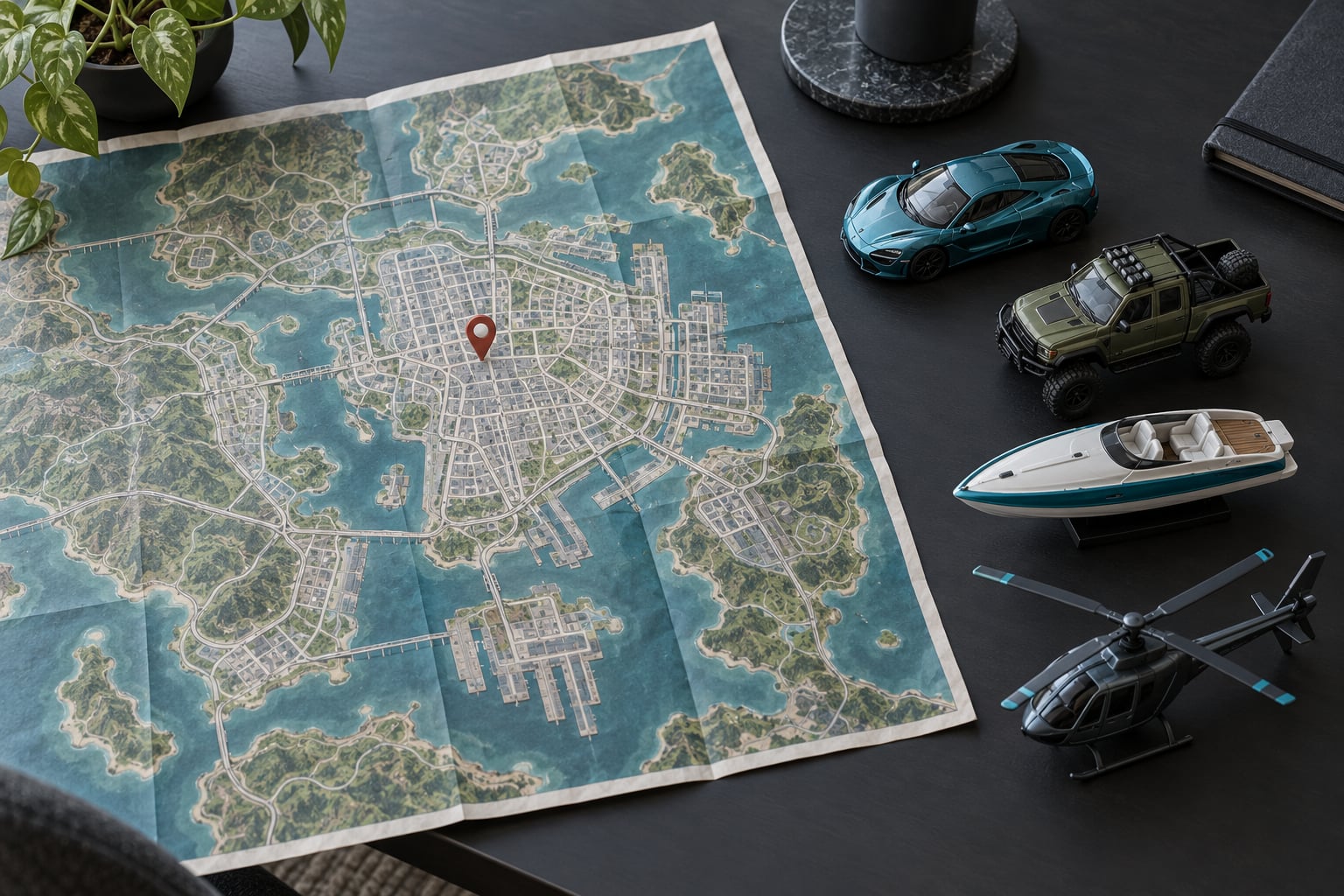
If you want to know how to complete side missions efficiently in GTA V, treat travel time as your main cost. Set a waypoint before you start, pick the vehicle that suits the objective, and finish only the required tasks instead of wandering off for optional collectibles. Most wasted hours come from driving across Los Santos twice, not from hard fights.
Story Mode has no fast travel, so the distance between a mission start and its first objective is the single biggest time sink in the game. Everything below works around that one fact, and it holds up in GTA Online too.
Table of Contents
- 1What You Need
- 2Step-by-Step: How to Complete Side Missions Efficiently in GTA V
- 3Set the Objective and Fast Travel Nearby
- 4Use the Right Vehicle for the Mission Type
- 5Plan the Route and Avoid Unnecessary Encounters
- 6Complete Only the Required Objectives
- 7Collect Rewards and Review Your Progress
- 8Common Mistakes That Waste Time
- 9Tips for Finishing Side Missions Faster
- 10Frequently Asked Questions
- 11Can you complete side missions after finishing the story in GTA V?
- 12Can you skip the optional objectives in a GTA V mission?
- 13How do I restart a failed side mission in GTA V?
- 14Which GTA V side missions are time-limited or easy to miss?
- 15What is the best order to finish GTA V side missions?
- 16Conclusion
What You Need
You need very little to get started. The rest is habit.
- The pause menu map. Press Escape on PC, or the equivalent on console. Learn to zoom out to full San Andreas view and set a waypoint with a single click.
- A spare save slot. Before a long run of missions, copy your current save. Story Mode autosaves at chapter breaks but not after every mission.
- A vehicle suited to the job. A car for city work, an off-roader for the hills and desert, a plane or helicopter for aerial jobs, a boat for water targets.
- A weapon loadout that matches. Switch weapons in the pause menu before you drive off rather than hunting for a gun mid-chase.
- A way to track finished work. The pause menu map shows completed mission icons, and the Career Manager lists mission stats for GTA Online.
None of this needs buying or downloading. If your log is unusable, a phone note with four columns works better than nothing.
Step-by-Step: How to Complete Side Missions Efficiently in GTA V
Here is the routine. Run it before, during and after every side mission and the whole backlog becomes manageable.
Not every side mission deserves your time. Filter the log by type before you start driving, so you know what can wait.
- Story-linked side missions: do now. They advance character relationships and often pay cash plus a permanent perk.
- Property and contact missions: do now. Properties generate passive income and contacts open new mission types.
- Gangs and enemy territory jobs: do later. Once your main story level is high enough to win them, because early attempts cost more time than the payout is worth.
- Races and trials: do later. After you own a decent car, since handling matters more here than mission complexity.
- Collectible and stunt hunts: skip for now. No combat, no reward stack, and high map distance between each item. Leave them until last or until the story is finished.
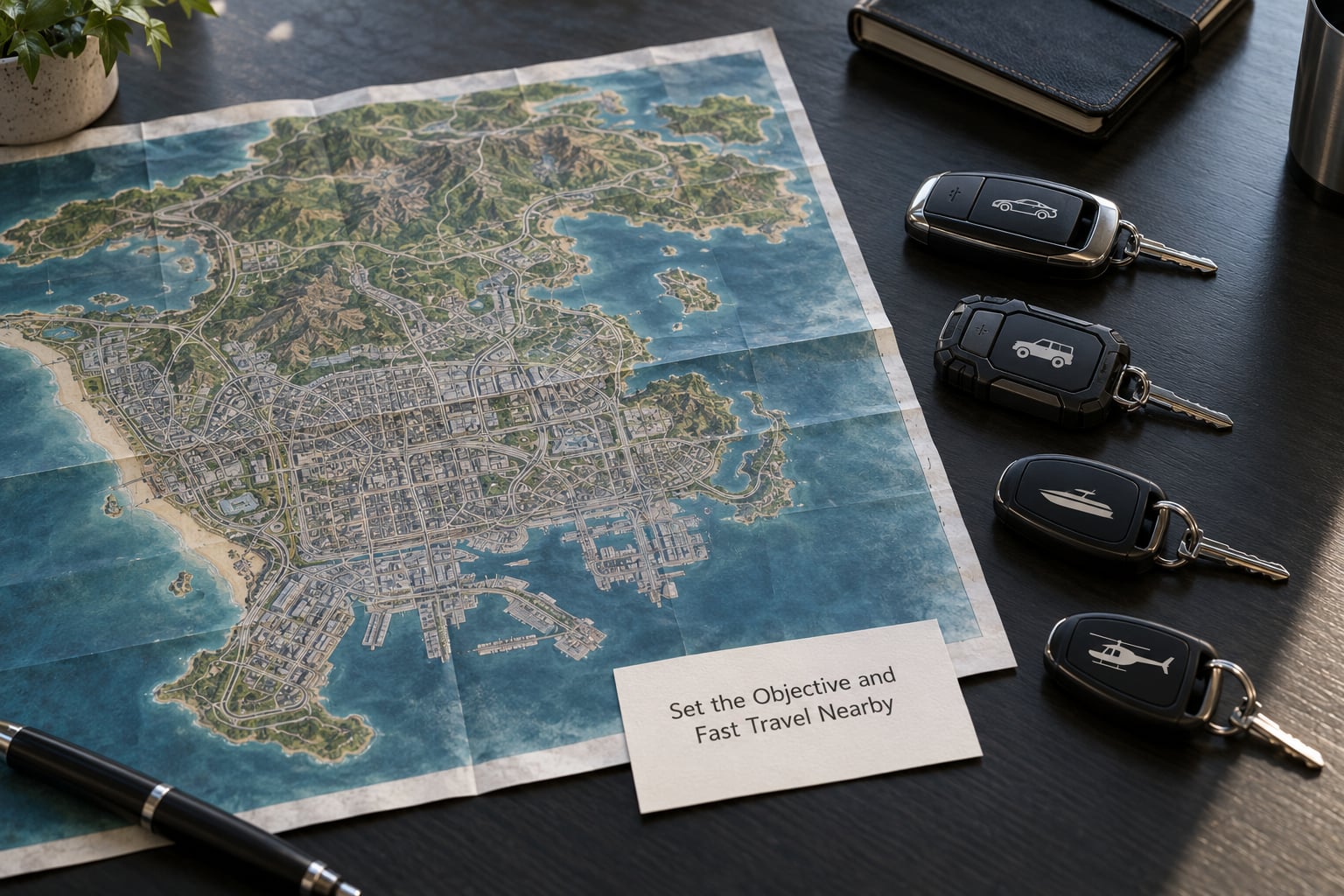
Set the Objective and Fast Travel Nearby
Open the pause menu, find the mission marker, and set a waypoint before the driving starts. If you have no idea what a mission wants, the objective text is in the top-left corner of the screen, and the paused menu shows the current stage instead of the whole list.
Starting from the wrong side of the map is the most common waste. Story Mode gives you Director Mode, so when a mission turns messy you can respawn at a hospital, police station or airport and keep playing from a safer spot. GTA Online goes further: the Interaction Menu, then Inventory, Services and then Fast Travel, moves you to a chosen point for free outside combat.
Once you arrive, delete the waypoint. A stale marker pulls your attention off the road for the rest of the drive.
Use the Right Vehicle for the Mission Type
Most slow side missions are slow because the vehicle is wrong for the terrain. City fetch jobs are fine in any sedan, but a mission across Vinewood Hills or the Alamo Sea is painful without a truck or a bike with better acceleration.
For aerial targets, an aircraft reaches a rooftop in seconds when the ground route takes four minutes. Water jobs in the Pacific need a boat, and armour-heavy missions go much faster in an armoured car because you can drive straight through obstacles instead of braking.
Store a handful of useful vehicles in garages before a long session. Losing time to a wrecked car you cannot call back is avoidable.
Plan the Route and Avoid Unnecessary Encounters
Set a waypoint for the objective, then use the highway where it helps and the tunnel shortcuts where they help more. Freeway lanes with no traffic move you across the map far faster than weaving through city streets.
Watch the wanted level constantly. One police car turning into two stars while you sit at a red light can add several minutes to an otherwise quick mission, so the safest move on a hot chase is usually to duck into an alley or a parking garage and wait it out.
Damage counts too. If the mission does not require a clean vehicle, skip the stunts and the shootouts with civilians and drive straight there. If your car is smoking or handling badly, reload a recent save rather than limping the rest of the route.
Complete Only the Required Objectives
Most GTA V side missions separate mandatory steps from optional ones, and the optional steps are where the clock goes. Leaving the yellow marker means you are done, whatever else the text offers.
Read the stage list in the pause menu. If a line is greyed out or marked optional, skip it. Collectible stunts, optional assassination methods and bonus destruction targets are nice for a completion run and pure dead weight for a first clear.
Two or three minutes of objective text at the start saves ten minutes of guessing later.
Collect Rewards and Review Your Progress
Every mission pays out the moment you finish. There is no claim screen to hunt down, so do not waste time looking for a reward button.
Review finished work in the pause menu, where completed icons are greyed out, and in GTA Online through the Career Manager, which tracks per-mission completion and stat totals. Greying out the map is a better progress check than remembering what you think you cleared last week.
Prioritise missions that give permanent returns: property, contact unlocks, vehicles stored at a safehouse. Those pay every hour you keep playing, while a one-off cash bonus does not.
Common Mistakes That Waste Time
These six errors cost more hours than the missions themselves.
- Starting missions from wherever you happen to be. Drive to a sensible spot first, even if it costs a minute of planning.
- Taking the same sedan everywhere. Terrain and mission type should pick the vehicle, not habit.
- Ignoring the compass and minimap markers. A marker you never looked at is a mission you will search for twice.
- Chasing optional targets. They are not required, and they are usually on the far side of the map.
- Limping on after a crash. A reload from the pause menu is almost always cheaper.
- Repeating low-value activities. The same gang job on the same street stops being worthwhile once the payout no longer covers the driving.
Tips for Finishing Side Missions Faster
Work missions in the order your main story needs, not the order the log lists them. Story Mode and Online both push new missions at you through markers, and those pushed missions usually lead somewhere useful next.
Clear your wanted level before you start anything. Two minutes hiding in a garage beats a four-minute chase, and you can start the mission calm.
Use Director Mode in Story Mode when a mission goes wrong. Respawning is cheap, and restarting from the last chapter is faster than finishing a job with three stars of heat against you.
Keep the routine small enough that you never skip it: waypoint, vehicle, required objectives only, then check the map for greyed-out icons. Repeatable beats heroic, because the routine is what drains the log.
If you enjoy driving rather than rushing, a slower version of the same idea works: stay in one district, finish everything there, then move on. Grouping by location costs less time than the trip between districts, and nobody will stop you for wandering.
Frequently Asked Questions
Can you complete side missions after finishing the story in GTA V?
Most of them, yes. Story Mode side missions such as gang territory, races, stunt jumps and stranger encounters stay available after the ending, and the pause menu keeps every mission marker. A few disappear, so check the Career Manager and the story mode mission list before you start a long cleanup run. Online never removes completed work, so progress there is permanent.
Can you skip the optional objectives in a GTA V mission?
In almost every case, yes. Optional stages are marked in the pause menu and can be left until later or ignored entirely. The mission still counts as complete and the payout still lands once you finish the required steps. A few scripted missions force you through optional scenes, so check the stage list before driving off if you want to be certain.
How do I restart a failed side mission in GTA V?
In Story Mode, open the pause menu and pick Restart Mission. If the mission will not restart that way, use Director Mode to respawn at a hospital, police station or airport and load a recent save from the pause menu. In GTA Online, the same menu offers Restart Mission, and the Career Manager lists every mission with its completion status.
Which GTA V side missions are time-limited or easy to miss?
The main risk is not a countdown timer but story gates and region locks. Missions tied to a character relationship can end if you push the main story too far ahead, and some stranger encounters vanish once their host moves on. Finish anything with a yellow or question mark prompt while you see it, and clear the story gate only after the side work in that area is done.
What is the best order to finish GTA V side missions?
Do property and contact missions first, since they pay passive income and open new mission types. Follow them with the story-linked side missions that build relationships and pay perks, then clear each district in one sweep. Leave gangs, races and collectible hunts until the story is done, when your levels and vehicles make them quick instead of painful.
Conclusion
Knowing how to complete side missions efficiently comes down to three habits: set the waypoint before you drive, take the vehicle that fits the objective, and finish only the required stages before moving on. Work through one district at a time and the backlog shrinks without a single long trip across the map.
Open the pause menu now, pick the nearest unstarted marker, and clear it before you do anything else in 2026.