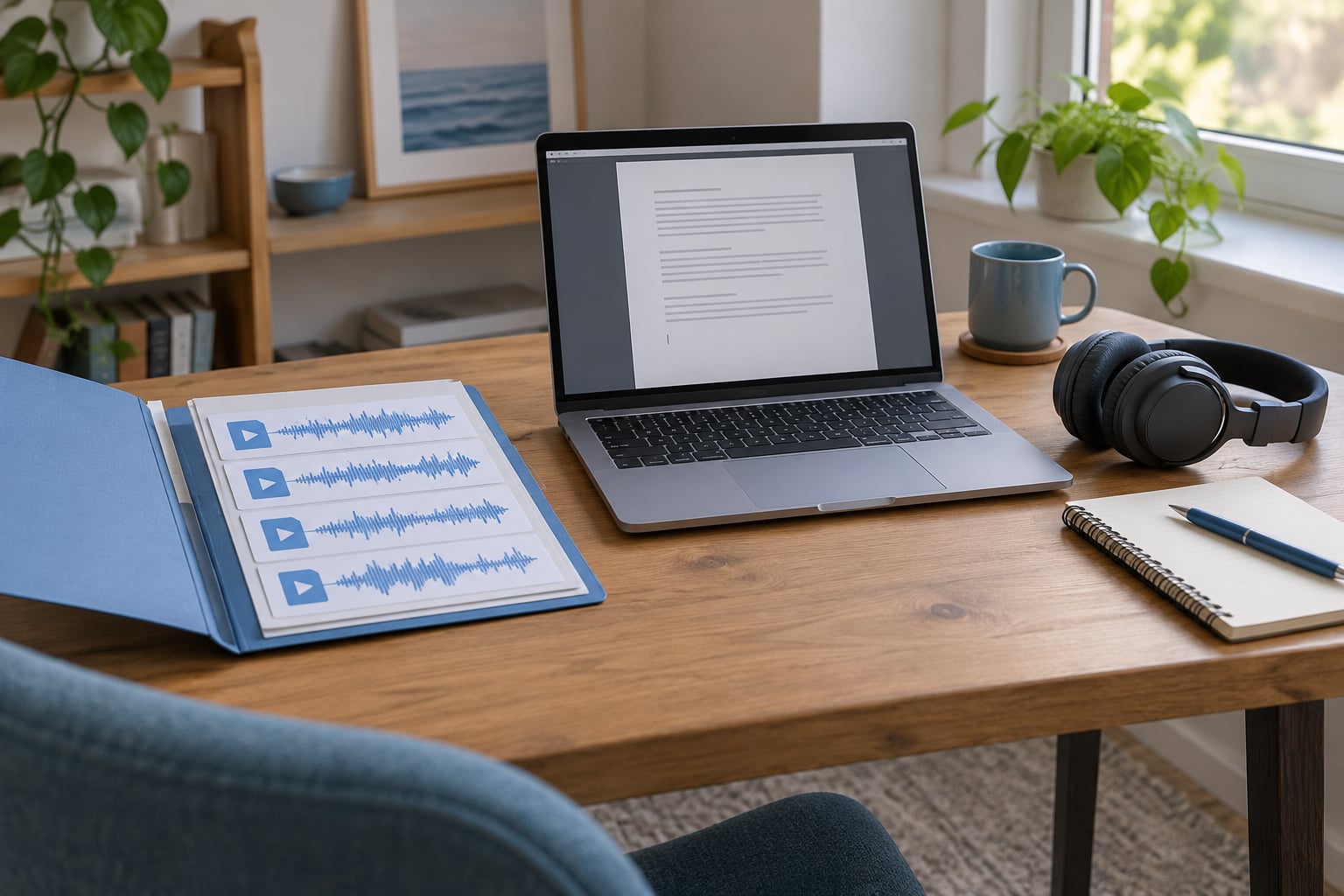
On PC, the built-in answer is Self Radio: drop MP3, WMA, or M4A files into the User Music folder inside DocumentsRockstar GamesGTA V, then run a quick scan in-game and the station appears on your radio wheel. FiveM servers work differently — they use a server-side resource that streams audio to every player.
That PC-only limitation is the thing people miss most often. Console builds have no official Self Radio at all, and a lot of the “my music did not show up” posts in the GTA communities come down to one detail: the Enhanced Edition reads a different folder than the Legacy build.
If you want to know how to add custom music to a game radio on your own machine, the quick version is five steps.
- Open DocumentsRockstar GamesGTA VUser Music (Legacy), or DocumentsRockstar GamesGTAV EnhancedUser Music (Enhanced Edition).
- Copy your audio files directly into that folder — no extra subfolder.
- Launch GTA V or GTA Online and pause, or open the Interaction Menu.
- Run a quick scan for new music (a full scan is slower but rebuilds everything).
- Open the radio wheel and tune to Self Radio.
Table of Contents
- 1What You Need
- 2The two paths that decide everything
- 3Supported audio formats
- 4Step-by-Step
- 5Choose a Reliable Music Source
- 6How to Add Custom Music Locally on PC
- 7Create the Radio Resource
- 8Configure Local Files or a Streamed Station
- 9Start the Resource and Test the Radio
- 10Common Mistakes
- 11Add Controls, Permissions, and Basic Customization
- 12Frequently Asked Questions
- 13Can you make a custom radio station in GTA 5?
- 14Why is my Self Radio not showing up after I add songs?
- 15What file formats does Self Radio support?
- 16How do I add music to a FiveM server radio?
- 17Can you add custom music on PS5 or Xbox?
- 18How do I put Spotify or other streaming music on a game radio?
- 19Conclusion
What You Need
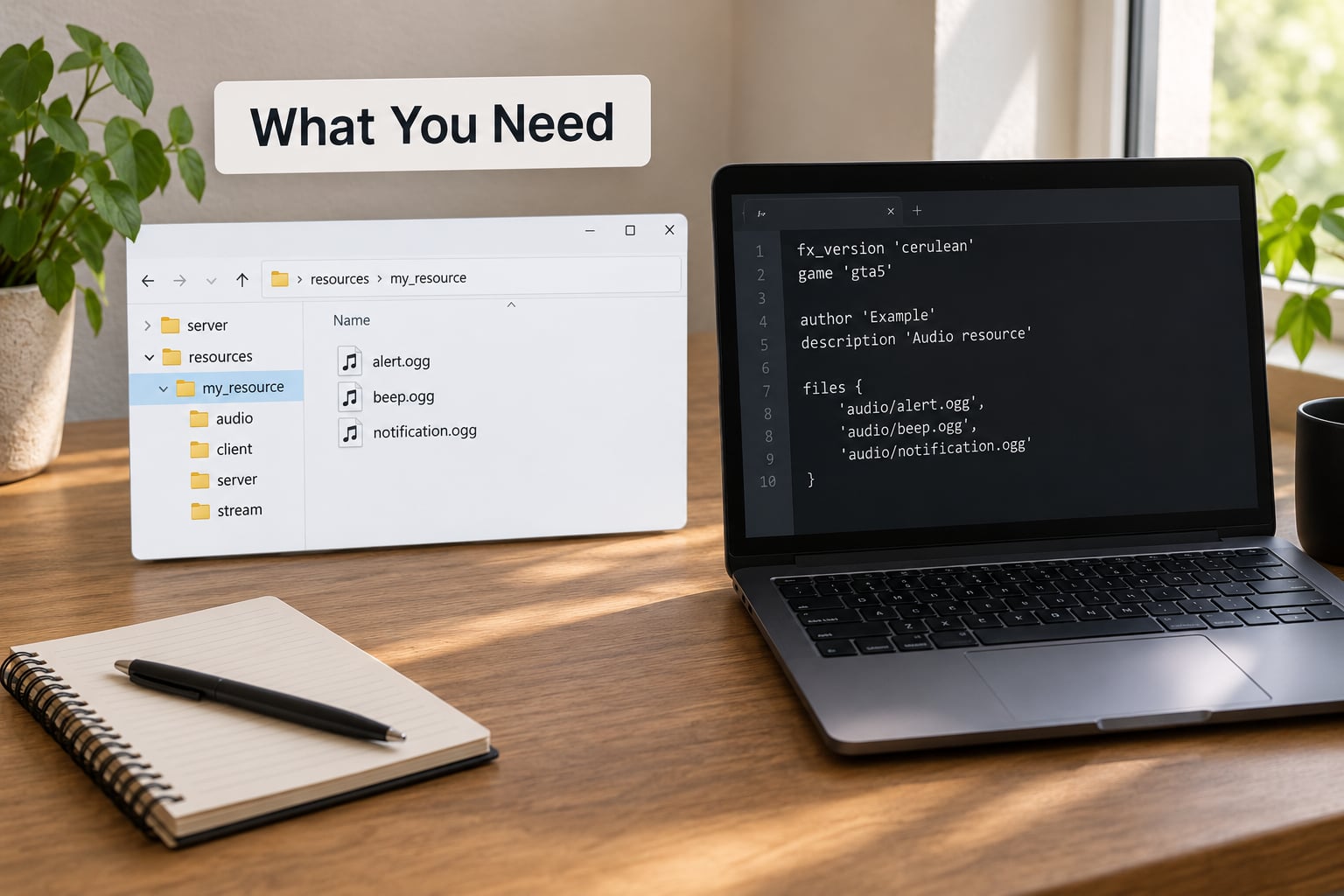
The shortlist depends on whether you run the game yourself or you run the server for other people.
For a self-hosted PC player you need three things: the game installed on PC, a folder of audio files in a supported format, and Windows File Explorer. You also need to know which build you own, because the folder path changed between Legacy and the Enhanced Edition.
For a FiveM server owner you need server console access or the ability to edit server.cfg, a text editor, and either packaged audio files or a direct streaming URL your players’ clients can reach.
The two paths that decide everything
Legacy builds read DocumentsRockstar GamesGTA VUser Music. Enhanced Edition builds read DocumentsRockstar GamesGTAV EnhancedUser Music, and that folder usually does not exist until you create it. Users on the Steam discussion board reported having to make a fresh User Music folder at the new path rather than reusing the Legacy one.
Supported audio formats
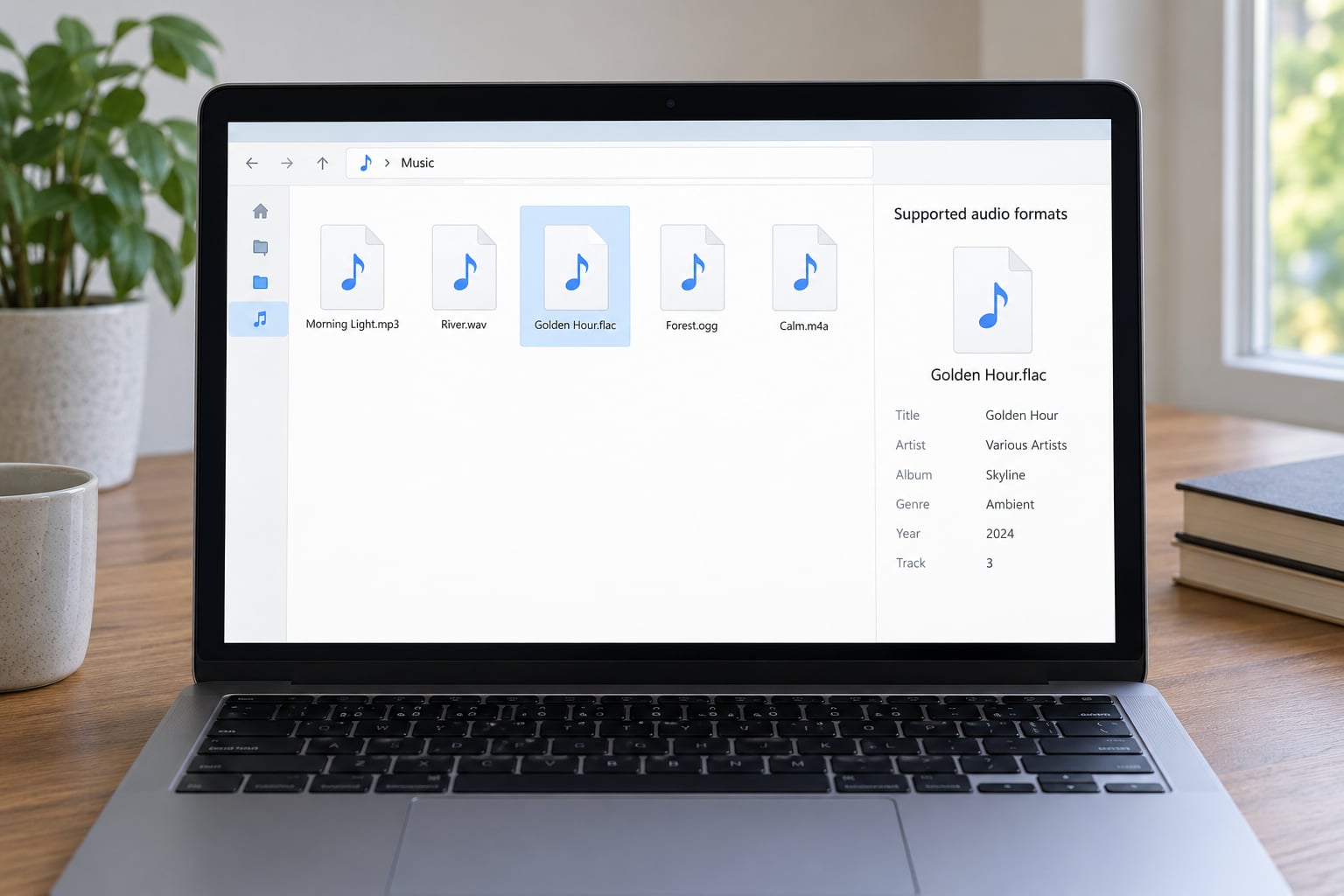
Self Radio reads MP3, WMA, and M4A. Anything else — FLAC, WAV, OGG — needs converting first, which takes a couple of minutes with a free converter such as Audacity or HandBrake.
Two things to sort out before you start. DRM-protected files will not play, so streaming-service downloads are out unless you bought the track outright. And untagged files show up on the radio wheel with no artist or title, because the game reads your ID3 metadata tags rather than the filename.
Step-by-Step
Choose a Reliable Music Source
Pick files you actually own, or at least files the server has a licence to play. A folder of ripped tracks from a streaming subscription is the most common reason a server gets a takedown request, and on PC it is also the most common reason nothing plays at all.
For consistency, convert everything to one format and one bitrate before you load it in. A folder where half the tracks are 128 kbps and the rest are 320 kbps will sound uneven when the station moves between songs.
On a FiveM server, decide now whether you are streaming or hosting files. A streaming URL means near-zero disk usage and instant updates, but every player’s client has to reach that URL directly. Packaged files inside the resource work even when the player’s network blocks outside streams, at the cost of a download on join.
How to tell it worked: pick one track and play it outside the game first. If it plays there and is untagged, tag it before moving on.
How to Add Custom Music Locally on PC
This is the Self Radio route and it takes about two minutes once you know the path.
Open File Explorer, go to Documents, then Rockstar Games. If you see a GTA V folder you are on the Legacy build; if you see GTAV Enhanced you are on the new one. Create the User Music folder inside whichever applies if it is not there.
Copy your audio files straight into it. Files one level deeper in a subfolder are the single most repeated cause of failed scans in the forums — the scan runs, finds nothing, and gives you no error message.
Launch the game, pause, and open the audio options, or press the Interaction Menu key and navigate to the Self Radio settings. You will see a scan option there: quick scan checks for new files, full scan rebuilds the whole library and takes noticeably longer.
Self Radio only unlocks after the Prologue and the Franklin and Lamar mission, so if you have just started a fresh save, play past that first.
How to tell it worked: the station shows up on the radio wheel between iFruit Radio and Los Santos Rock Radio, with a track title instead of a blank name.
Create the Radio Resource
On FiveM, a radio is a resource — a folder in your resources directory with a manifest and at least one script file.
resources/
└── custom-radio/
    ├── fxmanifest.lua
    ├── config.lua
    └── streams/
        └── track1.mp3
The manifest is short:
fx_version 'cerulean'
game 'gta5'

client_scripts {
    'config.lua'
}
Keep the name lowercase and avoid spaces in the folder. A resource named Custom Radio will load on your machine and fail on someone else’s, and the error message will not tell you which half of the name is the problem.
Name it something clear like custom-radio. That name is also the string you use in the ensure command later, so a one-word folder saves you an argument later.
Configure Local Files or a Streamed Station
Put track entries in config.lua. For packaged audio, point each entry at a file inside the streams folder; for a live station, point at a direct audio URL.
Config = {}

Config.stationName = "Night Drive FM"
Config.volume = 0.8
Config.playback = "sequential" -- or "shuffle"

Config.tracks = {
    { name = "Track 1", file = "track1.mp3" },
    { name = "Track 2", file = "track2.mp3" },
    { name = "Live Stream", url = "https://example.org/stream.mp3" },
}
Sequential playback walks your list in order, which suits a curated station with a beginning and an end. Shuffle randomises, and on Self Radio in particular it is known to occasionally repeat a track twice in a row — a small bug worth knowing about before someone reports it to you as broken.
Keep volume between 0 and 1. Values above 1 clip on most systems, and you will be chasing audio that sounds distorted for an hour before checking the obvious.
Mixing a stream URL with a local track list is fine, but test the stream on a second network. Streams that work from your office and fail for your players are usually blocked by a local firewall or a proxy, and neither one shows a useful error in the game log.
Start the Resource and Test the Radio
Add the ensure line to server.cfg:
ensure custom-radio
Restart the server, or refresh it live with refresh followed by ensure custom-radio from the console if you run txAdmin. A resource that fails to start reports its error in the server console on startup, so read it before you go looking in the game.
Now confirm four things in order. The station shows in the radio wheel when you walk into a vehicle. Audio plays rather than sitting silent. The station advances to the next track on its own. A second player in a different session hears the same thing.
That last check matters more than it sounds. Plenty of things work on the host machine and not for clients — a local file path that never resolves remotely, a stream that only your network can reach, a resource not started on the actual machine the player connected to.
Common Mistakes
These are the failures that come up over and over, with the fix for each.
| Symptom | Cause | Fix |
|---|---|---|
| Self Radio missing from the wheel | Files in the Legacy folder while running the Enhanced build, or in a subfolder | Move files to DocumentsRockstar GamesGTAV EnhancedUser Music, flat, then quick scan |
| Scan finishes in seconds, finds nothing | Unsupported format or DRM protection | Convert to MP3; replace any protected files |
| Tracks show no artist or title | Missing ID3 tags | Add artist and title tags in your player or a tag editor, then full scan |
| Music plays but far too quiet | Custom tracks play at system volume while the game’s own radio is mixed louder by the engine | Lower game audio and raise music volume in Windows |
| Stutter every time music changes | Automatic scan re-running in the background | Turn off automatically search for music, then scan manually when you add tracks |
| Foreign characters show as empty squares | Font coverage in the radio wheel | Strip accents from tags, or set tags in plain Latin characters |
| Titles cut off at 31 characters | Radio wheel display limit, no scrolling | Shorten artist and title tags |
| Cannot add to Favorite Radio Stations | Interaction Menu does not list Self Radio | Use the radio wheel directly; there is no fix for this one |
| Station missing inside mansion or agency | Favorites-list quirk rather than a bad install | Leave the property and re-enter, or use the radio wheel |
| Stream plays for you, silence for players | URL not reachable from outside your network | Test from another connection, or package the audio as files |
| Resource starts but nothing plays | Missing client_script or a bad path in config.lua | Check the server console error, then confirm each file path matches the streams folder |
Add Controls, Permissions, and Basic Customization
Once the station plays, decide who is allowed to change it. On most servers the station definition lives in server-side files that only staff can edit, and keeping it there means players cannot repoint the station at their own stream.
For skip and volume controls, expose keybinds through your resource rather than letting players edit the track list. A simple skip binding that moves to the next entry in config.lua is far less work to maintain than a full request system, and it covers what players actually ask for.
Two small touches worth adding early. Give the station a real name — a generic label reads as broken to anyone who tunes in. And set a volume ceiling below 1.0 so one loud track does not force the player to lower everything else.
If you want more stations rather than a better one, that changes the job entirely. Adding a genuinely new track to a vanilla station like Los Santos Rock Radio means editing the game’s radio definition files with OpenIV, XML, and .rel files — replacing a track by exporting and reimporting audio is well understood, but inserting a new entry is a different task and mod updates can break it.
Frequently Asked Questions
Can you make a custom radio station in GTA 5?
Yes, on PC, and the built-in route is called Self Radio. Copy MP3, WMA, or M4A files into Documentsu005cRockstar Gamesu005cGTA Vu005cUser Music (or the GTAV Enhancedu005cUser Music path on the Enhanced Edition), run a quick scan from the pause menu or Interaction Menu, and the station appears on the radio wheel. It works in story mode, GTA Online, and it stays PC-only.
Why is my Self Radio not showing up after I add songs?
Nine times out of ten the files are in the wrong folder or one level too deep. Legacy and Enhanced builds read different paths, and the game only scans the top level of the User Music folder. Move the files to Documentsu005cRockstar Gamesu005cGTAV Enhancedu005cUser Music if you own the new build, remove any subfolder, then run a quick scan. Unsupported formats and DRM-protected files also scan as nothing.
What file formats does Self Radio support?
MP3, WMA, and M4A. FLAC, WAV, and OGG will not appear at all, so convert them first with a free tool such as Audacity or HandBrake. DRM-protected downloads from streaming services will not play either, which is the usual reason someone followed every step and still got silence. Tagging matters too: the radio wheel shows artist and title from your metadata, not from your filename.
How do I add music to a FiveM server radio?
Create a resource folder with an fxmanifest.lua declaring fx_version cerulean and game gta5, add a client script that registers your station, put audio in a streams folder or point at a direct stream URL, then add ensure followed by your resource name to server.cfg. Restart and check the server console for errors. Always test from a second player’s session before calling it done.
Can you add custom music on PS5 or Xbox?
Not through an official route. Self Radio is PC-only and Rockstar has not shipped a console equivalent, so console players are limited to community mods and homebrew, which break often and depend on patches you do not control. If you play on both, keep your library in one tagged folder and copy it across when you need it on PC.
How do I put Spotify or other streaming music on a game radio?
You cannot. DRM-protected tracks will not play, and capturing audio from a stream to work around it breaks the service’s terms. Buy the tracks or use music you have the right to play. For a FiveM server, the same rule applies to the station: point at audio the server has a licence to broadcast, or use content licensed for that purpose.
Conclusion
Start with the file check. Confirm whether you are on the Legacy or Enhanced build, drop tagged MP3 files flat into the matching User Music folder, and run a quick scan from the pause menu or Interaction Menu. On a FiveM server, name the resource, add the ensure line, and read the server console before you go looking in the game.
Then verify from a second session. If it plays for you and not for anyone else, the problem is reachability, not the station setup.