Yes, you can track collectibles without an online map, and in the GTA games it is usually the better way to play. Each title gives you enough to work with on its own: radar blips, mission dialogue, street names, and a counter that tells you how many you still owe. Add a checklist kept outside the game and you always know where you stand. Setup takes about ten minutes, then roughly a minute per session to update.
I keep a plain list for every GTA game I am working through. Nothing clever, no formulas, no colours beyond a tick. It survives a wiped console profile and it never spoils anything, because a list of names tells you what exists and not where to stand.
Table of Contents
- 1What You Need
- 2Step-by-Step: How to Track Collectibles Without an Online Map
- 3Build a Simple Collectible Checklist
- 4Use Clues Instead of an Online Map
- 5Search by Landmark and Neighborhood
- 6How Each Game’s Built-in Tracking Works Without a Map
- 7Confirm the Pickup and Update Your Tracker
- 8Common Mistakes
- 9Frequently Asked Questions
- 10Can I find GTA collectibles without using an online map?
- 11What is the easiest way to track collectibles in GTA V?
- 12How do I search for collectibles in GTA III, Vice City, or San Andreas?
- 13Should I use an online map if I want to avoid spoilers?
- 14Is there a collectible tracker that works offline?
- 15How do I find the last collectible when there are no clues left?
- 16Conclusion
What You Need
None of this needs a purchase or an account. You need a place to write things down, and a habit of checking it after every session.
- The current version of the game you are playing. San Andreas and Vice City got expanded editions and re-releases with extra content and slightly different counters, so know which build you are on before you start counting.
- A notebook or a spreadsheet. Paper works fine and never needs power. A spreadsheet works better once you are across several games and want one running count.
- A spare file or note for offline screenshots. Photos of a map view you took yourself are fair game. Screenshots copied from a website are just an online map with extra steps.
- The pause menu. In every 3D-era GTA the pause map is the tracking tool you already have, and most players underuse it.
- Twenty minutes of setup time, once. Not per game session. Once the tracker exists it costs you almost nothing.
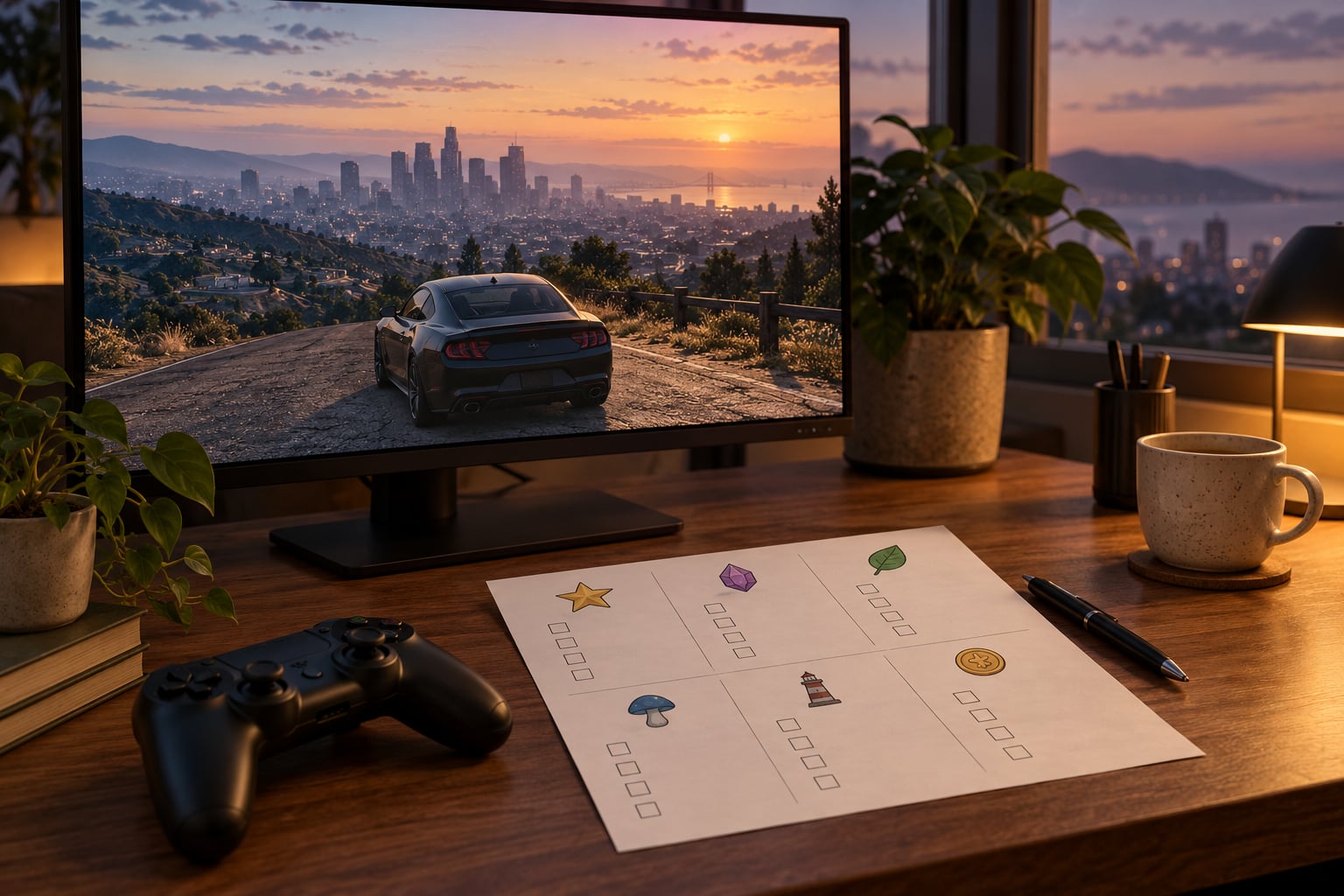
A useful column set is name, region, found or not, and notes. Notes is where you write the clue, the last route you drove, or the fact that the collectible only appears at night. Four columns is enough, and extra columns are where most homemade trackers go to die.
Step-by-Step: How to Track Collectibles Without an Online Map
Five steps cover the whole process, in the order that stops you wasting an evening. Work through them in order the first time you start a new game.
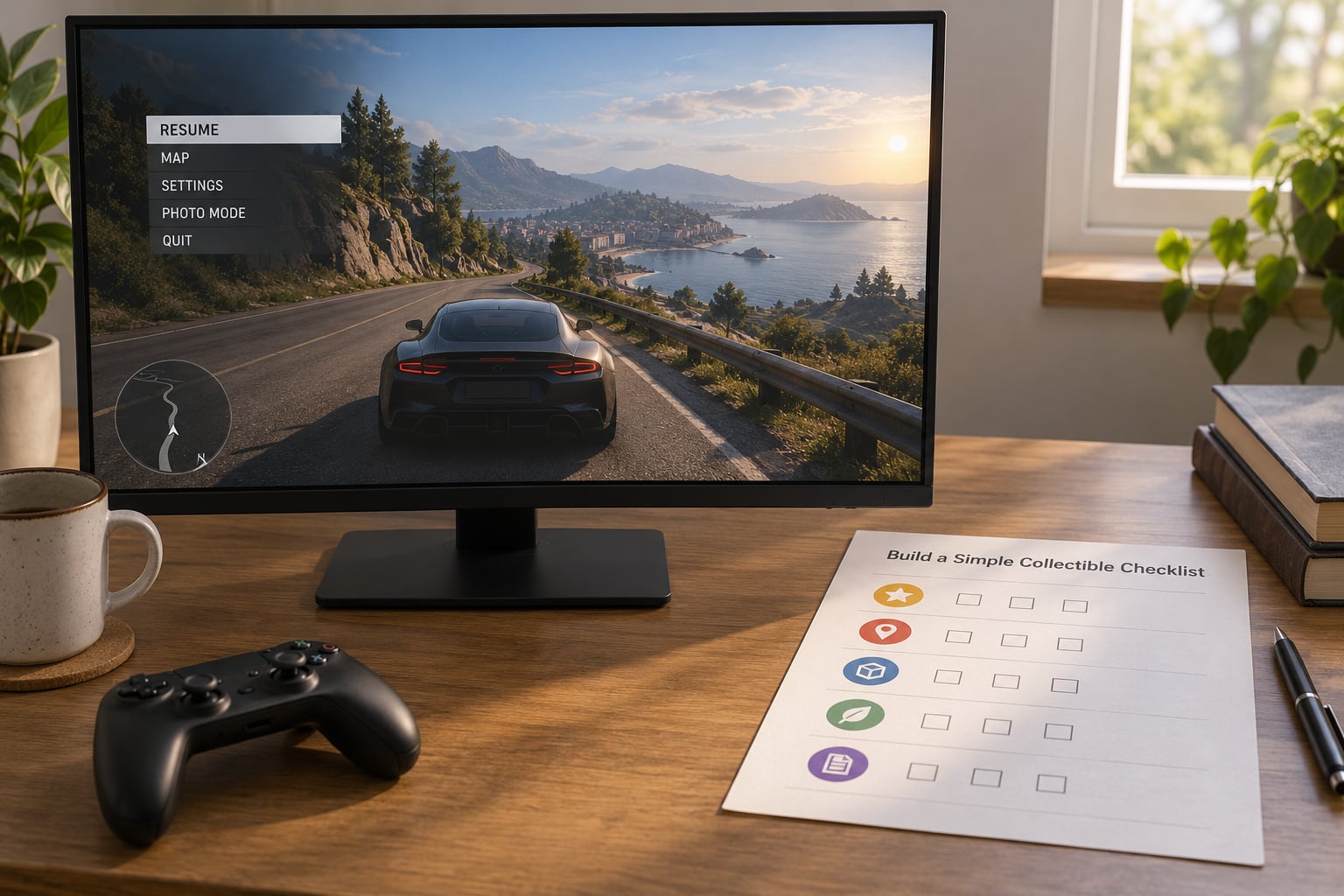
Build a Simple Collectible Checklist
Open a page and write down every collectible category the game counts. Hidden Packages, Rampages, hidden weapons, and any pickup tied to a stat or a mission all get their own line. In GTA III and Vice City that means hidden packages, rampages and hidden weapons; San Andreas adds vehicle-specific hidden packages split across four types plus phone-call collectibles and property pickups.
Next to each category, note the total the game is counting toward. San Andreas hidden packages run to 100, Vice City hidden packages run to 100, GTA III hidden packages run to 100, GTA IV hides 49 packages, and GTA V hides 20. Write the number down. A target you can see is worth more than a list with no finish line.
Then tick nothing. Start with every box unticked and mark items as you confirm them. Players who try to remember what they already picked up end up re-driving to places they visited two hours ago, which is the exact problem this system is meant to remove.
Use Clues Instead of an Online Map
Every GTA game hands you clues long before you think to listen for them. Mission dialogue naming a bar, a garage or a rival’s hideout is a location. A phone call from a contact, a radio host mentioning a place, a mission briefing with a photo, a newspaper clipping in a safe house. All of that is in-game information, not a guide.
Street names matter more than players expect. The city layouts in these games use readable addresses, so remembering that a package was near the garage on a named street narrows the search enormously. If you only keep one note per item, keep that one.
Radar blips count as clues too. In GTA III, Vice City and San Andreas, hidden packages show as a rotating package icon on the radar and on the pause map, which means a blip you drove past is a blip you can drive back to. Turn the radar up rather than relying on memory. In GTA IV and GTA V the radar has almost nothing for you, so in those games the pause map filter and the stat screen are doing the same job instead.
Audio cues work where radar does not. A radio DJ who names a location, an ambient sound that changes near a hideout, a helicopter passing over the area you are missing. In San Andreas the big criminal organisations give you a special stat, and picking up a package often nudges that stat upward, which is a decent confirmation that you are on the right road.
Some categories simply are not open yet. Rampages in Vice City and San Andreas unlock as the story moves along, so early in a playthrough part of your list is deliberately unavailable rather than hidden. Mark those rows with a date or a story beat instead of a tick, and leave them alone until the game unlocks them. It stops the tracker from looking broken when the counter has not moved for hours.
Search by Landmark and Neighborhood
Blind hunting fails when you wander. It works when you divide the world into fixed areas and clear them in a fixed order. Divide the map into grids you can finish in a sitting, then work one grid fully before moving to the next.
Landmark types repeat across the games, and they are repeatable search zones:
- Roofs and fire escapes in the three cities, since most packages sit on a ledge or a low structure rather than at street level.
- Alleys and dumpsters behind blocks, where the narrow spaces hide pickups a street sweep would drive straight past.
- Docks, piers and boat ramps in Vice City and San Andreas, since waterfront areas hold a disproportionate share.
- Hospitals, churches, airports and rail yards, which are large, distinct and easy to spot from a distance.
- Industrial zones and quarries, which are the standard hiding place for the last handful of collectibles.
- Hillsides and rural tracks outside the three cities, where a car is slow and a good photograph saves the trip.
The order matters. Clear the landmarks you can identify from a distance first, because a bridge or an airport terminal is the same on every visit, while a residential street is not. Finish a grid in one sitting if you can. Coming back to a half-cleared neighbourhood is how duplicates happen.
How Each Game’s Built-in Tracking Works Without a Map
The three cities and the two later games differ more than most guides admit, so it is worth knowing what your game actually gives you before you build anything.
- GTA III shows hidden packages as blips on the radar and the pause map, and rampages are reachable through the mission list. Counting from the pause menu is straightforward because the icons sit still until collected.
- Vice City behaves the same way with 100 hidden packages and 20 rampages, and the city is small enough that you can clear a district in one evening. The radar cone in a car narrows the job nicely.
- San Andreas splits the hidden packages into foot, bicycle, scooter and car types, so you track four counters rather than one. Detailed maps can be bought in the early game, and holding one raises the difficulty, which is a deliberate choice between hunting and walking the whole state blind.
- GTA IV hides 49 packages and deliberately does not mark them on the radar. The stat screen is your counter, and the pause map filters narrow the search rather than point at the prize.
- GTA V is the strictest case, since most collectibles stay off both the radar and the map. The pause menu filters and the collectibles stat are the only reliable counters you get, which makes an outside checklist less of a convenience and more of a necessity.
Earlier titles simply have fewer tools. If you are on a console with no browser open, or playing offline, the in-game map and your own count are genuinely all you have, and they are enough.
Confirm the Pickup and Update Your Tracker
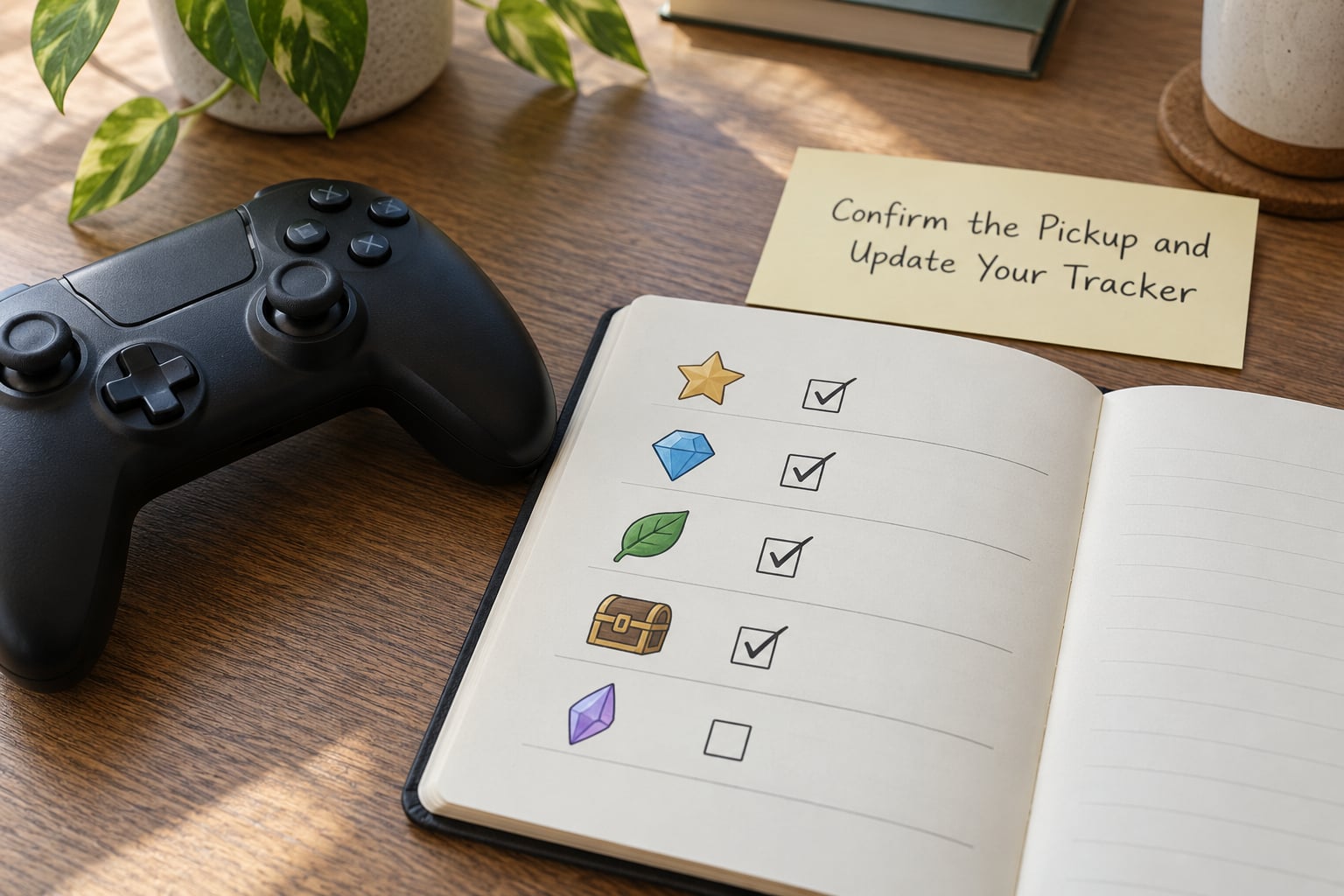
Close every session the same way. Tick what you confirmed, write one line about anything that nearly worked, and close the game. It takes about a minute and it is the only step people skip, which is why they end up re-hunting.
Confirm inside the game first, then on paper. In the three cities the icon disappears from the radar when you pick up a package, so a vanished blip is a reliable confirmation. In San Andreas, GTA IV and GTA V the relevant stat rises by one, and the pause menu shows the same figure, so check it before you write the tick. If a stat has not moved, you did not get it.
Keep the two records separate. The game counts, the tracker records. That way a miscount is obvious instead of quietly doubling your work.
Common Mistakes
Almost every wasted evening in collectible hunting comes down to one of these.
Searching at the wrong time. A lot of pickups are gated by time of day or by weather, and a hillside sweep at noon will find nothing that a night sweep would have. If a region stays empty across two visits, try it again at night before you assume the counter is wrong.
Confusing similar landmarks. Every city has two churches, three bridges and a dozen identical warehouses. Photograph the landmark the first time you find the collectible so the next visit is not a guessing game. That is the single highest-value entry in your notes column.
Following stale information. Numbers from an older edition do not always match the build you own, especially in the remastered San Andreas and Vice City releases. Write your target totals from your own pause menu rather than trusting a list you found weeks ago.
Ignoring the terrain. A bridge has an underside, a quarry has a floor, a hillside has a ridge line. Sweeping at street level means missing the half of the level you are standing above.
Trying to interact with scenery. Packages sit near a lot of ordinary objects, and plenty of nearby props cannot be picked up at all. If the prompt never appears, walk a wider loop around the spot rather than mashing the button, then check the counter before assuming you found it.
Half-cleared grids. Mark a grid done only when the counter has moved the amount you expected. A partial sweep that gets remembered as complete sends you back to the same streets three sessions later.
One last tip: keep your tracker to one page per game and update it immediately. A tracker that takes ten minutes to bring up of an evening will not get updated, and an out-of-date tracker is worse than none.
And if you are playing several games at once, give each one its own sheet with its own column headers rather than cramming everything into one list. The counters mean different things in different cities, and a shared sheet always ends with a 49-package row getting ticked after a 100-package game.
Frequently Asked Questions
Can I find GTA collectibles without using an online map?
Yes. The games give you radar blips, mission dialogue, street names, stat counters and in-game maps. Add a handwritten or spreadsheet checklist kept outside the game and you can track progress, region by region, without opening a browser or spoiling the hunt.
What is the easiest way to track collectibles in GTA V?
Use the pause menu filters and the collectibles stat as your source of truth, then keep a short list outside the game. GTA V rarely marks collectibles on the radar, so the counter is the only reliable confirmation. Tick each item the same session you collect it.
How do I search for collectibles in GTA III, Vice City, or San Andreas?
Work by mission hints and landmarks rather than coordinates. These games mark hidden packages on the radar and pause map, so sweep districts one at a time and record the nearest street name or building in your notes. San Andreas splits hidden packages into four vehicle types, so track four counters.
Should I use an online map if I want to avoid spoilers?
No. An interactive map usually shows you the exact spot, which ends the hunt before you have done it. Pause the game, write down only the clue you already have, and search from that. If you keep your own screenshots, store them offline so nothing loads from the web.
Is there a collectible tracker that works offline?
A paper list is the most reliable offline option, and a plain spreadsheet works offline too once it is saved locally. Dedicated apps need an account and often a connection. Players who play offline most evenings tend to keep one sheet per game with columns for name, region and found.
How do I find the last collectible when there are no clues left?
Switch to a region sweep. Clear each district completely, including rooftops, alleys, waterfronts and industrial areas, and revisit anything you only searched in daylight. In GTA V most collectibles are unmarked, so the stat counter plus a systematic grid is usually faster than waiting for a clue that never comes.
Conclusion
Tracking collectibles without an online map comes down to two things: a count the game gives you, and a list you keep. Start tonight by picking one collectible category, writing down its total from the pause menu, and searching the most distinctive clue you already have rather than the closest one.