Add-on cars win for most players, because they add a brand-new vehicle to GTA V while leaving every original car untouched, and replace cars win when all you want is realistic AI traffic with almost no setup. Add-ons cost you meta file editing and a gameconfig; replaces cost you the vanilla car itself.
That trade-off is the whole question, and the frustrating part is that most guides answer it with “it depends” and stop there. This one gives you the file-level reason the answer changes, plus a scenario for each type.
As of 2026, the advice below applies to the legacy build and the newer GTA V Enhanced (gen9) client, where the folder structure is the same but a few limits bite sooner.
Table of Contents
- 1Add On Cars vs Replace Cars Which Is Better at a Glance
- 2How Add-On and Replace Car Mods Work
- 3How to tell which type you downloaded
- 4Gameplay and Visual Impact
- 5Installation, Updates, and Compatibility
- 6Performance, Storage, and Download Size
- 7Which Method Offers More Vehicle Variety?
- 8When Add On Cars vs Replace Cars Is Better
- 9Add on cars vs replace cars for a first install
- 10Add on cars vs replace cars on a FiveM server
- 11Which Should You Choose?
- 12Frequently Asked Questions
- 13Do add-on cars replace the original GTA vehicles?
- 14Why does my replacement car appear during missions?
- 15Are add-on or replace car mods better for low-end PCs?
- 16Can I use add-on and replace car mods in the same installation?
- 17What happens to installed vehicle mods after a GTA game update?
- 18Can console or Android conversion tools use either mod type?
Add On Cars vs Replace Cars Which Is Better at a Glance
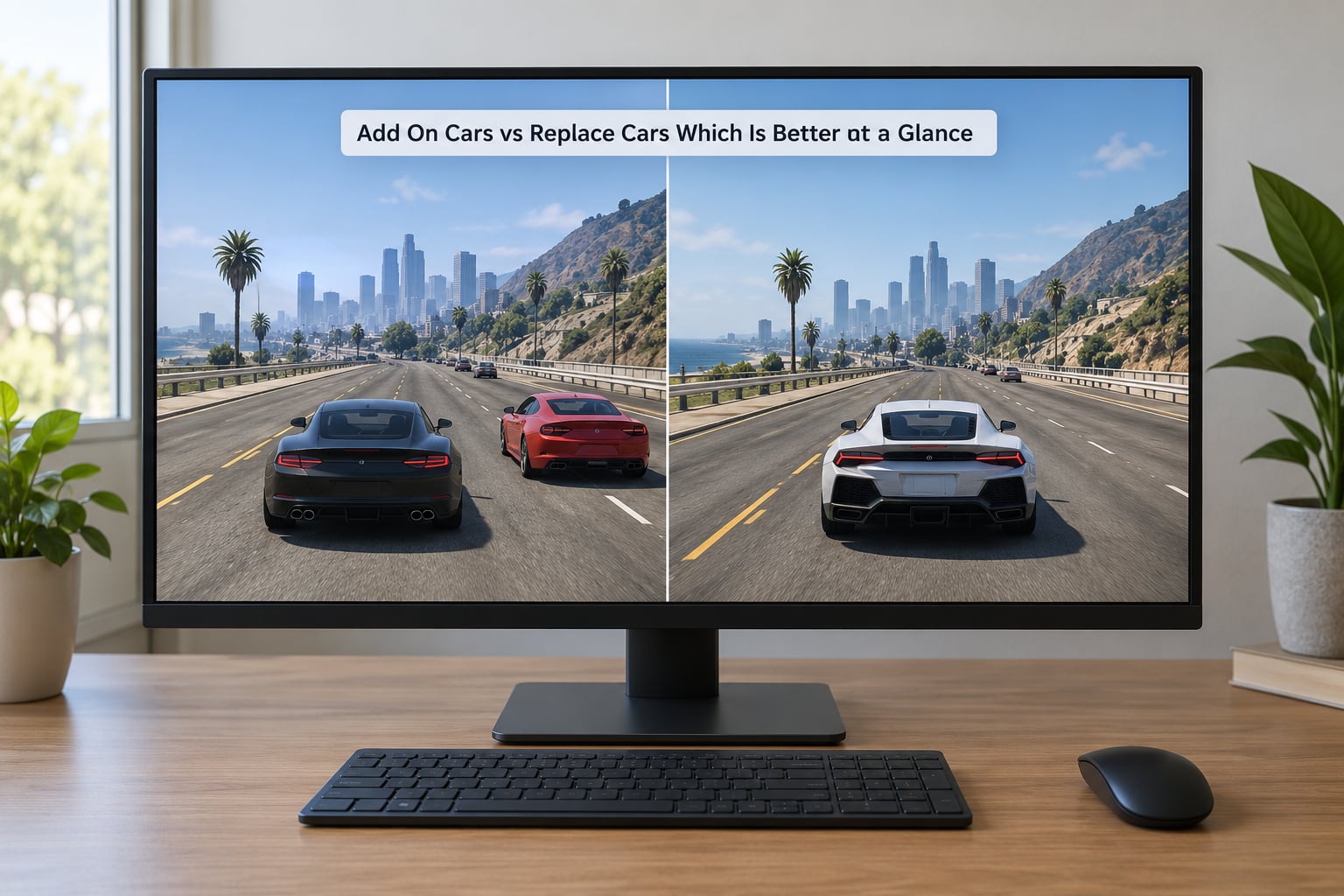
| Criterion | Add-on car | Replace car |
|---|---|---|
| What it does | Registers a new vehicle that did not exist before | Swaps a custom model in for a vanilla vehicle |
| Vanilla cars kept | All of them | The replaced one is gone for good |
| Model and texture files | Same .yft, .ytd, .yfr files | Same .yft, .ytd, .yfr files |
| Meta file editing | Required: vehicles.meta, handling.meta, carcols.meta, carvariations.meta, vehiclelayouts.meta | Not required |
| New folder in dlcpacks | Yes, listed in dlclist.xml | No |
| gameconfig.xml | Practically required once you pass a handful of cars | Not needed |
| Crash risk | Higher, usually a load-screen crash or a crash on entering the car | Lower, a bad model usually just looks wrong |
| Custom handling and colours | Fully under your control | Inherits whatever the original car had |
| Tuning parts at LS Customs | Works if car_mods.rpf is included | Glitches when the original had parts and yours does not |
| Spawn name | Its own new name | The vanilla name, so a trainer or script finds it there |
| Traffic pool | Does not touch traffic unless you script it | Automatically populates traffic with your model |
| FiveM behaviour | Needs a resource entry; missing it means clients see the default car | Consistent for everyone, but the vanilla model is gone server-wide |
| Best for | Real-world car packs, story mode, keeping the original roster | Traffic realism, low-end PCs, FiveM traffic, quick installs |
How Add-On and Replace Car Mods Work
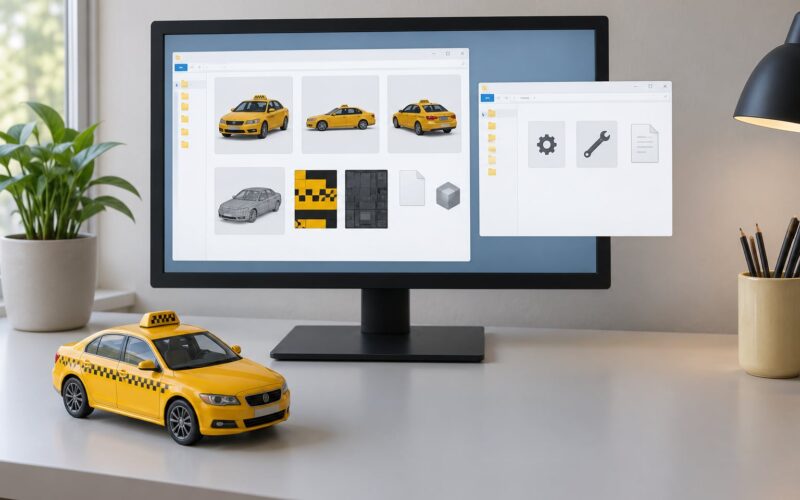
Here is the part that confuses most newcomers: an add-on car and a replace car are the same files. Both are a .yft model, a .ytd texture dictionary, and a few data files. Nothing about the model itself changes.
A replace car works purely by filename. You rename your files to match a vanilla vehicle, such as sultan.yft or adder.yft, and drop them into the same folders the original used. The game loads your model when it looks for that name, and your car appears everywhere the original appeared, in traffic, on parked-car lists, in mission scripts, and in the Los Santos Customs menu.
An add-on car keeps a unique name and tells the game about it through meta files. Your files sit in a new folder inside dlcpacks, the folder gets a line in dlclist.xml, and a commondatavehicles.meta entry names the new model. Alongside that you add handling.meta for how it drives, carcols.meta for its paint colours, carvariations.meta for variants and liveries, and vehiclelayouts.meta for the interior. One user on the Cfx forum put it as plainly as it can be put: all you have to do is add the metas, and that is basically the difference.
Because of that, the two are convertible. Renaming the files the other way turns an add-on into a replace, and adding meta entries turns a replace into an add-on. Plenty of downloads ship as a replace and get converted later when someone wants proper tuning parts.
How to tell which type you downloaded
Open the archive and look before you install anything:
- Meta files in
commondatawith anItemType>VEHICLEblock means it is an add-on. - A ready-made folder named after a vanilla car, with no meta, means it is a replace.
- Filenames like
sultan.yftandsultan.ytdthat match a stock vehicle are a replace, however the page is worded. - A download page that never mentions a dlcpacks folder and never mentions
dlclist.xmlis a replace in all but name.
Gameplay and Visual Impact
Replaces are the faster route to a different-looking Los Santos. Twenty well-made replace mods change the entire traffic pool, the parked cars outside every apartment, and the car waiting at the mission start, all without you touching a single script.
The catch is that the original car is gone. If you replace the Sultan, no Sultan exists anywhere in the game, including in story missions, races, or the vehicle list a mod uses to request a specific car. Story missions that hand you a mission vehicle are the usual first casualty, and that is the most common answer to why a replacement car turns up when you were expecting a different model.
Add-ons leave the world alone until you use them. You spawn the car with Simple Trainer, your trainer menu, or a script, drive it, and carry on. The city still has all its original traffic, which is exactly what you want if you dislike the traffic overhaul look that replaces tend to produce.
Visually, an add-on also lets you set handling and colour properly. A replace inherits the original’s handling class and colour list unless the author has done extra work, so a heavy SUV swapped in as a compact sedan often handles like the sedan and offers no new paint options at LS Customs.
On visual consistency, replaces can go either way. A pack of fifteen replaces in the same model year looks deliberate. A mix of six unrelated replaces tends to look like traffic from six different eras, which is the effect most people are trying to fix when they start modding cars in the first place.
Installation, Updates, and Compatibility
Installing a replace takes a few minutes with OpenIV. You copy the model and texture files over the originals inside x64dlcpackspatchday3ngdlc.rpf or the matching vehicles.rpf for the game version you have, and you are done. No dlclist.xml, no content.xml edits, no setup2.xml changes.
An add-on install is longer: build the dlc folder, write content.xml and setup2.xml, add the folder to dlclist.xml, create the meta block with its modelName, handlingId, gameName and AudioNameHash, then install an edited gameconfig.xml with OpenIV. Every one of those steps is a chance to make a typo, and a typo is a crash at the load screen rather than a small mistake.
The specific failures worth knowing:
- ERR_FIL_PACK_1 and ERR_FIL_PACK_3 almost always mean pack file limits, which is what the
gameconfig.xmlexists to raise. Community consensus is that it stops being optional past roughly ten add-on vehicles. - Crash the moment you get in the car points at a missing or wrong
vehiclelayouts.metaentry. - No engine sound means an empty
AudioNameHashinvehicles.meta. - Invisible car is a filename typo or a missing
_hi.ytf. - Car spawns but ignores its metas usually means the folder is not listed in
dlclist.xml, so the game never reads the data files.
Game updates are where add-on setups get fragile. Players report folders that ran fine for months starting to crash after a patch, and a single-car folder still working while a multi-car folder does not, which points at per-resource limits and an out-of-date gameconfig rather than at your car files. On the Enhanced (gen9) client the same rules apply, but the vanilla file layout differs enough that packs built for the legacy build can need their paths rebuilt.
Two multiplayer realities differ. On FiveM, a replace looks identical for everyone, because the original model is gone for the whole server; an add-on needs a resource entry and a matching fxmanifest.lua, and a player without the resource streamed simply sees the default car in its place. With LSPDFR, replace police models work but take over every unmarked and marked cruiser at once, while an add-on lets you add a specific patrol vehicle without losing anything else.
Performance, Storage, and Download Size
Neither type is automatically faster, and that is the part most comparisons get wrong. An add-on does not run slower just because it is an add-on. What costs frames is the model itself: polygon count, texture resolution, the number of light emitters, and how many of those cars are streaming in at once.
Twenty add-ons sitting in your dlcpacks folder but never spawned cost almost nothing, because the game only loads what the world asks for. Twenty replaces cost more, because every one of them is in the traffic pool and the parked-car list from the first second you load the game.
Texture format matters more than the file type. A replacement that ships 2K or 4K texture dictionaries pushes more VRAM than a light add-on of the same car, and a whole pack of high-resolution replacements can eat several gigabytes of dlcpacks space. FiveM builds are stricter still, with a hard texture dictionary size limit and texture dimension caps that silently downgrade quality if you exceed them.
On a low-spec machine, replaces are the gentler option mainly because they need less setup and fewer files, not because the vehicle rendering itself is lighter.
Which Method Offers More Vehicle Variety?
Add-ons are the better experimentation tool. You can drop in fifty cars, try them one at a time, and delete the folder when you are bored, with no consequence to the original game. Replace testing is all-or-nothing at install time, and there is no clean undo other than putting the original files back.
Replaces are better for targeted variety. If you want modern traffic in the city but your story missions to still hand you the right vehicles, replacing only the most common civilian models is the efficient path. Add-ons cannot populate traffic without extra scripting, because the game has no idea your new car exists in the first place.
A themed collection of add-on cars is straightforward too, since each one has its own name and its own handling. Building a collection out of replaces means giving up a different vanilla car for every entry, which is a poor trade once you are past ten.
Restoring a car is the one place replaces lose outright. Put the original files back and the vanilla car returns; there is no equivalent for an add-on, because it was never there.
When Add On Cars vs Replace Cars Is Better
Pick add-on when:
- You want real-world car models and you would rather keep every original car in the game.
- You are installing your first vehicle mod and want a clean, reversible folder to delete later.
- You care about custom handling, custom colours, or tuning parts at LS Customs.
- You play story mode and want your mission vehicles to stay as Rockstar made them.
- You are on FiveM and the car is for roleplay, not traffic.
Pick replace when:
- Your goal is realistic-looking AI traffic, since replaces fill the traffic pool automatically.
- You are on a low-end PC or a console conversion and want the smallest possible setup.
- You want a single model to appear everywhere at once, such as a modern police cruiser across every LSPDFR unit.
- You are running a FiveM server that needs server-wide consistency and every player has the same resource.
- You would rather not edit meta files or maintain a gameconfig.
Add on cars vs replace cars for a first install
Start with one add-on. The first install is where people learn the dlcpacks structure, and learning it on a folder you can delete in five seconds is far better than learning it on a replace that has overwritten stock files. Once a single add-on loads cleanly, the second one is a copy-paste job, and that is the point where the gameconfig stops being optional.
Add on cars vs replace cars on a FiveM server
Use add-ons for anything a player drives, and reserves for ambient traffic. Replaces are technically simpler on a server, but you are deleting a vanilla model for every player the moment you deploy it, and if one of them has a competing resource bound to that same name you get a conflict that is miserable to debug.
Which Should You Choose?
Add-on is the better default, and it is not close. It keeps the entire original roster, it is reversible, it gives you real control over handling and tuning, and its risks, while real, are all known ones that a careful install avoids.
Choose replaces for a narrower job: making traffic look right, keeping the setup tiny, or running on hardware where you want as few moving parts as possible. A well-made replace pack is the cheapest visual upgrade in the game.
The genuinely good answer for most people is both. Keep add-ons for the cars you want to drive and collect, and use a small, curated set of replaces for the handful of vanilla models that make up most of your traffic. That combination gets you the immersion you were after without giving up a single mission vehicle.
If you do it in that order, start with a single add-on install, confirm it loads, then convert one replace. The conversion steps are the same rename in reverse: move the model files to their own folder, change the filenames to a unique name, add the meta block, and list the folder in dlclist.xml. Notepad++ and OpenIV cover both jobs, and Simple Trainer handles spawning afterwards.
Frequently Asked Questions
Do add-on cars replace the original GTA vehicles?
No. An add-on car registers a new, uniquely named vehicle alongside everything Rockstar shipped, so the whole original roster stays intact and you spawn the new model with Simple Trainer, a trainer menu or a script. A replace car works the opposite way, taking the place of a specific vanilla vehicle everywhere that vehicle appears, including traffic and mission scripts, and the original model is not recoverable without restoring its files.
Why does my replacement car appear during missions?
Because replaces work by filename. Your model is bound to the name of the vanilla car you targeted, so any script, mission or cutscene that requests that vehicle gets your model instead. The same mechanism puts your car in the traffic pool and in the Los Santos Customs list. To keep mission vehicles original, target less common models, or install that car as an add-on instead so it only appears when you choose to spawn it.
Are add-on or replace car mods better for low-end PCs?
Replaces are usually the easier option on weaker hardware, but not because they render faster. Both types use the same model and texture files, so performance comes down to polygon count, texture resolution and how many custom cars the game is streaming at once. Replaces win on setup simplicity: no meta editing, no dlclist changes, no gameconfig, and nothing extra loaded for cars you never spawn. Mod quality matters far more than file type on a low-end PC.
Can I use add-on and replace car mods in the same installation?
Yes, plenty of people run both at once, and it is the setup most players settle on. The main risk is name collision, not the combination itself. If two resources bind the same vanilla model name, the game picks one and the other silently disappears or looks wrong. Give every add-on a unique modelName in vehicles.meta, keep replace targets off the list of add-on model names, and remove one DLC folder at a time when you are diagnosing a problem.
What happens to installed vehicle mods after a GTA game update?
Usually nothing, until it does. Most add-on folders survive a patch because the dlcpacks structure sits outside the files the game replaces, but anything tied to vanilla file names, a gameconfig or a changed meta layout can break. The common pattern is a load-screen crash after an update, or a multi-car folder failing while a single-car folder still loads, which points at per-resource limits and an outdated gameconfig. Keep backups of every DLC folder and your edited gameconfig, and re-check them after each major release, including the Enhanced gen9 client.
Can console or Android conversion tools use either mod type?
Replaces convert more easily, because a replace is only a set of model and texture files with vanilla names, which is the format most conversion tools expect. Add-ons need the extra layer: a proper dlcpacks folder, a dlclist.xml entry and a complete meta block, and several tools simply ignore those files. If you are on a console or Android build, start with one replace to confirm the conversion works at all, then attempt an add-on with a tool that documents meta file support.