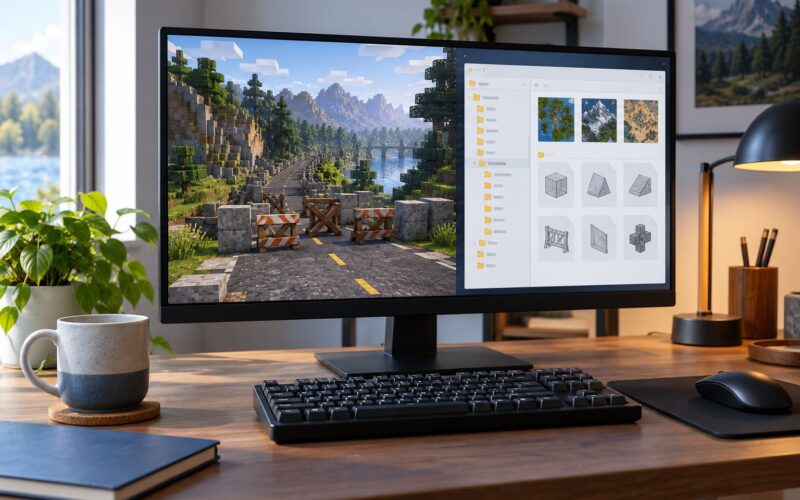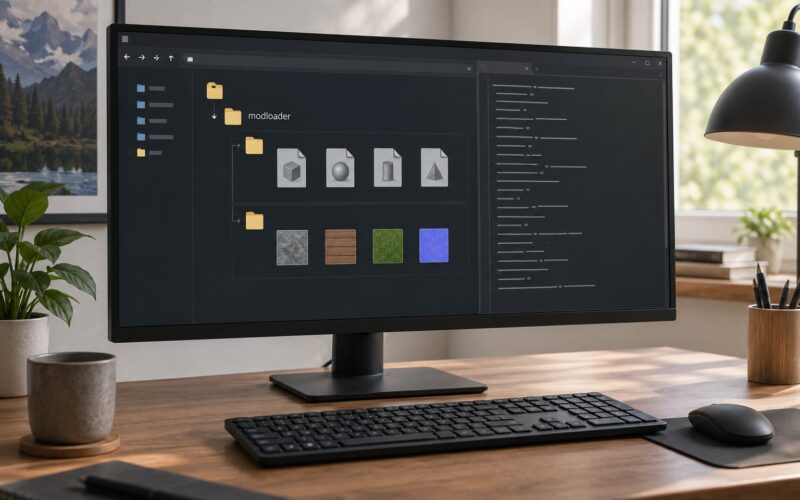
If you have ever driven across Los Santos at midday and counted maybe six cars on a six-lane road, you are not imagining it. GTA V ships with a conservative population budget, and raising it is a matter of dropping the right files into the right folders. This guide walks through how to install a mod that adds traffic density, step by step, for both the Legacy and Enhanced editions, and finishes with the verification drive and the fixes for the failures people hit most.
Two things up front. Traffic density mods are a singleplayer thing — they have no place in Grand Theft Auto Online or on a FiveM server. And the whole install takes about 20 minutes once you have OpenIV open, most of which is waiting for game files to repack.
Table of Contents
- 1What You Need
- 2Step-by-Step
- 31. Confirm That the Mod Supports Your GTA V Version
- 42. Back Up the Files the Mod Will Replace
- 53. Follow the Mod Author’s Installation Method
- 64. Place the Mod Files in the Correct GTA V Folders
- 75. Edit the Configuration or Addon List
- 86. Launch GTA V in the Correct Mode
- 97. Verify That Traffic Density Actually Changed
- 10Common Mistakes
- 11Frequently Asked Questions
- 12Will a traffic-density mod make GTA V run more slowly?
- 13Can I use the same traffic-density mod in FiveM?
- 14How do I remove a traffic-density mod safely?
- 15Can I adjust the traffic amount after installing the mod?
- 16Why does the added traffic disappear in some parts of the map?
- 17Conclusion
What You Need
Three different things get called a traffic density mod, and installing the wrong one is the reason so many people report that nothing changed. A traffic script uses a scripting runtime to spawn and schedule vehicles by time of day. A gameconfig edit raises the population budget values that tell the engine how many AI vehicles and peds may exist at once. A replacement vehicle file swaps a stock file inside the game archives for a modified one. Your download tells you which type you are holding.
Beyond that, you need a few supporting pieces:
- A mod whose page names a supported game edition and a minimum build or patch level
- OpenIV, the archive tool that reads and writes the RPF game files, or the installer the mod author names instead
- An ASI Loader if the mod ships as an .asi file
- ScriptHookV and ScriptHookVDotNet if the mod is a scripting mod rather than a config edit
- A clean copy of any game file the mod replaces, saved somewhere outside the game folder
- Heads-up on your edition: Legacy and Enhanced install into different paths, and a mod built for one will not load on the other
Check the edition first, before anything else. It decides which of the paths below you use, and it is the single most common reason a mod silently does nothing.
Step-by-Step
1. Confirm That the Mod Supports Your GTA V Version
Read the requirements block on the mod page before downloading anything. It should tell you the edition, whether it needs OpenIV, whether it needs an ASI Loader or a scripting runtime, and any minimum game build.
If the page lists no requirements at all, move on. A traffic mod that never mentions its dependencies is usually a re-upload of something old, and old mod pages are exactly where outdated file paths live. Download only the file labelled for your edition and build.
Verification signal: you can state, out loud, which of the three install methods below you are about to use, and you know which file the mod is going to replace.
2. Back Up the Files the Mod Will Replace
Back up before the first edit, not after the first crash. In OpenIV, navigate to the file the mod touches, click the Edit mode toggle, right-click the file and choose to create a backup copy inside the same folder.
For a gameconfig edit the target path looks like this on the Legacy edition:
Grand Theft Auto Vmodsupdateupdate.rpfcommondatagameconfig.xml
Rename the backup so you recognise it later — something like gameconfig.xml.bak. Keep the folder structure intact, because restoring a config from the wrong depth is its own headache. If you are not using OpenIV for this mod, copy the whole mod folder out to your desktop instead.
Verification signal: you have a file you can put back, and you know exactly where it sits.
3. Follow the Mod Author’s Installation Method
There are four installation routes, and they are not interchangeable.
- OpenIV file replacement — the mod replaces a stock file inside
update.rpf. Edit mode must be on for the write to succeed. - ASI Loader — the mod is an .asi file placed in the game root folder. The loader injects it at launch.
- Scripting runtime — the mod is a .cs or .vb file placed in the
Scriptsfolder, loaded through ScriptHookVDotNet. - Server or launcher package — FiveM builds and some editors ship their own resource system and ignore anything you drop into the game folder.
Read the included instructions even if they look like generic OpenIV steps. Mods often add one line that the generic version does not cover, such as a required second file or an order dependency between two .asi files. Never combine two methods for the same mod. If a page tells you to drop an .asi in the root and also paste a config into gameconfig.xml as an either-or, pick one and test it before adding anything else.
Verification signal: you know which of the four routes you are using and what success looks like for it.
4. Place the Mod Files in the Correct GTA V Folders
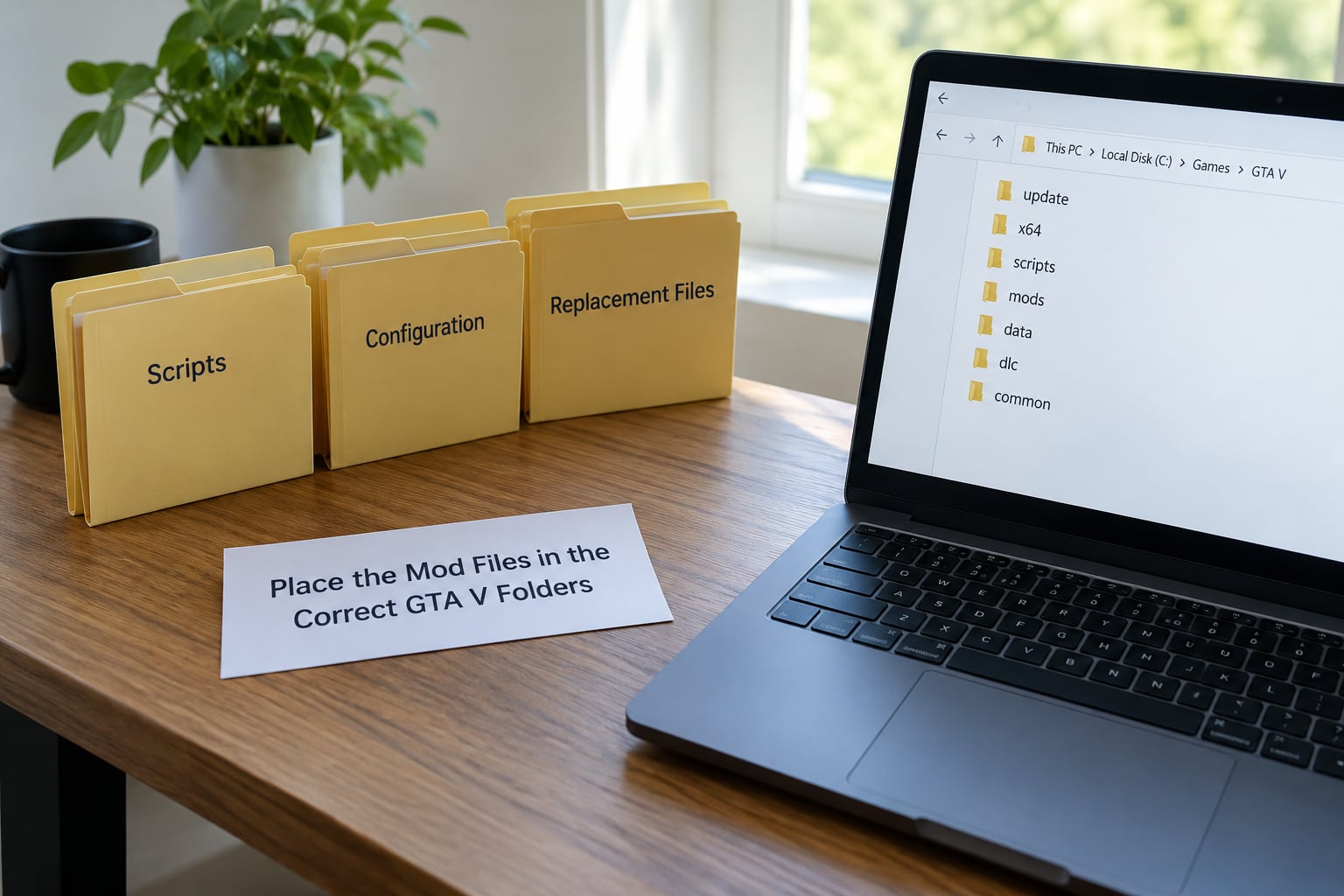
Destination paths decide whether this works. Use the ones that match your install method:
| File type | Destination |
|---|---|
| ASI script (.asi) | Grand Theft Auto V (game root folder, next to the game executable) |
| Scripting mod (.cs, .vb) | Grand Theft Auto VScripts |
| Modified config or data file | Grand Theft Auto Vmodsupdateupdate.rpfcommondata |
| Mod support folder (heap and packfile adjusters) | Grand Theft Auto V in the game root folder |
Enhanced edition installs go through a different archive structure, so check the mod page again for an updated path before you paste anything in.
The most common mistake is not a wrong path, it is a flattened archive. Download tools frequently drop everything into one directory instead of preserving the folders that came in the package, and the result is a file sitting next to your game executable that the game will never look for. Recreate the included folder structure exactly rather than dragging files into somewhere convenient.
A second mistake is writing the replacement file into the game’s own update.rpf instead of the modsupdateupdate.rpf copy. The mods copy overrides the original at load time; a write straight into the original gets overwritten by the next verify-files pass and the mod appears to do nothing.
Verification signal: every file sits at the exact depth shown in its own installation instructions, with no extra nesting.
5. Edit the Configuration or Addon List
Some traffic mods need a line switched on. If it is an ASI mod, the loader reads an addon list in the game root folder, and the mod’s filename has to appear there exactly as it is spelled on disk. One wrong character and the loader skips it silently.
Config mods are edited the same way you would edit any text file, with two rules that matter more than they sound. Preserve the formatting exactly, because these files are whitespace-sensitive and a reformatted block can stop parsing. And know what a value change can and cannot do — raising a density number tunes behaviour, it does not supply a missing dependency or replace the installer step you skipped.
That distinction is the one people miss. If you have already worked out how to install a mod that adds traffic density and you are now staring at a config file with no traffic on screen, editing a number will not fix a partial replace or a missing loader.
Edit the file in OpenIV’s editor rather than extracting it to the desktop. OpenIV rewrites the archive for you, and a plain copy-paste of the file contents into a new document is where the partial-replace mistake usually starts.
Verification signal: the changed values are saved, the file still parses, and OpenIV reported a successful write.
6. Launch GTA V in the Correct Mode
Launch the game normally from Steam or Rockstar for singleplayer mods. No editor, no launcher, no special shortcut — if a mod needs one, the page said so.
Watch the first few seconds. An ASI Loader that finds its files prints a short notification as the game opens, and a scripting mod registered through ScriptHookVDotNet shows up in the script menu overlay. Silence is not proof of failure, because plenty of loaders work quietly, but a loader error message at launch tells you the file was found and rejected rather than never seen.
If you are on a server build, launch the server or client the mod author specified. A singleplayer .asi in your game folder does nothing for FiveM, and adding one to a server you do not own breaks nothing you own either.
Verification signal: the game reaches the street without an error, and any loader message appears as expected.
7. Verify That Traffic Density Actually Changed
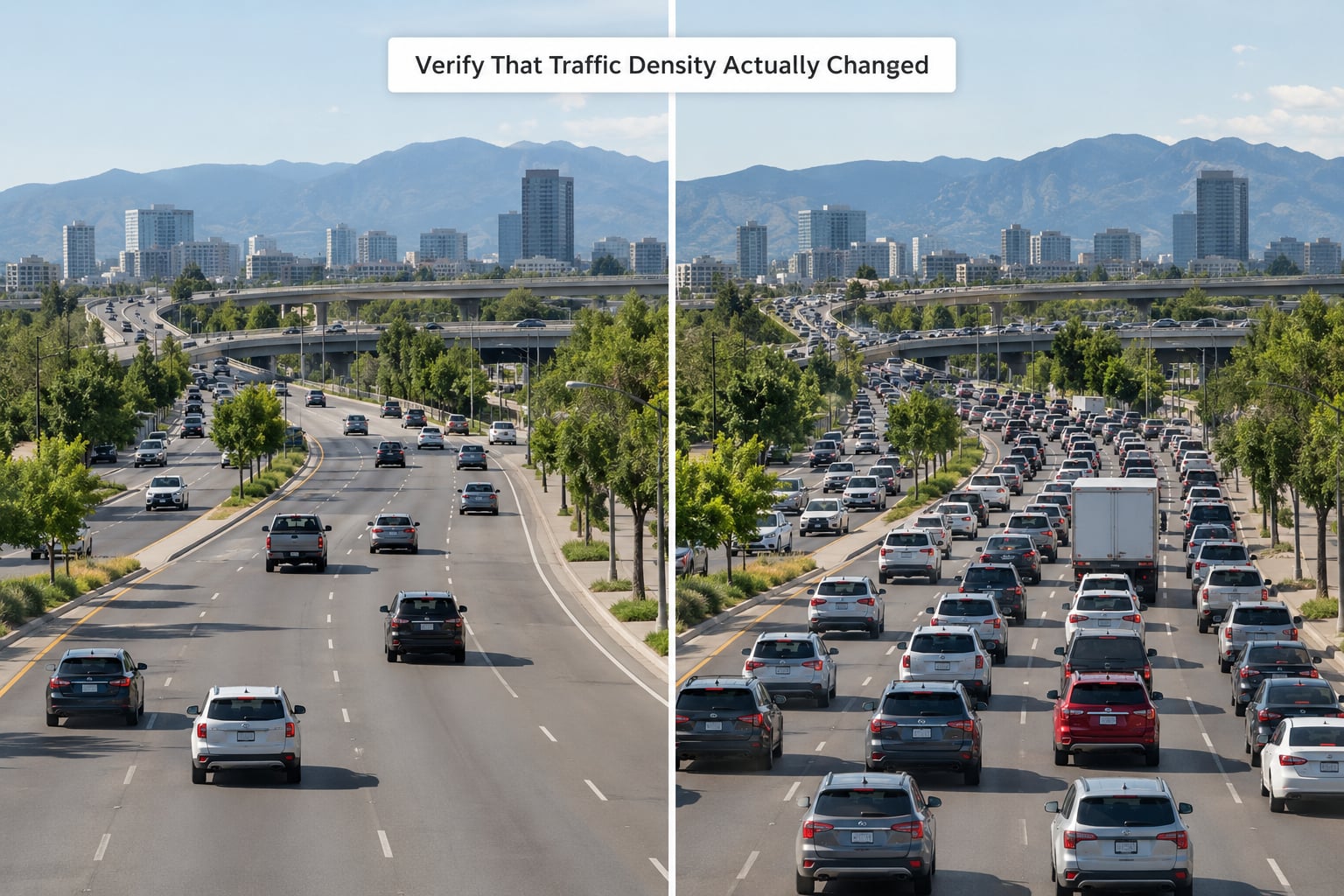
Test on the same stretch of road, at three different times of day, before you decide anything. Use a long straight arterial away from junctions.
Avoid tunnels, intersections, scripted chases, heist missions, and the airport approach for the first test. Those are natural traffic bottlenecks that already look busy, so they hide a modest increase and give you a false positive. Stand on a pavement somewhere ordinary, cycle the in-game clock through morning, afternoon and evening, and count vehicles in one direction over the same 30 seconds each time.
What a working install looks like: noticeably more vehicles queued along the same road, longer chains at signals, and cars continuing past you in both directions where the road was previously quiet. What a broken install looks like: traffic identical to stock, or worse, empty. Empty means the config is broken rather than unchanged — that is the partial-replace failure covered next.
A line of cars parked in formation at the roadside, or a distant row of vehicles sitting still on a hill, is a spacing-value artefact of the config rather than a sign of more traffic. It does not count as success.
Verification signal: higher counts than stock on the same road, at more than one time of day, with no new errors.
Common Mistakes
No visible change at all. The file is in the game folder rather than the mods copy of the archive, or Edit mode was off during the write. Confirm the path ends in modsupdateupdate.rpfcommondata and that the original update.rpf was not edited directly.
Roads are emptier than stock. A partial config replace. Players sometimes replace only a population block or a single low-density-zone line and leave the rest of the file from another source, which breaks the structure and stops traffic spawning entirely. Reinstall the config exactly as the author packaged it, whole file, from the original download.
Crash at startup or shortly into free roam. The population ceiling is above what your hardware and file limits can carry. Community answers for this point to the Heap Limit Adjuster and Packfile Limit Adjuster, which let more files exist in memory. Pull the population numbers back a notch before adding anything else.
Severe frame-rate drop. Every extra car and pedestrian is simulated, so density costs frames. Lower the values, test again, and accept a moderate setting over a maximal one.
Traffic stops once you leave the main roads. Rural zones have their own density handling, and a config that leaves those values at default will thin out fast outside the city. This is expected behaviour for a partial config, not a broken install.
A loader error on launch. The .asi filename in the addon list does not match the file on disk, including a missing .asi extension. Retype it exactly.
Traffic vanished after you touched another script. Police dispatch mods and vehicle injector mods both compete for the same spawn system, and a few mod menus expose a reduced-traffic toggle that silently clears it. Disable one thing at a time and retest so you know which change did it.
Two habits make this whole process reversible: change one thing per test, and keep your original config backup reachable. A mod that works badly is ten minutes of undo; a mod that breaks your install is a full game verification.
Frequently Asked Questions
Will a traffic-density mod make GTA V run more slowly?
Yes, to some degree. Every extra vehicle and pedestrian is simulated by the engine, so raising the population ceiling costs frames, especially on older hardware or at high settings. A moderate increase is usually unnoticeable. A maximum-density config can drop frame rates badly, which is why many players start low and raise the values a step at a time rather than going straight to the highest number.
Can I use the same traffic-density mod in FiveM?
Not the singleplayer files. A mod installed through OpenIV, an ASI Loader, or ScriptHookVDotNet affects only your local singleplayer game and has no effect on a FiveM server. Server traffic is controlled by server-side resources that the server owner installs. Adding singleplayer mod files to your own FiveM client does not increase traffic on a server you do not own.
How do I remove a traffic-density mod safely?
Reverse the install. Delete the script files from the game root or Scripts folder, then restore the config file you backed up earlier, overwriting the modified version in the mods copy of update.rpf. If the mod created a support folder in the game root, remove it too. If anything still behaves oddly, run a game file verification to restore the original archives, then re-add your other mods.
Can I adjust the traffic amount after installing the mod?
Usually yes. Config mods expose density or population values you can lower or raise and save, then test on the same road. Some scripts ship a configuration file or an in-game menu with similar settings. Tuning only changes behaviour, though. If you have no visible traffic at all, editing a number will not fix a broken file, a missing dependency, or a partial config replace.
Why does the added traffic disappear in some parts of the map?
Rural and out-of-town areas use separate density values from the city, so a config that only raises the urban budget will thin out fast once you leave the main roads. Districts that are off-road, in tunnels, or inside a scripted mission also suppress traffic deliberately. If a whole city district is empty rather than just the countryside, the more likely cause is a partial config replace, which should be fixed by reinstalling the file whole.
Conclusion
Confirm the mod supports your edition and build, back up the file you are about to replace, then install through only the method the author names. Verify on a plain stretch of road away from junctions, at more than one time of day, before you tune anything.
That order matters because each step protects the next one. If something breaks, you restore a single file rather than re-verifying the whole game.