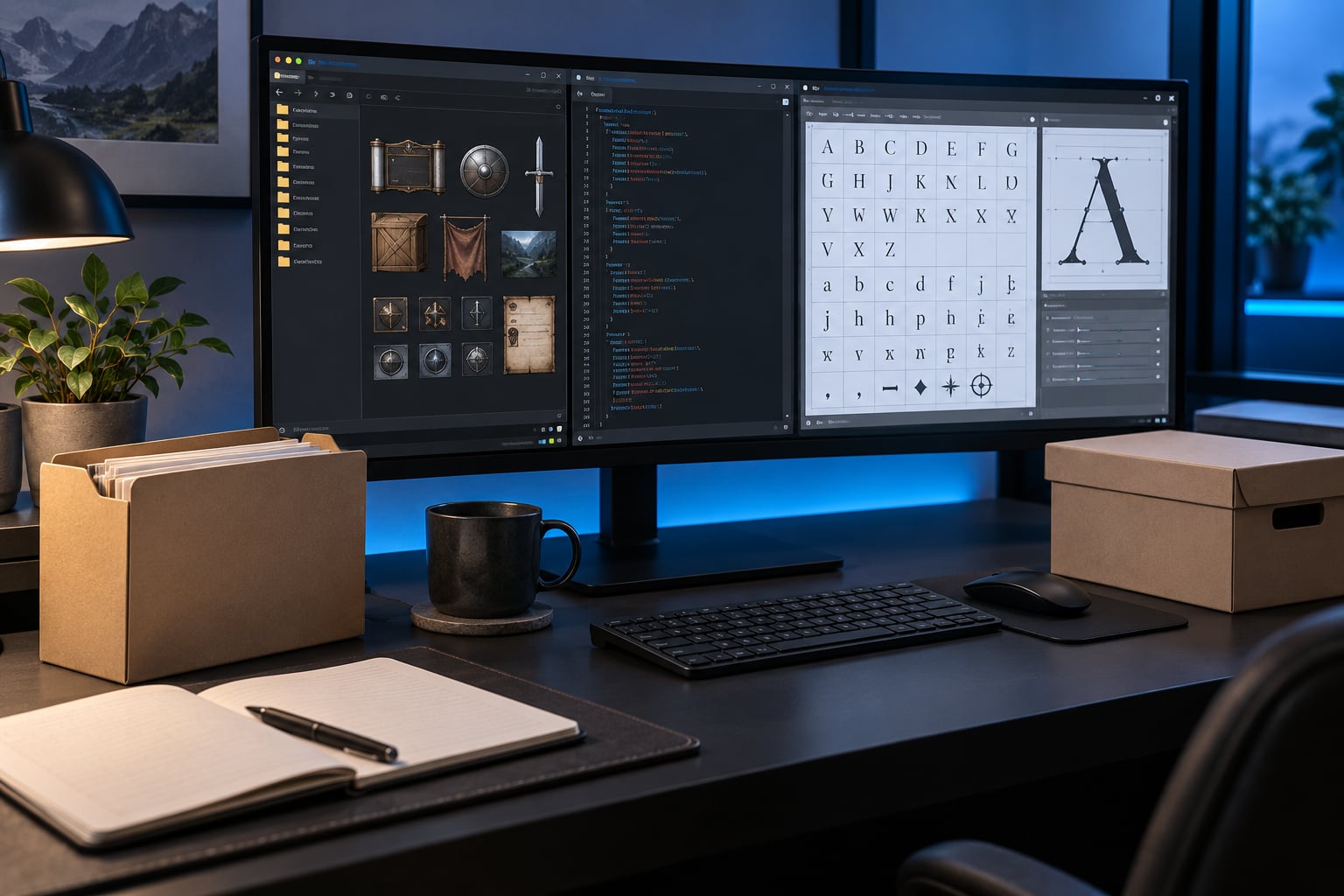
Changing the font in a game UI mod comes down to four moves: find the file that defines the typeface, drop in a replacement the engine can actually read, point the interface reference at it, then repack and test with that one mod enabled. Do those in the wrong order and you get the two classic symptoms — text that renders as empty boxes, or a menu where every label is clipped.
The reason it feels game-specific is that it partly is. A Creation Engine title reads a plain text config, an Unreal game wants cooked font assets and a command-line repack, and a Unity game usually routes everything through a font asset you edit in the editor. This guide covers the workflow that works across all of them, then shows where each engine branches off.
Budget about 30 to 60 minutes for the first pass, longer if the game ships fonts inside archives. You need no scripting for most titles, but you do need patience about file naming, because capitalization and extensions are the number one reason a swap silently fails.
Table of Contents
- 1What You Need
- 2Step-by-Step
- 3Identify the Font File and UI Definition
- 4Choose a Font That the Game Can Use
- 5Back Up the Mod and Edit the Font Reference
- 6Repack and Install the Modified UI Mod
- 7Test Every Part of the Interface
- 8Common Mistakes
- 9Frequently Asked Questions
- 10Can I use any TTF or OTF font in a game UI mod?
- 11Why does the new font show boxes or missing letters?
- 12How do I find which font a game UI mod uses?
- 13Can changing a UI font break menus or cut off text?
- 14Why does the game keep showing the old font after I edit it?
- 15Is it legal to replace the font in a downloadable game UI mod?
- 16Conclusion
What You Need
Start by gathering the mod files themselves. A UI mod folder on your disk is not enough — you also want the original, untouched game files for the same paths, so you can compare and roll back.
- The mod folder, unpacked and readable, not just the download archive
- A copy of the vanilla game files the mod touches
- A plain text editor, ideally one that shows file extensions and line endings
- A font editor such as FontForge, needed only when you must patch character maps or subset a font
- An archive tool that handles the game’s container format, such as 7-Zip or a BSA browser for Bethesda titles
- An image viewer, because plenty of UI fonts are really texture atlases with a JSON sidecar
- Backup storage outside the mod folder, so overwriting is always reversible
The exact list shifts with the engine. Flash-era games such as Skyrim Special Edition need a tool that can build SWF font libraries. Unreal titles need the engine itself plus UnrealPak. Unity games mostly need the editor version that matches the build. GameMaker and Godot projects are usually plain text or resource files, and those are the friendliest of the bunch.
One more thing worth setting up before you touch anything: know how the game loads mods. A virtual file system, where an override folder shadows the original read, behaves very differently from an archive you unpacked by hand. Both work, but they break differently and the rollback differs.
Step-by-Step
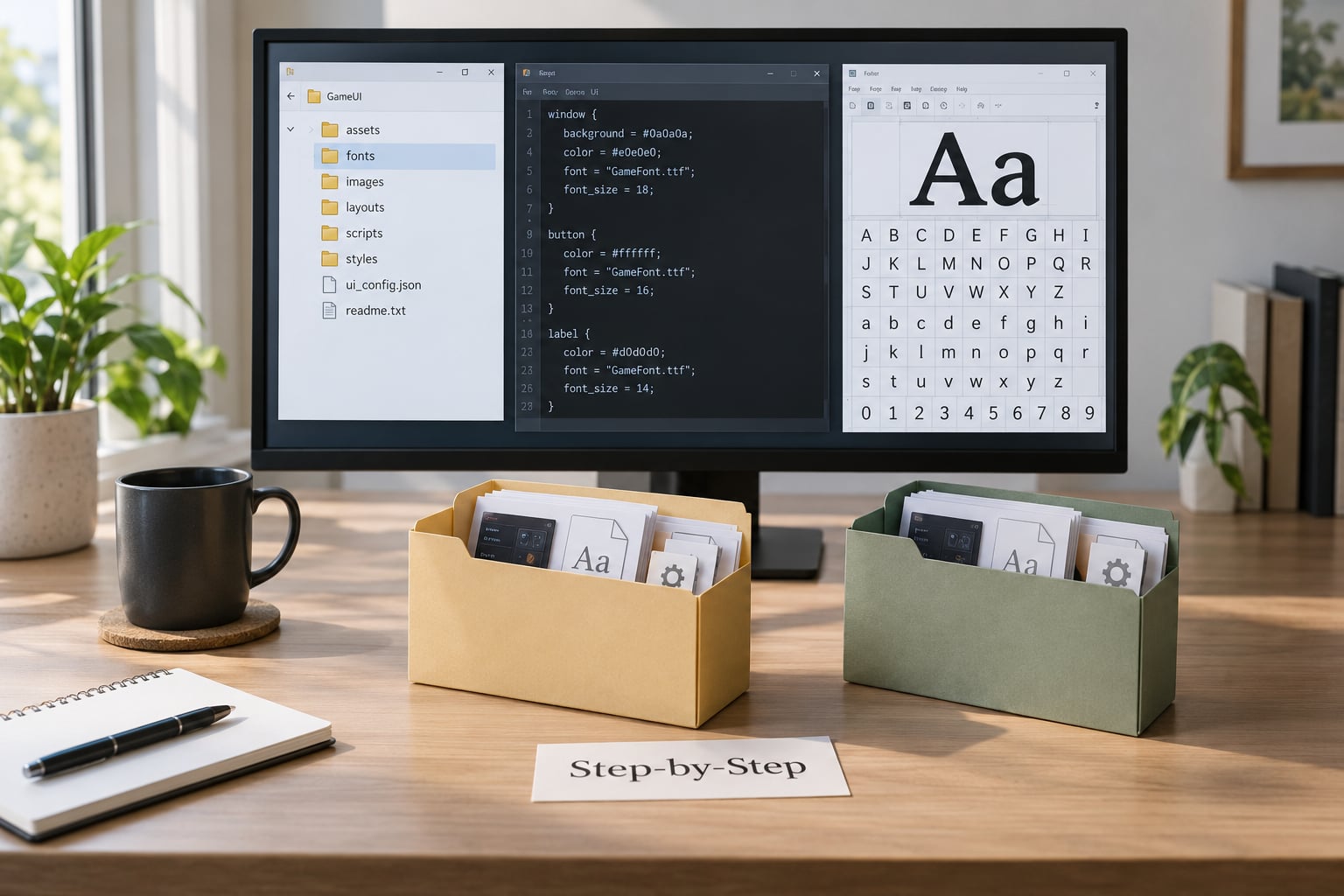
Identify the Font File and UI Definition
Look inside the mod folder first, because a well-built UI mod usually names its own targets in its readme. If the description mentions a font path, a config file, or an XAML theme, that is your starting point.
Next, open the folder and sort by extension. What you find tells you the font technology in use:
- TTF and OTF files mean the game renders type directly from a font file. Renaming and swapping usually works.
- SWF files mean a Flash or Scaleform interface. The typeface is embedded inside, and the character ranges are declared in the file rather than inferred from the font.
- XAML theme files mean a WPF or UWP interface, where the family name is a string attribute in markup.
- JSON or XML sidecars next to a PNG or TGA mean a bitmap or atlas font, where each character lives at a fixed cell in an image.
- Engine assets like .uasset, .ufont or a TextMeshPro asset mean the font was cooked by an editor and cannot be edited in a text editor at all.
Find the reference that points at the font. Search the unpacked mod for the font’s filename, for a generic tag such as FontFamily or fontlib, and for the words you see on screen mapped to a style entry. In most engines, the chain looks the same: a style or theme file names a font family, that family resolves to a file path or an embedded resource, and every menu in the game reads from that one place.
That chain is why changing the font is usually a small edit. It is also why changing only the file sometimes appears to do nothing — the reference may point at a different copy than the one you edited.
Choose a Font That the Game Can Use
Not every typeface survives contact with a game engine. Before downloading anything, check four things: format support, glyph coverage, available weights, and the license.
Format support is engine-specific. Flash and Scaleform interfaces generally want a TrueType or OpenType face and will complain about post-embedded outlines. Bitmap font setups want a fixed pixel grid with matching atlas dimensions, so a high-resolution face scaled down will look blurry no matter how crisp the original is. Unity’s SDF-based text pipeline accepts a font asset but generates its own atlas, which is why you import rather than copy.
Glyph coverage is where most attempts die. One modder testing dozens of downloadable faces reported that only a third worked, with the failures clustering around missing punctuation and unmapped characters. Check the font covers everything your game can display: accented Latin, Cyrillic, Greek, CJK if the game ships those languages, currency symbols, and every piece of punctuation the UI uses. Open the font in a viewer and type the punctuation line !”#$%&'()*+,-./:;?@ directly to see what falls back.
Weights matter more than people expect. Most UI systems ask for at least regular and bold, and many ask for a fourth italic or bold-italic slot. If the theme requests a weight your font does not have, the engine substitutes a default face and your new font shows up in only half the interface.
Licensing is the part people skip and regret. Fonts labelled open source still split into permissive licences that allow embedding and redistribution, and licences that forbid shipping the file inside a mod. The SIL Open Font License and the Apache licence are the comfortable ones. A desktop font you bought for your own machine is not automatically free to hand to ten thousand mod users. If you publish a font mod, read the licence text and keep any attribution file the licence requires.
Back Up the Mod and Edit the Font Reference
Duplicate the entire mod folder somewhere outside your mods directory and name the copy with today’s date. This is the step people regret skipping, because a broken UI mod is painful to unwind when two other mods also touch the interface.
Make your edit in the copy, not the original. Working in the copy means a mistake costs you one folder rename.
Keep these details exact while editing:
- File name, including extension, character for character
- Directory structure and every relative path that leads to the font
- Capitalization of folders and files, which matters on case-sensitive systems and Linux through Wine
- The font family name string inside the theme, config or XAML file, matched to the new face’s internal name
- XML tags, attribute quoting and the XML declaration when the file is XML
- Tab or space indentation, which some parsers treat as part of the value
When you swap the file itself, name it the same as the one it replaces rather than inventing a new name. Most engines resolve fonts by path and will not notice a second, differently named file sitting next to the original. When you swap the reference instead, the new family name has to match the new font exactly, including spaces and case.
Save in the encoding the file started in. UTF-8 is the safe assumption for modern files, but older Scaleform and XML layouts sometimes use UTF-16 or a legacy code page, and a careless save can strip accents or turn every non-Latin character into a replacement symbol.
Repack and Install the Modified UI Mod
If the mod was an archive, repack it with the same structure. Compress the contents of the folder itself, not the parent folder, so the paths inside the archive match the paths on disk one level up. Use store or minimal compression for already-compressed assets; nobody benefits from a deflate pass over a PNG.
For archive-based games, the format matters. A loose-file override is the safest first test because it is easy to inspect and easy to remove. Only repack into the game’s own container once the loose version behaves, and keep a copy of the original container alongside it.
Clear the shader cache, asset cache or any generated UI cache when the game has one. Cached interface layouts are a frequent reason a correct edit appears to do nothing on the first launch and works on the second.
Load order matters as much as file location. Font mods are conflict magnets: two mods that both swap the same font path will produce a coin flip unless one declares a priority or a winner file. In a mod manager, load the UI overhaul first, then the font mod after it, and check the manager’s conflict list before launching.
Test with only this one mod enabled. Turning off everything else isolates the failure to your change instead of leaving you guessing which of five mods is fighting which.
Test Every Part of the Interface

Open every screen that draws text, not just the main menu. Menus, HUD labels, tooltips, dialogue boxes, the pause screen, the map, subtitles, character creation, inventory grids and settings all tend to use different font sizes and sometimes different families.
On each screen, look for four specific failures. Clipped or truncated text means your font’s metrics run wider than the original, which is common when a wider typeface meets fixed-width layout boxes. Empty boxes or blank gaps mean missing glyphs, so widen the character range and rebuild. A fallback face appearing in only some elements usually means one theme file still points at the old family name. Stretched or distorted text points at a bitmap atlas whose cell size no longer matches.
Then test with live text. Open a text-heavy screen, type into any field the interface offers, and check that the caret, the selection highlight and the scrollbar all sit correctly. Static menu text passes easily and hides most alignment problems.
Check the controller path too, if the game has one. Several titles keep a separate interface definition for gamepad navigation, and a keyboard screen can look perfect while the controller screen still shows the old font.
Finally, play five minutes of actual gameplay. Dynamic text, damage numbers and chat boxes often use a different size setting from menus, and long player names are the fastest way to find clipping.
Common Mistakes
Almost every font mod failure falls into one of these buckets, and each has a tell you can recognize in under a minute of play.
Editing the wrong file. The interface loads the font from a second location — a themed variant, a language folder, or an engine asset that was cooked from the loose file you edited. Search the whole unpacked mod for the old font’s name and note every hit before changing anything.
Using an unsupported font format. Flash-era interfaces reject some OpenType faces, and bitmap setups need pixel-grid fonts at an exact size. Convert to TrueType, or match the original’s raster size, before hunting for other causes.
Missing glyphs and empty boxes. The font lacks a character the game requests, or the character range declared to the engine is narrower than the game’s language support. Expand the declared range, rebuild the font resource, and test with accented and non-Latin text.
Corrupted archives. Nested folders inside the archive, or compression applied to files the engine reads directly, produce a mod that mounts and then fails. Rebuild the archive flat, with the folder’s contents at the archive root.
Wrong paths and case sensitivity. A directory spelled with different capitalization mounts correctly on Windows and fails on Linux, in Proton, or on a Steam Deck. Match the original casing exactly.
Edits that appear ignored. A stale cache, a lower-priority mod overriding your file, or a leftover vanilla copy in the load order will each do this. Clear caches, check the mod manager’s winners list, and remove duplicate copies.
Text too large or too small. Font size is usually a separate value from the font family. Look for a size or scale setting in the same theme file rather than trying to compensate by picking a font with different proportions.
Licensing problems. Shipping a font whose licence forbids redistribution can get a mod removed. Prefer permissively licensed faces for anything you publish, and include the licence file when the terms require it.
One element still using a different font. A separate style entry, an in-game event log, or the controller interface definition often keeps its own reference. Expect to edit several references, not one, and finish the whole set before you judge the result.
And keep a reset path. Know exactly which folders to delete and which key in your mod manager disables the mod, so a broken interface is a two-minute recovery rather than an evening of reinstalling the game.
Frequently Asked Questions
Can I use any TTF or OTF font in a game UI mod?
Usually, but not always. Most engines accept TrueType or OpenType directly, while Flash and Scaleform interfaces can reject faces with certain outline formats, and bitmap font setups need a pixel-grid font at the original’s exact size. Match the format the game already uses, provide regular and bold weights, and confirm the font covers the characters your language needs before you build anything.
Why does the new font show boxes or missing letters?
The font does not contain the glyphs the game is asking for, or the declared character range is narrower than the language set. Some modders report testing dozens of downloadable faces and having only a fraction work, mostly because punctuation was missing. Open your font in a viewer, type a full punctuation line and some accented characters, then widen the character range in the font resource and rebuild it.
How do I find which font a game UI mod uses?
Search the unpacked mod folder for font file extensions first, then search the text files for the font’s filename, for family-style tags such as FontFamily or fontlib, and for the words you see on screen. Most engines keep one reference chain: a theme or config names a family, the family resolves to a file, and every screen reads from there. A mod’s readme often names the target files outright.
Can changing a UI font break menus or cut off text?
Yes, when the new font’s metrics are wider than the original and the layout boxes are fixed width. Expect truncation in skill trees, settings lists, tooltips and item grids first. Choose a typeface with similar proportions to the one it replaces, check whether the interface exposes a separate size or scale setting, and test every screen rather than judging the change from the main menu.
Why does the game keep showing the old font after I edit it?
Four causes cover nearly every case: a cached interface layout that needs clearing, another mod loading the same font path with higher priority, a duplicate vanilla or themed copy in the load order, or an edit to a file the engine never reads. Clear the asset cache, check your mod manager’s conflict and winners list, then search the entire mod folder for every occurrence of the old font’s name to find the copy you missed.
Is it legal to replace the font in a downloadable game UI mod?
Publishing your own changes is normally fine, but the font file itself must allow redistribution. Permissive licences such as SIL Open Font License or Apache let you ship the file inside a mod, often with an attribution requirement. A commercial desktop licence usually does not. Read the licence text before uploading, include any required credit file, and choose an openly licensed typeface if you want the widest audience.
Conclusion
The safest first move is to change nothing yet and copy the original files somewhere you can reach them. Then identify the exact font format and the exact reference that points at it, replace a single font, and test the whole interface with only that one mod enabled.
That sequence is what turns a two-hour argument with a broken menu into a fifteen-minute edit. Once one font works, converting the change across the rest of the mod is repetition rather than guesswork.
Updated for 2026.