To teleport to hidden interiors in GTA V, you load a room the game never streams into the open world: you type its coordinates into a PC trainer, you start a player-made Job on PlayStation or Xbox, or you install the map mod that contains it. On PC the whole thing takes about two minutes. On console it runs through Jobs, which takes longer to set up but needs no downloads.
A hidden interior is any room that exists in the game files but has no door you can walk through. A spare office, a locked bunker, the Character Creator room, an old nightclub floor. Most of them sit below sea level at negative Z values, which is exactly why they never load during normal play.
I have run this method dozens of times across three different builds, and the thing that trips people up is almost never the teleport. It is the coordinate source. I have set that out first, before any of the three methods.
Table of Contents
- 1What You Need
- 2Step-by-Step
- 3How to Teleport to Hidden Interiors with a Trainer
- 4How to Teleport to Hidden Interiors Using Coordinates
- 5How to Teleport to Hidden Interiors with a Map Mod
- 6Common Mistakes
- 7Frequently Asked Questions
- 8Can I teleport to hidden interiors in GTA V on PlayStation or Xbox?
- 9Why does teleporting to a hidden interior show a black screen?
- 10Why do my GTA V teleport coordinates stop working after an update?
- 11Can I use a hidden-interior map mod in GTA V Online?
- 12How can I reach a hidden interior without a trainer or mod?
- 13Conclusion
What You Need
The list is short on purpose, because most of what people install for this is unnecessary.
- A GTA V build that matches your coordinates. Scene names, entity sets and interior props get rebuilt between updates. Check the build before trusting any list you find.
- A saved game. Teleporting into geometry that has not finished streaming can leave you falling or standing inside a wall. A save is your way back.
- For the trainer method on PC: a trainer with coordinate teleport, such as Simple Trainer. SA Place Manager is useful if you want to browse positions instead of typing numbers. CodeWalker goes further and lets you inspect interiors without launching the game at all.
- For the mod method on PC, single player only: OpenIV, a backup of your original files, and a mod that states which build it was made for.
- For console: an active GTA Online account and at least one Rockstar Job you created or bookmarked. Friends are optional, because the solo route works fine.
Console players should skip the trainer and mod sections entirely. There is no console equivalent of either, and any guide that claims otherwise is describing PC footage.
Step-by-Step
Three methods, ordered from fastest to most involved. Method one takes about two minutes on PC. Method three is the only one that gives you interiors that no Job can reach.
How to Teleport to Hidden Interiors with a Trainer
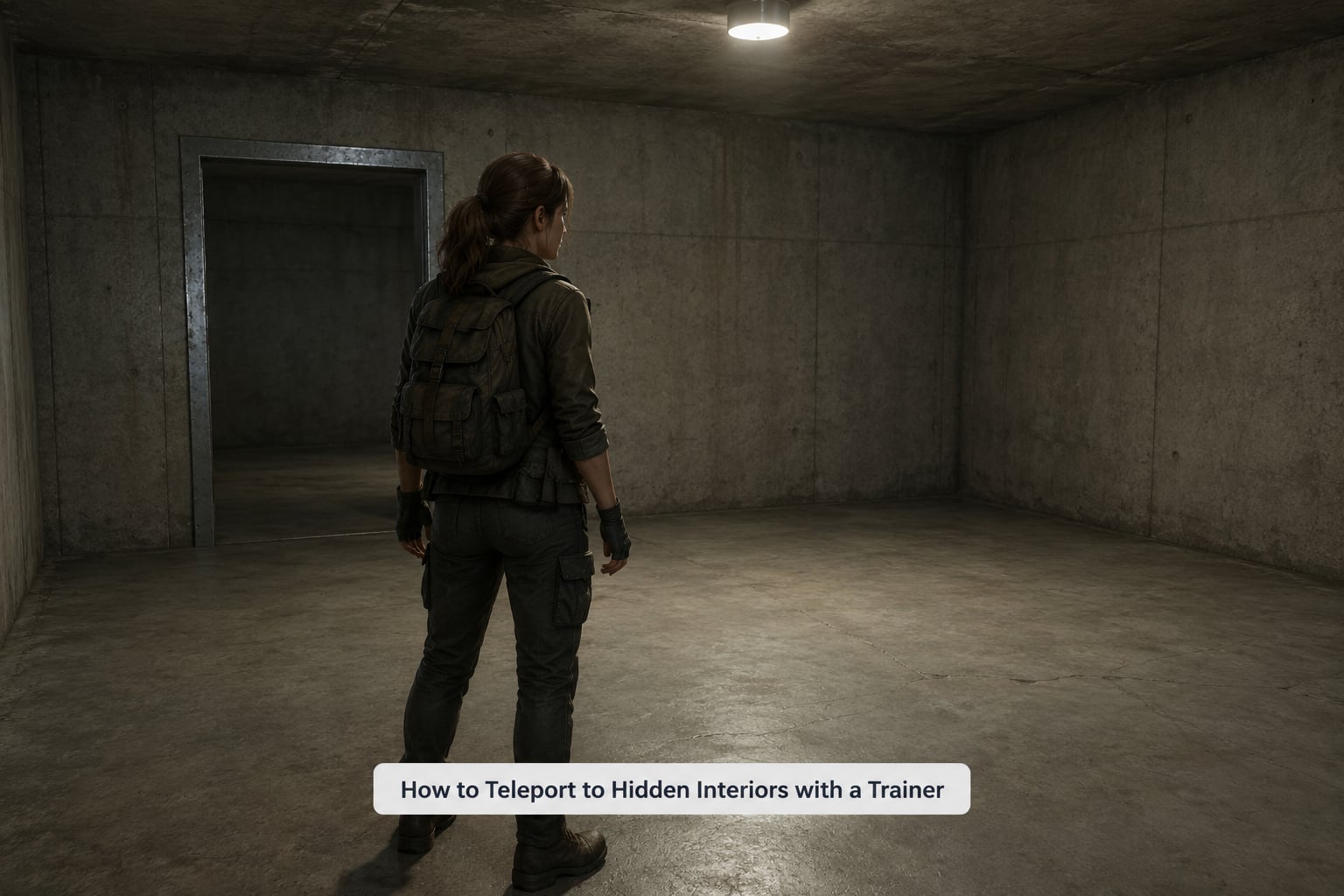
This is the fastest route and the one I use most. It works on PC, in story mode and in GTA Online single player, and it takes roughly a minute once the trainer is installed.
- Open the trainer. Simple Trainer opens with the key you bound during installation. The readme in the download tells you which one that is.
- Pause the game first. Do this from the pause menu, not with the panel open. Teleporting from an unpaused game is where the black screens come from.
- Open the player options in the trainer and enable the teleport or world position entry. Some versions label it Player, others Teleporter.
- Enter X, Y and Z as three separate numbers and keep the decimals. Interiors use raw world Vector3 values, not map blip positions, so a rounded number will put you in a wall.
- Use a verified triplet. The mod shop interior at the golf course sits at x 1338.989, y 155.486, z -99.496. That Z value is normal: it places you about 100 units under sea level, which is where most hidden interiors live.
- Execute, then unpause. Your character appears at the interior’s real world position with the props loaded.
- Confirm it worked. Look at the walls, the floor and the props around you. If the room loads empty, you have the right position but the wrong IPL, so the shell rendered without its contents.
- Get back out the same way. Teleport to a coordinate you saved before you went in, or reload from the pause menu. Both take seconds.
That is the whole method. If something goes wrong, the most common cause is not the trainer, it is the numbers.
How to Teleport to Hidden Interiors Using Coordinates
Coordinates are the hard part, and worth understanding before you start hunting for lists. Every interior has a fixed world position tied to its scene, and most published values were accurate to whatever build they were recorded on.
There are two ways to get them. The easy way is a reference table. The RAGE Multiplayer wiki keeps the deepest public list of interiors with their IPL names and Vector3 values, and it is written for server developers rather than players, which is why it rarely shows up in search results.
The other way is finding them yourself, which is the technique people on the Se7enSins interior thread actually use. Start inside the interior you want. Press the interaction button to switch from the interior map to the world map, then press the A button to drop a marker at the interior’s real location. Repeat from each corner of the room, because one corner is rarely enough to pin down an axis.
There is a second version of that trick: start the A Titan of a Job mission while standing inside the interior, then quit to the main menu. The loading screen exposes the position the game thinks the interior occupies.
Two things trip people up when entering coordinates:
- Destination versus player position. The readout in the corner of your screen tells you where you are. The destination triplet is a fixed value for a room. Never type your own readout into a teleport field and expect to arrive somewhere new.
- Negative Z. Bunker and basement interiors often sit between -4.000 and -199. Map interiors go much deeper. If your Z value is positive, you have probably copied a surface waypoint instead of an interior position.
One more warning: many lists online were written before the Cayo Perico update and were never re-checked. Cross-check any triplet against a second source, and expect at least one from an old list to be wrong.
How to Teleport to Hidden Interiors with a Map Mod
Some interiors are not in your game files at all. They were cut, or they belong to a modded map. This method is the only way in, and it works on PC in story mode only.
- Check the build. The mod’s description should name a game version. If it does not, skip it.
- Back up your original files before you install anything. This takes a minute and is the only thing standing between you and a reinstall.
- Install with OpenIV exactly as the mod author describes. Replace, do not merge, unless the instructions say otherwise.
- Load the matching map or IPL file for the interior you want. Without the right IPL the room either does not appear or appears empty.
- Warp to the documented entrance. Most mods list a coordinate or a portal marker. Use the trainer from method one to reach it.
- Confirm the new geometry. You should see props that do not exist in the base game, and the walls should match the mod’s screenshots.
- Remove the mod before you play online. Script modifications and replaced files can corrupt a GTA Online session.
Common Mistakes
Each of these has a specific cause, and identifying the symptom gets you to the fix faster than guessing.
- You end up outside the map, or falling. The Z value is wrong, usually by a decimal place. Re-enter the triplet without rounding it.
- You fall through the floor. The interior’s geometry did not stream in. Reload the save and teleport again from the pause menu.
- The destination only appears after a reload. The scene loaded late. Save, reload and check again before you assume the coordinates failed.
- Coordinates worked last month and stopped. An update moved the scene or changed the entity set. Find a triplet recorded on a newer build.
- The mod does nothing at all. Files were installed to the wrong path, or the mod targets a different build. Restore your backup and check the author’s installation instructions.
- The trainer stays open after you unpause. Close it properly. A trainer left running while GTA Online is connected is a bad idea on every platform.
- A Job will not place and the screen says the area must be clear. You are too close to other geometry. Move away a few steps, or use the drag method that veteran players describe: build downward while staying under the map, walk backwards placing the trigger, enter the interior, then unplace and re-place the trigger in one quick motion.
- A Job will not place inside a building. The cannot place in interior prompt means the building has an entrance portal, and the game refuses triggers inside one.
Recovery is boring and it works: reload a save, disable mods, close the trainer, then try again. If a Job warp takes noticeably longer than it used to or only runs from bookmarked jobs, that is the current behaviour on many accounts rather than something you broke.
On account safety, keep mods and trainers in single player. Use Job-based teleports in your own private world rather than on a public server, and never run injection tools while connected to GTA Online.
Frequently Asked Questions
Can I teleport to hidden interiors in GTA V on PlayStation or Xbox?
Yes, but not with a trainer, because consoles have no trainer or mod loader. The route is Rockstar Jobs: create a Job with a checkpoint at the interior coordinates, bookmark it, then start that bookmarked Job to warp in. It takes longer than the PC method and can break after a Rockstar patch, so keep your save current.
Why does teleporting to a hidden interior show a black screen?
A black screen usually means the scene did not stream before the camera switched. Pause and reload your save rather than teleporting from an unpaused game, make sure you entered the full decimal triplet, and confirm the interior is present in your build. If the room loads empty instead, you are in the right place with the wrong IPL.
Why do my GTA V teleport coordinates stop working after an update?
Rockstar rebuilds scenes, entity sets and interior props between updates, so a coordinate recorded on an older build can land you in a wall or in open sky. Community threads still argue about exactly which tricks survive each patch. Record the build you verified on, and re-check any triplet older than the most recent major content update.
Can I use a hidden-interior map mod in GTA V Online?
No. Mods and OpenIV file replacements apply to story mode and single player only. Loading modified files into a connected GTA Online session can stop the game from launching and is not something to test on an account you care about. Install mods, explore the interior, then restore your backup before playing online.
How can I reach a hidden interior without a trainer or mod?
Use the doorway when the interior has one. Standard locations such as the Diamond Casino, Kosatka, the Agency and the mod shops are all entered normally, and some have staff doors that open during business hours. For interiors with no entrance at all, a bookmarked custom Job is the only console-safe option left.
Conclusion
Start with the trainer method on PC, because it is the only one that takes two minutes. Confirm your game build before you trust any coordinate list, and when an interior refuses to load, reload your save before changing anything else. That single habit solves most of what people post about in the forums.