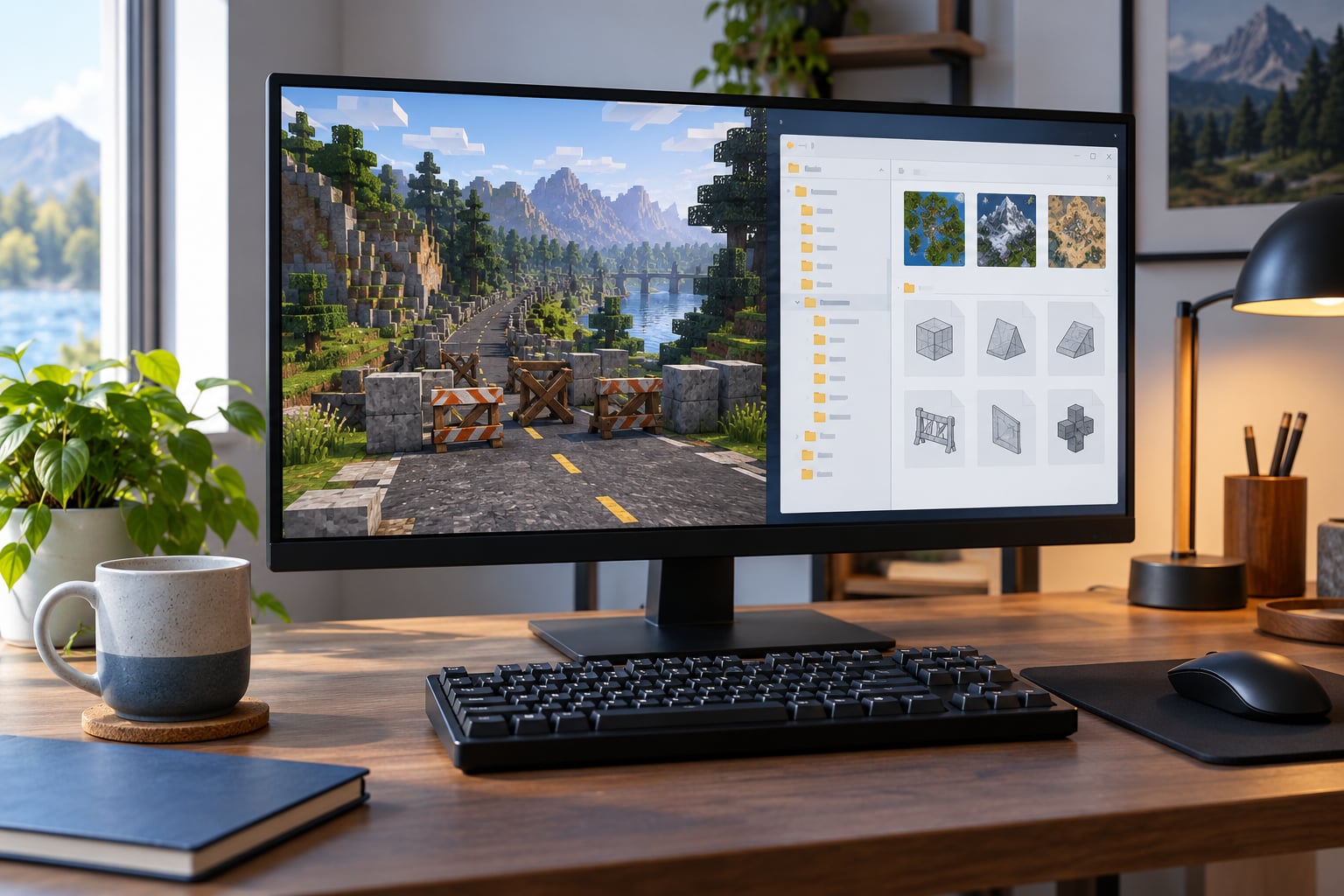
Invisible walls after a map mod almost always come from one of three things: collision data that never loaded or loaded stale, a mod built for an older game build, or another mod taking priority in the load order. Back up your game files first, clear the cache, then work through the steps below in order.
Most of the pain here comes from two different problems wearing the same name. A phantom collision wall stops you dead where you can see clear road. Missing collision lets you drop through a floor that is plainly there. The fixes are opposites, and picking the wrong one wastes an evening.
Nothing in this guide requires you to reinstall the game. The forum threads on this topic are full of people ready to wipe a working install over a single blocked tunnel, and that is almost never the right move.
Table of Contents
- 1What You Need
- 2Step-by-Step: How to Fix Invisible Walls After Installing a Map Mod
- 31. Confirm the invisible wall is caused by the map mod
- 42. Verify the map files and installation requirements
- 53. Restore or regenerate the map’s collision data
- 64. Correct the mod load order and disable conflicts
- 75. Clear the game cache and reload the map
- 86. Test the area and save a working version
- 9If you play FiveM
- 10Common Mistakes
- 11Frequently Asked Questions
- 12Can an invisible wall be a mission bug instead of a broken map mod?
- 13Why does reinstalling the map mod not remove the invisible wall?
- 14Do all GTA games use the same collision files and mod loader?
- 15How can I test whether a map mod’s collision data works?
- 16Will removing a map mod damage my existing save?
- 17Should I reinstall the whole game if the invisible wall remains?
- 18Conclusion
What You Need
Before you touch anything, gather the right files. Half of the bad installs I see are simply missing a dependency that the mod page lists three lines down.
- The exact game version and build. Write it down from the main menu or your launcher. Story Mode, Legacy Story Mode, GTA Online and FiveM all load map data differently.
- A clean save you can fall back to. Not your main save. Copy it to a separate folder before you go further.
- The map mod archive itself. Keep the original download, not just the extracted files.
- The installation instructions. Read the readme and the comments. Map authors almost always list required files there.
- A file archive or backup tool. For GTA V that is OpenIV. For San Andreas it is an IMG editor such as TXD or an archive patch.
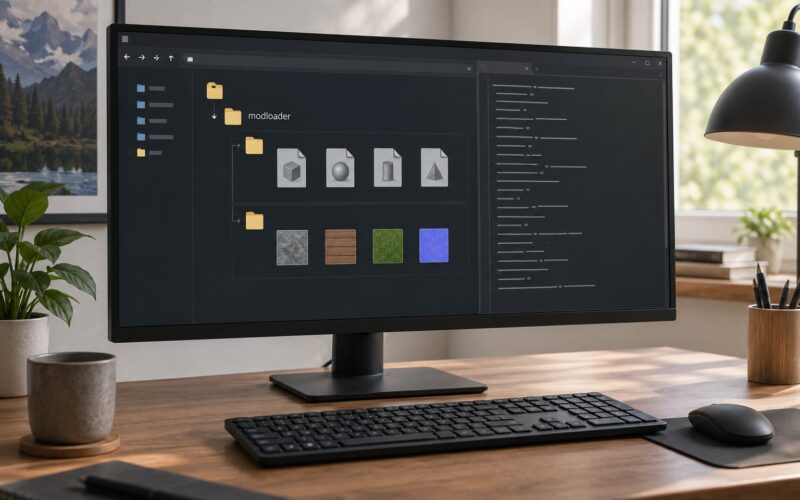
- The mod loader, if you use one. Note that a Mod Folder install and a manual install are not the same thing, and mixing them is a common cause of phantom geometry.
Make one backup folder, drop your dlc.rpf, x64.rpf and any archive patches you have touched into it, and keep it outside the game directory. On San Andreas, back up gta3.img and gta_int.img instead. That single folder is what turns this from a scary job into a ten-minute one.
Last updated for 2026. The paths below match current GTA V and San Andreas installs; older builds used different archive names.
Step-by-Step: How to Fix Invisible Walls After Installing a Map Mod
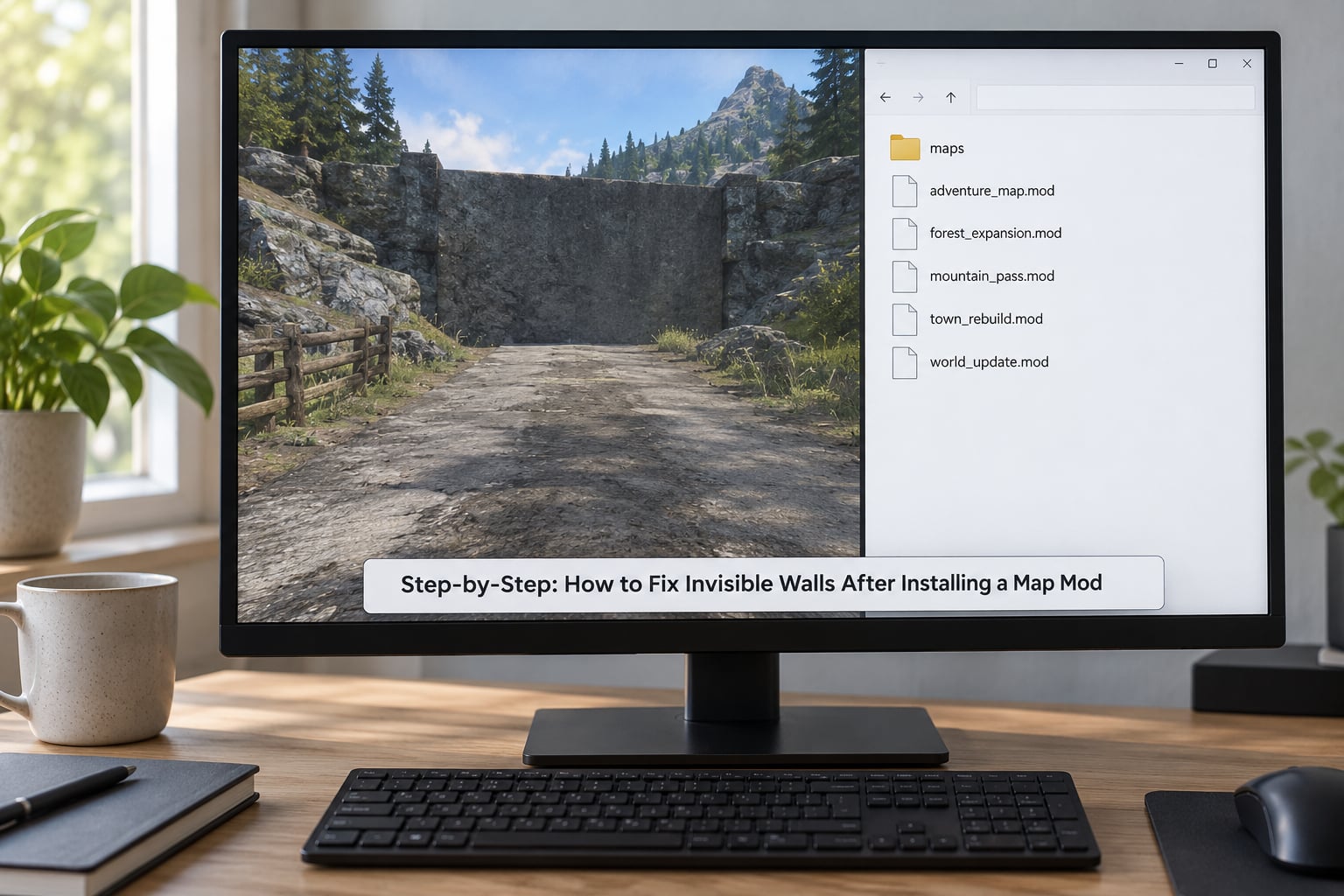
Match your symptom in the table below before you start. Knowing which row you are in tells you whether you need to add collision or strip it out.
| What you see | Most likely cause | Go to |
|---|---|---|
| You walk into nothing on visible open road or water | Phantom collision, usually from an older fix pack or a leftover file | Steps 2 and 4 |
| You fall through the floor or clip through a wall | Missing collision, often the mod author’s own bug or a missing dependency | Steps 2 and 3 |
| Only vehicles stop; the character walks through | Collision archive loaded in the wrong place, so part of it never attached | Step 2 |
| Black screen after loading the map | Version mismatch or a conflict, not a collision fault | Steps 1, 4 and 5 |
| Game crashes on spawn or at the mod’s entrance | Interior ID collision between the mod and another map | Step 4 |
| Fine yesterday, broken after a game update | The mod was built for the previous build | Steps 1 and 2 |
1. Confirm the invisible wall is caused by the map mod
Test on a clean save with every other mod disabled. Load the location before the map mod is installed, then load it after. If the route works in one state and not the other, the mod is the cause and you can stop hunting.
Walk to the boundary and look closely. Gameplay cameras hide geometry at distance, so a wall that appears to sit mid-road is sometimes the edge of a loaded interior. Free camera mode on a trainer or photo mode view lets you see whether a surface actually exists behind the obstruction.
Expected result: you can name the exact coordinates and say whether it is a hard stop or a pass-through.
2. Verify the map files and installation requirements
Compare every file you installed against the author’s list, not against the archive you downloaded. Archives often bundle several optional files, and skipping a required dependency is the single most common cause of both fall-through and phantom walls.
Then check where the files landed. On GTA V, map data belongs under x64.rpf and the game root, and a Mods folder install needs the correct folder name to match the mod folder path inside the archive. Get that pairing wrong and the engine silently ignores the whole thing.
On San Andreas, world files belong in gta3.img and interior files in gta_int.img. Putting an interior archive in the world archive is a routine mistake.
Expected result: every listed file is present, in the folder the author named.
3. Restore or regenerate the map’s collision data
Reinstall the mod’s own collision files first. Delete the installed copies, clear them from any mod folder, and put the originals back exactly where the readme says. A partial reinstall is what produces a wall in the wrong place: fresh geometry, old collision.
If the mod shipped a separate collision fix, install that on top now. Community fix packs such as SA-Community-Map-Fixes add collision to spots the base game leaves open, which is why they are installed after the map and not before.
Reserve the heavier tools for last. CollEditor2 and CodeWalker only help if the collision exists in the file you are looking at, and GTAForums users report opening both at the exact spot of a phantom wall and finding nothing at all. When the editor shows no vertices, the collision lives in a different file or a different game layer, and editing by hand just wastes time.
Expected result: the road, bridge or entrance is walkable and drivable in both directions.
4. Correct the mod load order and disable conflicts
Load order decides which file wins. Start from a clean profile with only the map mod enabled, confirm the area works, then re-enable your mods one at a time. That order tells you the conflict instead of guessing.
The usual suspects are other map mods, ASI loaders, trainers, Reshade and other overlays. Two map mods that each ship a fix pack will fight over the same coordinates, and the fix pack that loads second leaves phantom geometry behind.
For GTA V, the practical rule is that the map mod loads before the tools that patch it, not after. Your loader’s priority list should follow whatever the map author’s notes specify, and if they do not specify one, ask in the comments rather than inventing an order.
Expected result: enabling your full setup one by one reproduces the working state, so you know the exact combination.
5. Clear the game cache and reload the map
Shut the game down completely, then clear the temp folder the launcher uses for GTA V and the modded San Andreas install. The path sits under your user folder in an AppData location, and it holds temporary cleared-data files rather than your saves.
Do not touch the folder where shader caches and persistent mod loader data live. Clearing that resets options and can strip a working configuration, which is a good way to trade a small problem for a large one.
Restart the game, load the same save, and walk the route again before changing anything else.
Expected result: the map renders and the area loads fresh rather than from the previous session’s state.
6. Test the area and save a working version
Test on foot first, then by vehicle, then by swimming if the mod adds water. Walk the full perimeter of the new terrain, because a collision fault usually hides at the seam where the mod meets the base game rather than in the middle of the new content.
Check the minimap against the road you can see. A map that looks right while the ground blocks you is still a broken install, and screenshots of the mismatch help the mod author far more than a description.
Save only once the route works. Then write down your game build, the mod version, the fix pack you applied and anything else you have installed, because the same question comes back after the next update.
If you play FiveM
FiveM is a different system. Single-player fixes that go through OpenIV do nothing for a server, because the server streams its own map and navigation. Allied Mods threads repeat the same lesson: restoring your local map folder and rejoining still leaves the custom nav in place.
On a server, the fix belongs to the server owner. Players can check whether the issue is server-side by testing the same coordinates on another server running the same map. If the wall follows you across servers, it is your own client setup; if it stays with one server, send the coordinates to whoever runs it.
Common Mistakes
Each of these shows up again and again, and each has a simple fix once you know what it is.
- Installing only the visible map files. Texture and geometry ship separately, and collision is the half people skip. Reinstall the full archive rather than the folder you already unpacked.
- Using files for the wrong game version. A Legacy Story Mode mod on the current build, or a story mod on Legacy, fails in ways that look like collision faults. Check the mod page for the build it was made against.
- Overlooking dependency files. Fix packs and common libraries are listed as requirements, not optional extras. A missing dependency gives you collision that loads in the wrong order.
- Placing collision archives in the wrong directory. World and interior archives are not interchangeable, and the wrong game layer fails quietly.
- Changing load order after you have tested. It feels harmless and it is not. Fix the order once, confirm the area, and then stop.
- Deleting saves instead of repairing the mod assets. Saves hold mission state, not map geometry. Rolling back the files is what fixes a map, and your progress stays untouched.
- Giving up on the collision editor too early. If it shows nothing at the spot, the collision is not where you think. Check the file and layer before you start moving vertices.
One habit worth keeping: capture a screenshot of the blockage before you change anything. Mod authors ask for coordinates more often than any other detail, and a photo with the HUD visible tells them the interior ID too.
Frequently Asked Questions
Can an invisible wall be a mission bug instead of a broken map mod?
Sometimes. Missions block areas with scripted triggers that behave exactly like collision, and some story missions lock doors or zones permanently. Check by loading a save from before the mission ran, or by starting a new game with the map mod installed. If the route is open there and blocked in your save, it is mission scripting and reinstalling collision will not change anything.
Why does reinstalling the map mod not remove the invisible wall?
Because the collision is not coming from the files you are replacing. A leftover fix pack, another map mod or an ASI loader can be loading geometry with priority, so a clean reinstall of the map changes nothing. Disable every other mod and test again. If the wall disappears, you have found the conflict rather than a broken install.
Do all GTA games use the same collision files and mod loader?
No. GTA V streams map data from dlc.rpf and x64.rpf and is usually installed through OpenIV or a Mod Folder loader. San Andreas uses archive files such as gta3.img and gta_int.img with an IMG editor or an archive patch. GTA IV has its own arrangement again. Check which game and build the mod targets before copying any file.
How can I test whether a map mod’s collision data works?
Walk the seam where the new terrain meets the base game, then drive the same route and try swimming if water was added. Compare the minimap with what you can see on foot, since a correct-looking map can still have broken ground. Take a screenshot of any mismatch and send the coordinates plus your interior ID to the mod author.
Will removing a map mod damage my existing save?
Almost never. Saves store mission and player state, not map geometry, so putting the original files back returns your game to its previous behaviour with your progress intact. The exception is a mod that ships script or IPL changes bundled with the map, since those can affect spawn points. Back the save up anyway before you touch anything.
Should I reinstall the whole game if the invisible wall remains?
No. Reinstalling is the last option, not the second one. Work through load order, conflicts and the cache first, because those fix the problem in most cases. Verification through the platform’s repair feature can restore damaged archive files without a full reinstall, and it preserves your mods folder and your saves.
Conclusion
Start by naming the symptom. A hard stop on open ground is phantom collision and the fix is about what is loading on top; a fall-through is missing collision and the fix is about what failed to load. Back up dlc.rpf, x64.rpf, gta3.img or gta_int.img before you change anything, then verify the install, restore the collision data and clear the cache in that order.
If it still misbehaves, disable every other mod and rebuild the combination one at a time, then note the exact setup that works and send the coordinates and your interior ID to the mod author. That is how to fix invisible walls after installing a map mod without losing the progress you already made.