Mod menus get you banned in multiplayer because they load code into the running game, and every major online game checks its own process for exactly that. Some anti-cheats scan memory and files for known cheat signatures. Others ignore the process entirely and flag gameplay the server knows a human could not produce. Either way, the menu is doing something the developer did not ship, in a session that is connected to servers.
I write about this a lot, and the same confusion comes up every time: people assume a menu is safe because nobody banned them yet, or because they only play with friends. Both assumptions are wrong, and the rest of this piece explains why.
Table of Contents
- 1What Multiplayer Systems Can See
- 2Why Mod Menus Get You Banned in Multiplayer
- 3Which Types of Mods Carry the Highest Risk?
- 4Is GTA Online Safer Than a Private Multiplayer Lobby?
- 5Can You Use Mods Without Getting Banned?
- 6What Happens When a Mod Is Detected?
- 7How to Check Your Account and Handle an Unfair Ban
- 8Frequently Asked Questions
- 9Can a hidden mod menu avoid a multiplayer ban?
- 10Are mod menus safe in GTA Online private lobbies?
- 11Can Rockstar detect an old mod after it has been deleted?
- 12Are console and Android mods less likely to cause bans than PC mods?
- 13Why was I banned weeks or months after using a mod menu?
- 14Does a successful multiplayer launch prove a mod menu is safe?
- 15Conclusion: Protect the Account First
What Multiplayer Systems Can See
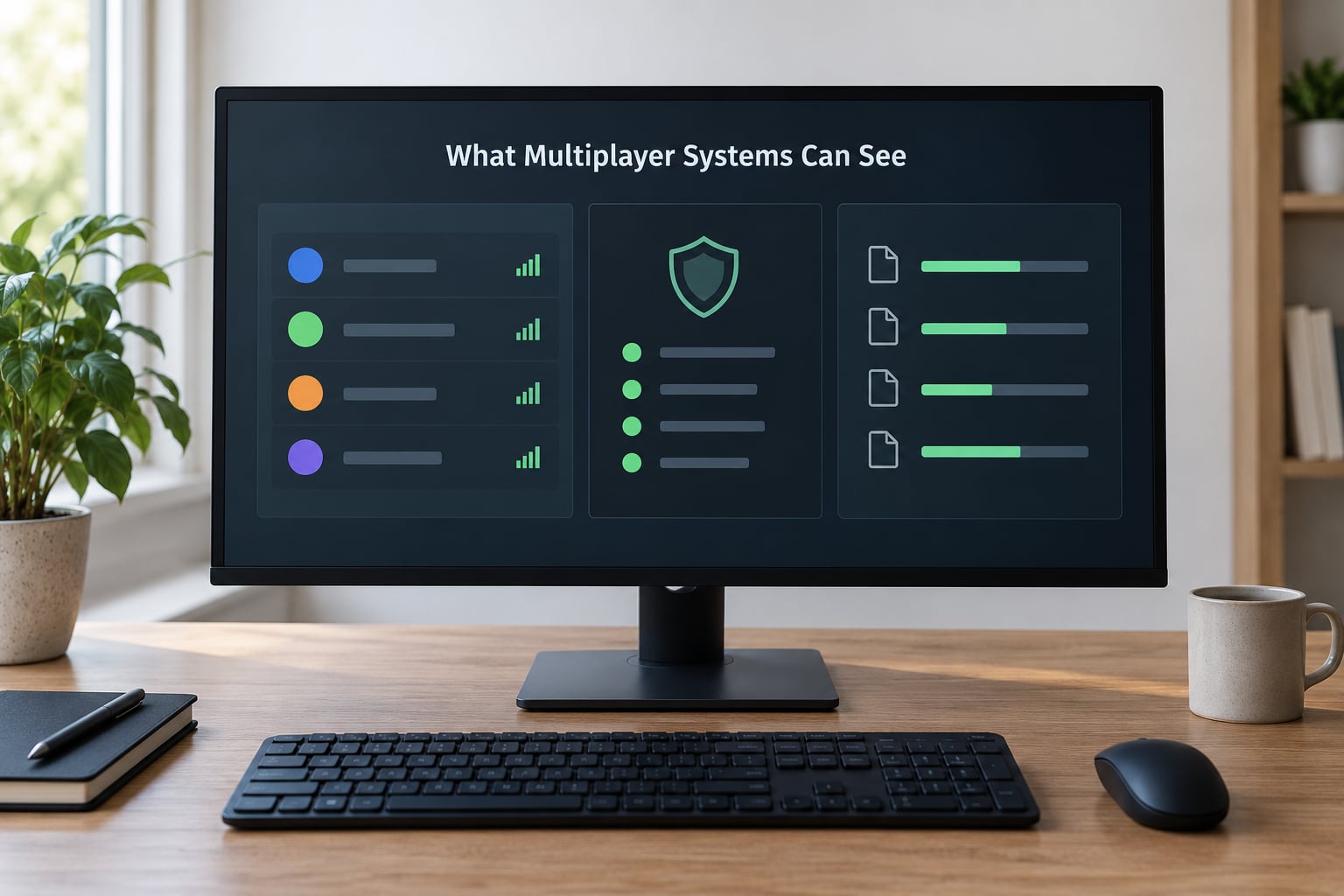
Multiplayer security has three layers, and each one sees something different. The game client validates itself on startup. The anti-cheat system inspects the machine while the game runs. The server watches the results and the account. None of them needs the other two to work.
Client-side anti-cheats such as BattlEye, Easy Anti-Cheat, Valve Anti-Cheat and Riot Vanguard load alongside the game. They inspect loaded DLLs, scan process memory for known byte patterns, verify that core game files still match their expected hashes, and monitor what else is touching the game. Some of them install a kernel-level driver, which is why Windows may ask for administrator permission and why hardware monitoring utilities sometimes collide with them.
Server-side checks never look at your PC at all. They watch outcomes. A character crossing a distance in under a second, landing perfect hits at a consistent rate, or surviving damage that should have killed them all produce numbers that fall outside a normal distribution. When one account’s results sit far enough from the crowd, the server flags it and a human or a review system decides.
Why Mod Menus Get You Banned in Multiplayer
A menu is a delivery mechanism. It arrives as a small loader, and once you activate it, it injects a DLL into the game, hooks functions, or attaches an external process that reads and writes the game’s memory. From that moment on the game is running modified code that no one signed.
What gets a menu flagged is rarely the button you press. It is the modification sitting underneath: unauthorised functions, changed game files, spawned items, or results your character produces that exceed human limits. BattlEye’s own support documentation states that it bans for actual cheats and for components designed to bypass its protection, not for whatever software happens to be open on your desktop.
That distinction matters. Having a menu installed but never injected is a different situation from injecting it during a session, and players argue about it constantly. Injected code inside a connected session is the case nobody should test.
Which Types of Mods Carry the Highest Risk?
The risk follows what the mod changes, not how popular it is. Here is how the common categories stack up.
| Mod type | What it changes | Likely detection method | Multiplayer risk | Lower-risk context |
|---|---|---|---|---|
| Mod menu with cheat functions | Running game code via injection | Signature scan, integrity check, server anomaly | Very high | Offline single-player on a separate save |
| Trainers and memory editors | Live values in process memory | Memory scan and write detection | Very high | Single-player only |
| Scripts and macros | Input timing and repetition | Statistical outlier detection | High | Offline or accessibility use |
| External overlay ESP | Reads player positions externally | Process access monitoring, behaviour analysis | High | Never safe in competitive play |
| Vehicle and map replacements | Game files or streamed assets | File hash verification | Medium to high | Story mode and offline races |
| Savegame edits | Progress data on disk | Checksum and value-range checks | Low to medium | Offline, on a backed-up profile |
| HUD and interface changes | Display layer, sometimes injected | Whitelist or file checks | Low if officially supported | Official mod frameworks |
| Graphics modifications | Rendering, sometimes a shader overlay | Allowlist or blocklist per title | Low | Usually fine; a few games block them |
Read the last column carefully. The safe options are not safer because the anti-cheat is lenient. They are safer because the game either shipped that capability or never connects it to a server.
Is GTA Online Safer Than a Private Multiplayer Lobby?
No. The split is not first-party versus private. It is online versus offline.
GTA Online sessions run on Rockstar’s own infrastructure with BattlEye integrated, which means the strictest file checks and the longest memory history of any mode in the game. A Rockstar session lobby is the same thing with fewer strangers in it. Invite-only sessions, which players often describe as private, are fully online and fully bannable. That is the single most common misconception in the modding communities, and it is repeated constantly in threads on Reddit and Steam.
Story mode played entirely offline sits in a different environment. There is no session to report to, no shared economy to disturb, and no server watching your statistics. Single-player modding is where the community consensus actually lines up, and that consensus holds because the enforcement surface genuinely does not exist there.
One extra wrinkle: the host of a co-op session decides whether the session stays local or reaches matchmaking. A host with mods loaded who invites friends into an online session exposes everyone in that session to the same logging.
Can You Use Mods Without Getting Banned?
The honest answer is that no third-party menu can promise immunity, and any seller telling you otherwise is selling something.
What you can do is draw a firm line. In any protected online session, use only officially supported content: the game’s own mod tools, whitelisted frameworks, approved cosmetics, and community content that the developer distributes through their own platform. Offline, use a separate legitimate save that you are willing to lose, and keep testing there.
Keep the two environments apart. A separate save matters because bans attach to an account rather than to a machine, so a clean reinstall does not undo a restriction.
What Happens When a Mod Is Detected?
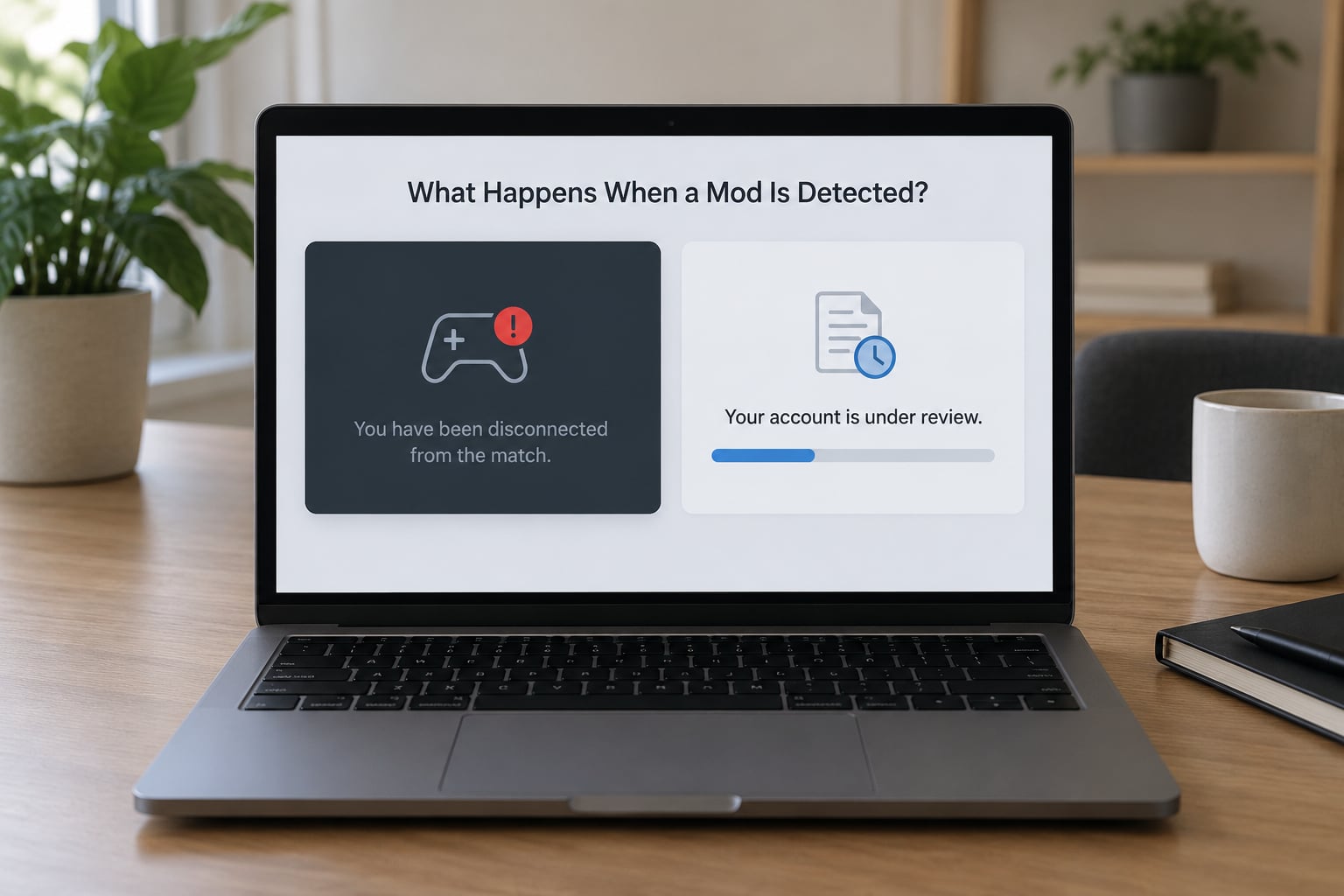
The mildest outcome is a kick. You lose the session and return to the menu with a message naming a violation such as corrupted memory, corrupted data, or a system integrity failure. That alone is not a ban.
The heavier outcomes follow in order: a temporary matchmaking restriction, a longer suspension, and finally a permanent account ban. Hardware identifiers can be attached to a ban, which is why a ban can follow a player to a new machine.
Timing is the part that confuses people. Cheat developers publicly discuss rewriting a cheat within a day or two of a ban wave, which tells you the detection data is collected first and the ban is issued later. Bans landing weeks or months after the last session are common and reported often across gaming communities. If you injected a menu in March and nothing happened by October, the honest read is that the detection has not fired yet, not that you got away with it.
How to Check Your Account and Handle an Unfair Ban
Start by checking the official record. In Rockstar games, recent enforcement events appear in your Rockstar Games Social Club activity feed, alongside official security notices published by the publisher. That feed is the fastest way to find out whether a restriction is on your account and roughly when it was applied.
Secure the account before you do anything else. Change the Rockstar Games Social Club password, sign out of other sessions, and confirm the linked email address is still one you control. Mod menus frequently arrive bundled with credential stealers, so a password change costs nothing and closes a real risk.
Preserve what you have: screenshots of the kick message, the exact violation wording, timestamps, and session type. Note whether other players in the same session were removed too, because a shared crash or a conflicting driver often looks like a detection.
Then use the official support and appeal channel. Describe what software was running, when it was running, and what you observed. Expect no guarantee on the outcome. Appeals work best when the record shows a genuine false positive, such as a kernel driver conflict or an overlay that another product installed, and least well when the claim is that nothing was ever running.
Frequently Asked Questions
Can a hidden mod menu avoid a multiplayer ban?
No. Hiding the loader, minimising the window, or injecting quietly changes nothing about what the code does once it sits in the game process. Client-side anti-cheats inspect loaded modules and process memory regardless of whether anything is visible on screen, and server-side checks flag the gameplay results rather than the interface. A hidden menu with cheat functions carries the same risk as a visible one.
Are mod menus safe in GTA Online private lobbies?
A Rockstar session lobby is an online session, which means it is logged and bannable like any other. Invite-only sessions behave the same way. The only GTA V mode with no server enforcement is story mode played entirely offline. Players who assumed a friends-only session was untouchable learned otherwise, and the misconception is still repeated across modding forums today.
Can Rockstar detect an old mod after it has been deleted?
Yes, sometimes. File integrity checks work against expected hashes of core game files, so a modified file can still be flagged even after the mod tool itself is uninstalled. Memory scans during a session are a separate matter, since deleted software leaves nothing in memory to find. What survives deletion is often a record in account monitoring, which is why bans can arrive long after the software is gone.
Are console and Android mods less likely to cause bans than PC mods?
Platform differences are real but they cut both ways. Closed consoles and handheld storefronts have stricter modding rules, so unofficial menus rarely run there, which means the software you would install is less likely to exist. Where modding is permitted on a closed platform, it is normally delivered through official tools and explicitly allowed. The real difference is permission, not a weaker anti-cheat.
Why was I banned weeks or months after using a mod menu?
Detection and enforcement are separate steps. The anti-cheat records a detection or a server anomaly and passes it to a review pipeline, and bans are frequently issued in delayed waves rather than on the spot. Cheat developers openly discuss updating their code within a day or two of a wave, which confirms that data is collected first and acted on later. Going un-banned for months only means the action has not happened yet.
Does a successful multiplayer launch prove a mod menu is safe?
No. If the menu loaded and the session started, it tells you the software was not caught at that instant. It says nothing about signature databases that update later, about gameplay anomalies the server may still be reviewing, or about a ban wave still ahead of you. Treat any successful launch as evidence about one moment in time, not as a clearance that covers future sessions.
Conclusion: Protect the Account First
Do the obvious thing before you read another forum thread. Understanding why mod menus get you banned in multiplayer comes down to injected code plus a connected session, and there is no clever way to make that pair disappear. The risk is not evenly spread across modes, and it is not removed by playing quietly with friends.
Keep tested mods on a separate offline save, use only officially supported content when you go online, and check your Social Club activity feed and official security notices before you play again. If a restriction is already on your account, secure it and appeal through the official channel.