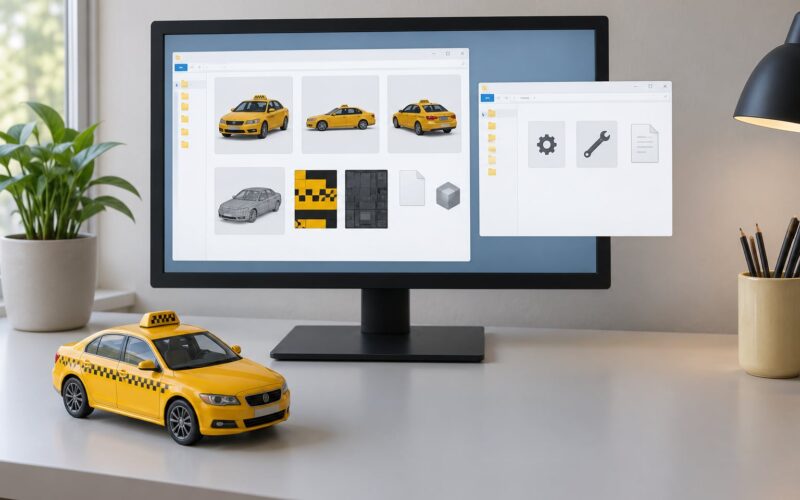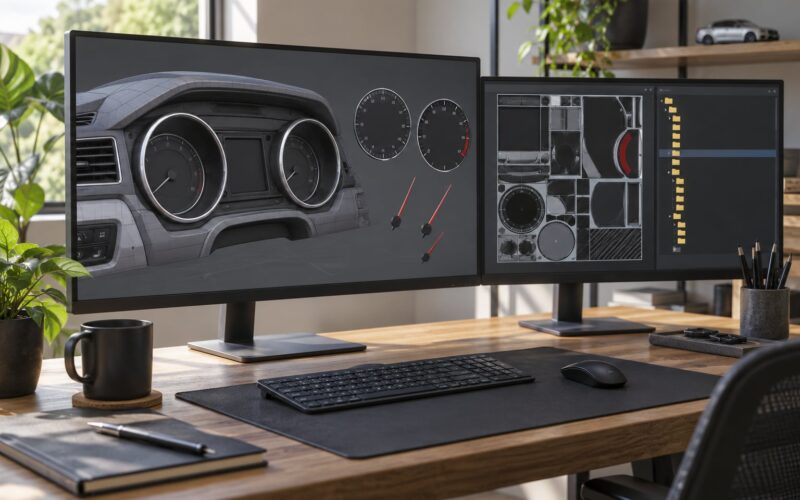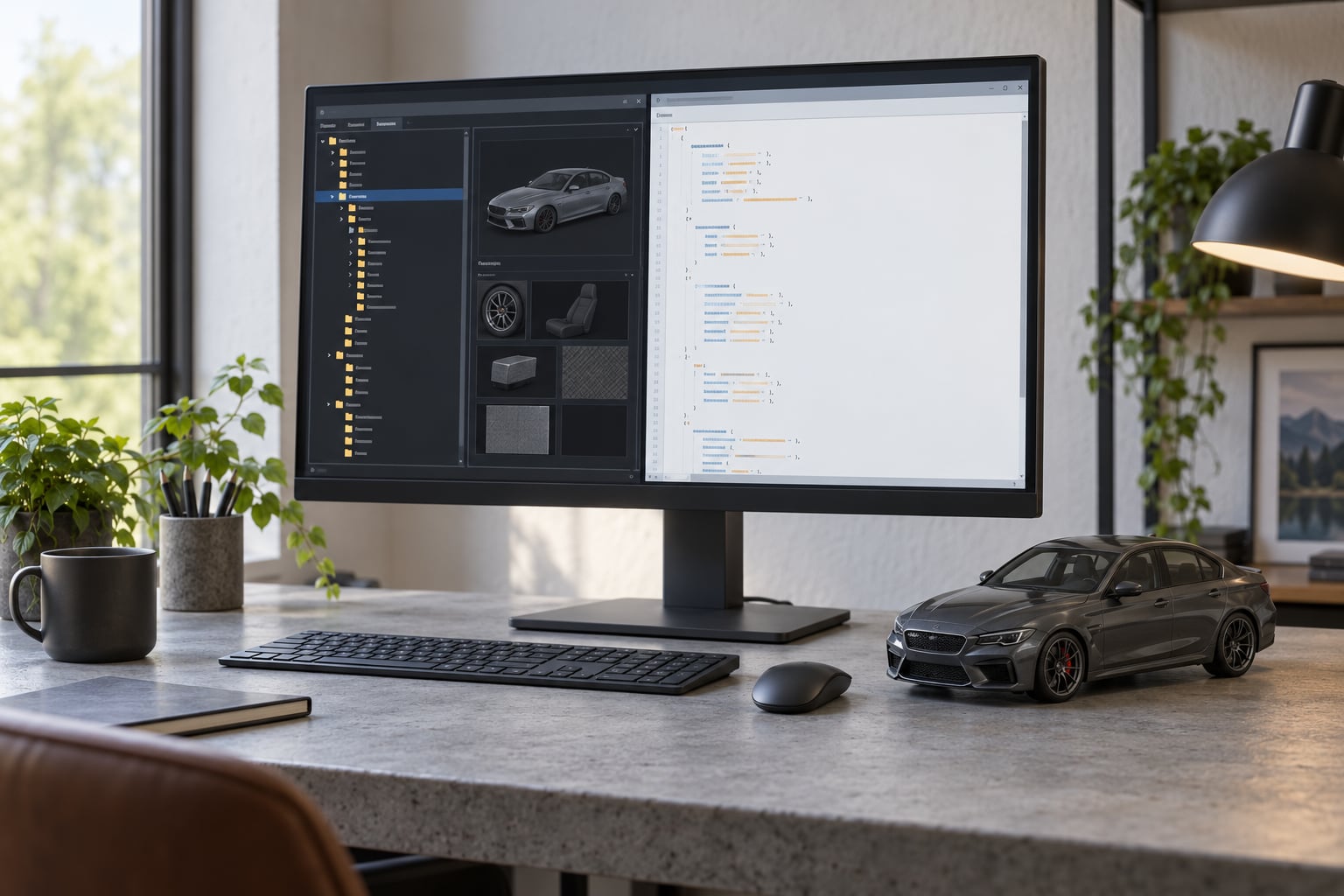
To make a car mod drive like stock in GTA 5, you stop tuning by feel and start cloning: take the handling.meta from a comparable vanilla car, drop it into your add-on’s folder in OpenIV, rename the handling name so nothing collides, then nudge mass, grip and inertia until the car matches the stock car you used as a reference. Most mod cars ship with untuned physics because the modder modelled the body, not the driving.
This takes about an hour for a first pass if you already have OpenIV installed, and the hard part is patience rather than tooling. Everything below works on PC with GTA V Legacy or Enhanced, and every file path is written out in full so you can follow it without guessing.
Table of Contents
- 1What You Need Before Editing GTA 5 Handling
- 2How to Make a Car Mod Drive Like Stock in GTA 5, Step by Step
- 3Step 1: Back Up the Original Vehicle Files
- 4Step 2: Identify the Correct Handling File for Your GTA Version
- 5Step 3: Establish a Stock Driving Baseline
- 6Step 4: Tune Mass, Grip, and Steering in GTA 5
- 7Step 5: Match Acceleration, Top Speed, and Braking
- 8Step 6: Test in Stages and Correct Drift
- 9Common Mistakes When Making a GTA 5 Car Drive Like Stock
- 10Frequently Asked Questions
- 11Where is the handling.meta file for my GTA 5 add-on car?
- 12Why do my GTA 5 handling.meta edits do nothing?
- 13Does gameconfig.xml affect car handling in GTA 5?
- 14Can I use a vanilla GTA 5 handling.meta for my add-on car?
- 15How do I stop a GTA 5 mod car from floating above the road?
- 16Can I port a Legacy GTA 5 handling.meta to GTA V Enhanced?
- 17Conclusion
What You Need Before Editing GTA 5 Handling
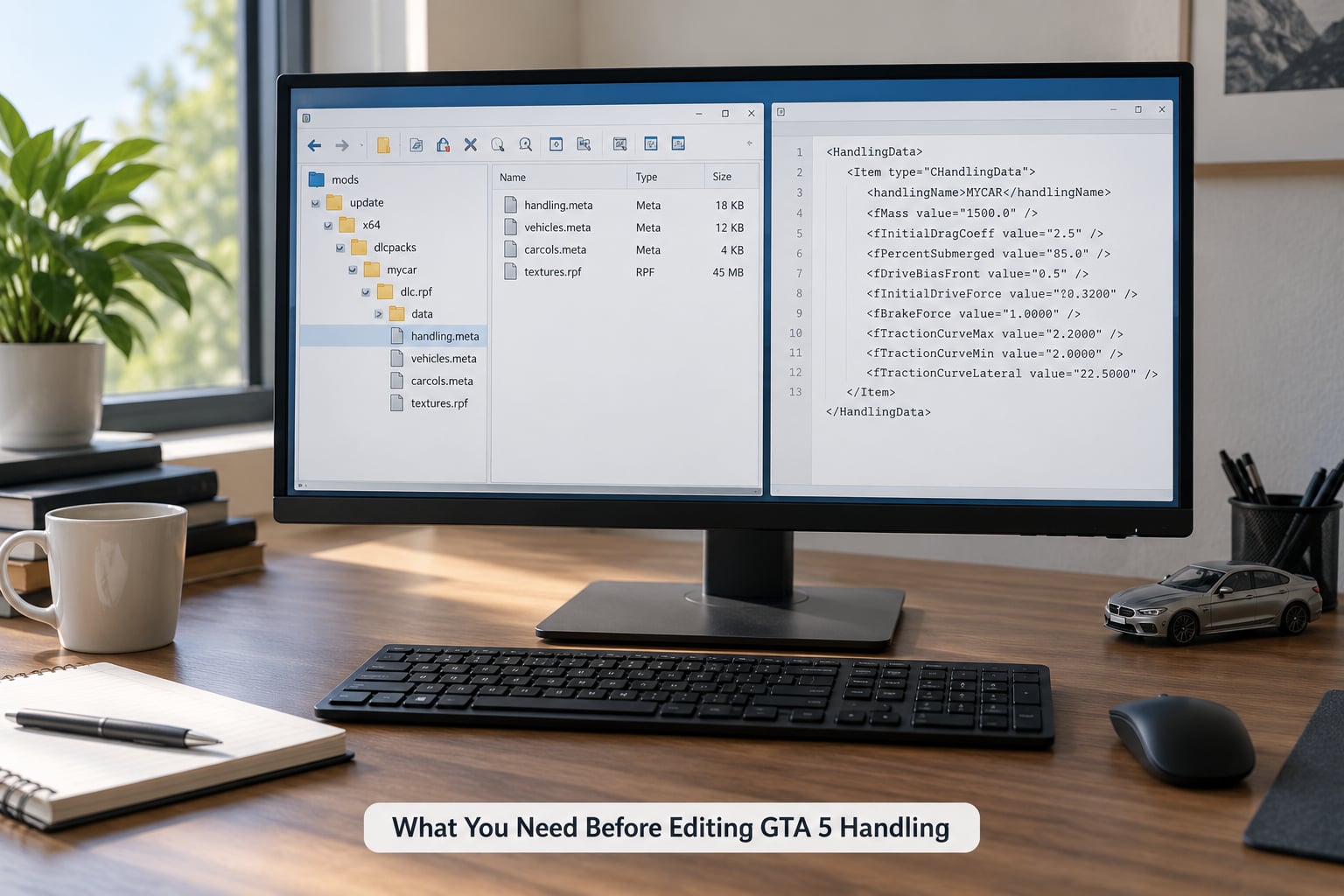
You need five things, and none of them are optional if you want to get back to a clean game afterwards.
- OpenIV, installed and running. You use its Tools tab for package installs and its Explorer window to edit files in place.
- A plain text editor. Notepad++ works fine. CodeHelper is better because it understands the CHandling structure and will not let you delete a closing tag by accident.
- A vanilla reference car in the same weight class as your mod. A stock sedan for a street build, a stock coupe for a muscle build, a stock SUV for a 4×4.
- A backup folder on a drive outside your GTA V installation. Copy the entire add-on dlcpack in before you touch anything.
- A quiet stretch of road for testing. A straight run, a wide roundabout and a hill will tell you more in five minutes than a lap of the city.
One thing to decide before you start: do you want the mod to feel like a stock game car, or like the real vehicle it is based on? Those are different targets. A stock-feeling conversion keeps GTA’s arcade bias deliberately, while a real-world conversion means changing mass and suspension toward the actual car. Pick one, because mixing goals is why most tuning sessions stall on the third pass.
How to Make a Car Mod Drive Like Stock in GTA 5, Step by Step
Step 1: Back Up the Original Vehicle Files
OpenIV’s Explorer lets you right-click any folder and copy it out. Copy your whole add-on vehicle dlcpack folder to your backup location and leave the copy alone for the rest of this guide.
That folder looks like this: dlcpacksaddonvehiclevehiclesvehiclename, containing handling.meta, carcols.meta, carvariations.meta, vehicleseats.meta and the model files. Back up the parent addonvehicle folder as well, because you will want to restore gameconfig.xml and content.xml intact too.
If you have never edited handling before, also copy your current commondatadlcpacks and commondatagame folders once. Some handling packs overwrite files inside dlcpack folders belonging to your own mods, and that is the one mistake that is genuinely hard to unpick later.
Step 2: Identify the Correct Handling File for Your GTA Version
For an add-on vehicle, the file you want is dlcpacksaddonvehiclevehiclesyourcarhandling.meta. For a replace vehicle, the mod usually ships a complete vehicles.rpf inside an .oiv package, and the handling file sits inside that archive instead.
To get a vanilla file to copy from, look in commondatadlcpacksdlcpack vehicles for the DLC vehicle packs, and in commondatagame for the base vehicles listed in commonvehicle.meta. Game builds differ, so use OpenIV’s search for handling.meta inside a specific pack rather than trusting a fixed folder number from a video made two years ago.
Legacy and Enhanced both use the same XML structure for vehicle handling, so a handling file you copy between them still loads. The differences sit in the vehicle packs themselves and in how the game resolves folder priorities, which is covered in the Enhanced note at the end of this section.
Here is the file map most support threads get wrong:
| File | What it controls | Edit it when |
|---|---|---|
| handling.meta | Mass, inertia, suspension, traction, steering, brakes, max speed | The car drives wrong. This is the file for feel. |
| carcols.meta | Per-variant stats and transmission data, plus how the game scales variants of the same model | Your add-on has multiple trims and the stats are wrong on some of them |
| carvariations.meta | Livery, colour and wheel options per variation | Visual only. Never touch it for driving. |
| vehicleseats.meta | Seat positions and passenger anchors | Passengers sit through the roof or clip oddly |
| addonvehicle.xml | Tells the game the add-on exists | The car does not appear in traffic at all |
| gameconfig.xml | Vehicle limits and spawn entries | The car will not spawn. It has nothing to do with driving feel. |
That last row matters because gameconfig.xml gets blamed for almost everything. It controls whether a car spawns and how many vehicles the game loads. Your handling edits will work perfectly without a single change to it.
Step 3: Establish a Stock Driving Baseline
Before you touch a value, write down what the stock car actually does. Drive the vanilla reference for five minutes and record four things: how fast it picks up from a standstill, how far the nose dips under hard braking, how much the body leans in a steady corner, and how quickly the steering responds at low speed versus at speed.
Also note the top speed it reaches and how it behaves on a low-grip surface. This is your target. Without a baseline you are tuning towards whatever feels good in the moment, which is how cars end up faster than they should be and still feel wrong.
Keep the notes in a plain text file next to your backup. You will compare against them three or four times, and rewriting them from memory never works.
Step 4: Tune Mass, Grip, and Steering in GTA 5
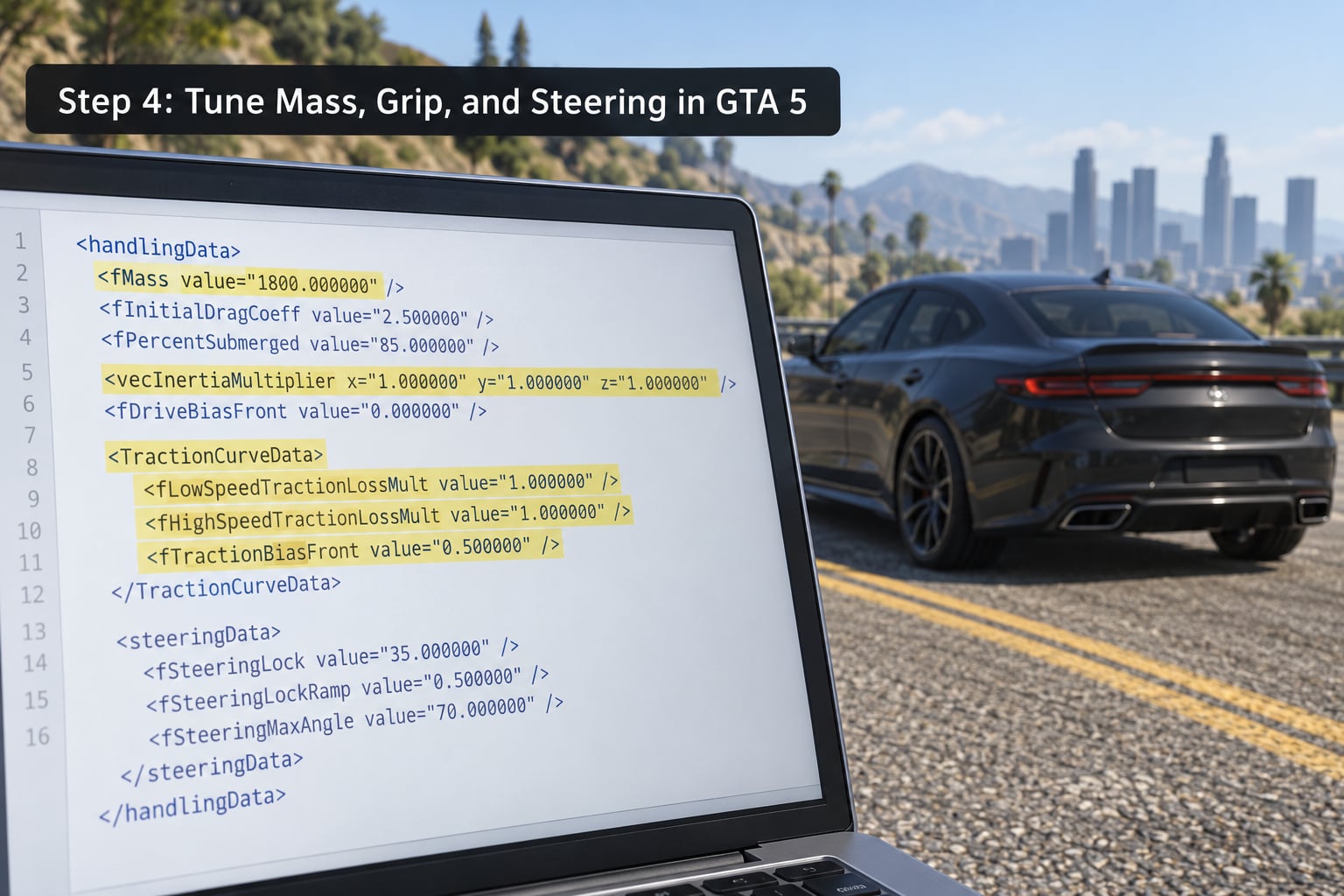
Open your add-on’s handling.meta in your text editor. The file is a CHandling block of named values, each with a number after value=. The most useful skeleton to keep in view is this:
<CHandling id="myaddon">
  <fMass value="1500.000000"/>
  <fCentreOfMassX value="0.350000"/>
  <fCentreOfMassZ value="0.300000"/>
  <fInertiaTensor value="2300.000000"/>
  <fYawMult value="1.000000"/>
  <fRollMult value="1.000000"/>
  <fDownforce value="0.000000"/>
  <fSuspensionForce value="5.300000"/>
  <fSuspensionCompression value="1.400000"/>
  <fSuspensionRebound value="1.400000"/>
  <fWheelFriction value="1.000000"/>
  <fTractionCurve value="1.000000"/>
  <fSteeringRate value="0.700000"/>
  <fBrakeForce value="6.000000"/>
  <fMaxDriveForce value="0.270000"/>
  <fMaxSpeed value="46.000000"/>
  <subHandling>
    <strSubHandlingName>DEFAULT</strSubHandlingName>
    <fSteeringLock value="38.000000"/>
    <fDriveBiasFront value="0.450000"/>
    <fTractionBiasFront value="0.470000"/>
    <fToeFront value="0.000000"/>
  </subHandling>
</CHandling>
The strHandlingName at the top of the block identifies the handling. Copying a vanilla file wholesale means copying that name too, so rename it to something unique, like MYADDON. Two vehicles sharing a handling name is the single most common reason an edit appears to apply to the wrong car or to nothing at all.
Now work through the values in this order, because each one changes how the next one feels.
Mass first. fMass is in kilograms and it governs everything downstream. A wide-body kit should not suddenly weigh half a tonne more than the stock car it replaces. Get the mass right and the car will already feel more planted before you touch anything else.
Centre of mass next. The fCentreOfMass values decide where weight sits. Lowering the vertical value makes the car feel slimmer and more responsive through direction changes. Raising it makes it lazy and prone to leaning onto the outside wheels in a corner.
Inertia controls rotation. fInertiaTensor plus the fYawMult and fRollMult multipliers decide how quickly the car spins around its vertical and longitudinal axes. Vanilla GTA V cars feel darty on fast flicks of the wheel, and yaw rotation is the reason: they rotate faster than the tyres and body work can realistically allow. Raising the yaw multiplier slightly, or leaving it stock while raising grip, removes that snappy rotation and makes a mod car feel planted.
Suspension sets ride height and lean. fSuspensionForce controls how hard the springs push back. Too low and the car floats above the road and bobs over bumps. Too high and it squats on acceleration and skates over camber. fSuspensionCompression and fSuspensionRebound shape how the body responds in compression versus extension.
Grip is two values. fWheelFriction sets the base grip, while fTractionCurve shapes how grip rises as you go faster. Raising both at once is how you get a car that plants itself and then snaps out of corners. Change grip first, then adjust the curve in a smaller step.
Steering comes last. fSteeringRate controls how quickly the wheel responds to input and fSteeringLock in the subHandling block sets the maximum angle. Street cars usually sit somewhere around the high thirties in degrees. Lock much beyond that and the car feels like a shopping trolley.
Once the values look right, save the file in OpenIV and confirm the save. Then move on to Step 5, because acceleration and speed live in different values and pulling on them changes what the grip numbers should be.
Step 5: Match Acceleration, Top Speed, and Braking
Three values do most of the work here. fMaxSpeed sets the speed cap in the game’s units, fMaxDriveForce sets how hard the car accelerates, and fBrakeForce plus the handbrake setting control stopping.
For most add-on cars these should simply match the stock car you are copying. A mod that looks like a stock coupe but accelerates like a supercar breaks the illusion instantly, and it is also the fastest way to make a car feel wrong in a corner, because all that power arrives through the same tyres that you just tuned.
Gearing data for vanilla vehicles lives in carcols.meta, which also carries the per-trim statistics the game displays. If your add-on ships with only one variation, you can usually leave that file alone. If it has several and the top speed readout differs between them, this is the file to open.
The rule worth remembering: change mass, then acceleration, then grip, and test between each. Acceleration values set how much load the tyres carry, so tuning grip before power leaves you redoing the grip work.
Step 6: Test in Stages and Correct Drift
Use the same five tests every time, in the same order, so results compare cleanly.
- Standing start. Full throttle in first gear. Watch for rear wheelspin that the stock car does not have, and note how long it takes to feel like the power is going into the road rather than into smoke.
- Braking from speed. Straight line, hard stop. Compare nose dip and stopping distance with the stock baseline you recorded in Step 3.
- Steady corner. Medium speed, hold a constant line. If the car leans hard then snaps straight, the roll and yaw values need another pass together.
- Fast flick. Abrupt steering input at moderate speed. This is where darty vanilla behaviour shows up and where the yaw value does its work.
- Low-grip surface. Sand, wet painted road or grass. Check that the traction curve builds up instead of letting go immediately.
If the car slides on entry but catches on exit, you have either too much grip gain or not enough yaw inertia. If it understeers into a corner and stays there, grip is too low relative to the mass, or the front traction bias is too high. If it floats or bounces, the suspension force is wrong before anything else is.
Two or three passes is normal. Expect the second pass to undo about a third of what the first pass did, because you will have a much better feel for the car by then.
On GTA V Enhanced, handling files load the same way, but check your folder priorities and make sure nothing else has written to your dlcpack folders. The other live question in the community right now is porting a Legacy handling file into an Enhanced install, and the honest answer is that it loads and behaves much like the original because the XML schema is unchanged. Expect add-on car model files to need more work than handling files.
Common Mistakes When Making a GTA 5 Car Drive Like Stock
Duplicating the handling name. Copying a vanilla file and leaving its strHandlingName intact is the most frequent cause of edits that appear to do nothing. Rename it.
Editing the wrong file. Half of all “my handling changes did nothing” posts come from editing carvariations.meta, which only controls paint and wheels. Check the table in Step 2 before opening anything.
Assuming gameconfig.xml is the problem. It decides whether a car spawns. If the car is in the world and driving, gameconfig.xml is already working.
Overriding basegame handling. Basegame handling.meta overrides can silently fail to apply, and this is documented as a known issue on the altV issues tracker. If you are editing files inside commondatagame rather than inside your own dlcpack, expect no result and move your change into the add-on’s folder instead.
Cranking every value. Pushing mass, grip and drive force to their limits produces a car that is unbeatable in a straight line and undriveable in a corner. Change one value, test, write down what happened. It is slower and it works.
Ignoring mass because the model looks the part. Wider wheels and body kits add mass in the real world, and models built from scratch often ship with a placeholder value. Fix the mass first; it changes grip, braking and suspension behaviour all at once.
Treating a floating car as a physics problem. A car hovering above the road is usually a collision model or model-file issue rather than a suspension value. If the car bobs over flat tarmac, adjust fSuspensionForce. If it hovers at a constant height, check the model’s origin before touching handling at all.
Editing without a path back. Keep the backup you made in Step 1 outside the game folder. Players who keep two full copies of the GTA V folder and swap between them avoid the worst of this entirely.
A few habits make the whole process smoother. Keep one reference car and never change it mid-project, because switching baselines is how you end up with a car that matches nothing. Test on the same stretch of road at the same time of day. And if you want more realistic feel across every vehicle rather than one car, a global handling pack is the other route, with the trade-off that it rewrites the physics of all 300-odd vehicles and you cannot opt out selectively.
Frequently Asked Questions
Where is the handling.meta file for my GTA 5 add-on car?
For an add-on vehicle it lives in your mod folder at dlcpacksu005caddonvehicleu005cvehiclesu005cyourcarnameu005chandling.meta, and you open it in place through OpenIV’s Explorer. A replace vehicle usually keeps its handling file inside the .oiv package instead, which you can open with 7-Zip or WinRAR, edit, and repack. Both files use the same XML structure.
Why do my GTA 5 handling.meta edits do nothing?
Three causes cover almost every case. First, you copied a vanilla file and left its strHandlingName unchanged, so the game matched a different vehicle. Second, you edited carvariations.meta instead of handling.meta. Third, you overrode a basegame handling file inside commonu005cdatau005cgame, which can fail silently. Move your change into your own add-on dlcpack and give the handling a unique name.
Does gameconfig.xml affect car handling in GTA 5?
No. gameconfig.xml controls how many vehicles the game loads and which ones can spawn, so a missing entry means your car never appears at all. Once the car is in the world and driving, your handling comes entirely from handling.meta, and sometimes carcols.meta for transmission data. Editing gameconfig while chasing a handling problem wastes a lot of time.
Can I use a vanilla GTA 5 handling.meta for my add-on car?
Yes, and it is the fastest route to a car that drives like stock in GTA 5. Copy the handling block from a vanilla car of the same class, paste it into your add-on’s handling.meta, then change strHandlingName to something unique. After that, adjust mass, grip and inertia to suit your vehicle and test each change before moving on.
How do I stop a GTA 5 mod car from floating above the road?
First check whether the car hovers at a constant height or bobs over flat ground. A constant hover is a model or collision issue, so fix the model’s origin before editing values. Bouncing over tarmac is suspension: raise fSuspensionForce a little at a time until the car sits on the road and stops bobbing, then re-test braking, because ride height changes how far the nose dips.
Can I port a Legacy GTA 5 handling.meta to GTA V Enhanced?
Yes. Both editions read the same handling XML structure, so a Legacy file generally loads in Enhanced without conversion. What usually needs attention is the surrounding vehicle pack rather than the handling values themselves, plus checking that another mod is not already writing to the same dlcpack folders. Test the car after loading and expect the model to need more attention than the handling.
Conclusion
To make a car mod drive like stock in GTA 5, clone a vanilla handling.meta rather than tuning from scratch, give it a unique handling name, and change one value per test session. Start with mass and grip, because those two decide more of the feel than anything else you can edit.
Keep your backup folder outside the game directory and write down your baseline numbers before the first edit. Three short sessions on a quiet road will get you further than an evening of guessing at values, and you will still be able to undo every change when you want the vanilla feel back.