To install a savegame file on PC, you copy the downloaded file into your game’s save folder, then load it from the game’s Load Game menu. The whole process takes about five minutes once you know where Windows keeps your saves. If you have never moved a save before, the two things that trip people up are cloud sync and guessing the wrong folder path.
Windows 10 and Windows 11 do not have one universal save location. Rockstar games write to your Documents folder, Steam games live under a numbered userdata folder, and Microsoft Store titles hide inside a package folder that is buried three levels deep in AppData. This guide covers all of them, plus the backup step that protects the progress you already have.
Table of Contents
- 1What You Need Before You Start
- 2Step-by-Step: How to Install a Savegame File on PC
- 31. Check the Savegame File and Game Version
- 42. Back Up Your Current GTA Saves
- 53. Extract or Copy the Downloaded Savegame
- 64. Find the Correct PC Savegame Folder
- 75. Copy the Save Files Into the Game Folder
- 86. Load the Save and Verify Progress
- 9Common Mistakes and How to Fix Them
- 10Frequently Asked Questions
- 11What file format is a GTA savegame on PC?
- 12Where are GTA save files stored on Windows 10 and Windows 11?
- 13Can I install a savegame made for a different GTA edition?
- 14Why does my new GTA savegame not appear in the Load Game menu?
- 15Should I back up my current GTA saves before installing a downloaded save?
- 16Can I use a savegame with mods, trainers, or a different Rockstar Games Launcher version?
- 17Conclusion
What You Need Before You Start
- The savegame file itself — usually a .zip, .rar, .7z, or a loose file such as SGDR.svr / SGUS.svr.
- The matching GTA edition — GTA III, Vice City, San Andreas, GTA IV or GTA V on PC. Not console or Mobile.
- A backup of your current saves — an empty folder on your desktop is enough.
- A file extraction tool — Windows 11 handles .zip natively; 7-Zip handles the rest.
- A text editor — Notepad is fine, and you will want it if the save needs renaming.
One more check matters if your PC is modded: a downloaded save that references custom vehicles, maps or scripts will not load without the same mod list and the same load order. Saves made with trainers also often refuse to load once the trainer is gone.
Step-by-Step: How to Install a Savegame File on PC
1. Check the Savegame File and Game Version
Open the download and read whatever description came with it. You are looking for three things: the game title, the story chapter or save slot, and the platform.
San Andreas saves are named SGDR and its regional variants. GTA III and Vice City use SGUS, SGUK and similar codes. GTA IV uses numbered .sav files, and GTA V uses long .sav files with a slot number. If the file name does not match the game in your launcher, stop there.
Region matters too. A European San Andreas save and a North American one use different file names, and copying the wrong one leaves you staring at an empty Load Game menu.
2. Back Up Your Current GTA Saves
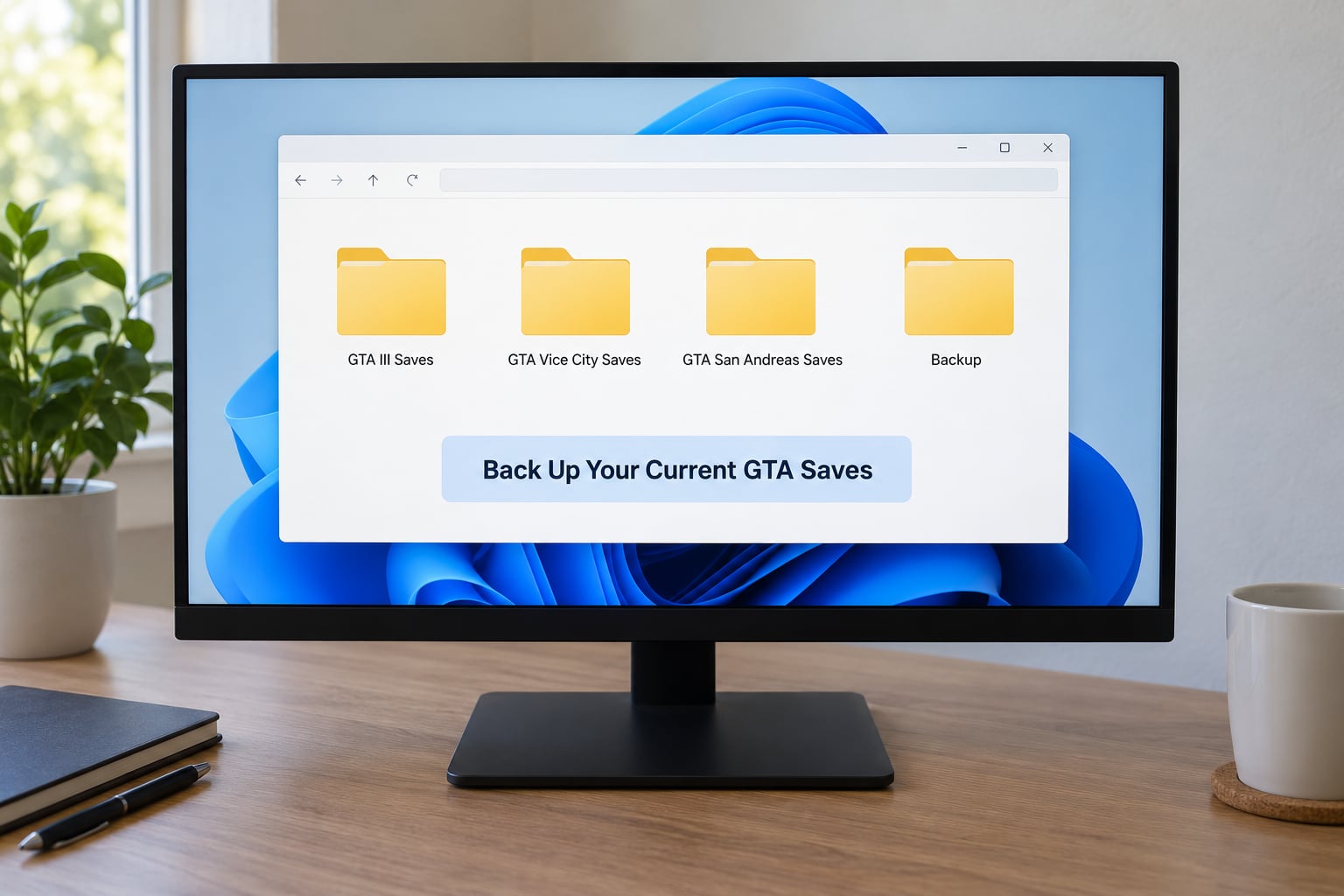
Open File Explorer, click the address bar, and paste the path for your game (listed in the next section) or type %USERPROFILE%DocumentsRockstar Games to see everything Rockstar keeps together. Find the save folder, press Ctrl+A, then Ctrl+C.
Now make a new folder on your desktop called “GTA backup” and paste the copy into it. Rename it with today’s date so you know it is the newest one. Do not skip this — a bad copy step can overwrite the save you have been playing for a year, and there is no undo.
Rockstar also keeps its own hidden copies in some installs. Once you have a working desktop backup, that problem stops being urgent.
3. Extract or Copy the Downloaded Savegame
If the download is a .zip or .7z, right-click it and choose Extract All, then pick a folder on your desktop. Never extract straight into the game folder — you end up with a nested folder and a save the game can’t see.
If it is a loose file, copy it and paste it to the desktop for now. You will move it into place in step 5.
Run a quick antivirus scan on the file before opening it. It is a small file from someone’s upload and it costs you nothing to check.
4. Find the Correct PC Savegame Folder
This is where most installs go wrong, because the path depends on the game and the launcher. Here are the Windows paths that matter most in 2026.
| Game or launcher | Windows path |
|---|---|
| GTA V (Rockstar, Epic or Steam) | DocumentsRockstar GamesGTA V |
| GTA V local backup | AppDataLocalRockstar GamesGTA V |
| GTA IV | DocumentsRockstar GamesGTA IV |
| GTA San Andreas (Windows 10/11) | AppDataRoamingRockstar GamesGTA San AndreasSave |
| GTA San Andreas (older installs) | Program Files (x86)Rockstar GamesGTA San AndreasSave |
| GTA III / Vice City | Program Files (x86)Rockstar Games — or the AppDataRoamingRockstar Games path |
| Steam games | Steamuserdata<your Steam ID><AppID> |
| Epic Games | AppDataLocalEpicGamesLauncherSavedSaveGames |
| Microsoft Store / Game Pass | AppDataLocalPackages<package name>LocalCache |
| GOG | The game install folder, usually C:GOG Games<game> |
| Ubisoft Connect | Program Files (x86)UbisoftUbisoft Game Launchergames<game>savegame |
AppData is a hidden folder, so it will not show up in File Explorer until you turn on View, then Show, then Hidden items. A faster way is to press Win+R, paste the path, and hit Enter.
If you are not sure which library you have, check your desktop shortcut. Right-click it, open Properties, and the path in Target tells you where the game is installed.
5. Copy the Save Files Into the Game Folder
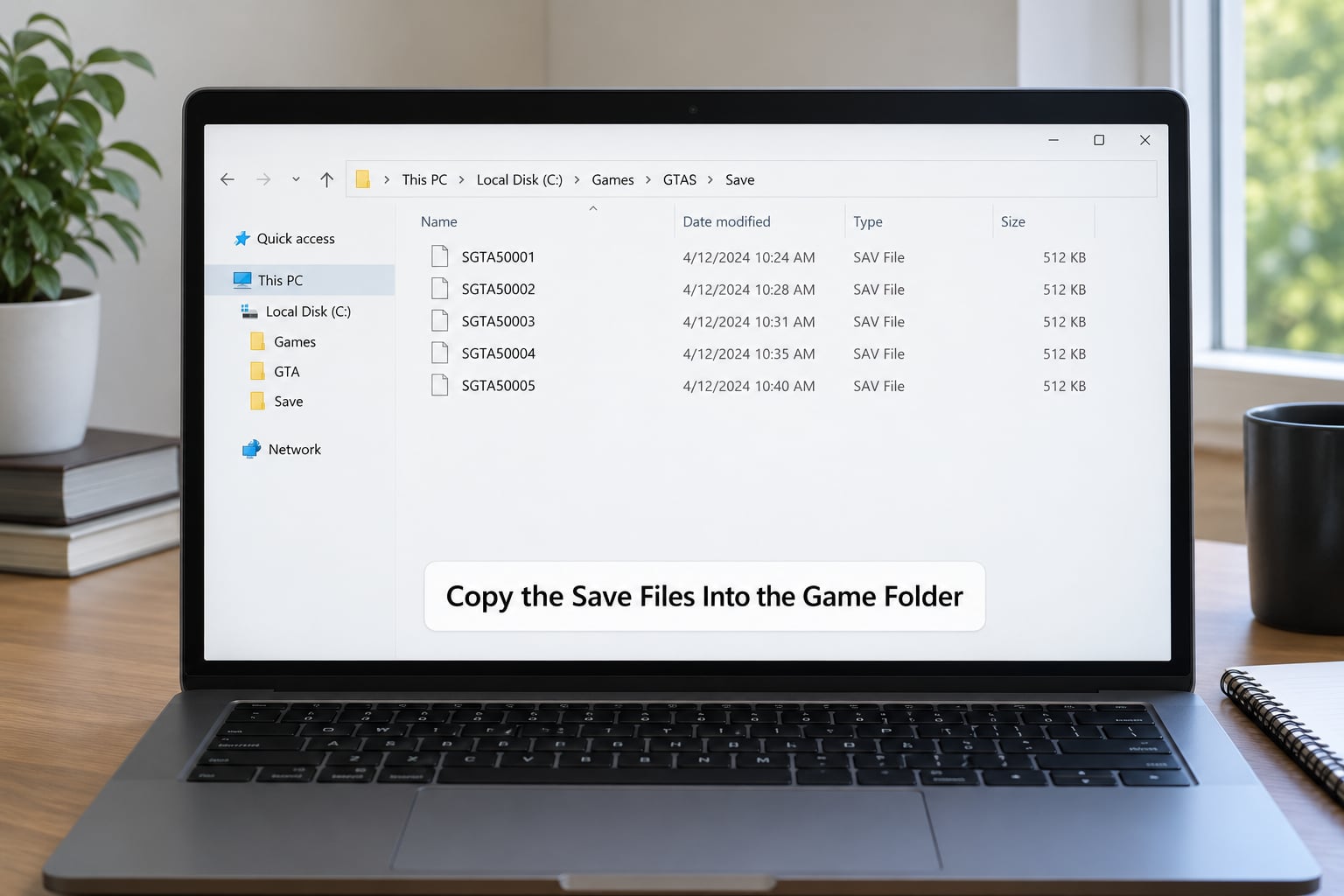
Close the game completely first. Check the system tray and Task Manager — GTA V in particular keeps Rockstar Games Launcher running in the background, and it will happily write over whatever you just copied.
Open the folder from step 4 and paste your save files in. Follow the structure the game expects: GTA V saves go in the root of DocumentsRockstar GamesGTA V, while San Andreas files go inside the Save subfolder alongside your existing files.
Look at the names of the saves already sitting there and match them. If you have three numbered saves and the download includes slot 2, overwrite slot 2. If the downloaded save has a lower slot number than everything you own, it will hide at the bottom of the list rather than fail outright.
Renaming files is normal in this process. A GTA V save is often just SGTA5.sav, and installing a second one means copying it to SGTA5_2.sav so both show up in the list.
6. Load the Save and Verify Progress
Start the game, load your profile, and open the Load Game menu. GTA V sorts saves by most recent play, so the one you just installed should be at the top — check the playtime and the location on the map before you play anything.
If the game offers a prompt to sync with Rockstar Games Launcher or the cloud, read it carefully. Confirming an upload can push your old cloud save back down over the file you just installed.
Play for two or three minutes, save once through the normal menu, quit and restart the game. If your new progress is still there, the install worked and you can delete the desktop backup in a week or so.
Common Mistakes and How to Fix Them
- The save does not appear in Load Game. Wrong folder, wrong file name, or the game is still running in the background. Close everything in the task tray and paste again.
- Steam Cloud overwrites your copy. Turn off Steam Cloud for that game in Settings, Downloads, Cloud Storage, or every sync session undoes your work.
- The game shows an incompatible version error. The save was made on a different game version or a console. Only a patch difference sometimes fixes it; otherwise the save is unusable.
- Blank profile after loading. The save references mods, custom scripts or a trainer that is no longer installed. Reinstall the same mod list first.
- Permission denied when pasting. The old files came from another Windows account or drive. Run File Explorer as administrator, or delete the existing files first and paste fresh.
- Game crashes on load. The file is partial or corrupt. Re-extract it, or install it the same way a Nexus Mods forum thread suggests: start a new game, save once, quit, then drop the old save in.
- Microsoft Store saves seem to be missing. They are inside AppDataLocalPackages. Enable hidden items, or type the path straight into the address bar.
Online and anti-cheat games are worth a warning of their own. GTA Online progress is tied to your Rockstar account and will not load from a file, so a story mode save gives you single player only.
Frequently Asked Questions
What file format is a GTA savegame on PC?
It depends on the game. San Andreas uses .svr files named SGDR and regional variants, GTA III and Vice City use SGUS, SGUK and similar codes, GTA IV uses numbered .sav files, and GTA V uses .sav files such as SGTA5.sav with numbered copies for extra slots. Downloads usually arrive as .zip, .rar or .7z archives you extract first.
Where are GTA save files stored on Windows 10 and Windows 11?
GTA V and GTA IV saves sit in your Documents folder under Rockstar Games. San Andreas keeps its saves in AppDatau005cRoamingu005cRockstar Gamesu005cGTA San Andreasu005cSave, and older San Andreas installs used the Program Files (x86) Rockstar Games folder. GTA III and Vice City use similar Rockstar Games folders under Program Files (x86) or AppData, depending on your install.
Can I install a savegame made for a different GTA edition?
Usually not. A save from GTA San Andreas will not load in GTA Vice City, and console saves generally cannot be used on PC at all. What you can sometimes do is open the file in a text editor and change the region code, which helps when the only difference is European versus North American. Different game versions are a harder limit.
Why does my new GTA savegame not appear in the Load Game menu?
Four things cause this most often. The file is in the wrong folder, the file name does not match what the game expects, the game or its launcher is still running and rewrote the folder, or cloud sync pushed an older save back down. Close all Rockstar processes, check hidden items are on, and paste the file into the exact path again.
Should I back up my current GTA saves before installing a downloaded save?
Yes, every time. Copying save files is destructive, and a misplaced paste can replace hours of progress in a second. Select everything in your save folder, copy it, and paste it into a dated folder on your desktop or an external drive. Keep the backup until you have played with the new save long enough to trust it.
Can I use a savegame with mods, trainers, or a different Rockstar Games Launcher version?
Mods and trainers are the usual reason a working save stops working. A modded save usually needs the same mods installed in the same load order, and a trainer save may crash once the trainer is removed. Launcher version matters less, but cloud sync in the Rockstar Games Launcher can overwrite a manually installed file, so turn that off first.
Conclusion
Knowing how to install a savegame file on PC comes down to four things: confirm the save belongs to your game and region, copy your current progress somewhere safe, paste the file into the exact folder that game uses, and test it before you clean up. Miss the folder and nothing shows up. Skip the backup and you find out why you needed one.