Why some mod sites bundle unwanted installers comes down to one word: revenue. The file you wanted is real and the mod usually works, but it arrives wrapped in a setup program that also offers a toolbar, a “system optimizer” or an ad-injecting browser extension, and the site gets paid every time one of those stays installed. Most of that extra software is a potentially unwanted program rather than a virus, which is exactly why antivirus labels it “potentially unwanted” instead of “infected”.
Here is the part that surprises people. The modder is rarely the one earning. Bundling is usually inserted by whoever hosts the file, a mirror, or an ad network sitting between the author and your download button, and the author may not know it is happening at all.
Below is what the process looks like, the signs that give it away, a way to tell a real dependency from a silent extra, and what to do if something already got in.
Table of Contents
- 1Why Some Mod Sites Bundle Unwanted Installers
- 2How Some Mod Sites Bundle Unwanted Installers
- 3Adware, PPI and Affiliate Offer Models
- 4Warning Signs That a Download Contains Extra Software
- 5Bundled Installer vs. Legitimate Mod Dependency
- 6How to Download and Install Mods More Safely
- 7What to Do If You Installed an Unwanted Program
- 8Frequently Asked Questions
- 9Does every mod installer contain malware?
- 10Why does a mod download lead to a different installer?
- 11Can antivirus scanning guarantee a mod download is safe?
- 12Is a mod archive safe if it contains an EXE file?
- 13What should I do after a mod install adds extra software?
- 14Conclusion
Why Some Mod Sites Bundle Unwanted Installers
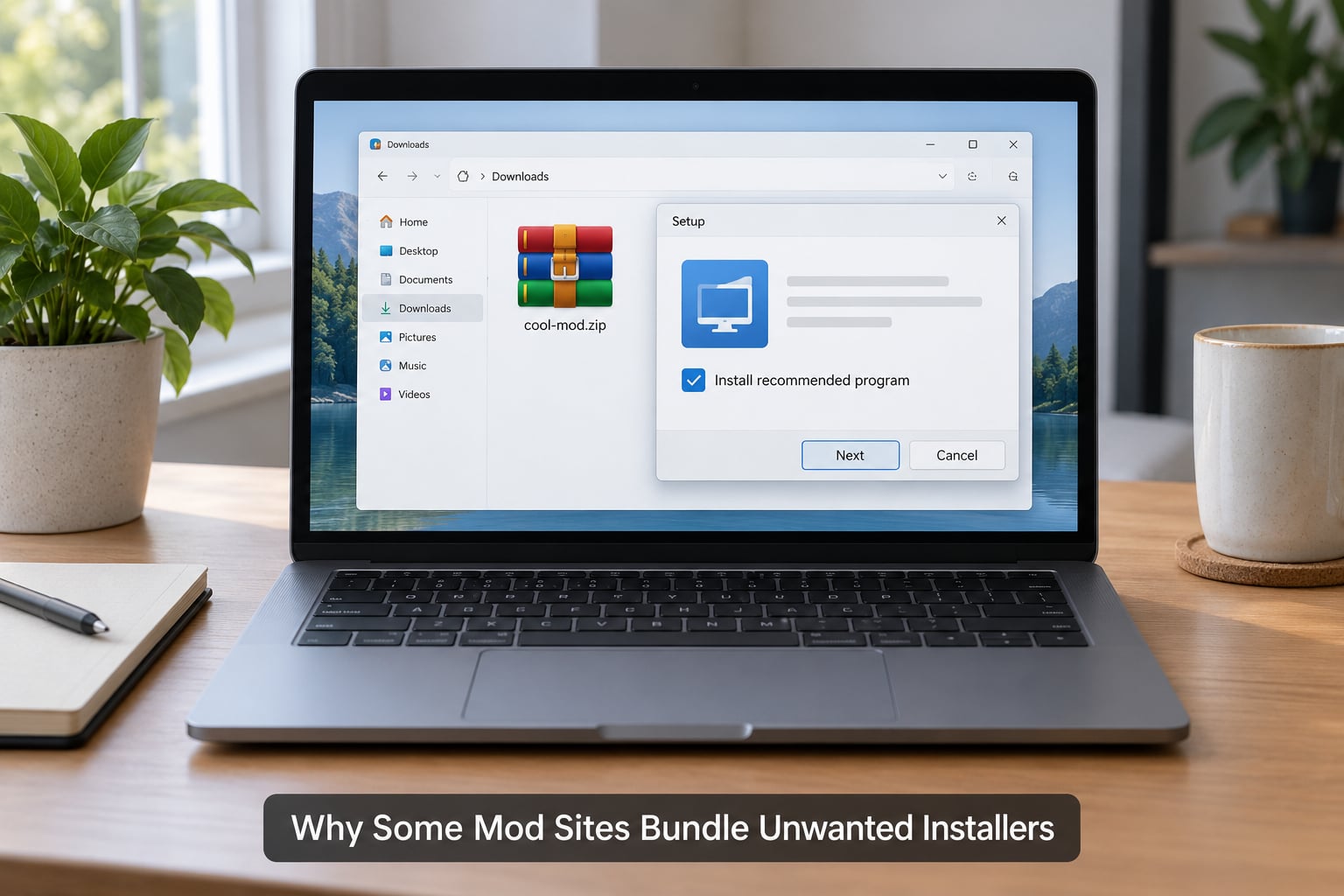
Some mod sites bundle unwanted installers because the download itself is the product being monetized. A mod host that cannot charge for files has one remaining lever: the traffic around the file. Wrapping a download in an installer creates an inventory of third-party offers, and every accepted install, and often every advertisement shown, pays money back to the host.
The important distinction is that a bundled offer is not automatically malware. It may be a fully licensed program the user technically agreed to install, which is why security vendors classify it separately. It is still unwanted, still undisclosed, and still capable of redirecting your searches, injecting ads and surviving a normal uninstall.
How Some Mod Sites Bundle Unwanted Installers
The chain usually runs through four or five hops, and the wrapper is added somewhere in the middle rather than by the person who made the mod.
- The author publishes a file. Usually a .zip, .rar or .7z containing textures, scripts or config files, uploaded to a platform or a personal site.
- Someone copies it. A mirror, a repost channel, an aggregator or a scraper site picks up the file and rehosts it, often with no idea what it is supposed to contain.
- The download button is replaced. Instead of pointing at the archive, the page points at a wrapper executable served by an advertising or pay-per-install network. Content lockers such as Adfly are the visible version of the same trick: a countdown page sits between you and the file.
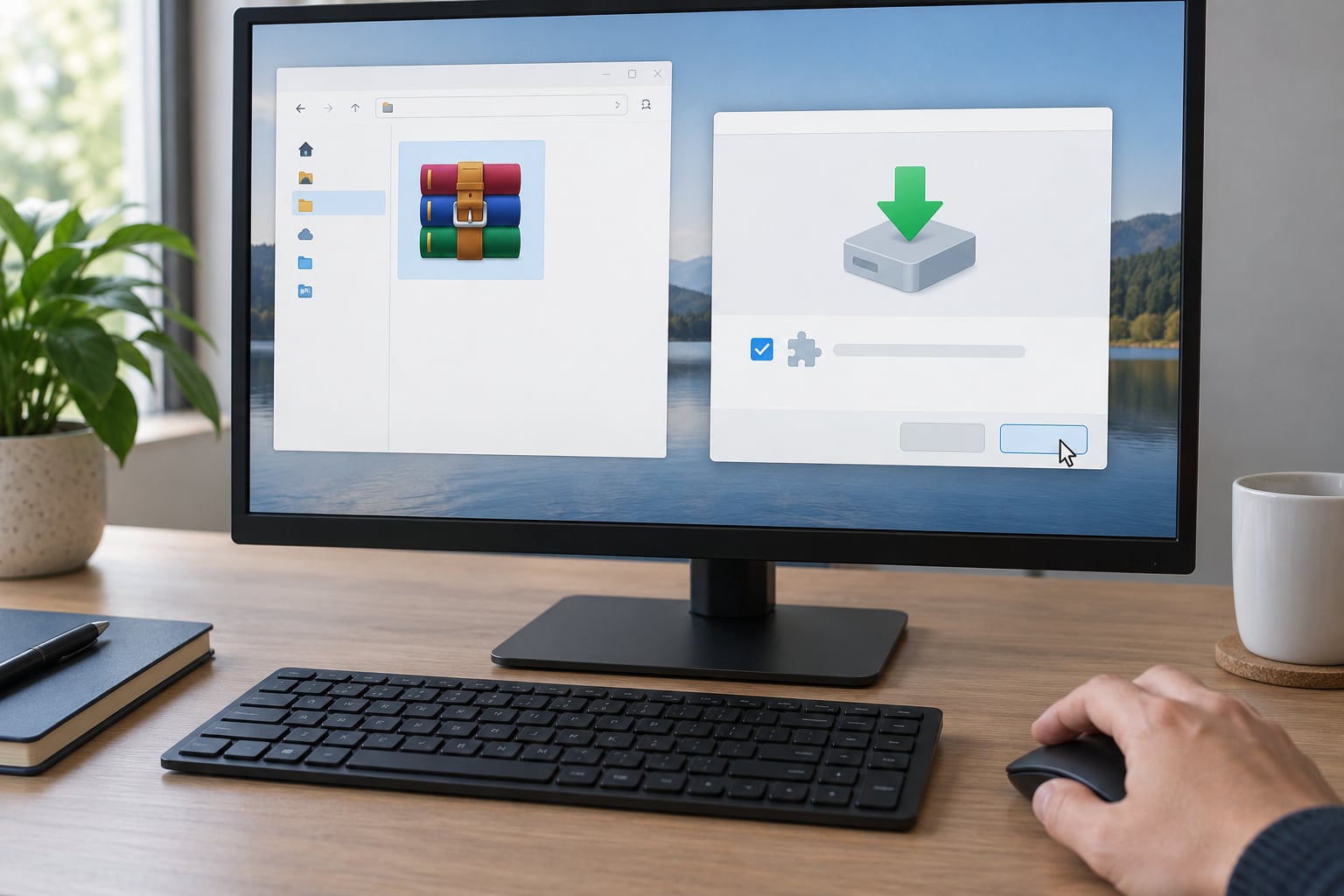
- The wrapper shows a consent screen. Your mod’s own terms appear beside optional offers, frequently with the optional boxes already selected. Malwarebytes notes that InstallCore setups do offer an opt-out, and that users commonly skip those steps and end up installing the extra software anyway.
- Payment lands. The host is paid per successful install and per advertisement shown, then the file you asked for finally unpacks.
Nothing in that chain requires the mod author to be malicious. The archived Aslain’s Mod case is the clearest example: a widely used World of Tanks mod author had a download link routed through Adfly to a fake site that hijacked the browser and forced users into Task Manager to close it. The author did not build anything deceptive. The link was swapped out from under the file.
Adware, PPI and Affiliate Offer Models
Pay-per-install, abbreviated PPI or CPI, means the advertiser pays each time software lands on a machine. The economics work because a single install earns more than a page of display ads would, and because the person clicking the button has already signalled intent by wanting the mod.
Around that core sit affiliate models, where a link earns a commission if a purchase completes, and content lockers, where a short wait or a survey pays the host for holding the traffic. None of these are inherently fraudulent. What makes them a problem on a mod page is disclosure: the offers appear attached to a file the reader believes is one thing, and that is the gap the bundler is exploiting.
Blame usually sits further down the chain than readers assume. The uploader is often the one losing out, since the wrapper is attached downstream of their file and can be swapped without their knowledge.
Warning Signs That a Download Contains Extra Software
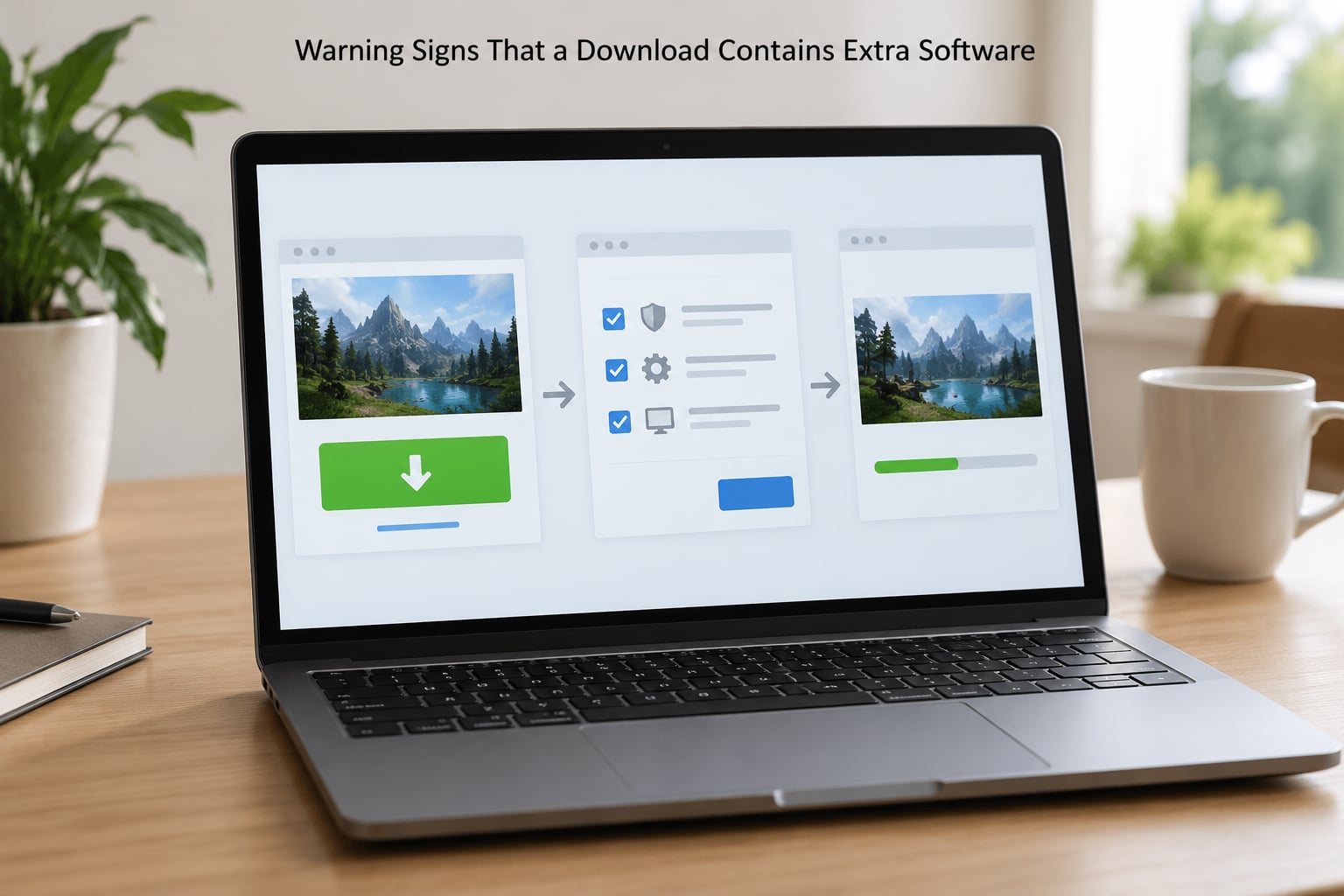
A deceptive download page usually gives itself away in the layout rather than the wording. Check these before you click anything.
- The download text is suspiciously small. The real file link is grey eight-pixel text under a large green button for a different thing.
- One button, two destinations. The big button opens an offer page, the small link gives the file, or the countdown page is the real gate.
- A redirect chain. Shorteners and lockers between the post and the file are the clearest signal that someone is being paid for the traffic.
- An .exe where an archive belongs. A texture pack, map or config mod should be a data archive. A setup executable in its place is a wrapper.
- Extensions that are not quite right. Misspelled ones like .zippp, .exee, or a file named setup that is really a script.
- Pre-checked optional installs. “Also install our optimizer” already ticked is not consent.
- Fake update prompts. A Java or Flash update dialog that appears from a game download is a known delivery route for this software.
- Forced gates. Pages that insist you install a tool, clear your browser data or disable protection before proceeding.
- No attribution at all. No named author, no upload history, no statement of what the file changes.
- Poor file information. No size, no checksum, no last-modified date, publisher listed as “Unknown”.
Only one of these on its own is proof of nothing. Several at once, on a page you reached through a shortlink, is a strong enough signal to close the tab.
Bundled Installer vs. Legitimate Mod Dependency
Some mods genuinely do need software installed first, so an installer is not automatically a scam. Here is how the two differ in practice.
| What you see | Legitimate mod dependency | Bundled offer |
|---|---|---|
| The file you receive | Archive plus a documented install script or redistributable | Setup executable you did not expect |
| Why it exists | Archive extraction, script runtime, codec or runtime library the mod lists in its readme | No functional reason connected to the mod |
| Where the extras come from | The mod author’s own requirements list | Third-party offers the mod never mentions |
| After installing | Only the mod folder changes | New browser extension, changed homepage or search provider, extra shortcuts |
| Publisher shown | Named author or the mod team | Unknown, or a company unrelated to the mod |
| What to do | Install as the mod documents | Cancel out, or decline every optional item |
A redistributable runtime is the giveaway on the honest side. It has a name you recognise, a publisher that matches the software it installs, and it is mentioned in the mod’s own instructions. A system optimizer offered by a skin-texture download has none of those.
How to Download and Install Mods More Safely
This is the procedure worth running before every mod download, and it takes about a minute.
- Prefer a platform-hosted source. Nexus Mods with Vortex, or the Steam Workshop, keep files on infrastructure with accounts, upload history and an abuse process. Modders describe those platforms as restrictive, and they still call them their main source.
- Check the domain before you download, not after. Read the hostname character by character. A portal with a hyphen and a near-copy of a known brand is the oldest trick in this category.
- Follow the link, do not hunt for the file. Never use a search result that points at a direct .zip on an unfamiliar host. If you found a file on a forum post, the post is the source; the file is a guess.
- Expect an archive, and verify the extension. Data mods ship as .zip, .rar or .7z. If the only option is an .exe, stop and read the page for a stated reason.
- Compare the published size with the download size. A mod described as 40 MB of textures arriving as a 2 MB setup is a mismatch worth backing away from.
- Scan the file before running it. Let your antivirus finish before you extract anything, and read the detection name rather than dismissing it.
- Read the consent screen line by line. Untick every optional item, including the ones with friendly wording. A well-behaved mod installer does not need your browser.
- Check the finished mod folder. After install, the game directory should contain the mod’s files. A new toolbar, a changed default search engine or a desktop shortcut nobody asked for is the bundle announcing itself.
An ad blocker helps with the ad-gated layer. Modding communities consistently recommend uBlock Origin with an annoyance filter list as the practical defense, and it will usually stop a content locker from ever appearing. It will not protect you from a wrapper that a site hands you directly, so it is one layer, not the whole answer.
What to Do If You Installed an Unwanted Program
Take it in order, and do not panic about the mod yet. Removing the extra program will not remove the mod files.
- Disconnect from the network if the install is still running or finished unexpectedly. Bundled software is usually advertising rather than a remote-access tool, but the pause costs nothing.
- Open your security tool’s detection list. Windows Defender and Malwarebytes both record the exact threat ID that fired. Write it down, because the name tells you what kind of thing you are dealing with.
- Run a full scan rather than a quick one. The quick scan checks active memory; a full scan checks the startup locations and browser integration points that bundled programs use to survive.
- Quarantine, then remove. Quarantine first so the file is disabled but recoverable. Remove it once you are satisfied you do not need it for anything.
- Uninstall the added application from Settings or Add or Remove Programs. Bundlers often register two entries: the offer itself and a leftover updater. Check again after the first removal and remove the second.
- Audit what it changed. Look at your browser’s extension list, your default search engine, your homepage, and notification permissions for websites you never use. Reset any of those that were altered without your say.
- Clear the startup and scheduled tasks that the program added, then reboot and run a second full scan to confirm it is gone.
- Report the download page to the host’s abuse form and to Google Safe Browsing if the file is still being served elsewhere. A takedown helps the next person more than a forum post.
If your scanner named a PUP rather than a virus, the removal is usually straightforward. If it named specific malware, follow your security tool’s guidance for that family instead of this list.
Frequently Asked Questions
Does every mod installer contain malware?
No. Some installers are legitimate wrappers that extract an archive or install a dependency the mod documents, such as a runtime library. Risk rises when the extra software is undisclosed, arrives pre-selected, is published by a company unrelated to the mod, or is the only file being offered. An installer is a reason to read the consent screen, not proof of a virus.
Why does a mod download lead to a different installer?
The site is likely routing your download through an advertising or pay-per-install gateway that swaps the expected archive for a wrapper capable of showing sponsored offers. This can happen even when the original mod is legitimate, because the file is frequently mirrored or its link replaced downstream of the author. The payment goes to whoever owns the download button.
Can antivirus scanning guarantee a mod download is safe?
No. Antivirus is one layer and it is good at known malware, but it cannot tell you whether a licensed program is something you want on your machine, and it cannot read the layout of a page to spot a tiny fake download link. Compare the file you received with what the mod page says it contains, and treat a mismatch as the real warning.
Is a mod archive safe if it contains an EXE file?
Not automatically, and not never. An executable is legitimate when a mod genuinely needs an installer, a script host or a redistributable, and the readme says so by name. It is a warning sign when the download is described only as textures, a vehicle, a map or a config pack. Check the archive contents and the stated requirements before running anything.
What should I do after a mod install adds extra software?
Quarantine the file with your security tool, run a full scan rather than a quick one, then uninstall the added program and check for a second leftover entry. Afterwards, review your browser extensions, default search engine and notification permissions, and clear any startup entries it created. Removing the extra program does not remove the mod files already in your game folder.
Conclusion
Why some mod sites bundle unwanted installers is a revenue question, not a conspiracy: the wrapper is monetized through pay-per-install payments, and the person earning is usually the host or network, not the modder.
So do this first. Check the domain and the file extension before you download, never accept a setup executable where a data archive belongs, let the scan finish, and untick every optional item you did not independently need. If something got installed anyway, quarantine it, run a full scan, remove it, and check your browser settings before you go back to the mod.
Article reviewed for accuracy in October 2026. Detection names change over time, so treat a scanner’s current threat ID as the authority on your machine rather than any article, including this one.