To fix invisible wheels on a car mod, start with the two things that cause most of it: the wheel files never landed in the right folder, or an older copy of the mod is still loading. Then work outward through textures, game files and collision values before you replace anything.
Most cases take under ten minutes. You need the game running with mods enabled, an archive tool like OpenIV or WinRAR, and one clean copy of the mod to compare against.
Table of Contents
- 1What You Need
- 2Step-by-Step
- 3How to fix invisible wheels on a car mod by checking the installation
- 4Verify the wheel files and model references
- 5Test the vehicle after resetting game files
- 6Check textures, transparency settings, and model viewer errors
- 7Adjust collision, wheel radius, and LOD settings only if needed
- 8Reinstall or replace the mod as the final fix
- 9Common Mistakes
- 10Quick Tips for Preventing Invisible Wheels
- 11Frequently Asked Questions
- 12Why are the wheels invisible only in one GTA game?
- 13Can I use a trainer or model viewer to fix invisible wheels?
- 14Should I delete replacement files before troubleshooting a car mod?
- 15Can invisible wheels be caused by missing textures instead of missing models?
- 16Does multiplayer allow installing a car mod with missing wheels?
- 17When should I contact the mod creator instead of editing the files?
- 18Conclusion
What You Need
- The exact game edition and build — the retail version, Steam or Epic, plus the current update number. A lot of missing-wheel reports trace back to a mod built for an older game build.
- The mod files themselves — the archive and any loose
.yft,.ytd,.rwcor.metafiles that came with it. Keep them in a folder outside the game directory so you have a clean reference. - An archive tool — OpenIV, WinRAR or 7-Zip. Anything that opens
.zip,.rarand.yfdcontainers works. - A mod manager, if you use one — OpenIV’s own mods folder, ModDrop, or a trainer loader such as Simple Trainer. If your loader and your game folder disagree, you get symptoms that look exactly like a broken mod.
- A model viewer or trainer — CodeWalker for game meshes, BeamNG Editor for vehicle nodes, or the in-game trainer used by your title.
- A clean backup of the affected vehicle — copy the whole vehicle folder out of the game directory before you edit a single file. Every step below assumes you have that copy.
Step-by-Step
How to fix invisible wheels on a car mod by checking the installation
Open the mod’s own instructions and read the file tree, because most installs state exactly where each file belongs. Compare that list against what is actually in your game folder.
In GTA V, add-on vehicle files normally sit under modsupdatex64dlcpacksyourpackdlc.rpfcontent, while replace vehicles drop into modsupdatex64vehicles. Anything you drop straight into the root mods folder or the Desktop is doing nothing at all. That is the single most common reason a car appears with no wheels, and it is the first thing to rule out.
Delete every older version of the same vehicle you have installed, including copies in a different pack folder. Two packs claiming the same model name produce unpredictable results.
Success check: the mod author loads in-game with no error, and any car that had working wheels before still has them.
Verify the wheel files and model references
Open the vehicle’s archive and look at what is inside. A working car mod ships wheel geometry alongside the body — separate files or separate drawables inside the model. If the only wheel-named file in the pack is a texture dictionary, the models are missing from the download.
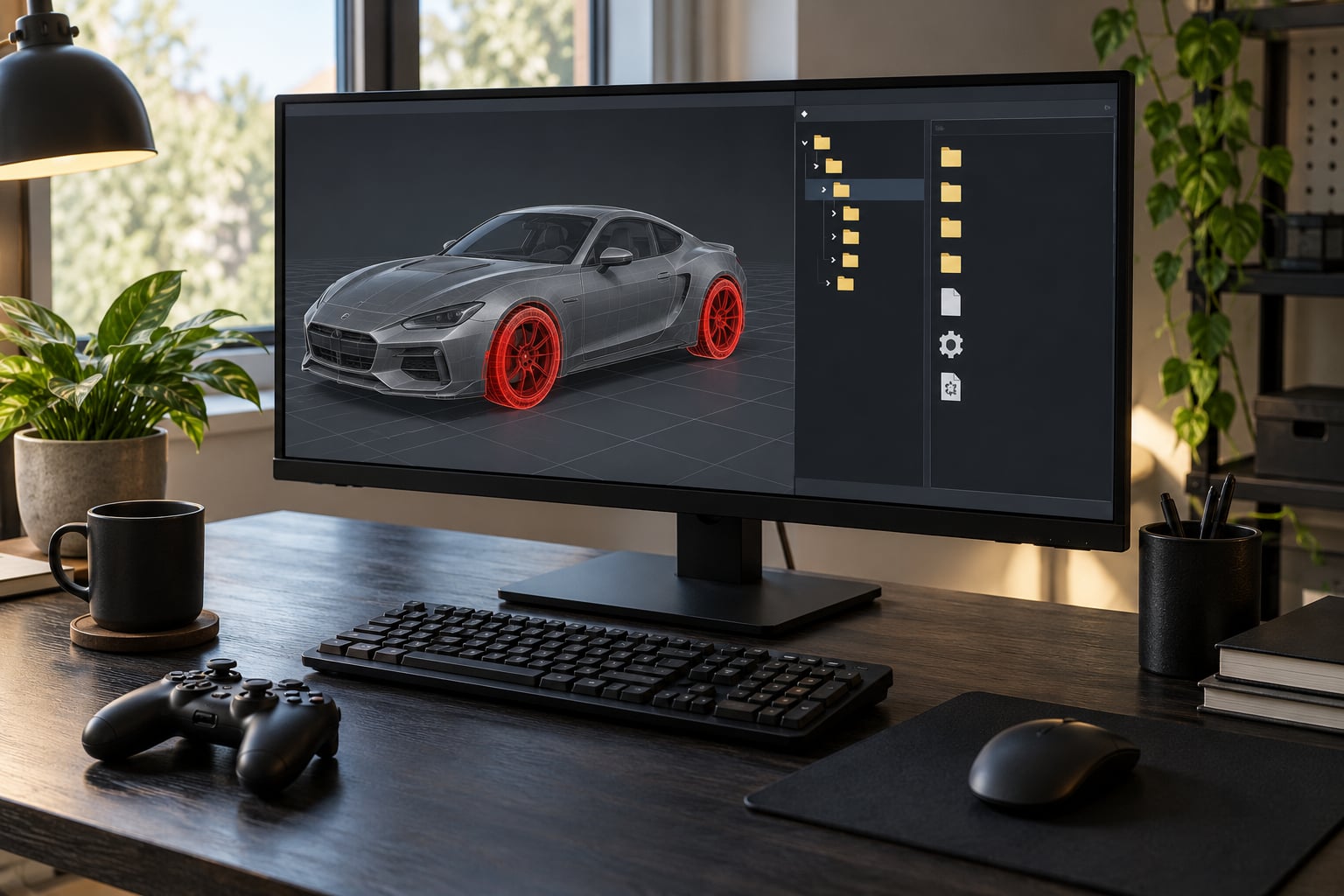
Open the vehicle in CodeWalker, or the equivalent viewer for your game, and check the drawable list on the vehicle model. Every entry should resolve to a file that exists in the pack. A drawable entry pointing at a filename that is not there is the cause of invisible wheels: the engine has nothing to draw and carries on as though the wheel is not there.
Then confirm the vehicle configuration file references the right wheel meshes and textures. vehicles.meta in GTA V ties drawable names to model slots, and a rename during repackaging breaks that link silently.
Success check: every drawable in the viewer resolves, with no red or missing entries listed.
Test the vehicle after resetting game files
Reset game files so a stale cache stops masking the problem. In GTA V the practical route is to move the modsupdatex64dlcpacks pack out of the folder, launch the game, load the vehicle, and put it back. GTA IV keeps its add-on packages under an updatedlcpacks folder instead, so move that one rather than the GTA V path.
Games with an open folder, such as BeamNG.drive or Assetto Corsa, need a different reset: quit, verify local files or restore your saved game data, then start again. BeamNG caches vehicle data heavily, and BeamNG Editor re-reads node files on launch once you clear its temporary data folder.
If the wheels reappear during the reset, the cache was holding a broken copy of the model and the install is fine. If they do not, the cause is in the files themselves, and you keep going.
Success check: the vehicle spawns with four visible wheels from a cold start, not just after a world toggle.
Check textures, transparency settings, and model viewer errors
A wheel that exists but cannot be seen is a different problem from a wheel that failed to load. The distinction matters because the fix is completely different.
Open the wheel texture file and look at the alpha channel. Mod authors frequently export wheel rims with an alpha channel of zero, or with a mask material set to transparent across the whole drawable. The result is a car rolling on invisible tires that still collide perfectly.
Check that the texture file named in the drawable actually exists and is not a stub from an interrupted download. A truncated file often loads without an error message and simply renders nothing.
Read the viewer’s warning log. Messages about failed material loads, unknown drawable names, or skipped textures tell you the file is present but rejected, which is different from the mesh being missing outright. Two people hitting the same symptom in the same game are often dealing with two different faults.
Success check: in the viewer, the wheel drawable displays a shaded, textured wheel rather than an empty or fully transparent surface.
Adjust collision, wheel radius, and LOD settings only if needed
Touch collision files, wheel radius and level-of-detail values only after the previous steps come back clean. Editing these values on a model that is genuinely missing files only hides the real fault.
Wheels that vanish once the camera moves further away are a level-of-detail problem, not a missing-file problem. Raise the LOD distance in vehicles.meta for the vehicle rather than editing the mesh. GTAForums users have traced disappearing-after-50-metres wheels to exactly this setting, and in some cases the authored values were already correct while a conflicting mod overrode them.
If the wheels spin detached in mid-air, compare the wheel position in the model against the vehicle’s wheelbase. Skeleton bones rotate around fixed pivot points, so wheels placed somewhere other than where the bones expect them get flung away from the arch as soon as the car moves.
Back up before editing, change one value at a time, and reload rather than batch-saving several settings you cannot trace back.
Success check: wheels hold position at the arch, spin in place, and stay visible at the distances you actually drive at.
Reinstall or replace the mod as the final fix
If every check above comes back clean, the model itself is broken. Download it again from the original source, extract into a fresh folder, and install over the top after removing the previous copy completely.
Partial deletions cause repeat symptoms. When you remove a replace vehicle, delete the .rwc, .meta, .yft and .ytd files together. Anything you leave behind can keep loading a stale drawable list.
Check the mod’s update notes for the game build it targets. Mods authored before a game update can break on geometry changes with no warning, and in that case waiting for an author patch beats editing files by hand.
One last cause worth checking: another vehicle mod using the same model name. If your custom wheels come from a pack that another mod also replaces, one of the two will always lose.
Success check: a clean copy of the vehicle, installed fresh, shows all four wheels.
Common Mistakes
Learning how to fix invisible wheels on a car mod comes down to four cause families: the wheel files are missing or in the wrong place, the model points at meshes that were never shipped, level-of-detail settings cull them at distance, or a conflicting wheel pack has overwritten them.
Installing into the wrong directory. Files dropped into the root mods folder, the Desktop, or a pack folder without its dlc.rpf structure do not load. This looks identical to a missing wheel file.
Using the wrong vehicle name. Many replacement cars must be spawned under their exact internal model name, and a renamed or add-on vehicle needs to be spawned through a trainer. Spawning the wrong name loads a different car entirely.
Deleting only the archive. Removing the .rpf or pack folder while loose .meta and .ytd files remain leaves the game reading a model with no drawable list. Delete every file belonging to the vehicle.
Overlooking missing textures. A rim texture set to fully transparent, or a wheel dictionary that never downloaded, produces invisible wheels on an otherwise complete model. Check the alpha channel before you start editing meshes.
Assuming an LOD or collision fault when the mesh is absent. When the wheels never render at any distance, level-of-detail and collision values are irrelevant. No LOD setting will draw geometry the game does not have.
Editing a working mod to fix a different car. A global wheel pack or rim pack that breaks one vehicle will likely break others too. Test with those mods disabled before changing the vehicle files.
Quick Tips for Preventing Invisible Wheels
Read the supported game versions before installing anything. Most broken installs come from a mod built for a game build you are not running.
Keep one clean backup of every vehicle you care about. When a mod breaks three months later, that folder is the difference between a five-minute fix and a reinstall.
Avoid duplicate vehicle names across packs, and keep custom wheel packs in their own folder so you can toggle them off in one step.
Test new vehicle files in a controlled setup: one new mod, no rim pack running, and a quick drive away from the spawn point. Adding four mods and then checking is how you end up back at step one.
Learn the difference between the two main symptoms early, because they send you in opposite directions. Wheels gone at every distance means missing files; wheels gone only when you drive away means level-of-detail settings.
Frequently Asked Questions
Why are the wheels invisible only in one GTA game?
Each GTA title stores vehicle data differently. GTA V keeps meshes in .yft and .ytd files inside an RPF package controlled by a drawable dictionary, while GTA IV uses its own .i64 package layout with a separate drawable list file. A mod built for one will not load its wheels in the other even if the body appears. Check the mod page for which title and game build it targets before editing anything.
Can I use a trainer or model viewer to fix invisible wheels?
A model viewer diagnoses the problem but rarely fixes it. CodeWalker or your game’s equivalent will show whether the wheel drawables resolve to files that exist, which tells you if you are chasing a missing file or a transparent texture. A trainer is useful for spawning the exact add-on vehicle name so you can confirm the right car loads. Editing meshes still requires the original modelling tools.
Should I delete replacement files before troubleshooting a car mod?
Yes, and back them up first. Remove the whole vehicle set together: the .rwc file, the .meta file, the .yft model and its .ytd texture dictionaries. Leaving any of them behind can keep a stale drawable list active, which produces exactly the invisible wheel symptom you were trying to clear. Keep your backup copy outside the game folder until the mod is working again.
Can invisible wheels be caused by missing textures instead of missing models?
They can. A rim texture with a fully transparent alpha channel, or a mask material covering the whole drawable, renders nothing while the collision and driving physics behave perfectly. A truncated texture file from an interrupted download does the same thing and usually produces no error message. If the wheel drawable exists in a viewer and resolves, look at the texture before you touch the model.
Does multiplayer allow installing a car mod with missing wheels?
Install your own mods on your own machine, but servers control their own asset lists. On a FiveM or RedM server the streamed resources come from the server, so a locally installed vehicle either never appears or is replaced by the server’s own version. A car with missing wheels on a server usually means a resource conflict rather than a broken download, and the fix belongs in the server’s resource configuration, not your game folder.
When should I contact the mod creator instead of editing the files?
Contact the author when the model and texture files are all present, every drawable resolves in a viewer, and the fault survived a clean reinstall and a game file reset. That pattern usually means the wheel bones do not match the vehicle’s wheelbase, which is baked into the exported model and cannot be corrected from the outside. Include your game build, game name and a screenshot of the viewer warning to get a useful reply.
Conclusion
Start by confirming the wheel files exist and that the vehicle is installed in the right game folder, because that resolves the largest share of invisible wheel cases in a couple of minutes. Then check the model references in a viewer, look at textures and transparency, reset game files, and only after that look at LOD, wheel radius and collision values.
If a clean reinstall of the original download still shows no wheels, the problem is baked into the export and the author has to fix it. Post your game build, the vehicle name and a viewer screenshot so you get an answer instead of another guess.