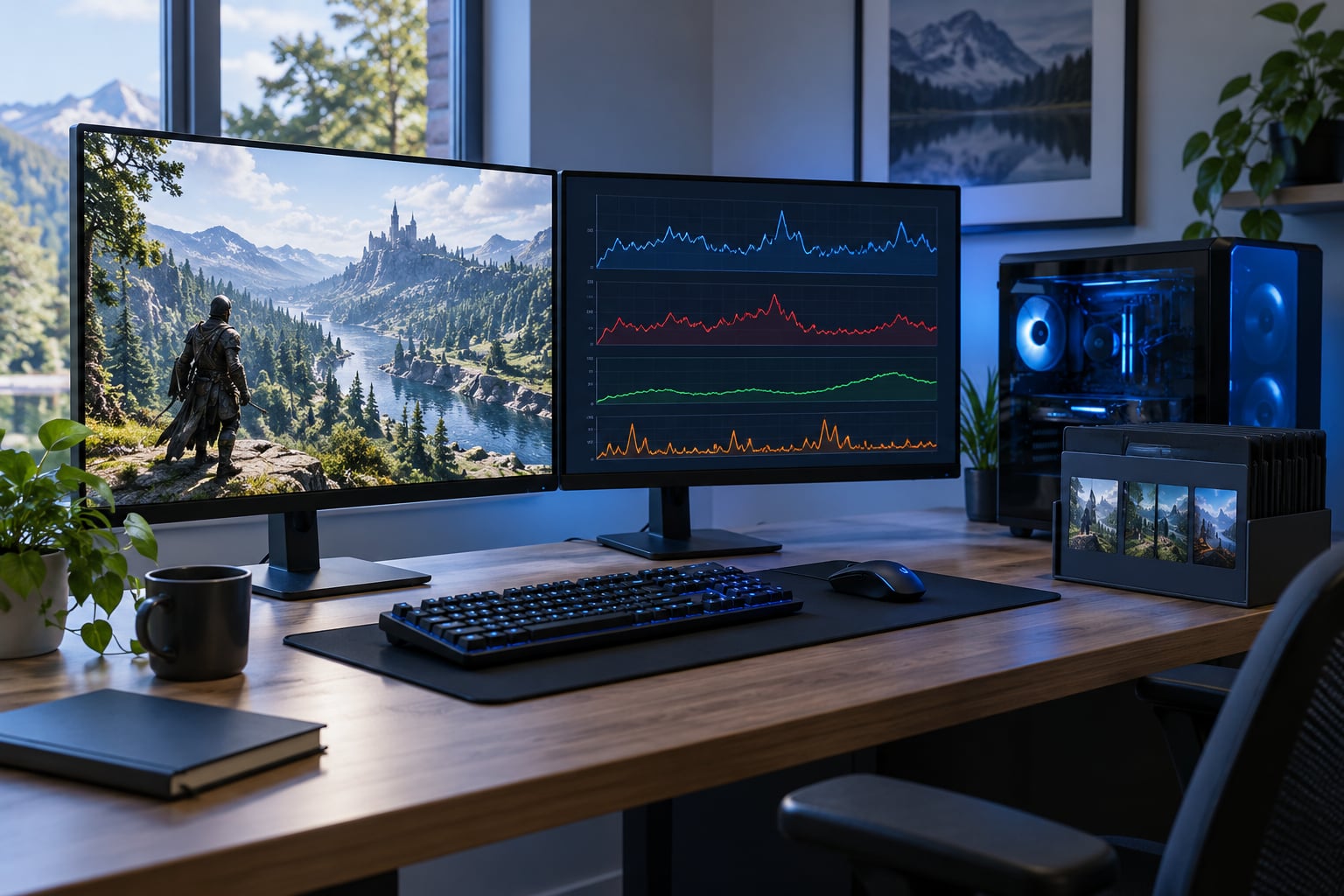
Why does my modded game stutter but GPU usage is low? Because your graphics card is sitting idle waiting for work. During a stutter the CPU is usually busy running mod scripts, physics and AI, or the game is stalled loading a texture pack, so the GPU never gets a full frame to draw and its usage percentage stays low.
The important part is that low GPU usage is a clue, not a diagnosis. It tells you the stutter is happening somewhere other than raw rasterisation, which is why swapping the card usually changes nothing.
Below is how to read the numbers during an actual hitch, how to separate a CPU bottleneck from VRAM overflow and a storage stall, and how to find the one mod that is causing most of it. Updated for October 2026.
Table of Contents
- 1What Does Low GPU Usage Mean During a Stutter?
- 2How to Tell Whether the Problem Is CPU, RAM, or Storage
- 3Step 1: Check whether the CPU is pinned
- 4Step 2: Check memory and committed VRAM
- 5Step 3: Check disk activity
- 6Step 4: Change the resolution and watch
- 7Step 5: Close the overlays
- 8Why Does My Modded Game Stutter but GPU Usage Is Low? Read the Numbers Together
- 9Why Do Mods Cause Stuttering Even When the GPU Is Not Busy?
- 10How to Isolate the Mod Causing the Stutter
- 11Which Graphics and Installation Settings Reduce Mod-Related Stuttering?
- 12Why Does a Modded Game Stutter on Android but Not on PC?
- 13Quick Fix Checklist for a Stuttering Modded Game
- 14Frequently Asked Questions
- 15Does a low GPU percentage prove my graphics card is not the problem?
- 16Will adding more VRAM fix modded game stuttering?
- 17Do I have to disable all my mods to find the problem?
- 18Can a single vehicle or map mod cause this kind of stutter?
- 19Can a GPU problem cause stutter?
- 20Is it okay if my GPU is 70C while gaming?
- 21Start With the Bottleneck, Not the GPU
What Does Low GPU Usage Mean During a Stutter?
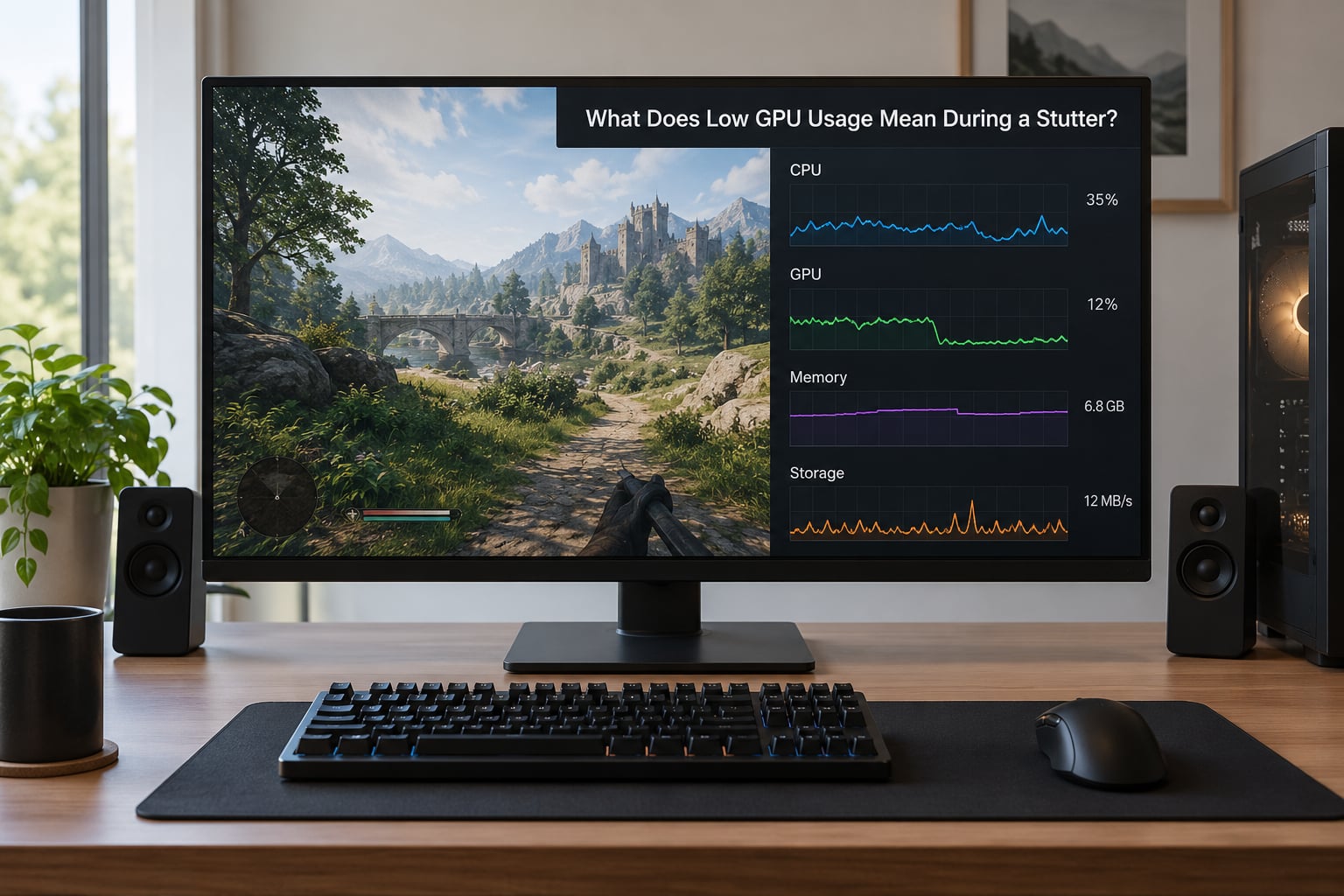
Low GPU usage means the card finished its share of the frame early and then had nothing left to do. Frame production is a pipeline: the CPU decides what happens, the GPU renders it, and the display shows it. If stage one runs slow, stage two never starts, so a fast card shows a low percentage.
The part that trips people up is the average frame rate counter. It can sit at a perfectly respectable 70 while the game feels awful, because the average smooths out the bad frames. What you feel is the 1% low, the worst one percent of frames, and in a modded game that number is often a fraction of the average.
So judge a stutter on frame time, not on usage. Frame time is how long one frame took in milliseconds. 16.7 milliseconds is 60 frames per second. A hitch that pushes a frame to 120 milliseconds is a visible freeze no matter how good the average looks.
What actually drains the pipeline in a modded game:
- Script running on the main thread, the same one that draws menus and moves your character
- Assets streaming from disk mid-frame, common when a texture pack is larger than your VRAM
- Draw call overhead, where a city replacer turns one building into thousands of separate pieces
- Physics recalculation after a traffic or destruction mod changes density
- Shader compilation the first time a new material appears on screen
None of those need GPU power. They need CPU time, memory and disk bandwidth, which is exactly why the card reads 30% while the game stutters.
How to Tell Whether the Problem Is CPU, RAM, or Storage
Open one overlay and watch five things at once during the stutter, not the average. On PC, MSI Afterburner with RivaTuner Statistics Server is the standard pairing, and CapFrameX gives you a real frametime graph with 1% lows. Task Manager on Performance is enough for a first pass and costs nothing.
Work through these five checks in order, testing after each one rather than changing several things at once and losing track of which change helped.
Step 1: Check whether the CPU is pinned
Look at total CPU usage and per-core usage in Task Manager during the hitch. One core at 100% with total usage around 30% still means the game is CPU bound, because most engines run critical work on a single thread. Afterburner shows the same thing as core usage, and a single-core figure near 100% with GPU usage under half is the clearest CPU-bound signature there is.
Step 2: Check memory and committed VRAM
If RAM sits above 85% or your committed memory is close to the page file limit, Windows is starting to page and everything crawls. Check committed GPU memory in Task Manager, or with GPU-Z. When committed VRAM sits right at the card’s total with GPU usage low, you have VRAM overflow and the card is swapping textures in and out of memory mid-frame. A long-answered thread on the Nexus Mods forum describes low GPU utilisation as exactly this: the card constantly swapping textures rather than rendering.
Step 3: Check disk activity
Watch the disk column in Task Manager while the stutter repeats. Active time above 100% means the drive is saturated. Low activity rules storage out, which is useful because it saves you from optimising a drive that was never the problem.
Step 4: Change the resolution and watch
Drop the resolution to something small. If frame rate barely moves, the GPU was never the constraint. If it jumps, you were GPU bound after all and something about the mod setup changed the balance.
Step 5: Close the overlays
Discord, the Steam overlay, GeForce Experience and Afterburner itself all hook into the frame. Turn them off for one clean test session. Guru3D threads blame DX9-era stutters on background game boosters and overlays rather than the graphics card, and it is a cheap thing to rule out.
| Symptom during the stutter | Likely cause | First thing to try |
|---|---|---|
| One CPU core at 100%, GPU under 60% | Main thread saturated by scripts or AI | Disable scripted quest and overhaul mods first |
| RAM above 85% or paging to disk | Memory pressure from added assets | Cut texture resolution and archive count |
| Committed VRAM pinned at card total | VRAM overflow and texture thrashing | Lower texture quality, remove 8K packs |
| Disk active time above 100% | Streaming stutter from slow storage | Move the game to an SSD and rebuild the cache |
| Everything low, stutter still there | Shader compilation or an overlay hook | Precompile shaders, disable overlays, clear the driver shader cache |
| GPU usage drops to zero for a second | Blocking file read or load on the main thread | Check mod conflicts, verify the game version, move to an SSD |
For the console side of this, the picture is thinner. Captures and detailed counters are limited on current consoles, so you work with what the system shows you: frame-rate stability, load times, and a frame-rate counter overlay if your device supports one. The stalls themselves show up as hitching in the same places, and the usual culprits are the same ones, script load and streaming. On PC you get the full graph. On console you get a stutter you can feel and a load screen you can time.
That difference matters when you report the problem or look for help. A PC user can post a frametime graph showing a 90 millisecond spike. A console user can post a description. Both are valid, but the second is much harder to diagnose, so take the extra minute on PC to record the numbers.
Why Does My Modded Game Stutter but GPU Usage Is Low? Read the Numbers Together
Any single number on its own is misleading, which is why the same question keeps coming back. Here is how the readouts combine into a verdict.
GPU under 50%, one core at 100%. The CPU is the bottleneck. Mods add script and AI cost to the thread that builds each frame, and no graphics setting will fix that. This is the most common case in heavily scripted lists.
GPU low and dropping, committed VRAM at the card limit. The texture budget is bigger than the card can hold, so it is thrashing. Someone on r/pcmasterrace described 25 to 35% GPU with the CPU at 100%; the same numbers on a low-VRAM card often mean memory pressure rather than pure CPU load, so check both before you decide.
GPU under 40%, CPU under 40%, RAM near full. The system is paging. Everything slows, including file reads, and the game waits on them mid-frame.
All three low, stutter continues on a loop. Look at what the disk is doing and whether a shader is compiling on screen. A usage graph that looks calm during a freeze is a graph measured after the stall, not during it, so make sure the overlay is actually capturing the moment.
GPU spikes to 95% then drops. A frame cap or VSync is masking inconsistency, and the dropped frames behind it are the problem. Players on Steam Community make the same point from the other direction: usage is a symptom of the frame-time problem, not the problem itself.
Why Do Mods Cause Stuttering Even When the GPU Is Not Busy?
Mods add work in places the graphics settings cannot reach. These are the causes I see most often.
Too many scripts on the main thread. Quest, AI overhaul and immersion frameworks add callbacks that fire every frame. In a 200-plus load order the cost is cumulative, and no single mod looks guilty.
Two mods editing the same file. When two mods replace the same asset, one silently wins. The losing side can leave a broken reference that the game resolves at load time, producing a hitch every time that object spawns.
Physics and traffic density. Raising pedestrian and vehicle counts in an open world multiplies the AI and collision work per frame. In a converted Android build of an open-world title, this is usually the single biggest cost.
High-poly and high-resolution assets. A 4K texture pack on an 8 GB card turns smooth traversal into a slideshow as the game streams replacements. A GTA V conversion with a full-resolution texture pack is a textbook case, and so is the same idea on San Andreas and GTA IV conversions running on hardware with little VRAM headroom.
Memory leaks in older mods. A long session starts clean and degrades an hour in. If the stutter only appears after twenty minutes of play, watch RAM climb during the session instead of measuring once at startup.
Draw call pressure. Each prop, tree and street light is a draw call the CPU has to submit. A detailed city replacer can multiply those while the GPU still has headroom, because submission is CPU work.
Bad configuration values. A texture quality slider set to 16, a shadow setting left at ultra, a population value typed into an .ini by hand. Mod installs sometimes reset game config files, and the result looks exactly like a mod conflict.
How to Isolate the Mod Causing the Stutter
Removing one popular mod at a time is the slow way and it gives you unreliable results, because a mod that looks innocent may be the one exposing the problem. Binary search finds it in about seven tests on a 200-mod list.
- Back up your game folder and your mods folder before touching anything. Copy the whole load order somewhere safe.
- Run the unmodded game and record frame time on the same route, in the same area, at the same camera angle.
- Disable the first half of your mods and record again. Mod Organizer 2 profiles make this a few clicks instead of a folder shuffle.
- If the stutter is gone, the culprit is in that half. If it is still there, the culprit is in the other half.
- Halve the suspect group and repeat until you are down to one mod.
- Re-enable that mod alone on top of the clean base to confirm it is the cause, not a partner mod it needs.
- Read the error log the game writes on launch. Script errors and missing asset warnings name the mod file directly, which can end the search in one step.
The consensus on r/skyrimmods follows the same logic: keep a load order that already works, and if you add something and get problems, the new mod is almost always the reason. Treating a known-good list as your baseline is what makes the test repeatable.
Removing one mod without wrecking the rest is straightforward. Mark it as inactive in Mod Organizer 2 rather than deleting files, and never hand-edit a load order that a tool like LOOT sorts for you. If a mod is required by others, disable its dependents in the same pass, otherwise you will just trade a stutter for a crash.
Which Graphics and Installation Settings Reduce Mod-Related Stuttering?
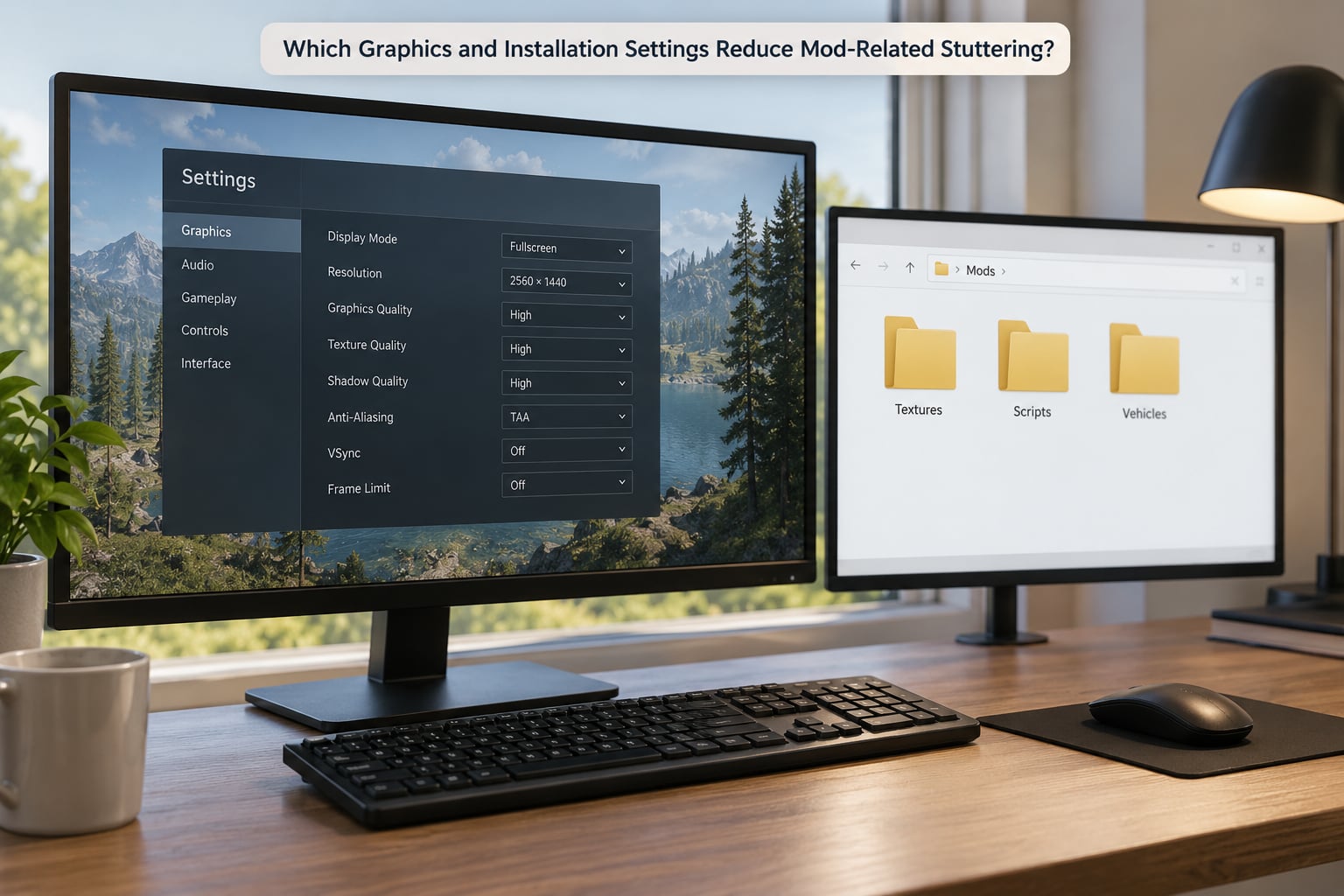
Start with the settings that change how much the CPU and the memory system have to do.
Texture quality and VRAM headroom. Match the texture budget to the card. If committed VRAM sits at the card total, lower texture quality one step and rebuild the cache. On Creation Engine titles, individual mod texture quality settings often override the global slider, so check the per-mod options too.
Draw distance. Longer draw distances add objects, culling work and streaming requests. Cutting view distance and shadow distance short is often the biggest single saving in an open-world list.
Population density. Traffic and pedestrian sliders feed directly into AI and physics cost. Reducing density removes CPU work that no amount of GPU power can replace.
File replacement conflicts. Group conflicting assets so the intended winner is clear, and keep high-resolution texture replacers in one place instead of scattered across a dozen folders.
Archive organisation. Unsorted loose files and oversized archives both slow loading. Keep mods in the manager rather than dropping folders into the game directory by hand.
Cache rebuilding. After any large change, clear the game’s shader and asset cache so it rebuilds for the current setup. NVIDIA users can also clear the driver shader cache, and users on NVIDIA boards are often advised on their own forums to toggle Windows Hardware Accelerated GPU Scheduling off and retest, since it can introduce micro-stutters of its own.
Game version match. Mods built for a different game version, or for the wrong edition, force the engine to reconcile files on load. On a Bethesda title that means checking the edition and the update number, and on an Android conversion it means matching the game’s own patch level.
Fullscreen mode. Borderless windowed adds a compositor step. Exclusive fullscreen removes it. It is a small change and occasionally the whole problem.
Frame cap and VSync. A cap smooths pacing, but VSync adds a frame of latency and can mask uneven delivery. Test with both off and watch the frametime graph, not the average.
Power plan and thermals belong here too. Tom’s Hardware threads raise power supply throttling early when usage looks oddly low, and a hot CPU that is downclocking looks exactly like a CPU that is outmatched. Check CPU package temperature during the stutter, not at idle.
Why Does a Modded Game Stutter on Android but Not on PC?
The same mod list on a phone is running on different hardware with far less headroom, and the phone is also fighting heat. The specific causes:
Thermal throttling. A phone hits its temperature limit within minutes and drops clocks, which shows up as a smooth slide from playable to unplayable. PC cases have airflow. Phones do not.
Unified memory. System RAM and VRAM come from the same pool, so a large texture pack crowds out the running game and the operating system at once.
Weaker CPU per core. Mobile processors favour efficiency over sustained single-core speed, and single-core speed is what a main thread bottleneck needs.
Storage speed. Mobile flash and slower storage over a network drive mean long streaming stalls. A converted open-world title streams constantly.
Background apps. Anything running in the background takes memory and CPU time on a device that has very little spare.
Oversized texture packs. Packs made for desktop cards are simply too large for mobile memory budgets. Scale them down or use the low variant that ships with the conversion.
On recent phones and tablets, check battery settings first, close background apps, lower the texture and population sliders, and test with fewer mods. Expect the same list to behave very differently from a desktop, and judge it on the phone’s own numbers rather than by comparing frame rates.
Quick Fix Checklist for a Stuttering Modded Game
Work down this list in order, cheapest and lowest risk first, testing after each step.
- Confirm the bottleneck. Watch CPU, GPU, RAM, committed VRAM and disk during an actual hitch, not an average.
- Close every overlay. Discord, Steam, GeForce Experience and your own monitoring tool. Then test.
- Run the unmodded game. If it is smooth, the hardware is fine and the mod list is the problem.
- Bisect the load order. Halve, test, halve again until one mod is isolated.
- Drop the heaviest settings. Population density, view distance and shadow distance first, then texture quality.
- Check the texture budget against VRAM. A 4K pack on an 8 GB card will thrash no matter what the slider says.
- Free memory. Close apps, check paging, and confirm committed VRAM is not pinned at the card limit.
- Verify storage. Active time above 100% means move the game to an SSD.
- Verify the game version and edition. Mismatched versions make the engine reconcile files on every load.
- Rebuild caches. Clear the game shader and asset cache, then the driver shader cache.
- Test with VSync and frame caps off. Read the frametime graph to see the real pattern.
- Watch temperatures. A downclocking CPU and a throttling power supply both mimic a bottleneck.
If you get through all twelve and the stutter is still there, the honest move is to rebuild from a known-good list instead of continuing to patch. An afternoon of methodical testing beats a month of guessing.
Frequently Asked Questions
Does a low GPU percentage prove my graphics card is not the problem?
No, and this is the most common misread in the whole topic. A low GPU percentage during a stutter usually means the card is waiting, but VRAM overflow, disk streaming and shader compilation all involve the GPU while showing low utilization. Check committed VRAM against the card total and read CPU and disk during the same moment before ruling the card out.
Will adding more VRAM fix modded game stuttering?
It fixes one specific cause, VRAM overflow, and does nothing for the others. If committed VRAM is already sitting at the card total, more memory means fewer texture swaps and a real improvement. If your committed memory is comfortably under the limit and one CPU core is pegged, extra VRAM changes nothing, because the bottleneck is main-thread work.
Do I have to disable all my mods to find the problem?
No. Bisecting finds the culprit in about seven tests on a 200-mod list. Disable half the list, test, then keep halving whichever group still stutters until one mod is isolated, then confirm it alone on a clean base. Using Mod Organizer 2 profiles keeps each test reversible.
Can a single vehicle or map mod cause this kind of stutter?
Yes, and it happens more than people expect. A map mod that raises object density, or a vehicle mod that adds high-poly models, can push draw calls and memory loads high enough to hitch every time that area loads. The giveaway is that the stutter repeats in one specific place, and walking away from it restores smooth frame time.
Can a GPU problem cause stutter?
Yes. A card that is thermally limited, power limited, or short on video memory can stutter even with modest usage numbers. VRAM overflow shows low GPU utilization while the card swaps textures constantly. Check GPU temperature and committed memory during the hitch, not just the usage bar, and a GPU problem is real rather than something to rule out.
Is it okay if my GPU is 70C while gaming?
For a desktop graphics card, 70C under load is a normal working temperature and not by itself a cause of stutter. For a laptop or a phone, the same number is much closer to the throttling limit. Judge it against the manufacturer’s limit, and remember that CPU temperature and power supply behaviour matter more here than the GPU reading.
Start With the Bottleneck, Not the GPU
Run the unmodded game first. Then watch CPU, GPU, RAM, committed VRAM and disk during the exact moment the stutter happens, and only then decide what you are dealing with.
Most of the time it comes down to one mod, one setting or one conflict, and a graphics card upgrade was never going to touch any of them. Change one thing at a time, record frame time after each change, and keep the load order that works. That habit solves more modded stutter problems than any tool setting on the market.