Most of the time the aircraft is not broken. When a plane or helicopter feels wrong in GTA V, the cause is almost always one of three things: an input that is not registering, an axis that is inverted, or a handling file that a mod has overwritten. Work through those in that order and you will find the real problem in about ten minutes.
Last checked for October 2026. Menu labels shift a little between the Legacy build and the current edition, so I have named the setting rather than only the path.
Table of Contents
- 1Which Symptom Do You Have?
- 2What You Need Before You Fix Flying Vehicle Controls Feeling Wrong
- 3Step-by-Step
- 4How to Fix Flying Vehicle Controls Feeling Wrong in Five Checks
- 5Check Keyboard, Controller, and Camera Inputs
- 6Disable Other Mods and Scripts
- 7Reset the Vehicle to Native Handling
- 8Inspect the Handling or Flight Script
- 9OpenIV Steps for Editing handling.meta Safely
- 10Tune the Controls and Test in Stages
- 11Common Mistakes in This Step Order
- 12Common Mistakes
- 13Frequently Asked Questions
- 14Why does my flying vehicle keep drifting sideways in GTA 5?
- 15How do I reset a GTA 5 vehicle to default handling?
- 16Should I edit handling.meta or a custom flight script?
- 17Why do the controls work differently on controller and PC?
- 18How do I stop a flying vehicle mod from tilting uncontrollably?
- 19Conclusion
Which Symptom Do You Have?
Almost every “feels wrong” report lands in one of five buckets, and each one points somewhere different. Use the table below to find yours before you open a single file.
| What you notice | Most likely cause | Go to this step |
|---|---|---|
| Numpad 4, 5, 6, 8 or a key does nothing in the air | Binding, modifier key, or mouse control not enabled | Check keyboard, controller and camera inputs |
| Nose goes up when you push forward, or the camera moves the wrong way | Inverted pitch or look axis | Check keyboard, controller and camera inputs |
| Aircraft shakes, wobbles, or rocks violently in a hover | Wind and turbulence values in handling | Inspect the handling or flight script |
| Drifts hard to one side with no input from you | Stick drift, deadzone, or uneven center of gravity | Check inputs, then inspect handling |
| Ground vehicles also feel strange after installing a mod | A handling file overwrote your other handling files | Disable other mods and scripts |
One quick test separates the first two buckets from the rest. Sit in the aircraft, hold nothing, and let it hover for thirty seconds over open ground. Movement with no input is a file or hardware fault. Nothing at all, but wobble the moment you touch the stick, is turbulence or handling.
What You Need Before You Fix Flying Vehicle Controls Feeling Wrong
You need the aircraft that misbehaves, one stock aircraft to compare against, and access to whichever files the mod installed. Grab a stock plane and a stock helicopter, because comparing them is the fastest way to tell an input problem from a handling problem.
Before editing anything, copy the mod folder and back up handling.meta. A handling file that gets overwritten is annoying to rebuild by hand, and one bad edit can leave every ground vehicle feeling strange too.
Also note which build you are on. The Legacy story mode build and the current edition ship aircraft in different folders, which is the single biggest reason a global fix lands on some aircraft and not others.
Step-by-Step
How to Fix Flying Vehicle Controls Feeling Wrong in Five Checks
Start by naming the symptom, because “feels wrong” covers four different faults. Inputs that do not register feel dead. Inverted axes feel backwards. Wobble and swing feel unstable. Constant drift to one side feels like a hardware problem.
Spawn the same aircraft without mods loaded, or fly a stock plane and a stock helicopter. If stock feels right and the add-on does not, you have a file problem, not an input problem. That one comparison saves hours.
Check Keyboard, Controller, and Camera Inputs
On PC, the aircraft throttle sits on W and S, yaw on A and D, and pitch and roll on the numpad 4, 6, 8 and 5. Players on r/GTAV report the numpad roll keys doing nothing at all, and the usual answer is to hold the left mouse button and steer with the mouse instead.
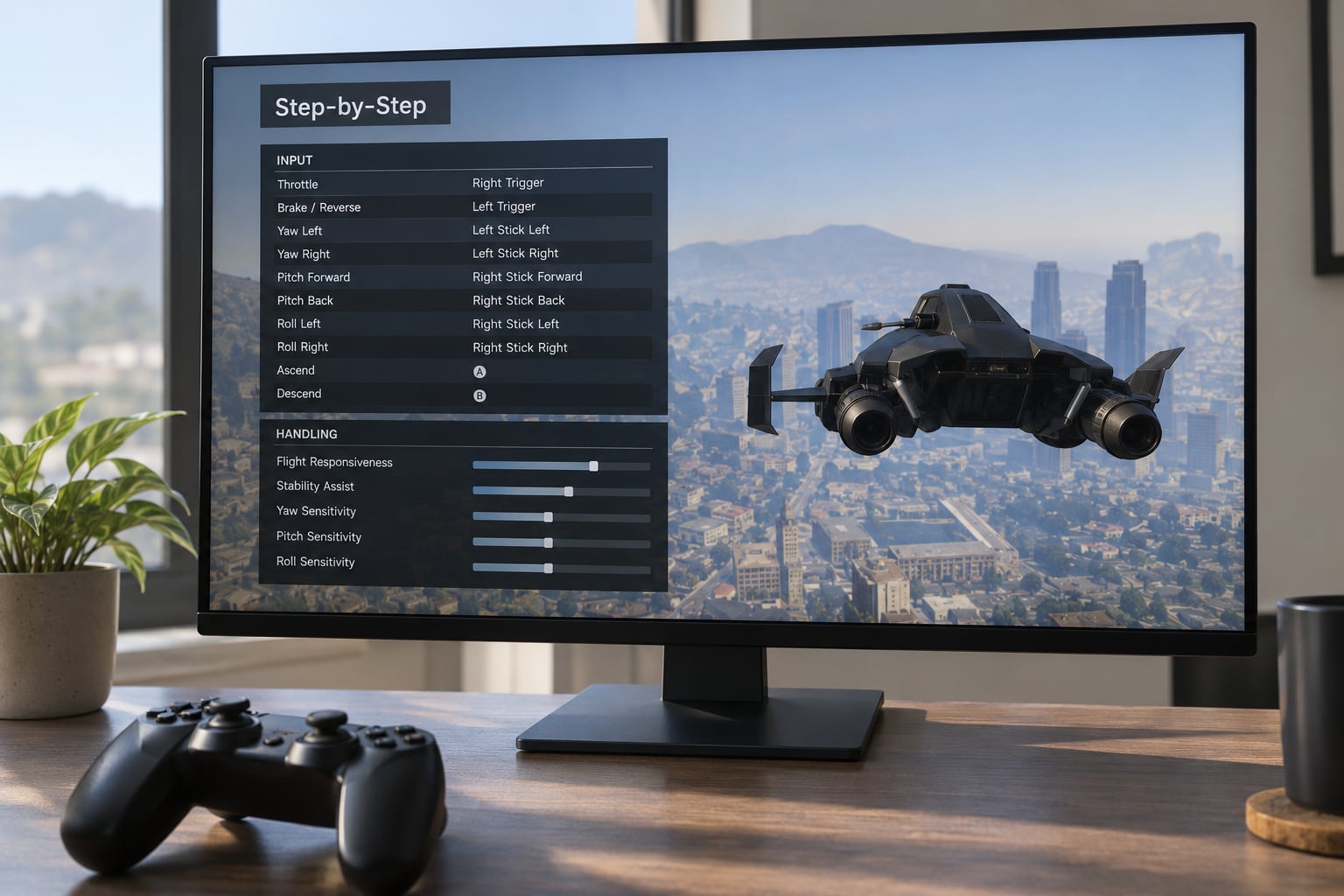
Here is the default aircraft layout, which is the first thing to verify before blaming the vehicle:
| Action | PC keyboard and mouse | PlayStation | Xbox |
|---|---|---|---|
| Throttle up / down | W / S | R2 / L2 | RT / LT |
| Yaw left / right | A / D | L1 / R1 | LB / RB |
| Roll left / right | Numpad 4 / 6 | Left stick horizontal | Left stick horizontal |
| Pitch forward / back | Numpad 8 / 5 | Left stick vertical | Left stick vertical |
| Steer with mouse | Hold left click | Not available | Not available |
| Toggle landing gear | G | Triangle | Y |
| VTOL or grappling hook | Left Alt | Square | X |
If those match what you press and the aircraft still ignores you, the key is not the problem. Keyboard players on r/GTAV describe the numpad roll keys as unresponsive and fall back to holding the left mouse button and steering with the mouse, which is a workaround worth knowing even if your bindings are fine.
Check that you are not holding a modifier that swallows the key, and that the numlock state is not the problem. If a key works on the ground controls but not in the air, rebind it in the aircraft section rather than the general one.
On a controller, the left stick handles pitch and roll, the triggers or the right thumbstick handle the throttle, and the shoulder buttons handle yaw. Two things cause most of the trouble: a deadzone that is too wide, so small stick movements never register, and an inverted look axis that flips pitch when you tilt.
Test the deadzone by hovering over open ground with the camera looking down, where nothing breaks if you drift. Test inversion by tilting the nose forward a small amount and watching whether the nose goes up instead.
Camera mode matters more than people expect. In first person the aircraft responds differently to look input than in third person, and a lot of “the controls feel wrong” reports turn out to be a camera switch mid-flight.
Disable Other Mods and Scripts
Turn everything off in groups, not one file at a time. Start with script loaders, trainers and menu mods, then add vehicle mods back in one group at a time until the aircraft misbehaves again.
Two mods are usually responsible. One replaces the whole vehicle handling file, which quietly changes every aircraft in the game. The other runs a flight script that takes over pitch, roll and lift after you spawn. The script one is harder to spot because there is nothing in the settings screen to indicate it.
Script Hook V and the ASI Loader are common hosts for these flight scripts. If a script hook is running, a plain handling edit may not change anything at all, because the script is writing the values back every frame.
Reset the Vehicle to Native Handling
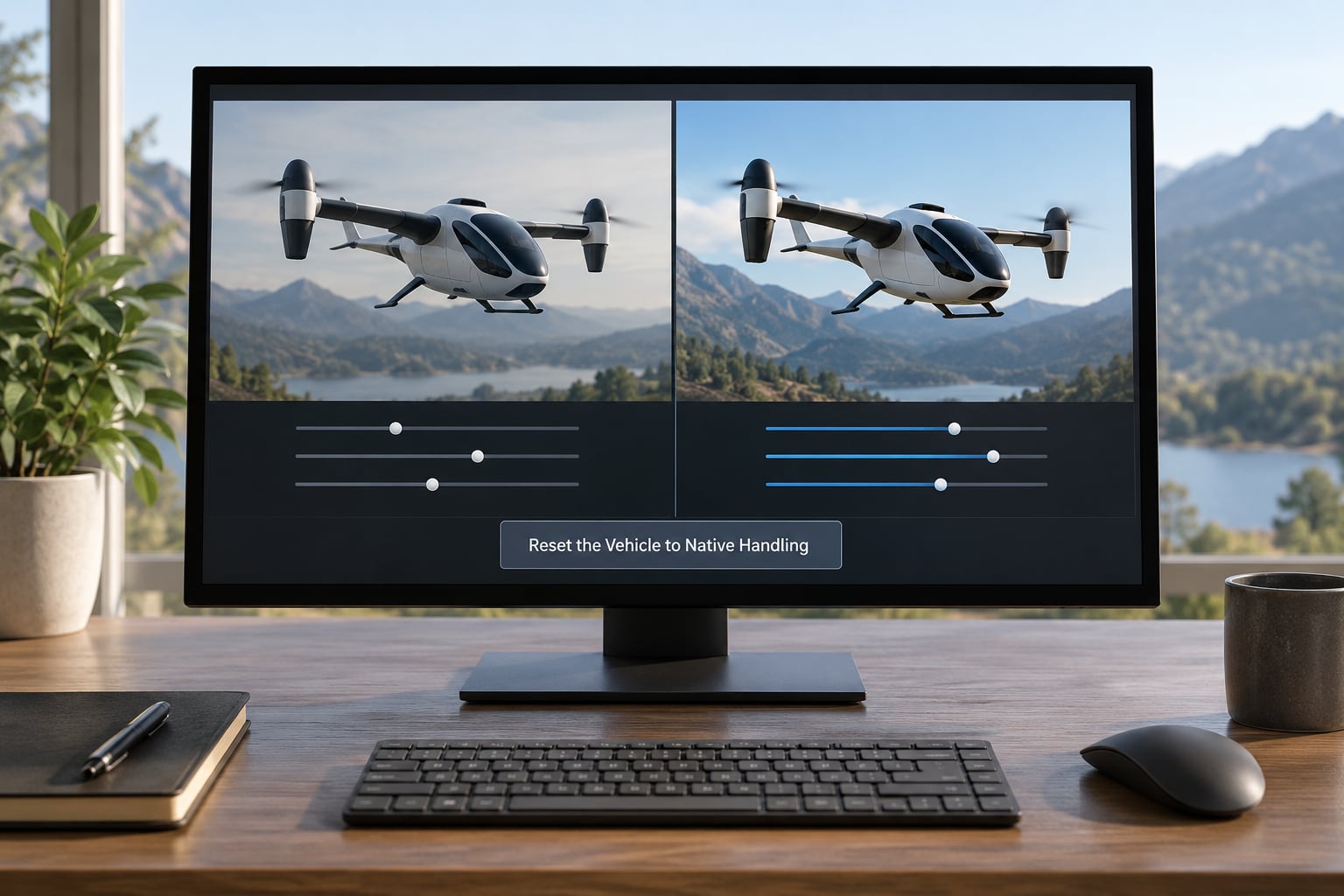
Put the add-on back to default handling and see whether the problem survives. If the aircraft is a replace, restoring the original files is the cleanest test, and it is reversible because you made a backup first.
If the problem disappears with native handling, the fault is in the add-on. If it stays, the fault is in your input setup or another mod, and you keep looking elsewhere.
Inspect the Handling or Flight Script
Aircraft handling lives in handling.meta. The keys most people care about are the turbulence and wind values, and the ones that cause a wobble in rough air are fWindMult, fTurublenceMagnitudeMax, fTurublenceForceMulti, fTurublenceRollTorqueMulti and fTurublencePitchTorqueMulti. The spelling of “turbulence” is wrong in the file itself, which is why you will not find those keys by searching the game folder. Setting all five to 0.000000 flattens the shaking that makes hovering a guessing game.
Damping and lift control how the aircraft settles. Raise the damping values and the aircraft resists the swing players complain about, at the cost of slower rotation. Change the center of gravity values and you change the way it lands, which is a common source of odd touchdown behaviour in heavier handling setups.
If a custom flight script is running instead, you are looking at variables such as pitch authority, roll rate, lift and the rotation damping it applies after the stock model. There is no universal setup here, so read what the script author documented before you start changing values.
One folder detail catches people out. Aircraft can live in the x64 folder, the x64e folder, and update/x64 for DLC content. A global turbulence fix that only touches x64 will leave DLC aircraft like the Mammatus still wobbling, and that is the most common reason a working fix appears to do nothing.
OpenIV Steps for Editing handling.meta Safely
Open with OpenIV, navigate to the aircraft folder inside the game’s modded directory, and open handling.meta in a plain text editor. The file is not encrypted, so the keys sit in readable text under the aircraft’s handling block.
Change one value, save, and confirm the file in OpenIV. Then test the aircraft in single-player first. Handling mods and any mod that alters the game are a bad idea in GTA Online, where they can lead to a ban, and the story mode build is the safe place to confirm your edits work.
If you are keeping several handling mods, save each one as a separate copy rather than letting one overwrite another. A player on gtaforums found the fix by diffing a mod’s handling file against the default and zeroing the wind and turbulence values, then confirmed the manual edit worked while noting the aircraft was still tricky to control. That second half is worth remembering: removing turbulence solves the shaking, not the handling.
Tune the Controls and Test in Stages
Change one thing at a time, in this order. Control strength first, so pitch and roll respond more or less evenly. Damping next, which is what kills swing. Then lift, then rotation speed, and only then the assists.
After every change, run four short tests. Hold a hover for thirty seconds. Accelerate to cruise and hold a straight line. Set down and taxi. Then take off again close to the ground so a bad value does not end the session.
Heavier controls do feel calmer, and that is the trade. A twitchy aircraft is easier to correct if you are used to it, and an over-damped one is sluggish on approach. Most people settle somewhere in between after a few passes.
If your aim is off as well, the aim sensitivity and deadzone settings matter more than people expect while airborne. The same in-game setting controls your reticle, so a sensitivity that suits walking makes tracking a target from a helicopter nearly impossible.
A few practice drills help more than any value change. Hold a hover at low altitude until you can stay within a few meters of a spot for a full minute. Then take off, climb, level, and land in one continuous run without touching the camera. Then repeat while carrying a vehicle, which is the hardest version of the task because the weight changes the handling.
Players on the Steam Legacy discussion board describe combining tilt back with blade speed increase as the technique for carrying a vehicle, and describe tap-tilting forward at maximum lift to set down. Those are muscle-memory tricks, but they only work once the underlying handling is fixed.
Common Mistakes in This Step Order
Changing five values at once is the big one, because then you cannot tell which edit helped. Using plane values on a helicopter is the second. Ignoring camera inversion wastes an hour for anyone on a console.
Cached files are the third. If you edit handling.meta and see no change at all, the game is reading a different copy, so verify the file path before you edit it again.
The fourth is taking a handling file from another game version. Values that are valid in one build are ignored in another, and that produces a fix that appears to install cleanly and does nothing.
Common Mistakes
Installing a handling mod over your existing handling mods. One file wins, and you have no idea which one until you remove them. Fix: extract each mod’s handling file separately, or use a per-vehicle handling mod that only touches one vehicle.
Running flight scripts and editing handling.meta at the same time. The script overwrites your values. Fix: pick one method and test it on its own.
Editing x64 and forgetting update/x64. Fix: edit every aircraft folder, then retest a DLC aircraft specifically.
Raising lift to fix drifting. More lift makes the drift worse. Fix: correct damping and the wind values first.
The rule that keeps all of this manageable is simple: change one variable, back up the file, and test before you continue.
Frequently Asked Questions
Why does my flying vehicle keep drifting sideways in GTA 5?
A steady slide to one side usually means stick drift, a deadzone set too low, or a handling file with an uneven center of gravity. Test it on a stock helicopter with no mods: if the stock aircraft holds center, your add-on’s handling is the cause. If both drift, park the controller untouched on a flat surface for a minute and watch whether the aircraft still moves. Persistence with no input means hardware or a deadzone, not a game bug.
How do I reset a GTA 5 vehicle to default handling?
Reinstall the original files for that vehicle, or delete the replaced handling entry so the game falls back to its built-in values. In OpenIV, open the aircraft folder, restore the backed-up handling file, and confirm you edited the right path. Restart the game fully, since handling is read at load. If the vehicle is a replace, the cleanest reset is reinstalling the stock version of that model over your modded copy.
Should I edit handling.meta or a custom flight script?
Use handling.meta when the aircraft flies badly because of wind, turbulence or swing, since that is what the file controls. Use a flight script when you want different control authority entirely, such as an arcade-style response. Running both at once means the script keeps overwriting your edits, so pick one. If you are new to this, fix flying vehicle controls feeling wrong through the settings and native handling first, then open the file.
Why do the controls work differently on controller and PC?
They read different inputs through different paths. On PC, pitch and roll usually come from the numpad, with the mouse as an alternative, while on a controller they come from an analog stick with a deadzone and an optional inverted axis. An analog stick can also drift, which a keyboard never does. So a problem that only appears on console is usually stick drift or inversion, not the vehicle itself.
How do I stop a flying vehicle mod from tilting uncontrollably?
Raise the damping values and level the center of gravity in handling.meta, then retest in calm weather. If the tilt only appears in wind or rain, zero out the wind and turbulence values instead, since that is a separate problem from rotation damping. Add-on aircraft that lean hardest in one direction usually need their center of gravity corrected, not their lift. Make one change, test, and repeat, because over-damping makes the aircraft feel like a truck.
Conclusion
Start with input, then mod isolation, then native handling. Once you know which layer is at fault, change one handling value, save a backup, and test each time, and the aircraft will start behaving the way you expect.