A silent car mod in GTA 5 is almost always a file problem, not a graphics one. To fix car mod engine sound not playing, confirm the vehicle actually spawns, check that its sound file exists and matches the name in the pack, confirm the audioNameHash line in vehicles.meta still points at that file, then clear the cache and restart. Most cases take about five minutes.
It helps to know which layer broke before you start poking around. GTA 5 stores a vehicle’s audio in four places: the metadata that names the sound, the sound bank file itself, the container that holds it, and the mod count limits in gameconfig.xml. Break any one of them and the game quietly skips loading audio instead of showing an error.
That silence is the frustrating part. There is no message, no log line, nothing in the pause menu. A silent car mod can be a pack that was installed one folder too shallow, a sound file that a patch invalidated, a container that got too large, or a gameconfig limit you crossed after installing the fifth vehicle pack of the week. Each has a different fix, so work through the steps in order.
This guide covers the PC version of GTA 5 single player first, since that is where most engine sound problems show up. If you play FiveM, Assetto Corsa, BeamNG.drive or Automobilista 2, the same four layers apply with different file names, and there is a table below that maps them.
Table of Contents
- 1What You Need
- 2Step-by-Step: How to Fix Car Mod Engine Sound Not Playing
- 31. Confirm the car mod and sound files are installed
- 42. Check the engine sound file and filename
- 53. Verify the correct GTA 5 mod folders
- 64. Restart GTA 5 and clear the relevant cache files
- 75. Test the sound in GTA 5 audio settings
- 86. Reinstall the mod or test another compatible version
- 9Common Mistakes
- 10Frequently Asked Questions
- 11Why does my modded car have no engine sound at all?
- 12Why does my mod sound work in single player but not on FiveM?
- 13Can I copy a working engine sound from another car mod?
- 14Do I need to reinstall all my mods after a GTA 5 update?
- 15Can engine sound mods work on PS4 or PS5?
- 16Why does my engine sound cut out when I lift off the throttle?
- 17Conclusion
What You Need
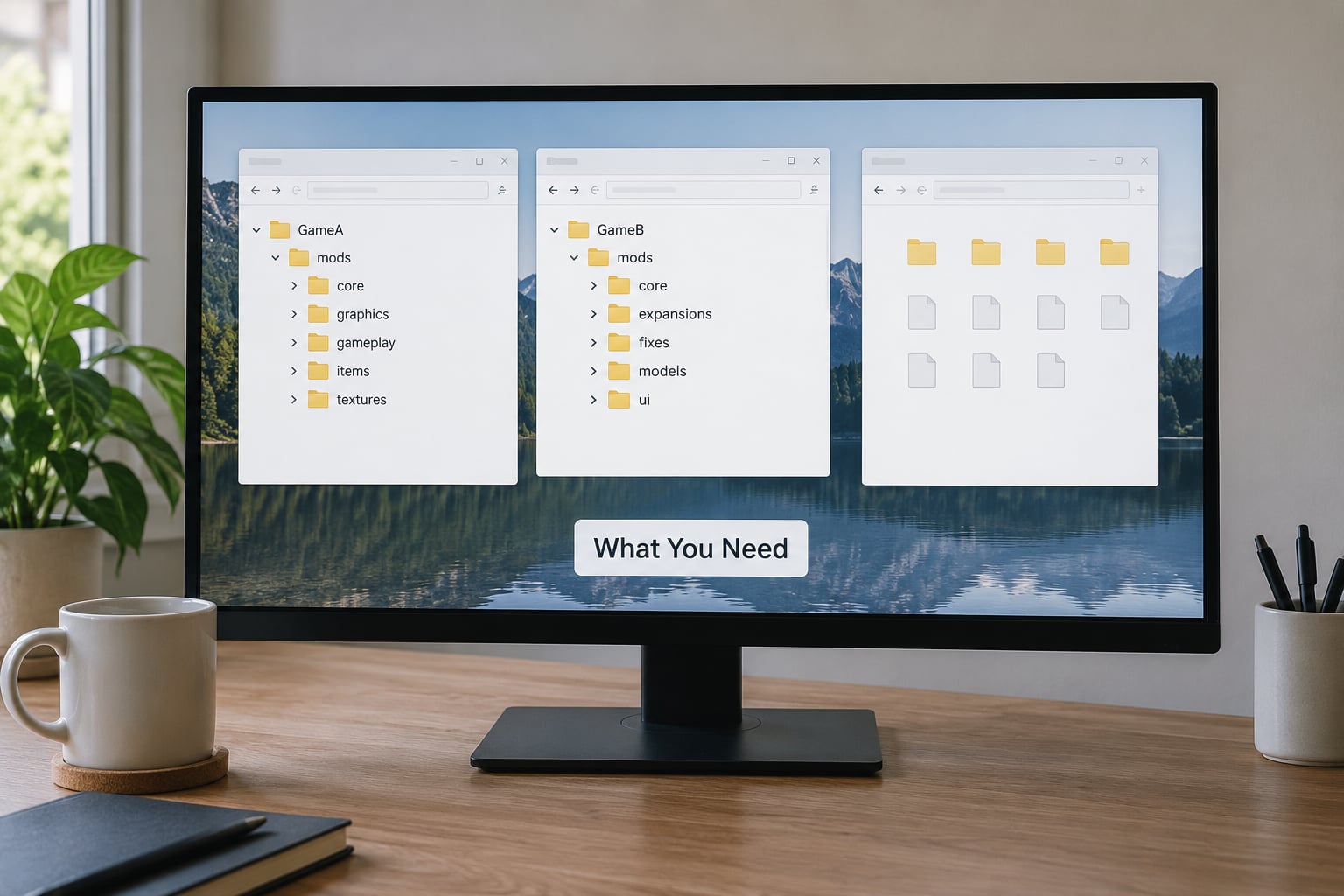
None of this needs anything exotic. You need the game files for the edition you actually own, the mod pack you downloaded, a way to look inside .rpf archives, and a plain text editor for the one metadata line that usually needs changing.
- OpenIV for navigating and editing the game’s .rpf archives. This is the one tool you genuinely cannot skip on PC.
- CodeWalker if the sound file lives inside a REL or DAT container rather than a loose .wav. Most beginners can skip this until step 3 tells them they need it.
- Notepad++ or any plain text editor, for editing vehicles.meta and gameconfig.xml. Do not use a word processor, it will mangle the XML.
- RAGE Audio Editor only if you need to inspect or trim an .awc sound container.
- Content Manager for Assetto Corsa installs, which have their own folder logic.
Before you edit a single thing, copy your whole GTA 5 folder to a second drive. Modders consistently say the same thing about this: backing up dlc.rpf and the mods folder first takes two minutes, and recovering from a bad vehicles.meta edit without a backup takes an evening. Losing your mods is the number one fear people have before touching game files, and it is completely avoidable.
Then note down what is different about this installation, because the file that broke is rarely the file you installed last. Keep the mod page URL and the version number somewhere you can find it again.
Here is where audio lives in each game, since the names change constantly and a path typed from memory is the most common mistake people make:
| Game | Where the vehicle audio is defined | Format | Where you fix it |
|---|---|---|---|
| GTA 5 single player | vehicles.meta, audioNameHash entry for the model | .awc container with .wav inside | OpenIV, inside dlc.rpf or the vehicles RPF |
| FiveM | Resource fxmanifest and the stream folder | .awc and .wav in a resource stream | The resource folder on the server or client |
| Assetto Corsa | Per-car sound.ini and data folder | .csdbin bank plus engine .wav files | Content Manager, then the car data folder |
| BeamNG.drive | soundConfig and soundConfigExhaust in .jbeam files | Loose .wav files in the vehicle folder | The vehicle folder under vehicles, edited in Notepad |
| Automobilista 2 and PC2 | Per-car sound config referencing a bank | .csdbin | The Vehicles folder for that car |
Step-by-Step: How to Fix Car Mod Engine Sound Not Playing
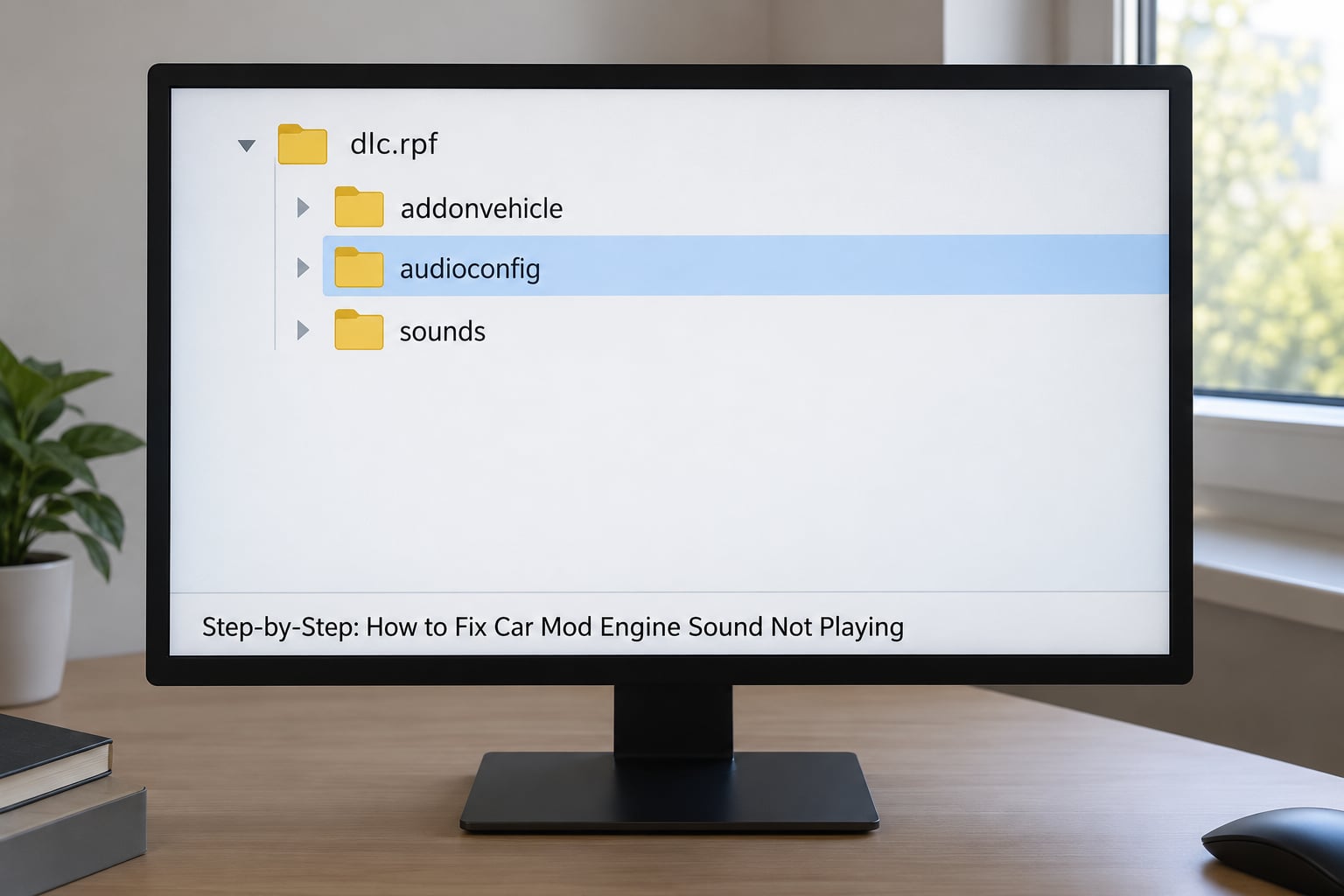
1. Confirm the car mod and sound files are installed
Spawn the vehicle in game first. If it does not appear, or it appears without its bodywork, the problem is your install and audio is a later problem.
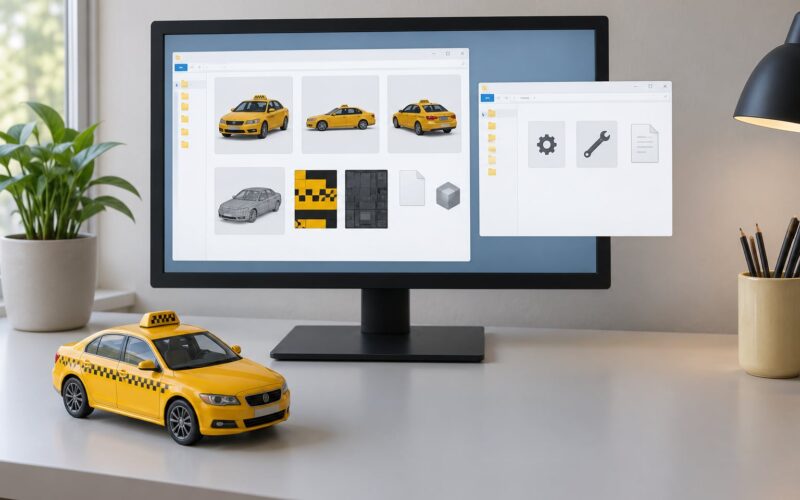
In OpenIV, navigate to Grand Theft Auto Vdlcpacks and open the folder named after the mod. You are looking for a small set of files that travel together: the .ymt and .yft model files, the resource and meta files, the .ytd texture file, and the audio file. If the audio file is missing entirely, the pack shipped broken and reinstalling it is the only fix.
How to tell it worked: the model, resource and texture files are all present in the same folder, and the vehicle spawns correctly on the road.
2. Check the engine sound file and filename
Open the sound container that the pack shipped and confirm it is not empty. GTA V packages engine audio as an .awc container, and an .awc that is zero bytes or a few kilobytes will load as silence.
Filename matters more than most guides admit. The name inside the metadata has to match the file on disk, including the extension. A pack extracted on a machine that appended a duplicate extension, or a sound file renamed during a conflict, will leave the game looking for something that does not exist.
If the original download still has the sound file, restore it rather than guessing. Re-extract the archive into a clean folder and compare file sizes before you copy anything back into the game.
How to tell it worked: the container opens in RAGE Audio Editor or CodeWalker and shows a non-empty list of wave slots.
3. Verify the correct GTA 5 mod folders
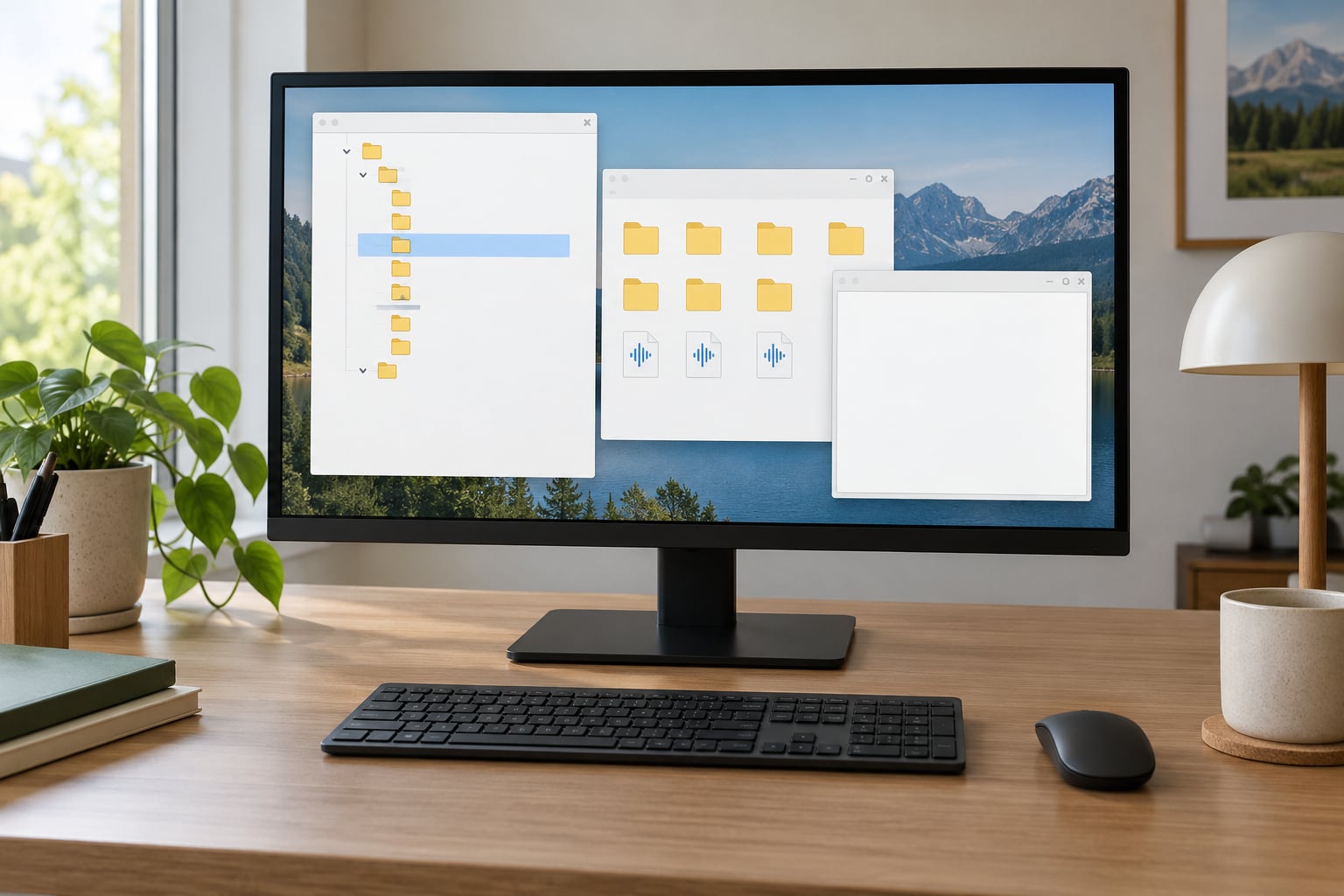
Add-on vehicles belong in Grand Theft Auto Vdlc.rpf only if the pack tells you to add a dlc.rpf entry. Most modern add-on packs do not. They replace the original model in x64dlcpackspatchday3ngdlc.rpfx64vehicles.rpf or ship as a standalone addonvehicle folder with a vehicles.meta you have to enable yourself.
The audio side is separate. Engine banks sit with the game’s audio resources, and the metadata that points at them lives in the vehicles RPF. Putting every file from the mod into a single folder is the single most common install mistake, and it produces exactly this symptom: the car looks right and drives right and is completely silent.
If the pack ships a vehicles.meta snippet, find the line for your model and compare its audioNameHash with the one on the mod page. A mismatch means the metadata is pointing at a sound that belongs to a different vehicle, which sounds wrong rather than silent, but fixing it is the same edit.
How to tell it worked: every file sits in the exact path the mod page lists, character for character, and OpenIV saves the archive without an error.
4. Restart GTA 5 and clear the relevant cache files
Close the game completely. Not the window, the whole process, then confirm it has actually exited before you touch anything else.
After a game patch, the caches are the usual culprit. Mods that worked yesterday stop loading with no error, and the reason is that gameconfig.xml was regenerated and now carries default limits. That file caps how many add-on packs, audio hashes and RPF entries the game will load. Install enough vehicle packs and audio and hash mods quietly stop working while everything else keeps functioning.
Open Grand Theft Auto Vgameconfiggameconfig.xml in a text editor and check whether your add-on pack entries are still listed. If they are gone, that is your answer. Add them back, save, and if you are running a heavily modded setup, raise the limits with a limit adjuster rather than hand-editing counts that will break again at the next patch.
How to tell it worked: after restart, your other mods still load and the previously silent car now has an engine note at idle.
5. Test the sound in GTA 5 audio settings
Only once file paths check out is it worth looking at settings. In the pause menu under Settings, Audio, confirm the master volume and the sound effects volume are both above zero, and confirm the output device is the one you are actually listening through.
Then drive a vanilla car. If stock vehicles are silent too, this is not a mod problem at all. It is a settings or output problem, and no amount of file editing will fix it.
One more thing worth checking: the difference between no sound at all and sound that cuts out when you lift off the throttle. Those are different faults. Total silence points at the metadata hash, a missing bank, or the container size limit. Sound that fades off throttle almost always means the exhaust layer is missing rather than the engine layer, which is a different file in the same pack.
How to tell it worked: a vanilla car makes engine noise at idle and revving, which isolates the fault to the mod file.
6. Reinstall the mod or test another compatible version
Remove the affected vehicle cleanly rather than piling a second install on top. Delete its folder, remove its dlcpack line from dlc.rpf if you added one, save, and only then reinstall.
If the mod page has a newer version, take it. Patches to GTA 5 have broken older vehicle packs repeatedly, and modders update compatibility far more often than they announce it.
The fastest way to tell whether you are chasing one broken pack or a wider problem is to install a different, known-working car with its own sound. If that one is silent too, the fault is in your gameconfig, your audio setup or your container, not in the pack you came here about.
How to tell it worked: the clean reinstall plays the engine sound, or a second car confirms the fault was file-specific.
Common Mistakes
Almost every one of these has been diagnosed in the mod communities more than once, and each one produces the same silence with a different cause.
Dropping every file into one folder. Model files, texture files and audio resources have different destinations. Read the install instructions line by line instead of dragging the whole extracted archive into one place.
Editing vehicles.meta with no backup. One stray character can crash the game on launch, which is why the backup step matters more than any single fix in this guide.
Filling up the audio container. GTA 5 audio containers stop loading correctly once they grow past roughly 16 MB, and the symptom is wider than one car. Engine audio stops, and so do ambient wind and tyre screech, because they all share the same container. The non-destructive fix is to raise the wave slot limit in the audio configuration rather than trimming files by hand.
Assuming a crash after install is a bad sound file. Crash-to-desktop right after an audio mod often comes from a mod loader chain still running in the background, such as a trainer or spawner plugin alongside a script hook DLL. Test with those disabled before you blame the sound pack.
Leaving effects volume at zero. Exhaust and engine notes sit under sound effects, not music. If someone lowered effects while fixing something else, every mod car goes quiet and nothing in the file structure explains it.
Ignoring console limits. Custom engine audio on PS4, PS5 and Xbox needs a console with mod support enabled. On a locked console there is no fix, because the file paths simply do not exist. This is a PC guide.
Not backing up before a patch. When the game updates, mods silently stop working and the pack author’s compatibility note may be months old. A clean second copy of your mod folder turns a lost evening into a two-minute restore.
Frequently Asked Questions
Why does my modded car have no engine sound at all?
A modded car with no engine sound at all almost always has a broken metadata link. The audioNameHash in vehicles.meta points at a sound bank that is missing, renamed, or no longer exists after a game patch. Check that the car spawns, confirm the sound file is in the audio resources folder, and confirm the hash matches the one on the mod page before touching any audio settings.
Why does my mod sound work in single player but not on FiveM?
FiveM loads resources differently from single player. A resource needs a correct fxmanifest declaration, its audio files must sit in the stream folder, and the vehicle has to be declared in the resource rather than dropped into a replace folder. Many single player installs appear to work only because a leftover file in the game folder is masking the problem. Test with a clean client profile.
Can I copy a working engine sound from another car mod?
Sometimes, and it works better in the games that use loose audio files. In BeamNG.drive and the AMS2 or PC2 family, copying a working sound file, renaming it to match the target car, and overwriting it in the vehicle folder restores audio in a few minutes. In GTA 5 the audio sits inside a container tied to a hash, so copying the file alone will not bind it to the new car.
Do I need to reinstall all my mods after a GTA 5 update?
Usually not. After an update, check gameconfig.xml first, because it is regenerated with default limits and that alone can silence audio and hash mods. Restore your add-on entries and raise the limits with a limit adjuster. Reinstall individual packs only when a specific car still fails, since a full reinstall is rarely the actual fix.
Can engine sound mods work on PS4 or PS5?
Only on consoles that have mod support enabled by the platform. On a standard locked console you cannot reach the file paths this guide describes, so there is no fix to apply. PC is where add-on vehicles, custom engine banks and metadata edits exist at all, and that is where nearly every car mod engine sound problem is reported.
Why does my engine sound cut out when I lift off the throttle?
That is a different fault from total silence. If the car is quiet everywhere, the metadata hash or the engine bank is missing. If it sounds fine under load and fades at idle and off throttle, the exhaust layer is missing rather than the engine layer. Check whether the pack shipped a separate exhaust file and whether it was installed in the same folder as the engine audio.
Conclusion
Start where this guide starts: confirm the car spawns in game, then open OpenIV and check the sound file and its exact path inside the add-on vehicle folders. That single check catches the majority of cases, because a mod installed one folder too shallow or a sound file that never arrived looks identical from the driver’s seat to a game-wide audio fault.
If the file is where it belongs and the car is still quiet, move to the cache and gameconfig step, then test a known-working vehicle to tell a broken pack apart from a broken setup. Work through the steps in order, keep that backup you made, and if you run FiveM or another game entirely, use the path table above to find the equivalent file and fix it the same way.