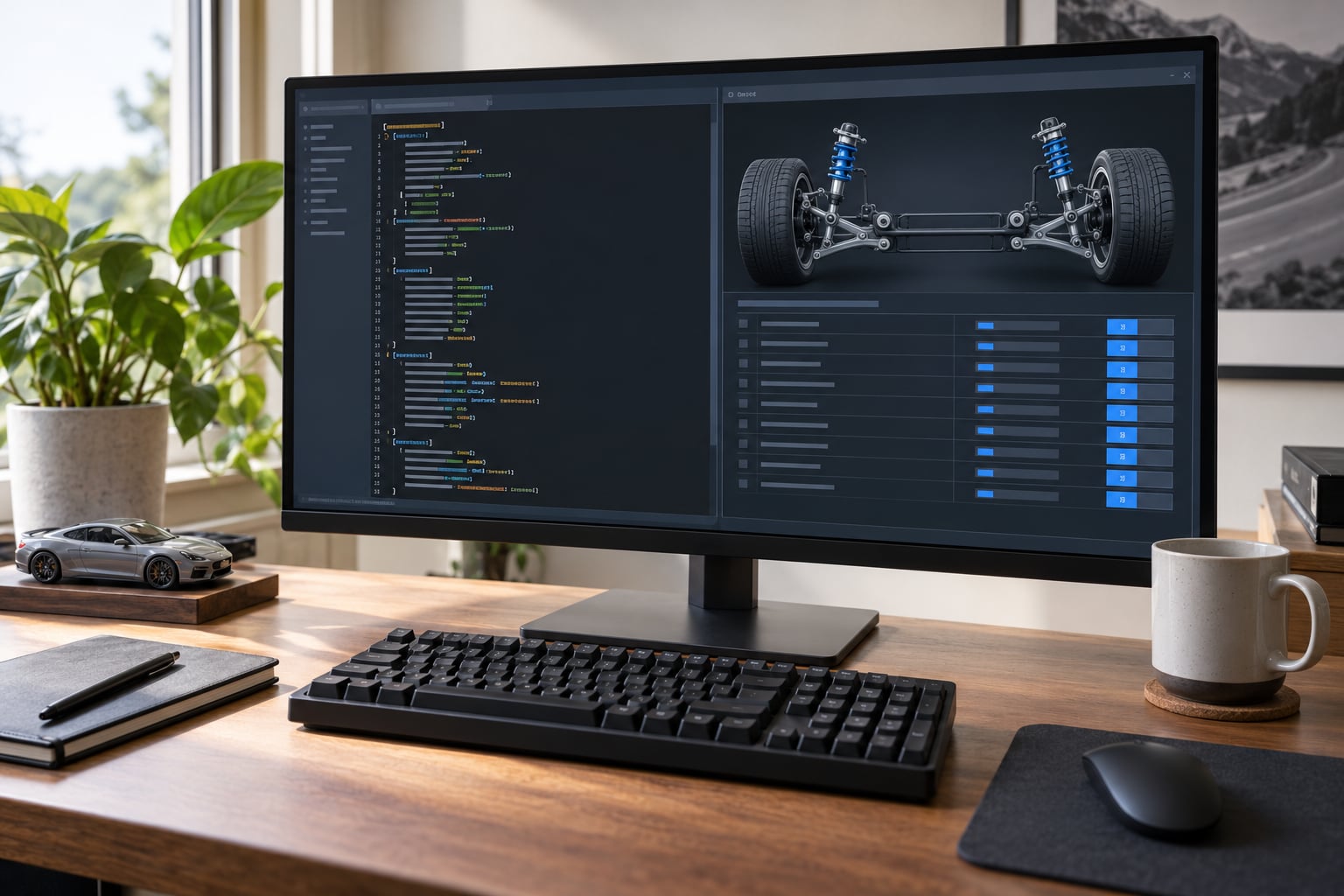
You adjust car suspension in a handling file by opening the file in a plain-text editor, finding the block of suspension parameters for that vehicle, changing one numeric value at a time, saving in the same format, and test-driving the car. Higher values generally mean stiffer springs and sharper responses; lower values mean a softer ride with more body movement.
The catch is that there is no single handling file. San Andreas uses a comma-separated handling.cfg, while GTA V and FiveM use an XML handling.meta with a nested suspension block. Edit the file that belongs to your game, because the exact parameter names differ from one version to the next.
Budget about 20 minutes for a first pass, most of it spent testing rather than typing. The work is not difficult, but the discipline of changing one value per test drive is what separates a car that feels better from one that ends up undriveable.
Table of Contents
- 1What You Need
- 2Step-by-Step
- 3Step 1: Back Up the Original Handling File
- 4Step 2: Identify the Suspension Parameters
- 5Step 3: Change Suspension Values Gradually
- 6Step 4: Save and Reload the Vehicle
- 7Step 5: Test the Suspension in-game
- 8Step 6: Refine or Revert the Setup
- 9Common Mistakes
- 10Frequently Asked Questions
- 11What handling values change car suspension in GTA?
- 12How do I make a GTA car ride softer without making it unstable?
- 13Why do my handling file changes not appear in the game?
- 14What is the difference between spring stiffness and suspension damping?
- 15Can I change the suspension height in a handling file?
- 16How do I make a car roll less during cornering?
- 17What to Do First
What You Need
Four things, and none of them expensive or exotic.
- The right game edition. GTA III, Vice City and San Andreas share the older handling.cfg style. GTA IV and GTA V use a different format, and FiveM uses the GTA V style inside a server folder.
- A plain-text editor. Notepad on Windows, TextEdit in plain-text mode on Mac, or a code editor like Notepad++ or VS Code. Nothing that auto-formats your file.
- A backup copy of the original handling file, stored somewhere outside the game folder.
- A flat, empty test area. A car park, a quarry, or a quiet road with no traffic. Suspension problems show up clearly on a flat surface and hide completely on a bumpy one.
Where the file lives depends on which game you are running:
| Game | Typical location | Format |
|---|---|---|
| GTA III / Vice City / San Andreas | datahandling.cfg in the game directory (SA mobile: Android/data/com.rockstargtasa/files/data/handling.cfg) | Plain text, named lines and comma-separated values |
| GTA IV | commondatahandlinghandling.meta inside the game folder | XML with named subHandling blocks |
| GTA V | commondatahandlinghandling.meta, moved to modsupdateupdate.rpfdatahandling.meta if modified | XML subHandling with a suspension block |
| FiveM server | resources[resource]datahandling.meta | Same XML structure as GTA V |
Modded cars often ship with their own handling entry, so check the vehicle name at the top of the block before you assume you are editing the stock car.
Step-by-Step
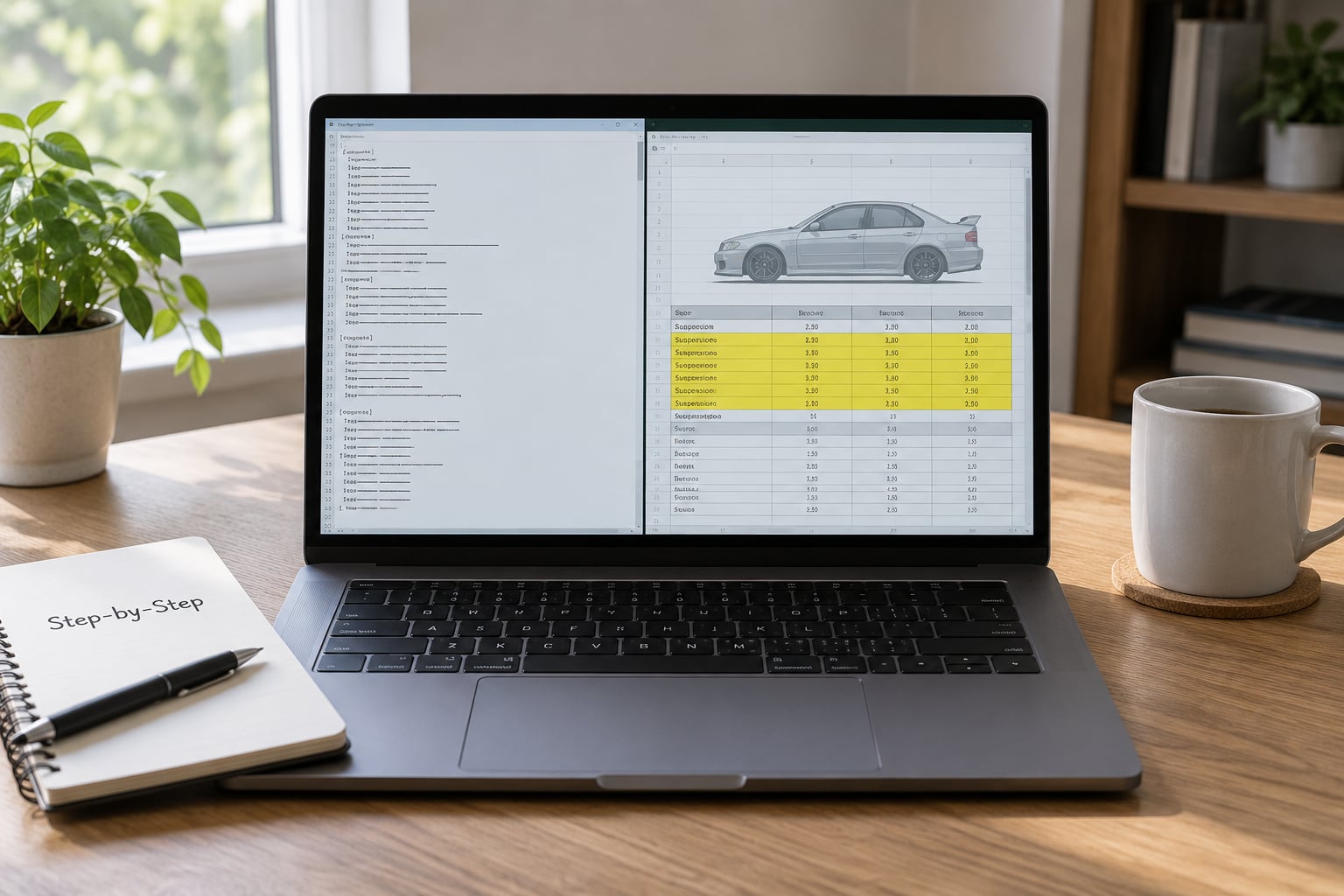
Step 1: Back Up the Original Handling File
Duplicate the file and rename the copy before you type a single digit. Name it something obvious like handling_backup_original so you do not overwrite it two hours later.
For GTA V, backups matter more than usual because a modified handling.meta sits inside update.rpf, where a careless save can leave the game loading a partial file. Open the game once and confirm the car still drives before you start tuning, so you know your starting point works.
Step 2: Identify the Suspension Parameters
Suspension values fall into four groups, and knowing which group you are in prevents most mistakes.
Spring values control how hard the suspension pushes back after a bump. They set the car’s basic stiffness and how much the body moves over bumps.
Damping values control how fast that movement settles. Stiff damping stops bouncing quickly; soft damping lets the car float and wallow.
Anti-roll values (also called sway bar or anti-roll bar) control how much the two sides of the car are allowed to move independently, which is the main driver of body roll in corners.
Height and travel values control where the body sits and how far the suspension can compress before it stops.
In the older San Andreas style handling.cfg, look for the named lines around the suspension strength and the up/down entries in a car’s block. In GTA V and FiveM, look for the suspension element inside the vehicle’s subHandling block:
<suspension>
  <soft>0.60</soft>
  <heavy>0.70</heavy>
  <softLimit>0.70</softLimit>
  <hardLimit>1.00</hardLimit>
  <normalDamping>0.10</normalDamping>
  <antiRoll>0.30</antiRoll>
  <height>0.20</height>
  <wheelDamping>0.40</wheelDamping>
  <damping>0.50</damping>
  <spring>0.50</spring>
</suspension>
Do not assume every file has identical fields. Different engine versions and different vehicle classes expose different elements, and a plane or a boat will obviously not have a suspension block at all.
Step 3: Change Suspension Values Gradually
Change one parameter, or one tightly related group, per test drive. Write the original number and the new number in a note so you can reverse it.
Small steps keep you inside the range where the game still behaves predictably. In the XML format most values sit between 0.0 and 1.0, so a move from 0.50 to 0.55 is a meaningful change and 0.50 to 0.95 is a rebuild of the car, not a tweak.
For a softer, calmer ride, drop damping slightly before you drop the springs. For less body roll, raise anti-roll first and leave springs alone. For a car that skates over bumps instead of absorbing them, raise soft and hard limits so the suspension has more travel before it runs out.
Write down what you changed in plain language, not just numbers: “antiRoll 0.30 to 0.45, less roll, still turns in.” That log becomes your setup when the same style is needed on a different car.
Step 4: Save and Reload the Vehicle
Save as plain text, keep the original file extension, and keep the structure intact. In the XML format, one missing closing tag or a stray character can stop the whole file loading, which is why the backup from step 1 exists.
On PC, GTA V and FiveM read the handling changes when the game or server restarts, and many people find the car behaves differently only after a full restart rather than a quick reload. GTA IV is similar. For the older handling.cfg files, a game restart is usually enough.
On Android, the path is datahandling.cfg inside the game’s own data folder, and any text editor that can save plain text will do. Watch out for editors that add a .txt extension on save, because the game will ignore handling.cfg.txt completely.
Step 5: Test the Suspension in-game
Use the same short route every time so results are comparable. Five checks cover almost everything:
- Acceleration in a straight line. Watch for squat and for the rear stepping out without throttle.
- Braking in a straight line. Watch for dive and for the car bouncing back after it stops.
- A steady corner. Watch how much the body leans and how quickly it settles when you straighten up.
- Braking while turning. This is where a badly set up car shows its understeer or oversteer balance.
- A bump or kerb. Watch whether the car absorbs it, pings off it, or keeps oscillating afterwards.
Judging the result matters as much as making the change. Excessive bouncing after a bump points at damping that is too soft. A car that leans hard into a corner points at anti-roll that is too soft. A car that pushes wide and refuses to turn in points at ride height or damping, not at the engine.
Step 6: Refine or Revert the Setup
Each test result should point at one parameter. Adjust only that one, by another small step, and retest.
If the car becomes undriveable, spinning on the spot, sinking through the road, or hovering above it, stop refining and restore the backup. A broken setup teaches you less than a clean one, and redoing a known-good baseline takes seconds.
Common Mistakes
Nearly every suspension-editing problem comes down to one of these.
1. Editing the wrong file. You changed handling.cfg while running FiveM, or edited a stock entry while the game was loading a modded vehicle’s own handling. Fix: confirm the vehicle name at the top of the block matches the car you are driving.
2. Changing too many values at once. The car feels different but you cannot say why. Fix: one parameter, one test, one note.
3. Confusing stiffness with damping. People lower spring values expecting a smoother ride and get a car that floats and wallows. Softer springs let more movement happen; damping is what settles that movement. Fix: soften damping first for comfort, springs last.
4. Using a format the game does not accept. A decimal comma instead of a decimal point, a stray character, or an XML tag left open. Fix: compare your saved file against the backup line by line before reloading.
5. Skipping the backup. Fix: the backup takes ten seconds and has saved more tuning sessions than any other habit.
6. Testing only at high speed. Suspension problems are clearest at moderate speed on a flat surface. Fix: test the five checks above at a steady, ordinary pace.
Symptoms point fairly directly at parameters, which makes troubleshooting quick once you have the habit of testing in the same conditions:
| Symptom | Likely cause | What to change |
|---|---|---|
| Car keeps bouncing after a bump | Damping too soft | Raise normalDamping or the damping value |
| Car leans hard in corners | Anti-roll too soft | Raise antiRoll |
| Car floats over bumps and feels detached | Springs too soft, damping too soft | Raise spring or soft values, then damping |
| Car bounces off kerbs harshly | Not enough travel | Raise softLimit, then hardLimit |
| Car sits high or clips into the road | Ride height value wrong | Adjust height within a small range |
| Car spins on the spot after a change | Balance destroyed, values pushed too far | Restore the backup and use smaller steps |
| Edits have no effect in game | Wrong file, wrong path, or game not reloaded | Check path and restart fully |
A few habits that make tuning faster. Start from the biggest complaint the car gives you rather than from the first parameter in the file. Test on a surface that is flat and slightly rough, because pure tarmac hides small suspension problems. And copy a finished setup from a car that already feels right, because the same numbers rarely transfer perfectly between a heavy SUV and a small coupe.
Frequently Asked Questions
What handling values change car suspension in GTA?
In the GTA V and FiveM handling.meta, suspension lives in the suspension element inside a vehicle’s subHandling block: spring, soft and heavy for stiffness, damping and normalDamping for how movement settles, antiRoll for body roll, height for ride height, and softLimit and hardLimit for suspension travel. In the older San Andreas handling.cfg, look for the suspension strength and up and down entries in the vehicle block. Field names differ by game, so check the file you actually have.
How do I make a GTA car ride softer without making it unstable?
Lower the damping value first, in small steps, then soften the spring values slightly. Softening damping without touching stiffness gives a calmer ride that still settles quickly, which is what most people mean by smoother. Keep anti-roll as it is, since reducing it at the same time is what produces a car that leans and wallows through every corner. Test after each change and stop as soon as the car starts to float.
Why do my handling file changes not appear in the game?
The usual reasons are an incorrect file path, a file the game never reads because a mod supplies its own handling entry, or the game not being fully restarted after the save. On PC, GTA V and FiveM read handling changes on restart, not on a quick reload. On Android, check that the editor did not save the file as handling.cfg.txt, because the game ignores that filename completely.
What is the difference between spring stiffness and suspension damping?
Spring stiffness is how hard the suspension pushes back after the wheel moves, and it decides how much the body travels over a bump. Damping is how fast that movement is brought back to rest. Stiff springs with low damping give a car that moves a lot and oscillates, while stiff springs with high damping give a car that stays flat and sharp. Comfort comes mostly from damping, control comes mostly from springs.
Can I change the suspension height in a handling file?
Yes, and it is one of the simpler edits. In the GTA V and FiveM suspension block, the height value sets where the body sits relative to the wheels, so raising it lifts the car and lowering it drops it toward the ground. Make the change in small steps and watch the wheels at a standstill, because lowering a car too far makes the body and wheels clip into kerbs and ramps during normal driving.
How do I make a car roll less during cornering?
Raise the anti-roll value, which is the sway bar, and change nothing else on the first pass. Anti-roll controls how differently each side of the car moves through a corner, so raising it reduces lean without altering bump absorption over rough surfaces. If the car then feels nervous over bumps, ease it back slightly or raise damping to match. Body roll caused by overall stiffness needs a spring change, which is a separate step.
What to Do First
Back up the handling file, then change a single damping value by a small step and take the same five-test drive. That loop, one number then one drive, is the whole method behind learning how to adjust car suspension in a handling file without breaking the car you spent an evening installing.
Once a car drives the way you want, copy that suspension block onto a similar vehicle and adjust from there. You will be far quicker than the forum threads where people paste ten changed values and ask why the car now floats.