If you want to know how to version number your mods properly, use semantic versioning: three numbers, MAJOR.MINOR.PATCH, where each one changes for a different reason. Set the number before you build the archive, write the matching changelog entry, and put the same string in the file name so a player can tell at a glance whether an update overwrites their install or needs a clean start. Ten minutes of setup saves somebody an evening of a broken load order.
Most versioning guides are written for software teams shipping to laptops. Mods are stranger: your build depends on a game engine version you do not control, on other mods that depend on yours, and on players who read a version number as the only instruction they will ever get. That makes the rules stricter, not looser.
Below is the policy I would hand any mod author starting out, then the step-by-step process for applying it.
Table of Contents
- 1What You Need
- 2How to Version Number Your Mods Properly: Step-by-Step
- 3Choose a versioning format
- 4Classify the changes in the mod
- 5Assign and document the version number
- 6Package, publish, and test the release
- 7Common Mistakes
- 8Frequently Asked Questions
- 9What is the standard version numbering convention for mods?
- 10Should my first mod release be 1.0 or 0.1?
- 11What is the difference between major, minor and patch versioning?
- 12Do I need to bump the version if I only fix a typo or a description?
- 13What should I do when a game patch breaks my mod?
- 14How do I mark a beta or release candidate build?
- 15Conclusion
What You Need
You can start with almost nothing, but these five pieces turn versioning from a guess into a record players can act on.
- A written versioning policy – three or four lines in your repository describing which changes bump which number. Once it exists, you stop relitigating it at every release.
- A changelog file that lives with the project – a plain text CHANGELOG.md at the root is enough. Keep a Changelog is a good format to copy.
- A list of supported game versions – which game build or edition each release was built and tested against, so you can label a compatibility rewrite honestly.
- Every place the number has to appear – the metadata file, the plugin header, the platform listing, and the archive name. Work out your full list before the first release.
- Version control, or an archive-per-release workflow – Git tags are the easiest option, but keeping each released archive in a dated folder works fine for small mods.
If your mod has never been released, the “first version” decision comes later, and there is a defensible answer for it.
How to Version Number Your Mods Properly: Step-by-Step
Choose a versioning format
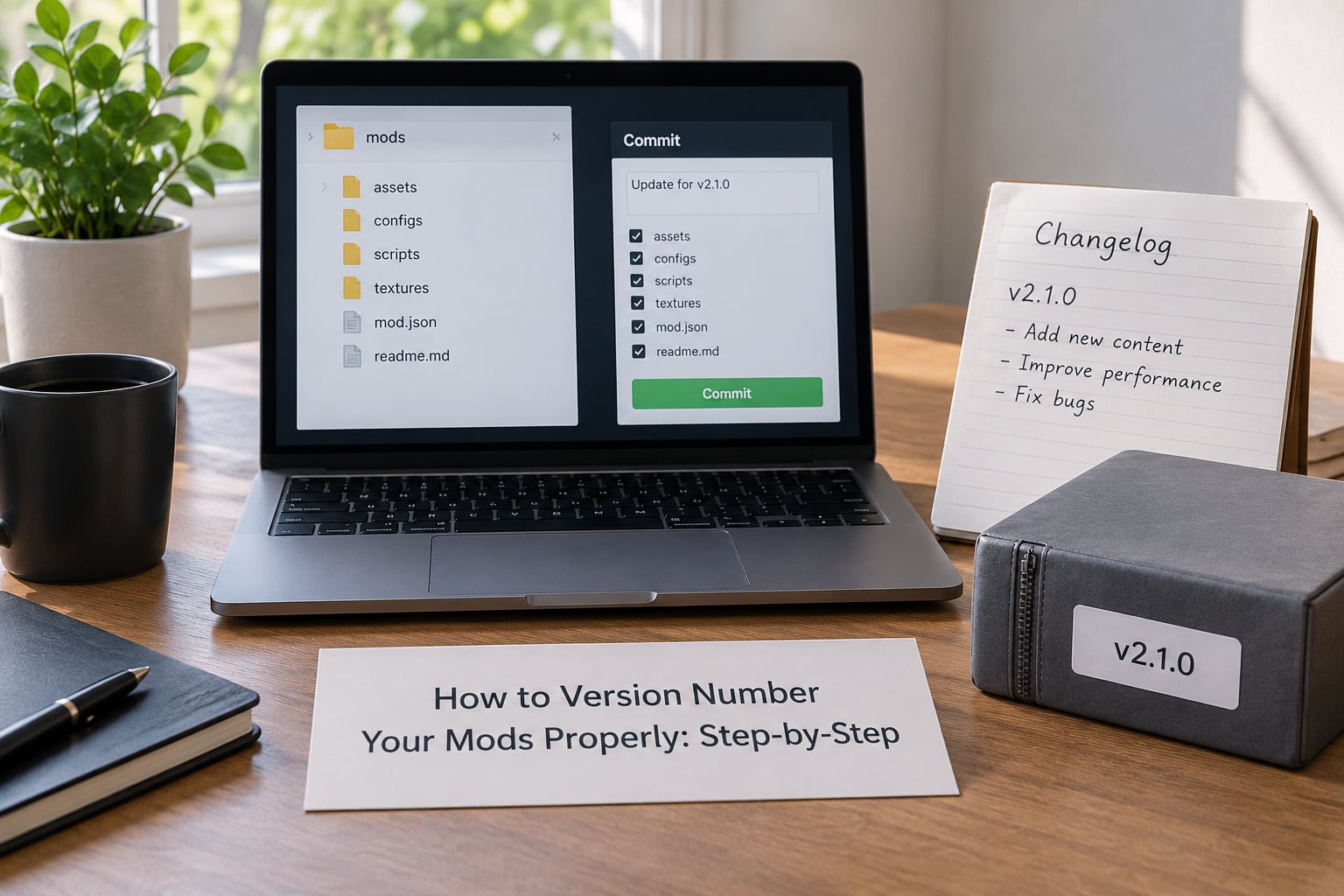
Semantic versioning is the right default for mods because players can learn the three numbers once and read any release of your mod afterwards. MAJOR goes up when you break something a player depends on. MINOR goes up when you add something new that does not break the old install. PATCH goes up when you fix bugs and change nothing else.
Two adaptations matter for mods. First, many mods support several game versions at once, so add the game build as build metadata rather than a fourth number: 2.1.0+game-1.6.1170. Second, never reuse a number you have already published, even if nothing about the mod changed. Mod managers and archives index by version string, and a duplicate number makes toolkits pick the wrong file.
Date-based numbers like 2026.03.11 work for pre-release builds nobody depends on, and they turn terrible once you ship a patch. Readers compare 2026.03.11 against 2026.03.09 and learn nothing about whether the newer one is safe to overwrite.
Classify the changes in the mod
Decide what changed before you decide what to call it. These four categories cover nearly every release, and each one maps to a specific number and a specific instruction for the player.
| Change type | Examples | Bump | What the player does |
|---|---|---|---|
| Breaking change | New file layout, renamed settings, migrated records, dropped dependency | MAJOR: 1.4.2 to 2.0.0 | Remove the old version, install clean, redo configuration |
| New feature | New quest, new preset, new option, new supported game build | MINOR: 1.4.2 to 1.5.0 | Overwrite in place, re-run the installer, verify settings |
| Fix | Crash on load, broken icon, typo in menu text | PATCH: 1.4.2 to 1.4.3 | Overwrite the files |
| Metadata or docs only | Description wording, screenshots, translation credits | No bump | Nothing |
If a change makes you say “players will have to start over,” it is a MAJOR change, whatever it touches. A four-part channel split in a plugin file counts as breaking; a new colour option does not.
Assign and document the version number
Take the last published number, bump the field the table points at, and write the changelog entry in the same sitting. The entry should say what changed, what a player must do, and which game version it was tested against.
## [2.0.0] - 2026-09-30
### Changed
- Moved configuration from Config.ini to MCM settings
### Migration
- Remove 1.4.2 first, then install. Config.ini is not read by this version.
### Tested on
- Game build 1.6.1170
Now write that same string into every place it needs to live. For a Bethesda-engine mod that usually means four or five locations:
| Location | Field | Example |
|---|---|---|
| Metadata file | <Version> inside modinfo.xml | 2.0.0 |
| Plugin header | HEDR header value on the esp or esl | 1.70 (engine target, not your release) |
| Platform listing | Version field on Nexus Mods, Modrinth or Steam Workshop | 2.0.0 |
| Archive name | File name | MyMod-v2.0.0.zip |
| Source control | Git tag | v2.0.0 |
One warning about that second row: the plugin header version is not your mod version. It is the engine revision you targeted, and changing it to 2.0.0 to match your release can make older Creation Kit versions refuse to open the file. Leave the header where the tools put it and keep your release number in the metadata and the listing.
Keep every old release. Archive the previous file rather than overwriting it, tag the commit, and leave the old changelog entries untouched so the history stays readable.
Package, publish, and test the release
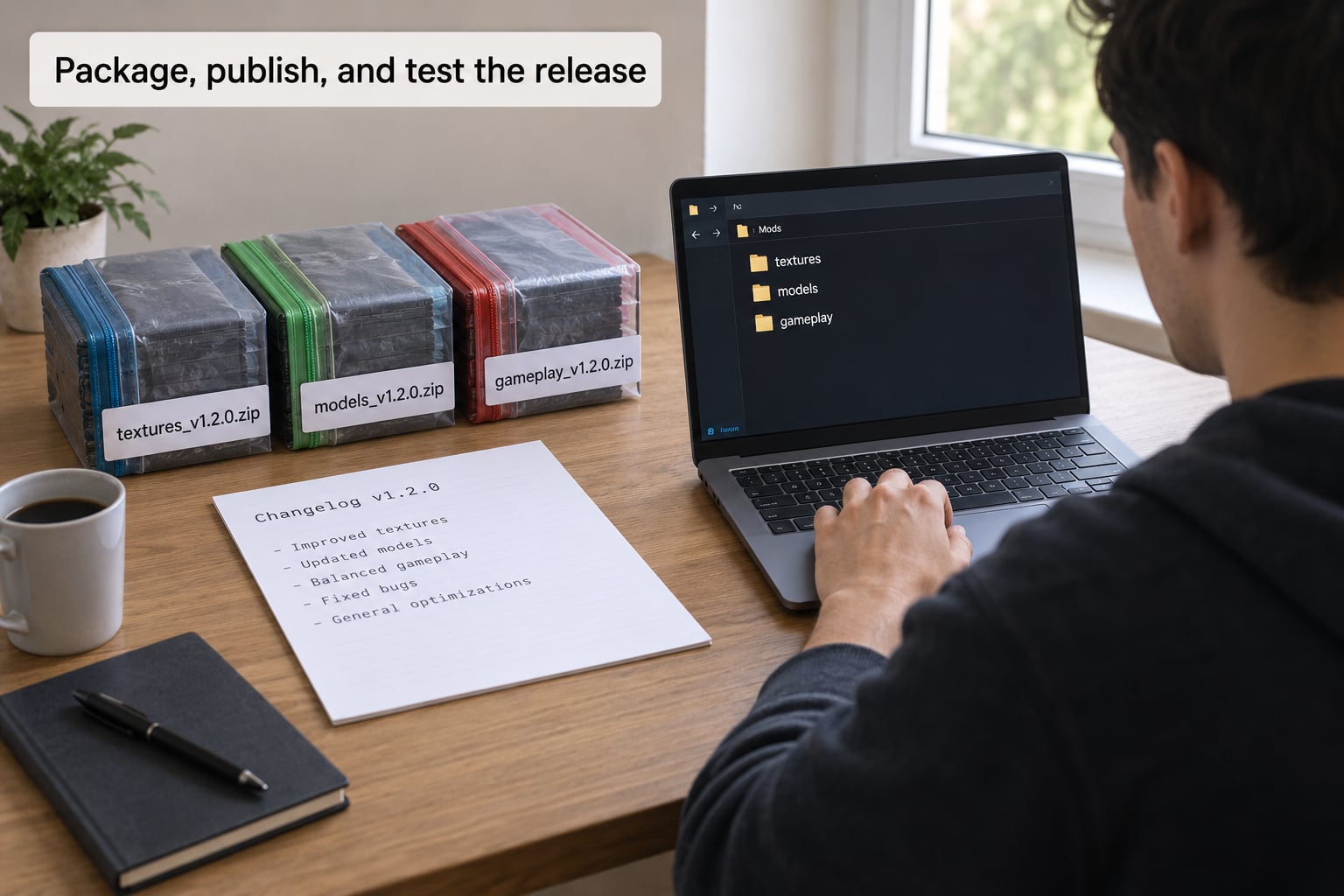
Name the archive after the version. MyMod-v2.0.0.zip tells a player which of three downloads in their folder is current, and it stops two versions of the same mod sitting side by side in a load order. If your platform expects a different pattern, follow the platform – but keep the number in the name.
Before publishing, install the archive into an empty test folder and confirm four things:
- The installer or file layout works from scratch, not just as an overwrite.
- The metadata reports the version you intended, with no leftover number from the previous build.
- The mod loads with the game version you listed in the changelog.
- Nothing from the previous release is still required by the new one.
Then publish it as a new file rather than replacing the old entry, mark the previous version as superseded, and put the changelog excerpt on the listing page. Players read the page, not your repository.
Players on r/skyrimmods already read the pattern correctly: a major bump tells them to start clean, and a small bump tells them overwriting is fine. Confirming that in writing on your page saves you the support questions.
Common Mistakes
Bumping the number for a description edit. If nothing shipped and no file changed, leave the number alone. Incrementing for cosmetic edits trains players to expect a fix that is not there.
Skipping the patch release. Going from 1.4.2 to 1.4.4 leaves a hole that makes players wonder whether 1.4.3 exists somewhere. Fixes get patch numbers.
Mixing formats across releases. A run of plain integers followed by MAJOR.MINOR.PATCH breaks every comparison tool. Pick one scheme and hold it, even in the middle of a major rewrite.
Renaming a released file. Changing the archive name after release breaks every download link and every guide that quoted it. Freezing the name per version is the whole point.
Forgetting dependencies and game version. A version number that never says which game build it targets leaves players guessing. Put the supported game version in the changelog and, where the platform allows, in build metadata.
Publishing a fix for a broken game patch without a number. When a game update breaks your mod and you patch it days later, the version number has to move too. Players need to see that something changed, even if the release is only 1.4.3.
My release checklist before any publish: number decided by change type, changelog entry written, game version recorded, all metadata locations updated, old release archived, tested from a clean folder, new file uploaded rather than replacing the old one.
Frequently Asked Questions
What is the standard version numbering convention for mods?
Use semantic versioning: MAJOR.MINOR.PATCH. MAJOR rises for breaking changes that need a clean install, MINOR rises for new features that keep existing installs working, and PATCH rises for bug fixes only. Add the game build as build metadata, for example 2.1.0+game-1.6.1170, so players running an older build can see what they are getting.
Should my first mod release be 1.0 or 0.1?
Start at 1.0.0 if the mod is playable and you intend to support it, because 1.0 signals to players and curators that the release is a finished thing rather than an experiment. Use 0.x only while the format is still moving and installs may need to be rebuilt from scratch. Once you hit 1.0.0, every later breaking change is a clean MAJOR bump.
What is the difference between major, minor and patch versioning?
Major changes break something players rely on: new file layout, migrated records, dropped dependencies, and a clean install is required. Minor changes add features while leaving old installs working. Patch changes fix bugs and touch nothing else. The practical test is the player action, not the size of the diff – if you would tell people to remove the old version first, it is a major bump.
Do I need to bump the version if I only fix a typo or a description?
No. If no game file changed and nothing about the mod behaves differently, keep the same version number. Reserve a patch bump for changes a player can actually run into. Editing only the page description, screenshots or documentation does not need a new release, and publishing one anyway makes the version history harder to read.
What should I do when a game patch breaks my mod?
Reproduce the breakage on the new build first, fix it, then publish the fix with a patch bump and a changelog line naming the game build that broke it. If the fix requires players to redo configuration or start clean, it is a MAJOR bump instead. Never silently swap the files behind a version number players have already installed.
How do I mark a beta or release candidate build?
Append a suffix after the patch number: 1.6.0-alpha.1 while it is unstable, 1.6.0-beta.2 while features are set but bugs remain, and 1.6.0-rc.1 once only fixes are expected. Put the suffix in the file name too, and label it clearly on your listing so testers opt in knowingly and players never mistake it for a stable release.
Conclusion
Write down your policy, then make your next release follow it. Pick MAJOR.MINOR.PATCH, decide which of the four change categories your update falls into, bump that number, and write the changelog entry and the archive name in the same pass.
That single habit – number, changelog, file name, all matching – is what separates a mod players trust with their save from one they reinstall from scratch twice a year.