Handling bug reports as a new mod author means sorting every incoming report into one of a handful of verdicts — genuine bug, mod conflict, install error, feature request, duplicate, or unreproducible — and then replying with a pre-written response that matches that verdict. Most of the work is preparation before a single reply is typed: one canonical channel, a required report template, and a tracker you actually maintain. Set that up on a weekend and each report afterward takes minutes instead of an evening.
The honest part first. Nobody owes you support. Your mod is free, you built it in your spare time, and the people using it already paid for the game. Knowing that up front is what keeps a bad week from turning into a bad month. Everything below assumes you still want to be polite about it.
Table of Contents
- 1What You Need
- 2A test setup you can trust
- 3One canonical support channel
- 4A required bug report template
- 5A tracker you will actually keep
- 6Step-by-Step: Handling Bug Reports as a New Mod Author
- 71. Thank the Reporter and Confirm the Mod Version
- 82. Ask for Reproducible Bug Details
- 93. Reproduce the Problem in a Controlled Setup
- 104. Classify and Prioritize the Bug
- 115. Communicate Progress and Set Expectations
- 126. Fix, Test, and Publish the Resolution
- 13Common Mistakes New Mod Authors Make With Bug Reports
- 14Frequently Asked Questions
- 15What information should I request when a player reports a mod bug?
- 16How should I respond when a bug report does not include enough details?
- 17How do I decide which mod bug reports to fix first?
- 18Should I reproduce a bug before changing my mod?
- 19How should I handle a report caused by another mod?
- 20What should I do if I cannot reproduce a reported bug?
- 21Conclusion
What You Need
You need four things in place before reports start arriving, and only one of them is software. A stable test setup of your own, a written record of what your mod supports, a required report template, and somewhere to track verdicts.
A test setup you can trust
Keep a clean save and a clean mod list that you do not touch while you are testing. Every mod needs its own virtualized instance or at least a documented profile in your mod manager, so “vanilla plus my mod” is a configuration you can return to in under a minute. If you cannot get back to that baseline quickly, every reproduction attempt starts from an unknown state and you will chase ghosts.
Note your game version, your mod version, and the exact dependency or framework versions you build against. When a report turns out to be about a game update you already knew about but did not have time to react to, that note saves the whole exchange.
One canonical support channel
Pick one place where bugs are reported and make every other place point to it. New authors usually end up with four half-used channels and a searchable record of nothing.
| Channel | Best for | Strength | Weakness |
|---|---|---|---|
| GitHub Issues | Mods distributed as source or with version tags | Labels, templates, a full searchable history that never expires | New players will never find it on their own |
| Nexus Mods | Bethesda-engine mods, where most players already are | Built-in file bug report button, report sits with the file | Report text is limited and hard to search later |
| Steam Workshop | Workshop-published mods | Reaches subscribers automatically when you post an update | Discussion threads fragment badly over time |
| Discord | Quick how-to questions and install help | Fast, low friction, good for install questions | Terrible archive. Scrolling back to find an old answer is miserable |
My default: GitHub Issues as the canonical record for anything with versions, Nexus Mods file reports for anything distributed there, and a Discord server strictly for install questions. Whatever the mix, paste the same link in your mod description, in your Nexus mod page, and in your workshop description.
A required bug report template
GitHub lets you make an issue template required by removing the plain “open an issue” link. Do it. Users accept structure when the cost of skipping it is visible — say plainly that an empty form means a longer wait. Paste this into your tracker and adapt it:
Mod version: (from the mod page, not a guess)
Game version and edition:
Operating system:
Install method: mod manager / manual — and if manual, from where
Other mods or framework version in use:
Steps to reproduce: numbered, starting from a fresh load
Expected result:
Actual result:
How often: every time / sometimes / once
Does it still happen with only my mod enabled: yes / no / not tested
Log file: attached or pasted
Screenshot or short recording:
Put it on your mod page too, not just in the issue tracker. Players who never find the template will invent their own structure, and you will spend your reply reconstructing it.
A tracker you will actually keep
A spreadsheet works, and so does the issue tracker itself if it has labels. Columns worth having: report link, reporter, mod version reported against, verdict, severity, reproduction status, and last action. Labels that earn their keep: needs-info, not-a-bug, duplicate, unreproducible, critical, major, minor, and cosmetic. A report that sits untouched for a month is usually a report you never triaged, not one you are busy with.
Step-by-Step: Handling Bug Reports as a New Mod Author
Here is the workflow I would follow, in order, for every report that arrives. It takes about two minutes per report once the template exists, and it ends with a published resolution rather than a reply that goes nowhere.
1. Thank the Reporter and Confirm the Mod Version
Acknowledge receipt the same day, even when you cannot fix it. “Thanks for the report, I have it logged and will look this week” costs you thirty seconds and stops the person from escalating publicly, which is the outcome you actually care about.
Then ask the one question with the highest hit rate: where did they download the mod from, and which version are they running? Authors on Reddit describe this as the filter that catches most bad reports before anything else happens — if they grabbed loose files from an unofficial reupload rather than installing through a mod manager, half the problem is already explained.
Also confirm the game edition and patch level. A surprising share of “my mod is broken” reports turn out to be a console edition, a DLC variant, or a beta branch that behaves differently from the version you build against.
2. Ask for Reproducible Bug Details
Every field in the template exists for a reason, and knowing the reason makes you much more convincing when you chase a missing one.
| Field | Why you need it | If it is missing |
|---|---|---|
| Mod version | Tells you whether they are running code you have already changed | Ask. No debugging starts until you know it |
| Steps to reproduce | The only path from a stranger’s machine to yours | Ask for numbered steps from a fresh load |
| Expected vs actual | Separates a crash from a disagreement about design | Ask “what did you expect to happen?” |
| Load order and other mods | Rules a conflict in or out in one message | Send your mod list request as a standing block |
| Log file | Usually names the failing asset or script outright | Give the exact path for their engine |
| Frequency | Distinguishes a hard blocker from a rare edge case | Ask for a rough ratio, not a percentage |
Asking for logs correctly matters more than beginners expect, because reporters usually do not know the file exists. Give the path:
| Engine or toolset | Log location | What it gives you |
|---|---|---|
| Bethesda games, script errors | PapyrusScript.log in the game’s Documents folder, plus the in-game script debugger | Names the failing script and function, often enough to skip guessing |
| Creation Kit | Creation Kit log alongside the tool | Asset load failures, missing masters, patch ordering problems |
| Unreal Engine titles | Saved/Logs folder in the project directory | Crash callstacks and asset load errors |
| Unity titles | Player.log, plus the in-game console output | Stack traces for managed exceptions |
Write “paste the last 50 lines” rather than “send me the log”. Nobody wants to scroll through a 20,000-line file, and a wall of text discourages people from sending anything at all.
3. Reproduce the Problem in a Controlled Setup
Reproduce before you change code. Every time. A fix made without reproduction is a guess, and guesses become new bugs that you then have to triage from your own issue tracker.
Work in this order:
- Build the same baseline you always use — clean save, only your mod.
- Follow their steps to reproduce exactly, in order, even if a step looks wrong.
- Record whether it fails on the first run, the third, or never.
- If it does not fail clean, add their mod list back in the same order and bisect until it reappears.
- Note the point in your load order where it breaks.
Time-box it. Give yourself thirty minutes on a single attempt. If you have not reproduced it after two or three genuine tries, say so, ask one or two sharp follow-up questions, and park it as unreproducible rather than sinking a whole night into it. A long silence helps nobody.
Three verdicts are possible once you finish, and they lead to different replies. You reproduced it — it is a bug in your mod. You only reproduced it with another mod present — it is a conflict, and the fix is load order, a compatibility note, or a negotiation with the other author. You never reproduced it and their environment checks out — it stays open, unreproducible, with the request for a recording attached.
4. Classify and Prioritize the Bug
Every report gets one verdict from this table before it enters your queue.
| Verdict | What it actually means | Your move |
|---|---|---|
| Bug | Reproduced on a clean setup with only your mod | Severity rate it, schedule it, credit the reporter |
| Mod conflict | Only appears with a specific other mod active | Document the pairing, point to the load order, do not refactor |
| Install error | Wrong manager, loose files, missing dependency, stale cache | Fix the install documentation so it never happens again |
| User error | Works as designed; expectation mismatch | Explain the intent, politely, once |
| Feature request | A wish, not a defect | Acknowledge it. Do not promise it |
| Duplicate | Already logged or already fixed | Point to the original thread or the new version |
| Unreproducible | Could not be triggered in a clean setup | Leave open with a request for a recording |
The line most new authors get wrong is the third row against the second. A mod not working alongside another mod is not a bug in your mod, and the community knows it — the phrase circulates widely in Bethesda modding forums as a piece of common wisdom, not as an insult. You can write that down publicly and be believed.
Severity decides order, not importance to you personally:
| Severity | Example | Priority |
|---|---|---|
| Critical | Crash to desktop on launch, save corruption, unplayable state | Fix immediately, post an update the same day |
| Major | Core feature broken, common configuration fails | Next release |
| Minor | Edge case, one specific load order, incorrect value | Backlog |
| Cosmetic | Clipping, texture seams, tiny animation glitch | Fix when convenient |
Blast radius beats severity when both are arguable. One crash affecting everyone outranks ten crashes affecting one unusual setup.
5. Communicate Progress and Set Expectations
Reporters only need to know which of five states you are in: confirmed, needs more information, not reproduced, already worked around, or scheduled. Never give a date you are not certain of. “Next update” is honest; “by Friday” turns into a broken promise the moment Thursday gets complicated.
When you do fix something, write release notes your reporter can read, name the change, and tag the version. Then go back and tell the person who reported it, because that message is worth more to a future contributor than the changelog entry is.
Ask before crediting anyone. A line like “want me to add your name to the credits?” costs nothing and avoids putting someone in your readme who did not want to be there.
6. Fix, Test, and Publish the Resolution
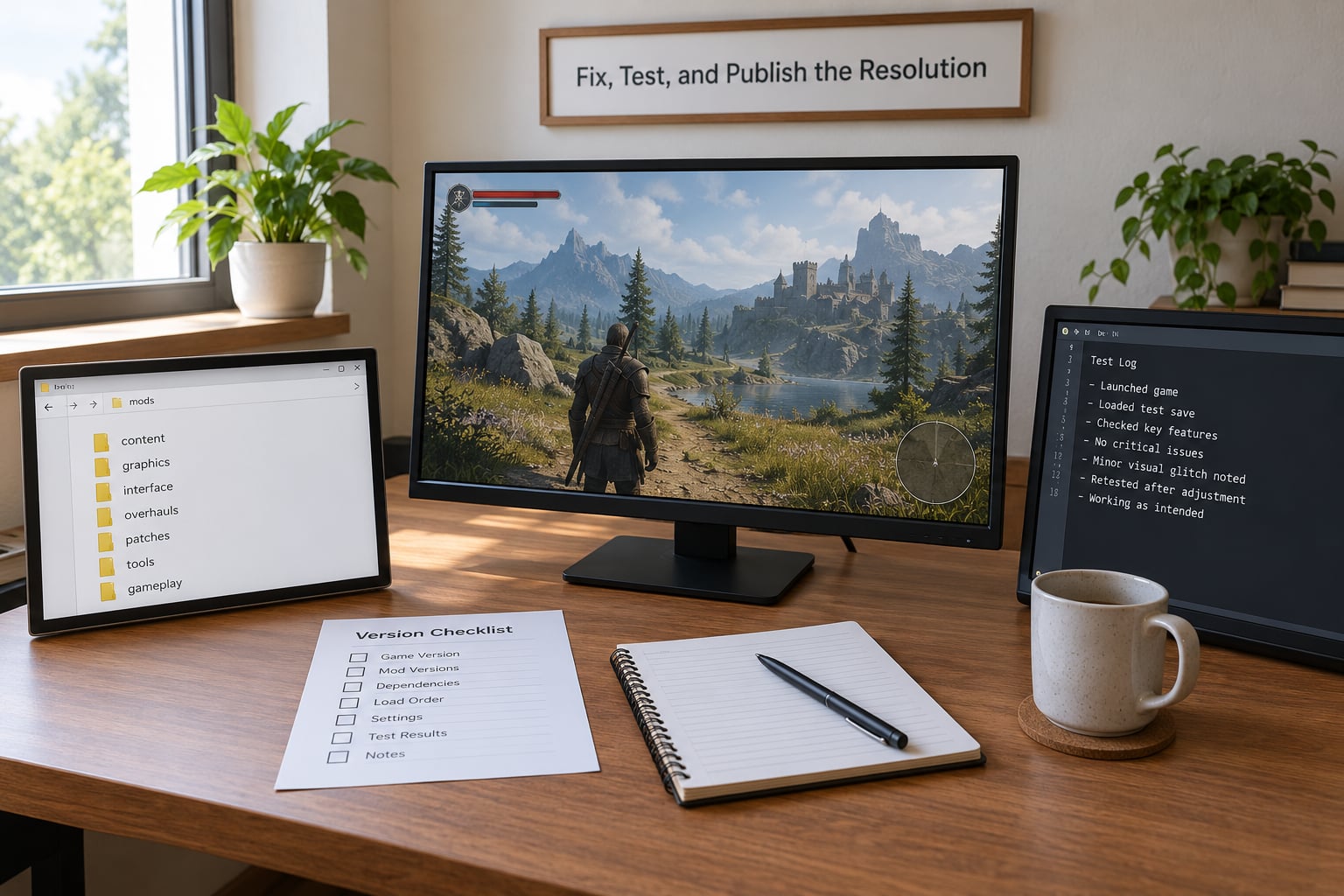
Make the smallest change that fixes the cause, not the symptom. Then test it across the game and mod versions you claim to support, plus one configuration with a couple of other popular mods, because that is where your change might collide with someone else’s.
Update the download, publish the changelog entry, add the fix to your known issues list marked resolved, and reply to the original report with the version number. Closing a report without explaining what happened is one of the fastest ways to make someone file the same report again in a month.
Old builds are worth a policy. If you no longer support a version, say so on the mod page, keep answering only security or save-corruption reports against it, and redirect everything else to the current version.
Common Mistakes New Mod Authors Make With Bug Reports
Replying before you have the details. You will write three paragraphs solving the wrong problem. Ask for the template fields first and let the report sit for a day if it is incomplete. Fix: send the needs-info reply, then wait.
Blaming the user in the first response. Even when they mixed a loose file install with a mod manager and then blamed you, arguing publicly gains nothing. Explain what happened, point at the correct install path, move on. One popular author de-escalated a recurring pile-on by publishing a free illustrated install guide instead of replying to individual threads.
Changing code before reproducing. If you have not seen it fail, you have no idea whether your change helped. Fix: reproduce, then fix, then re-test the exact steps that used to fail.
Ignoring the log. Logs name failing scripts and assets directly. Skipping them turns a ten-minute fix into an afternoon of guessing. Fix: ask for the last 50 lines and actually read them before forming an opinion.
Breaking compatibility with a well-meaning change. A tweak that fixes one load order can break the three configurations that worked before. Fix: test against your documented support matrix before shipping, every time.
Closing reports without an explanation. A silent close reads as being ignored. Fix: one sentence saying what you found, what you did, or what you need.
Treating every request as an obligation. Feature requests, requests for support you never promised, and demands that your mod work in a configuration you do not support are all reasonable things to decline. Fix: publish your scope plainly, once, and refer people back to it.
One more worth naming: reading your comment section as a representative sample of your users. It is not. People who are happy usually move on, and the ones who post are disproportionately frustrated. Forum discussions about modding point this out often enough that authors who understand it take a lot less personally.
Frequently Asked Questions
What information should I request when a player reports a mod bug?
Ask for six things: your mod’s exact version, the game version and edition, how they installed it, the other mods or framework version in use, numbered steps to reproduce with expected versus actual result, and the relevant log file. Add whether it still happens with only your mod enabled, and how often. Anything less is a request for more information, not a debugging session.
How should I respond when a bug report does not include enough details?
Reply with the same short needs-info message every time rather than a fresh set of questions. Thank them, confirm you have logged the report, list the exact missing fields with the log path for their engine, and say an empty form means a longer wait. Then wait. Consistent replies are faster for you and train people to fill the form in next time.
How do I decide which mod bug reports to fix first?
Rate severity, then weight it by blast radius. Crashes on launch and save corruption come first because they cost every affected player their session. Core features broken in a common configuration come next, then edge cases, then cosmetic issues. Rank by how many people a fix helps, not by how annoying the individual report feels while you are reading it.
Should I reproduce a bug before changing my mod?
Always, if you can. Reproduction is the single strongest predictor that a fix actually worked, and a change made without it is a guess you will have to verify twice. Build your clean baseline, follow their steps in order, then add their mod list back and bisect if it only fails there. If two or three attempts fail, park it as unreproducible rather than burning a night.
How should I handle a report caused by another mod?
Treat it as a conflict, not a defect in your mod. Reproduce it with both mods, find the load order that triggers it, and document the pairing on your mod page. Reply with the working order rather than an apology. Where the other author can act, open an issue on their tracker and link both threads so the conversation is visible to everyone affected.
What should I do if I cannot reproduce a reported bug?
Say clearly that you tried, list what you tested, and ask for the two things that usually unlock it: a short screen recording of the failure and the full mod list with load order. Leave the report open rather than closing it, since new details often arrive within a few days. If nothing new comes, close it with a note explaining what was attempted and invite the person to reopen it.
Conclusion
If you do one thing this week, write the bug report template and make it required. Then reply to your next three reports by asking for mod version, install method, steps to reproduce, and a log before you touch any code. That filter alone removes most of what new authors waste evenings on.
Keep the rest simple: one verdict per report, one severity rating, one short reply per verdict, and a changelog entry when it ships. You are a hobbyist, not a support department. A process that protects your evenings is worth more than a mod with more features.