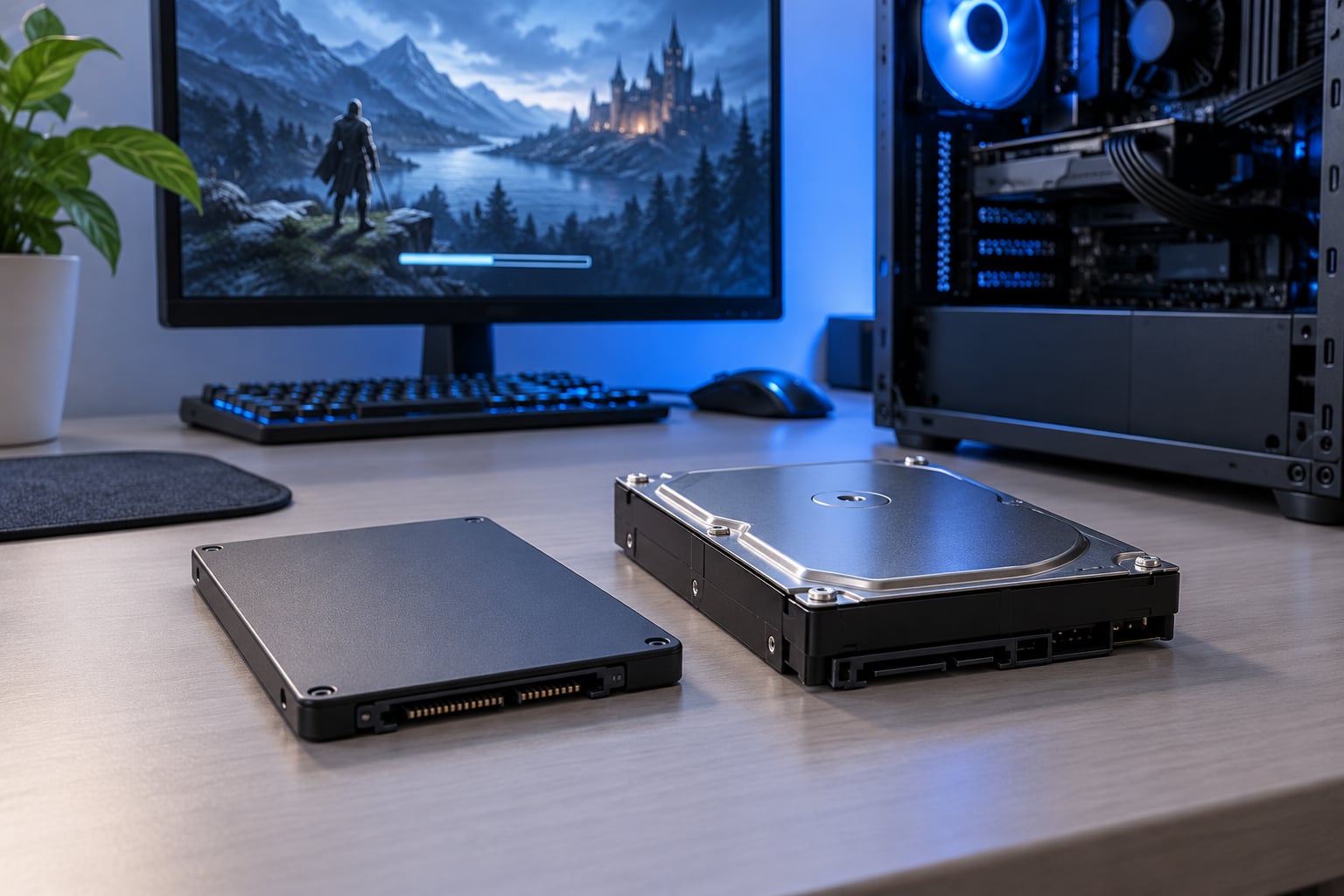
Short answer: an SSD loads a modded game far faster than a mechanical hard drive, and the gap grows with your mod count because modded loads are made of thousands of tiny files. It will not raise your frame rate, and it will not rescue a launch that takes minutes because of 300 mods.
If your game sits on a hard drive right now, moving it to an SSD is the single upgrade that changes how loading feels day to day. Start time drops, fast travel stops feeling like a cutscene you watch every ten minutes, and the hitch when you step outside an interior stops interrupting play.
What an SSD cannot do is make a slow script heavy load list load fast. If your launch takes eight minutes on a drive with no moving parts, the drive has already done its job.
Table of Contents
- 1SSD vs HDD for Load Times in Modded Games at a Glance
- 2How Storage Type Changes Loading Speeds
- 3Performance With Large Mod Collections
- 4Startup, Loading Screens, and Savegames
- 5Capacity, Heat, Noise, and Reliability
- 6Where an SSD Wins
- 7Where an HDD Still Makes Sense
- 8Which Should You Choose?
- 9How to Test Loading Times on Your PC
- 10Frequently Asked Questions
- 11Do SSDs make modded GTA games load faster?
- 12Is a 500 GB SSD enough for heavily modded games?
- 13Can I keep mods and savegames on an HDD while running the game from an SSD?
- 14Will upgrading from an HDD to an SSD improve frame rate?
- 15Should mods be installed on the same drive as the game?
- 16Is an external SSD fast enough for modded games?
- 17Conclusion
SSD vs HDD for Load Times in Modded Games at a Glance
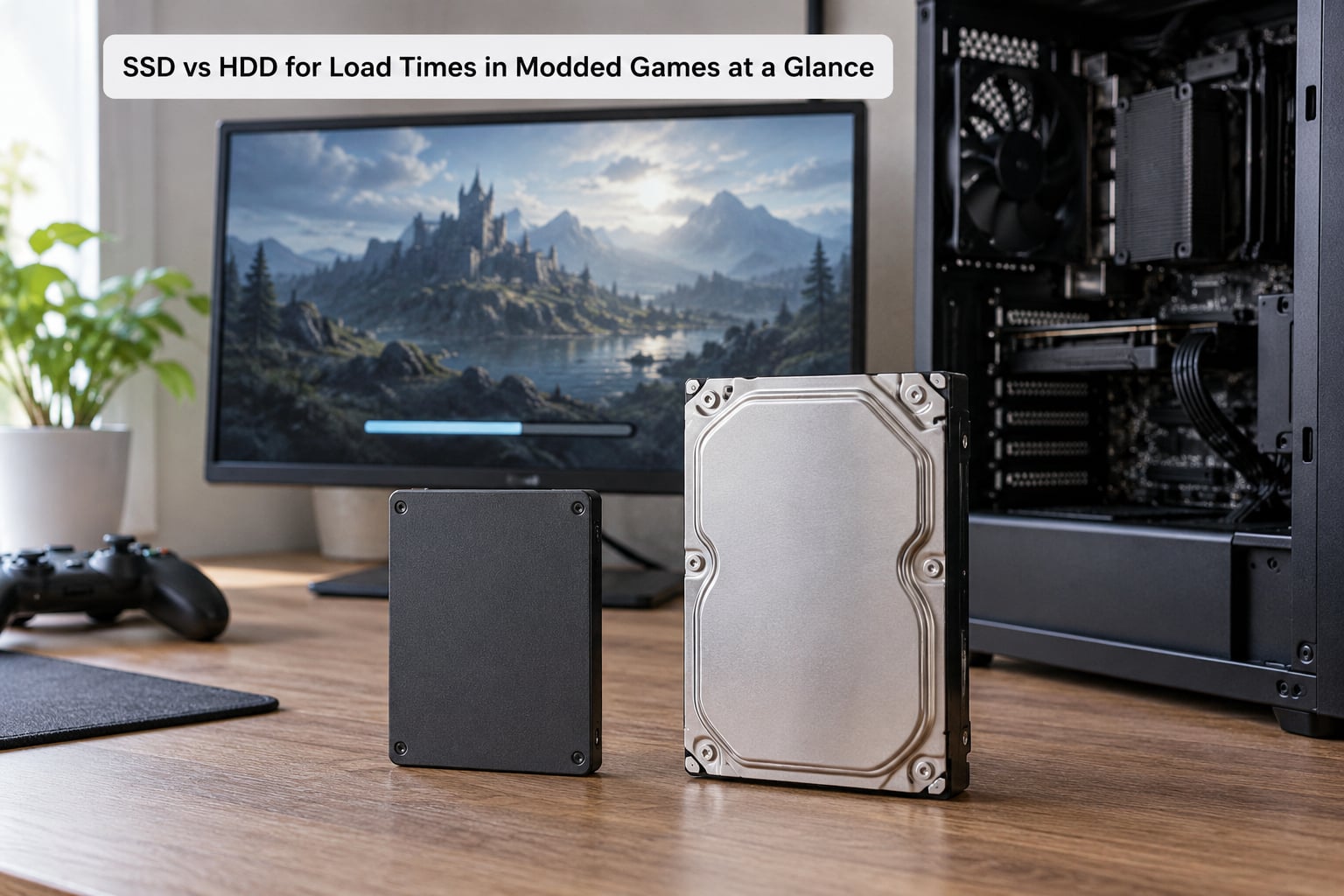
The table below walks through every part of the load process, from Windows boot to exterior cell transitions, and rates each storage type. The short version: the mechanical drive wins on nothing except affordable capacity per gigabyte, and only if you never need it to respond instantly.
| Criterion | HDD (mechanical hard drive) | SSD (solid state drive) |
|---|---|---|
| Windows boot | Slow, especially with a fragmented drive | Noticeably faster every boot |
| Initial game launch | Often 10 to 20 seconds before the main menu | Commonly single-digit seconds |
| Loading a savegame | Long, and grows as save size grows | Short, close to the SSD’s read speed |
| Interior cell load | Several seconds per transition | Typically a second or two |
| Exterior map transition | Slowest transition in most modded lists | Much faster, hitch reduced but not erased |
| Texture pop-in while playing | Frequent, especially with 2K and 4K packs | Rare after the cell has loaded once |
| Large mod collection (100 or more) | Degrades quickly as file count rises | Holds up far better |
| Everyday responsiveness | Multitasking and app switching feel sluggish | Instant in practice |
| Heat and power draw | Runs cool and uses little power | Warmer under sustained load |
| Noise | Platter spin and head movement are audible | Completely silent |
| Shock resistance | Sensitive to knocks while running | No moving parts to damage |
| Capacity per gigabyte | Cheapest way to get terabytes | Higher cost per gigabyte |
| Value for a modded library | Fine for archived projects | Worth it for the game you actually play |
How Storage Type Changes Loading Speeds
Sequential read speed is the number vendors print on the box, and it is close to irrelevant for modded loading. What matters is random read latency: how long the drive takes to find one file that the game asked for, then the next one, then the next.
A mechanical drive has to swing an arm across the platter and wait for the right spot to rotate under the head. That wait is seek time, and it lands somewhere in the range of 8 to 12 milliseconds for a healthy desktop drive. Do it a few hundred thousand times in a row while a Bethesda engine parses a mod list and the seconds stack up.
An SSD has no arm, no platter and no rotation. It reads flash cells electrically, so the delay for a small random read lands in the tenths of a millisecond. That single difference explains almost every load time you will ever measure on a modded install.
Modding tools make it worse, and this is the part generic gaming comparisons miss. A clean game ships assets packed inside archives. A modded Bethesda game through Mod Organizer 2 or Vortex deploys thousands of loose files and a stack of small scripts, so the drive gets hit with far more random reads than a vanilla install ever produces.
Performance With Large Mod Collections
Storage stops being the bottleneck somewhere around a few hundred active mods, and that ceiling is the single most useful thing to understand here. One long-running r/skyrimmods thread reports 321 mods installed with a ten minute launch time on an SSD, while loading into the world took about ten seconds. A drive cannot fix a list the engine itself takes ten minutes to parse.
The same forum reports the opposite case too. A player on r/skyrimvr described moving an install to an NVMe drive and getting load times down to a couple of seconds per new area. Both reports are true, and the difference between them is which part of the pipeline has the bottleneck.
Here is the split that helps most modders diagnose their own setup:
- Storage-bound load: time drops when you move the game to an SSD. Interior and exterior transitions, texture pop-in and mid-play hitches shrink.
- Script-bound load: physics overhauls, combo overhauls and quest frameworks consume CPU during the load screen. An SSD changes nothing here.
- Texture-bound load: a 4K texture pack with no downscaling can add its own decompression cost. Faster reads help, but so does generating mipmaps properly.
- Mod-manager load: a virtualized setup re-reads plugin data every launch. Profile optimisation and load order matter more than the drive.
- Savegame bloat: a save that has accumulated thousands of custom items takes time to deserialize. That is not storage speed at all.
A quick rule: if the loading screen shows a long freeze before the spinner even appears, suspect scripts and mod count. If it shows a spinner that keeps going while data streams, suspect storage.
Startup, Loading Screens, and Savegames
Boots and launches improve together on an SSD, but they improve for different reasons. Windows boot is a sequential read of a few thousand system files, which is where any SSD’s headline speed helps most. A game launch in a modded Bethesda title is mostly plugin parsing, so the gain there is real but smaller than the marketing suggests.
Map transitions are where modders feel the difference most. Moving between cells means reading worldspace data, streamed textures and navigation meshes. A 2.5-inch SATA SSD already captures most of this improvement, and forum consensus on the NVMe question is blunt: the difference between a SATA SSD and an M.2 drive is negligible for load times.
Savegames deserve their own caution. Bigger saves take longer to read no matter which drive holds them, because the engine is deserialising a growing pile of script state. Back up anything you cannot re-mod, since modded saves break when the mod list changes underneath them.
Capacity, Heat, Noise, and Reliability
Capacity is the one category where a mechanical hard drive still wins outright, and that is why most modders end up with two drives. A large mod collection, especially with 4K texture packs and a Creation Engine archive, eats space quickly, and a cheap high-capacity drive is the sensible place for the older projects you will not touch for a year.
Heat and noise rarely get mentioned, but a mechanical drive spinning during long loading sessions is something you hear. A silent SSD removes that entirely, and it also survives a knock on a desk mid-load, which matters in a laptop that travels.
The remaining reliability point is backups, not drives. No drive type protects a modded save from a bad load order or a deleted mod folder. Keep two copies of any savegame that represents weeks of play.
Where an SSD Wins
An SSD wins biggest where the file count is highest and the drive is currently mechanical. A modded Skyrim Special Edition or Fallout 4 install with a few hundred active mods on a hard drive is the clearest case, and r/skyrimmods users have reported mechanical drive timings around 10 to 15 seconds for game start, 10 seconds or more for a save load, 5 to 10 seconds for exterior and fast travel transitions, and roughly 5 seconds for interiors.
It also wins on everyday responsiveness, which is not what people buy a drive for but is what they notice first. Windows boots, alt-tabbing stays instant, and file operations in your mod manager stop feeling like they need a progress bar.
Handhelds and laptops benefit too, provided the drive is replaceable. A Steam Deck or a portable PC with a swapable drive can host a proper mod library rather than whatever small internal storage shipped with it.
Where an HDD Still Makes Sense
A hard drive is fine for a library you do not play from. Finished playthroughs, archived mod profiles, downloaded installers and your Steam backlog can all sit on a mechanical drive without anyone noticing, as long as they are not the game you are launching that evening.
It also makes sense for storage a modder builds once and reads rarely, such as reference material, huge unscaled texture archives and backup images of mod folders. Nobody loads a 200 GB archive at 60 frames per second.
The case that does not work is a mechanical drive holding an actively played, heavily modded game on a machine with no SSD at all. That is the one setup where the load time cost is felt every session.
Which Should You Choose?
Pick an SSD for the game you actually play and the mod manager that deploys it. Most gaming PCs should have one, a heavily modded machine should have a larger one, and if you need terabytes of inexpensive capacity for archives, add a mechanical drive as a second tier rather than splitting the game across both.
SATAs and M.2 drives are close for this workload. Community testing on r/skyrimmods puts the SATA to M.2 gap at negligible for load times, so spend the extra on capacity rather than speed unless the board already has a spare M.2 slot you would otherwise waste.
Placement matters more than people expect. The Nexus Mods forums give the standard advice: run MO2 on the SSD too, and keep the downloads folder elsewhere to save space.
| Folder or item | Where it should live | Reason |
|---|---|---|
| Game install folder | SSD | It is read every launch and every cell transition |
| Mod manager instance folder (MO2) | SSD | It is read at launch and during virtualisation |
| Vortex mods and profile folders | SSD | Same reason, plus it serves the hardlink source |
| Loose file overrides and Data folder | SSD | Thousands of small files read constantly |
| Shader cache and pre-cache output | SSD | Avoids shader stutter during play |
| Downloaded mod archives | HDD or external drive | Large, read once, easy to delete |
| Archived mod projects and old playthroughs | HDD | Cold storage with no response-time needs |
| Mod folder backups | Separate drive | Protection against an accident, not a speed need |
Watch free space too. A drive that is nearly full slows down regardless of type, and community advice generally is to keep 10 to 20 percent free on whichever drive holds the game.
How to Test Loading Times on Your PC
You can measure this yourself in about ten minutes, and the numbers are far more convincing than a forum post. The key is to hold everything except the drive constant.
- Pick one fixed save file in the same outdoor location and note the in-game time of day, the weather and the character position.
- Run a fast travel or a cell transition twice on the current drive and write down both times. Throw the first run away, because shader pre-caching and a cold cache distort it.
- Record a full boot, a game launch to main menu, a save load, one interior cell, and one exterior cell. Keep a phone on the stopwatch rather than trusting the loading bar, which does not always match real time.
- Move the game folder, not a shortcut, and make sure the mod manager instance folder moves with it.
- Repeat the identical sequence after the move. Compare the second run from step 2, not the first, against the second run from step 5.
If launch times barely move but transitions improve, your game is script-bound and the drive is already fast enough. If everything improves, you had a genuine storage bottleneck and now you have proof.
Frequently Asked Questions
Do SSDs make modded GTA games load faster?
Yes, when the game reads many small asset files during startup and streaming. Open-world scenes in modded GTA titles pull large texture and model sets, and those reads are faster without a moving-parts drive. The gain is smaller than the difference between a mechanical drive and a bare unmodded game, and it does not touch frame rate once you are playing.
Is a 500 GB SSD enough for heavily modded games?
It can be, but it fills quickly. A base Skyrim Special Edition or Fallout 4 install runs in the region of tens of gigabytes, and a few hundred mods plus 4K texture packs and a Creation Engine archive can push a single heavily modded project past 100 GB. Most modders pair a mid-size SSD with a larger drive for archives rather than trying to fit everything on one.
Can I keep mods and savegames on an HDD while running the game from an SSD?
You can put savegames and archived mod folders there, but not the active mod data. Running the game from an SSD while the mod manager instance folder, loose files and deployment source sit on a mechanical drive is the most common way modders accidentally undo an SSD upgrade. Downloads and finished projects are the pieces that belong on the slower drive.
Will upgrading from an HDD to an SSD improve frame rate?
Usually not. Once a scene has loaded, the bottleneck is the processor, the graphics card or the mod scripts themselves, and a faster drive does not touch any of them. The exception is storage-related stutter, where a hitch is caused by the game pausing to wait for data; that kind of hitching disappears on an SSD, which can look like a frame rate improvement without being one.
Should mods be installed on the same drive as the game?
Yes, and that means the mod manager workspace too, not just the game folder. Mod Organizer 2 and Vortex both read their instance or mods folder during launch and while virtualising files, so anything left on a mechanical drive slows down exactly the loading times you upgraded for. Forum advice on the Nexus Mods boards is to keep MO2 on the SSD and the downloads folder elsewhere.
Is an external SSD fast enough for modded games?
A direct USB connection to an external SSD is workable but noticeably worse than an internal one, because the USB link adds protocol overhead and can bottleneck on slower interfaces. Many modders report playable results, others report the loading gains mostly disappearing. If your machine has an internal slot, use it; treat the external drive as the archive tier instead.
Conclusion
An SSD wins this comparison on load times, stutter and everyday responsiveness, and it loses only on capacity per gigabyte. Put the game, the mod manager instance folder and the loose files on it, and keep downloads, archives and finished playthroughs on a cheaper large drive.
Start by testing your own timings before you move anything, so you can prove the upgrade worked. And if your launch still takes minutes afterwards, your bottleneck is mod count or scripts, not storage.