Cut content is anything a developer built, planned or licensed for a game but removed, disabled or made inaccessible before the final release. In GTA it covers missions, dialogue lines, characters, weapons, properties, radio stations and even whole cities. Because studios usually strip the references rather than delete the underlying data, most of it is still sitting inside your game install, and that is exactly how modders find and rebuild it.
The interesting part is the difference between what was removed and what was merely forgotten. Rockstar ships games with layers of dormant data because stripping assets from a finished build is expensive and risky, so a mission script gets disconnected from its trigger, a cut line of dialogue stays in the audio files, and a removed property keeps its model and textures sitting unused on disk.
Restoration is closer to archaeology than to asset flipping. You are working with fragments and inferring intent, which is why a good restoration mod reads like an official patch while a lazy one dumps a hundred weapons into the first chest you walk past.
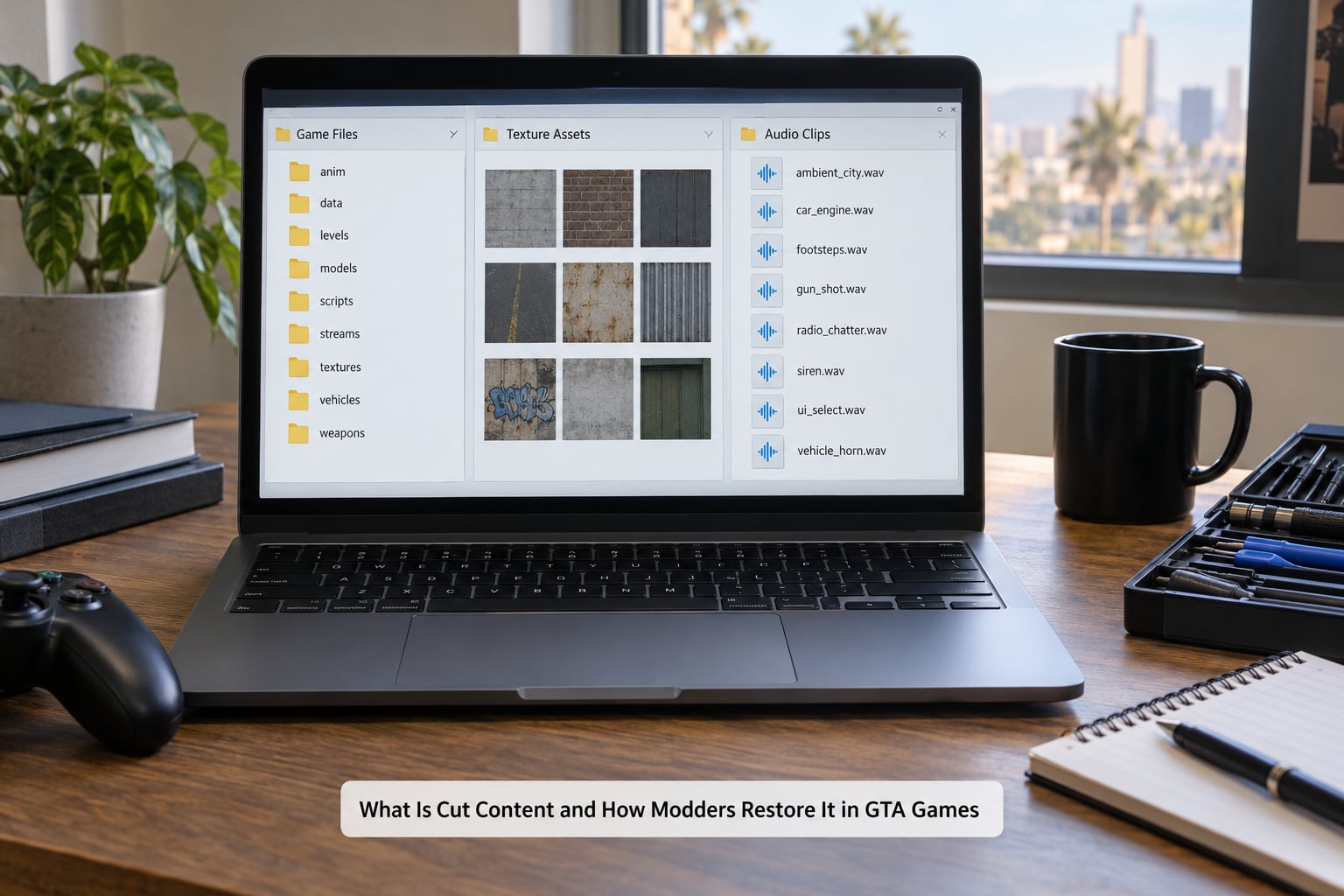
Table of Contents
- 1What Is Cut Content and How Do Modders Find It?
- 2How Is Cut Content Different From Unused or Hidden Content?
- 3How Do Modders Restore Cut Content to GTA Games?
- 4What Tools and Knowledge Do GTA Modders Need?
- 5How Can You Tell When a Restored Feature Is Complete?
- 6What Are the Most Common Restoration Problems?
- 7Frequently Asked Questions
- 8Is it legal to restore cut content with a mod?
- 9Do GTA restoration mods work on every game version?
- 10Is OpenIV safe to use for extracting GTA game files?
- 11Can I use cut content mods in GTA Online or multiplayer?
- 12Can every unused file in a GTA game be restored?
- 13Conclusion
What Is Cut Content and How Do Modders Find It?
Modders find cut content by looking for data with no living reference pointing at it. Every shippable GTA build is a web of linked files: models point at textures, textures point at materials, missions point at triggers, triggers point at scripts, and scripts point at animation and audio. Cut a single link and the whole thing becomes invisible to the player while the parts stay perfectly intact.
The categories that get cut in GTA games fall into a fairly short list:
- Mission and storyline material – unfinished heists, deleted missions, cut endings, act structure that changed late in production
- Dialogue and voice lines – recorded conversations with no trigger, or conversations whose trigger was never wired up
- Characters and ambient NPCs – peds built in detail who never got a placement in the world
- Vehicles, weapons and clothing – fully modelled and textured props that never entered circulation
- Properties and locations – interiors that were built and then locked, and map areas that got dropped from the final data
- Music and radio stations – licensed tracks or complete station sets removed because a deal lapsed
- Gameplay systems – abilities, challenges, activities and scoring modes that were prototyped and shelved
- Planned but unbuilt content – the rarest kind, referenced in interviews and design documents but never present in any file
Discovery comes from three directions. The community wiki TCRF, better known as The Cutting Room Floor, catalogues cut content per game and is usually where a first-time digger starts. Direct datamining means opening the game archives and searching the loose files for orphans. And comparing patches is devastatingly effective, because a content patch that quietly strips data tells you exactly what the finished build decided to lose.
How Is Cut Content Different From Unused or Hidden Content?
Not everything that never appears in play is cut, and the label matters because it decides whether a restoration mod is appropriate at all.
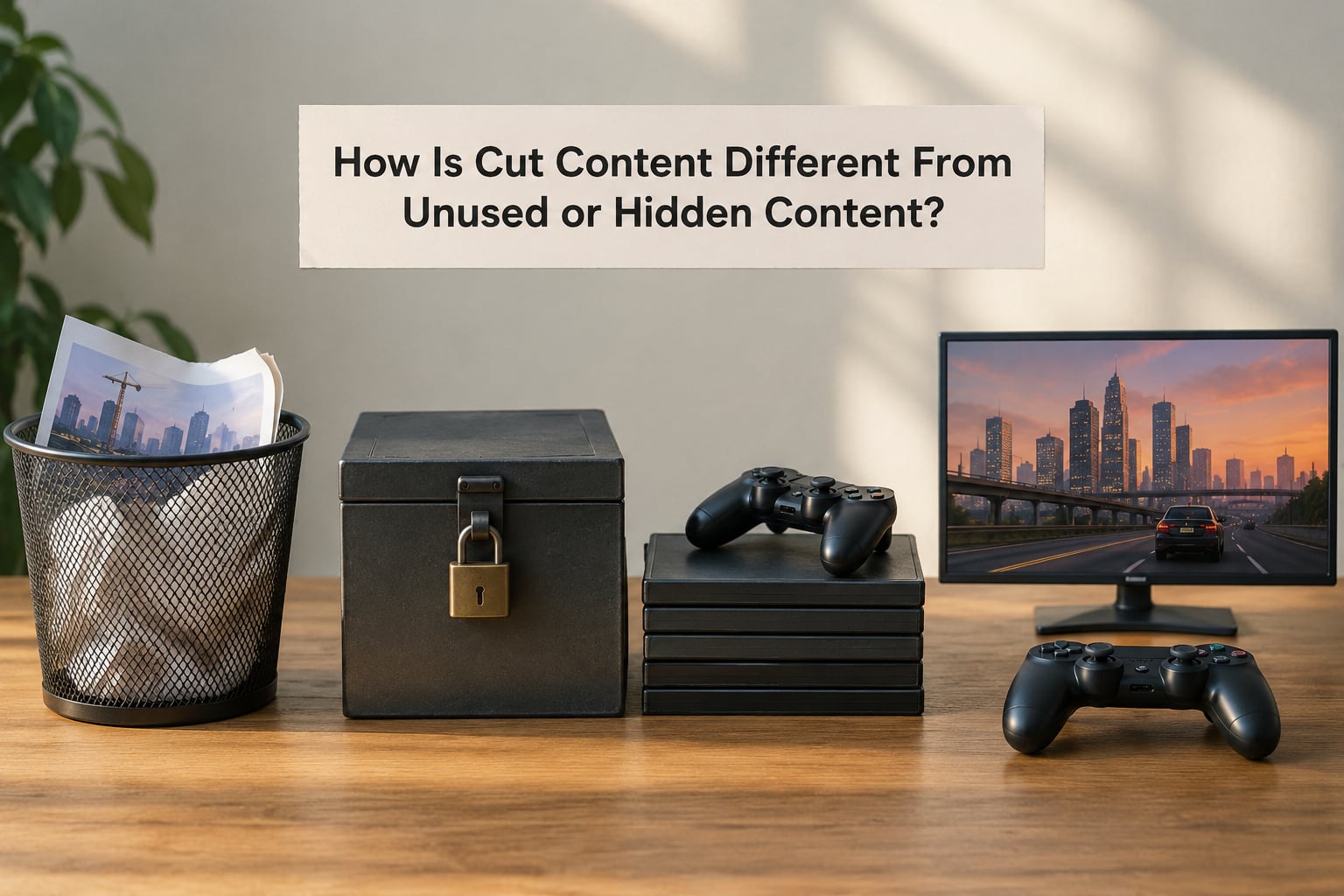
- Cut content was deliberately removed before or during release. It has no reachable path in the shipped game and has to be rebuilt.
- Dummied out content is usually the same idea in a different word. The data was dummied, meaning the access points were disabled rather than the files being deleted.
- Unfinished development content was built early and never completed. Restoring the model is possible; restoring the finished feature is not.
- Hidden or unused content may be a reference, a note, a texture variant or an object that exists only to support something else. It was never meant to be seen.
- Bugged content was supposed to ship and is broken instead. No restoration mod fixes it, because the feature is not missing, it is failing.
That last distinction is the one players argue about most. If a mission is in the game files but its objective cannot be completed, that is a bug and it belongs in a bug report. If a mission is in the files but nothing in the world will ever start it, that is cut content and it belongs in a mod. Forum threads get heated precisely because players cannot tell the two apart from the outside.
How Do Modders Restore Cut Content to GTA Games?
This is the part almost nobody explains. Restoring a mission is not a matter of copying a folder back in; it is a rebuild of the chain that connects the data to the player.
- Establish a clean baseline. Install the exact game version the restoration targets, keep a separate save, and note the current patch level. Everything downstream depends on knowing what you are working with.
- Audit the install for orphaned assets. Extract the archives and look for models, textures, audio clips and interior files that nothing references. An orphan list is the raw material.
- Match assets to their intended scripts. A cut weapon is easy to identify by its model name. A cut mission is harder, so the modder traces the script names, internal identifiers and trigger volumes that point back to what the asset was built for.
- Reconnect the trigger. The reason most cut content never loads is a missing or disabled trigger volume. Recreating it in the editor, placing it in the world and binding it to the correct script is the single most important step.
- Set quest flags and state. Story content usually depends on flags set earlier in the campaign. Without those, the restored scene fires at the wrong time or not at all, which is the most common cause of a restoration that installs cleanly and does nothing.
- Redistribute the content sensibly. Weapons and consumables need a home in the world. Putting everything in one container technically works and feels terrible; spreading items through merchants, chests and quest rewards is the difference between a restoration and a dump.
- Test for crashes and soft-locks. Walk every trigger, check every menu, reload saves at each stage. A broken state flag can leave a save unwinnable, and finding that out before you publish saves other players a bad evening.
- Document dependencies and publish. Load order, required frameworks, script extenders, known conflicts and an honest list of what is still missing. A page that says what the mod does not restore is trusted more than one that claims everything.
The last three steps are the ones that separate a serious restoration from a file dump, and they are the reason community sites judge mods on faithfulness, lore consistency and transparency rather than on how much they add.
What Tools and Knowledge Do GTA Modders Need?
You can restore cut content in GTA games with a small, well-known toolchain. Most of it is free.
- OpenIV – opening and editing the game archives and replacing loose files in the install
- CodeWalker – reading and editing RAGE scene files, IPL placement lists, drawable models and entity definitions
- RAGE Script Hook – running custom script in the game world so a modder can hook existing code rather than replace it
- Sollumz – importing and exporting game-format meshes into Blender for modelling and skinning restored assets
- Archive tools – packing, unpacking and repacking the archive formats the engine expects
- Image and audio editors – fixing or generating textures and trimming, cleaning and re-encoding restored voice and music
- A mod manager – installing, enabling and ordering several mods so conflicts resolve predictably
Knowledge matters more than tools, honestly. You need to know how the game’s file layout works, how triggers and quest flags behave, and how your mod sits in the load order. You also need to judge when to stop, because restoring something the developers removed for a licensing reason creates problems the modder cannot solve.
How Can You Tell When a Restored Feature Is Complete?
A restoration is finished when nothing about it feels bolted on. That is a checklist, not a feeling, so run through it:
- The feature fires on its own. You do not need a console command, a hidden marker or an out-of-order teleport to see it.
- It survives a save and reload, including a hard reload from an earlier point in the campaign.
- It behaves correctly on a fresh save, not only on the save the author tested it on.
- Visuals match the surrounding content. Restored models use the game’s own materials rather than flat substitutes.
- Audio sits at the right volume and has no clicks, silence gaps or mismatched music cues.
- Frame rate does not drop noticeably in the restored scene.
- The mod targets your exact version, or states clearly which patch it needs.
- It stays out of multiplayer sessions, which are governed by separate rules and anti-cheat systems.
If any of those fail, the feature is not complete. Most players will forgive a restored mission with plain visuals. They will not forgive one that soft-locks their only save.
What Are the Most Common Restoration Problems?
Almost every complaint about restoration mods comes down to one of a handful of causes.
- Version mismatch. The mod was built for an older patch. Fix: check the mod page date and update requirements before installing anything.
- Missing dependencies. A script extender or framework is required and absent. Fix: read the requirements list properly rather than skimming it.
- Dead triggers. The content exists but nothing starts it. Fix: check that the trigger volume was actually placed in the world, which is the modder’s responsibility.
- Placeholder assets. A grey box, a stock texture, silence where a voice line should be. Fix: judge the mod by how many placeholders remain, not by how many items it claims.
- Script errors. Flooding the log with unresolved references. Fix: use a script extender and fix the load order before assuming the mod is broken.
- Save problems. Installing on an existing save can leave earlier content missing from that save permanently, because the save recorded the world without it.
- Licensing. Music and licensed content cannot legally be re-added by a fan project. Fix: accept the gap or look for an official re-release.
- Performance. Pushing restored geometry into a dense area tanks frame rate. Fix: test on the hardware you actually play on.
Save damage deserves one more sentence of warning. If content vanishes from a save after you install a restoration mod, reinstalling the mod usually will not bring it back, because the save file already recorded the world without it. Start a new game before the first restoration mod, not after.
Frequently Asked Questions
Is it legal to restore cut content with a mod?
Restoring cut content from your own legally owned copy is treated as modding and sits in the same grey area as every other mod. It falls under the game’s end-user licence and is usually defended on fair-use and interoperability grounds. It becomes clear infringement only when it bypasses DRM or authentication, or when a publisher’s mod policy explicitly forbids it. Check the mod policy for the specific title before you install anything.
Do GTA restoration mods work on every game version?
No. Most restoration mods are built against a specific patch level, and content files change between updates. A mod made for an earlier build may load without error and quietly do nothing on a newer one. Check the mod page for its last update date and any stated version requirements, and update the game before installing. Console versions also differ from PC, so PC tools generally do not apply there.
Is OpenIV safe to use for extracting GTA game files?
OpenIV is a long-established modding utility used by a large part of the GTA community, and it is safe when downloaded from its official site. It can edit files inside your install, so the sensible habit is to keep a backup copy of the game folder and your saves before opening anything. If a page asks you to disable antivirus protection to run it, that is not OpenIV and you should close the tab.
Can I use cut content mods in GTA Online or multiplayer?
Not safely. Multiplayer sessions are governed by separate anti-cheat systems, and loading custom files can get you removed from a session or banned from the service. Offline story mode is where restoration mods belong. Keep two separate game installs if you play both, since the single-player and online versions ship as different files on many systems.
Can every unused file in a GTA game be restored?
No. Unused files include textures, reference data and placeholder assets that were never meant to be seen, and restoring those means nothing. Some cut content was removed because it was unfinished, and some was removed for licensing reasons that a fan project cannot work around. Licensed music is the clearest example of a category nobody can bring back without official clearance.
Conclusion
What is cut content, and how modders restore it? They recover orphaned assets left in the game files, reconnect the triggers and quest flags that were disabled, redistribute the restored material through the world, and test the result until nothing breaks. That is the whole method, and it works because studios sever references far more often than they delete data.
Start with three things. Pin down the exact version of the game you own, back up both the install and your saves, then recreate one small feature end to end before you attempt a mission. Everything larger depends on that first success working, and as of 2026 the community wikis and mod databases are the fastest way to find out whether anyone has already done the hard part.