Arcade games understeer because their handling models cap how much grip the front tires can generate, and those caps are reached far sooner than in a real car. Once you hit that ceiling, extra steering adds almost no turning force, so the car keeps travelling straight while you ask it to turn. That is the single reason your car pushes wide and refuses to come around.
It is not a fault in your car, and it is usually not a bug in the game. It is a design decision that most studios make on purpose, because a car that slides gently wide is far kinder to a beginner with a controller than a car that snaps into a spin. The cost of that kindness is the strange feeling of adding lock and getting more straight.
This guide explains what the handling model is doing, how to tell whether the understeer is yours, the model’s, or the setup’s, and what to change on each platform you might be playing on.
Table of Contents
- 1What Understeer Means in an Arcade Driving Game
- 2Why Cars Understeer in Arcade Driving Games
- 3Understeer vs. Oversteer vs. Neutral Handling
- 4The Main Causes of Arcade Understeer
- 5Why Studios Default to Understeer
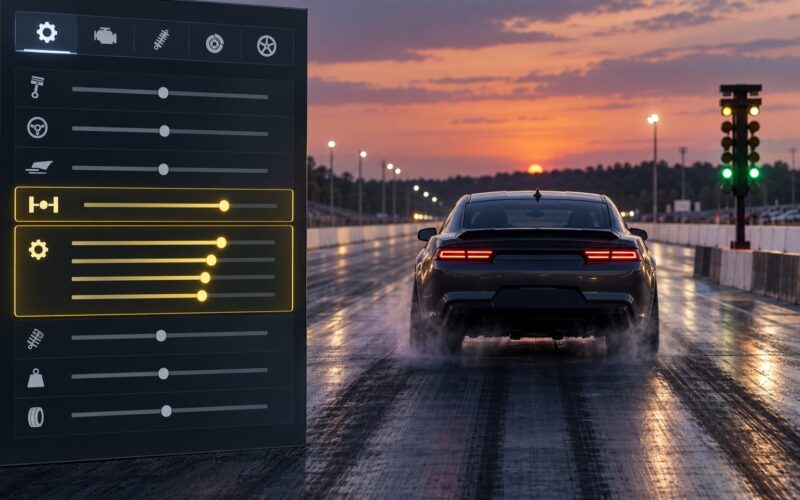
- 6Why One Car Understeers and Another Does Not
- 7How to Tell Whether Your Car Is Understeering
- 8How to Fix Understeer Without Changing the Car
- 9Handling Settings That Can Reduce Understeer
- 10PC, Console and Android Differences
- 11Understeer in Real Cars vs. Arcade Cars
- 12Frequently Asked Questions
- 13Why does my car understeer only when I brake hard?
- 14Is understeer caused by low grip or too much steering?
- 15Why does the same car handle differently on keyboard and a controller?
- 16Should I increase or decrease steering sensitivity to fix understeer?
- 17Why does my car understeer in one corner but not another?
- 18Can tire damage or vehicle upgrades cause arcade-game understeer?
- 19What to Check First
What Understeer Means in an Arcade Driving Game
Understeer is what happens when a car turns less than the steering input asks for. You give it a big input into a corner, the front tires reach the limit of what they can do, and the car carries on in a wider arc than the one you wanted.
The word people use for it, “pushes wide”, comes from the same thing. The nose points roughly where you asked, but the car’s path drifts outward across the corner exit and toward the wall on the outside of the turn.
Why Cars Understeer in Arcade Driving Games
Every handling model, arcade or simulation, produces cornering force from the front tires. Slip angle is the difference between where the tire is pointed and where it is actually travelling, and lateral force rises with that angle until the tire reaches peak grip.
Past peak grip, the curve turns over. Add slip angle and the tire gives back some of its force. In an arcade model, that peak is usually reached very quickly and then flattened, so the tire keeps roughly the same amount of grip no matter how much steering you pile in. The front end has nothing left to give, and the car keeps going.
Meanwhile the rear tires are often given extra grip or extra stability help so the car does not spin. A car with a grip-limited front axle and a planted rear axle is understeering by construction, and that arrangement is exactly what most arcade titles ship.
Weight transfer makes it worse, and it is why braking hard is such a common trigger. Braking loads the front tires and unloads the rear, the front tires are already near their ceiling, and the extra load pushes them past it. Players on r/BeamNG describe exactly this trap: brake too late and the car understeers into the wall, brake too early and it spins on the throttle.
Understeer vs. Oversteer vs. Neutral Handling
All three describe the same cornering situation with different results, and knowing which one you have tells you what to do about it in about half a second.
| Handling state | What it feels like | What causes it | What to do | Corner entry example |
|---|---|---|---|---|
| Understeer | The car ignores steering and drifts toward the outside of the corner | Front tires at their grip limit, often after heavy braking or too much steering input | Ease off the throttle, reduce steering, take a wider line or brake earlier | You brake late into a fast right-hander, turn in, and the car runs wide toward the barrier on the outside |
| Neutral steer | The car goes where you point it, front and rear working together | Grip and weight are balanced between the axles | Brake, turn in, and apply throttle on exit as one smooth sequence | Trail braking into a medium-speed corner, the car rotates and settles on exit |
| Oversteer | The rear steps out and the back of the car swings wide | Rear tires lose grip, often from throttle, lift-off or over-rotation | Unwind the steering slightly and modulate the throttle, or catch it with the handbrake | You get on the power too early at corner exit and the car snaps into a spin |
Players on r/F1Game put the awkward combination bluntly in a handling-model discussion: understeer itself is realistic, but when it comes with exaggerated weight transfer they described it as the worst of both. That middle ground, turn-in that never arrives, is the most common complaint about arcade handling.
The Main Causes of Arcade Understeer
There are two layers to this. One is why the game’s default handling model leans that way at all. The other is why a particular car understeers for you on a particular corner.
Why Studios Default to Understeer
- Accessibility. Understeer punishes mistakes with a wide entry. Oversteer punishes them with a spin and a trip to the menu. A forgiving failure is easier to learn from, so most default setups lean that direction.
- A simplified tire model. A full tire curve is expensive to simulate. Many games compute peak lateral force directly and cap it, which removes the natural self-correcting behaviour where a sliding front tire hooks back up as the slip angle changes.
- Flattened weight transfer. Moving load onto the front axle under braking is real, but exaggerating it makes every trail-braked entry understeer and every abrupt lift a snap.
- Stability assists. Electronic stability control, traction control and ABS all exist to stop the car spinning. They do that by cutting throttle or braking, or by damping yaw, and all three read to the driver as the front end going light.
- Controller input. Console players are the largest audience, and an analog stick has limited travel and resolution. A model that stays stable under imprecise inputs serves that audience better than one that punishes every wobble.
- Cross-platform parity. When the same car has to feel right on a controller, a keyboard and a force-feedback wheel, the middle ground is usually flatter, more stable and more prone to understeer.
Why One Car Understeers and Another Does Not
- Entry speed. The single biggest factor. Past the limit, grip stops scaling with speed and the car just runs wide.
- Steering input. Adding lock once the front tires are saturated produces yaw, not grip, and often converts the push into a snap the moment you add more.
- Weight distribution. A nose-heavy setup or an engine behind the front axle puts more load on the axle that needs to turn the car.
- Tire choice and grip level. Soft compounds and low-grip surfaces cap front grip sooner. Upgrade mismatches, where one end has new tires and the other does not, do the same.
- Tire damage. Games that model punctures, wear or heat lock the grip ceiling down, and a car with a damaged or overheated front tire understeers into the wall every time.
- Setup and tuning. Stiff front anti-roll bars, a rear-biased brake bias and aggressive stability control all push the balance toward understeer.
- Surface and weather. Standing water, grass, gravel and ice cut available grip sharply, and the arcade model’s flat ceiling means you feel the loss as understeer rather than as a slide.
How to Tell Whether Your Car Is Understeering
Run the same corner twice and change one thing. This is the fastest way I have found to separate your driving from the setup and the model.
- Note the straight-line speed. Pick a corner you can approach from a clear straight. Write down or remember your speed. If the same speed pushes wide every time, the limit is the car or the surface, not you.
- Halve your steering input. Turn in with a much smaller input than feels necessary. If the car now comes around, the front tires were saturated and you were asking for grip that did not exist.
- Repeat at a lower speed. Same corner, noticeably slower. Understeer that disappears at lower speed is a grip limit. Understeer that stays identical at any speed is usually a model or an assist.
- Try it with no throttle on entry. Brake in a straight line, then turn in. If the car bites cleanly, the problem is weight transfer from combined braking and turning, not the tires themselves.
- Lift mid-corner and watch the rear. If the back steps out when you lift, the balance is loose at the rear. If nothing changes and the car just keeps running wide, it is front-limited.
- Change one setting. Turn off one assist, or widen the tires, or drop the front stiffness. If the behavior shifts, it is tunable. If nothing shifts, it is the handling model’s default character.
- Test a second car. Swap to something else in the same class. If the second car behaves fine on the same corner, the understeer belongs to the first car.
Grip meters or telemetry, where a game offers them, make this faster. Watch the front tire grip bars: if they sit pinned at maximum while the car runs wide, the front axle is saturated and the diagnosis is done.
How to Fix Understeer Without Changing the Car
Most arcade understeer is fixed in the hands, not in the menu. The corrections are small and they compound.
- Brake earlier. Not harder, earlier. Braking in a straight line loads the front tires in one direction instead of two, and they arrive at the corner with grip in reserve.
- Use less steering. A smaller input than feels right is nearly always enough. The car turns more, not less, once the front tires are off the ceiling.
- Unwind the wheel. As the car loads up mid-corner, add a small amount of opposite lock. This keeps the front slip angle inside the grip peak.
- Ease the throttle at turn-in. Power on early loads the rear and shifts the balance forward in effect, which makes the front lighter for turn-in. A fraction of throttle is enough.
- Widen the line. The fastest corner is rarely the geometric one. Giving the car room buys back the grip the tight line demands.
A concrete before-and-after. Take a fast right-hander that normally ends with a wide, tidy, slow exit: brake slightly earlier on the straight, turn in with about half your usual input, hold the throttle steady instead of stabbing it, then add lock back as the car rotates. Same corner, same car, and the car now comes around and drives out of the turn instead of to the edge of the track.
Handling Settings That Can Reduce Understeer
Menu names differ between titles, so read this as a description of what to look for rather than a path to click. Most games bury some version of these under a handling or assists menu.
- Steering sensitivity and curve. Lowering sensitivity, or switching a speed-sensitive curve to a flatter linear one, stops small inputs turning into large slip angles. It is the most common fix for controller players.
- Speed-sensitive steering. A strong speed-sensitive reduction makes the car feel like it stops turning at speed. Weaken it if the front end feels numb in fast corners.
- Deadzone. Too large a stick deadzone eats the first part of your input, so the car appears not to respond until you have already moved a long way.
- Stability control. Reducing it lets the car rotate on its own instead of damping the rotation you asked for. On a controller this single change often does more than any setup tweak.
- Traction control. A very aggressive setting cuts throttle mid-corner, which you feel as the car going light and refusing to turn.
- Tire grip level. Higher grip on the front tires relative to the rear fixes a lot of arcade understeer outright, and it is the setting most arcade modes expose.
- Suspension balance. Softer front springs and anti-roll bars add front grip at the cost of response. Stiffening the rear fights the same problem.
- Brake bias. Shifting bias toward the rear loads the front tires less under braking, which is the most direct fix for understeer on corner entry.
- Downforce and differential. More downforce adds grip that does not fade as fast with speed. A more open rear differential lets the rear axle rotate the car on entry instead of pushing.
PC, Console and Android Differences
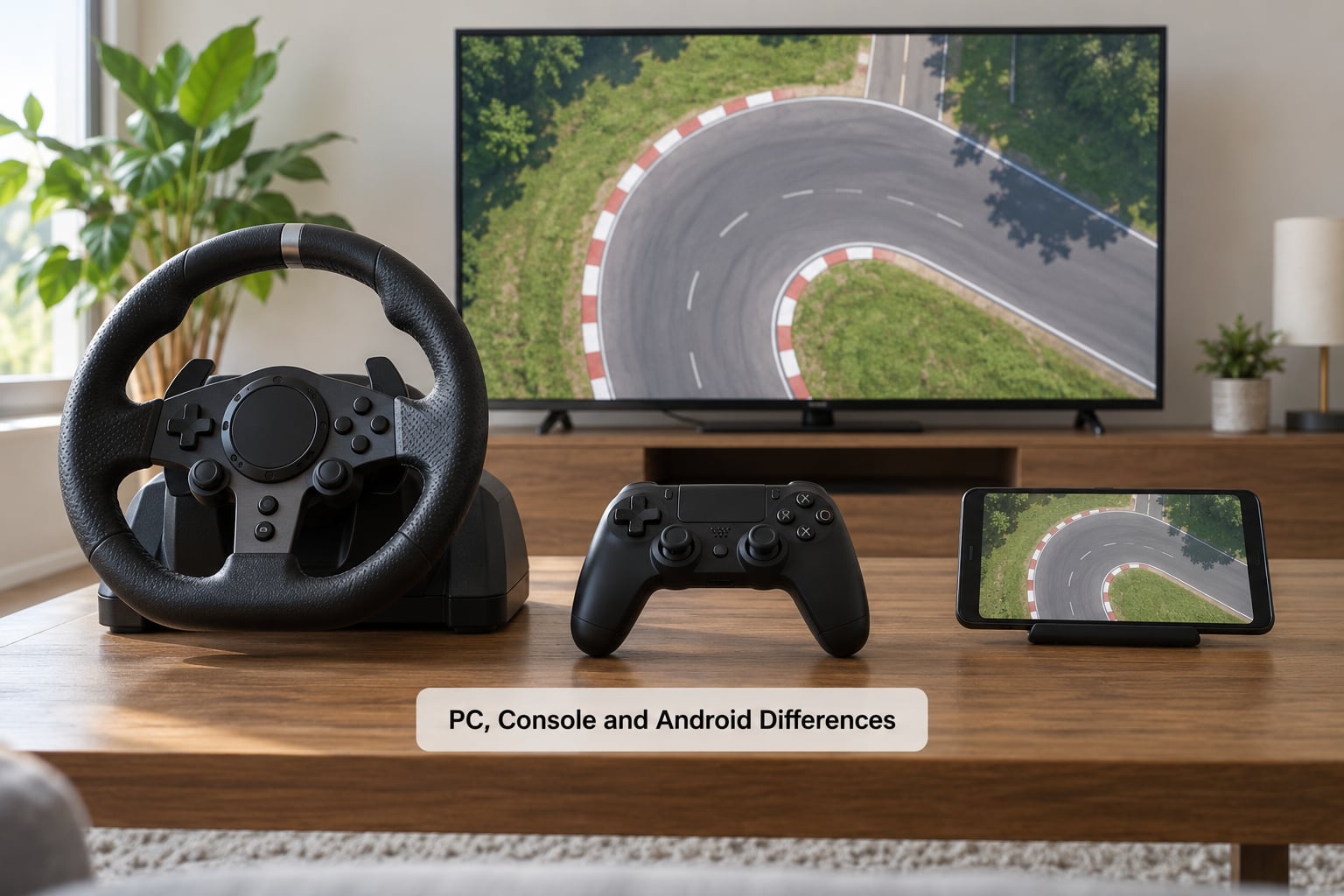
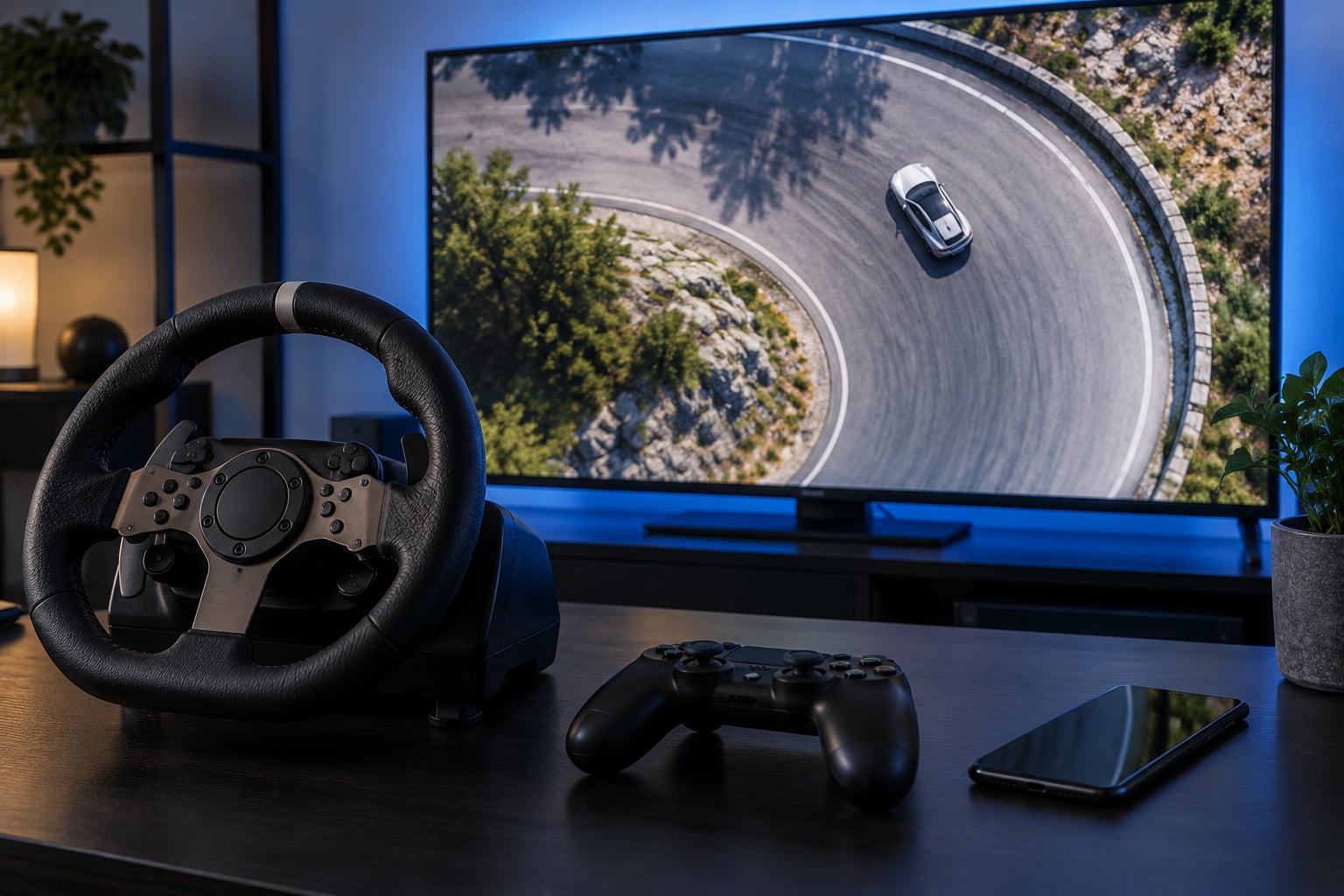
The physics may be identical across platforms, but how much of the understeer you notice depends heavily on the input device and what the hardware can sustain.
On console, the stick is analog with limited travel and no force feedback. That is precisely the input the arcade default is tuned for, so console understeer is more often a settings problem than a physics problem. Reduce sensitivity, soften the steering curve, cut stability control, and add a little sensitivity rather than raw lock.
On PC, players are split. With a force-feedback wheel you get the full range of slip-angle feedback, so the same understeer arrives as a clear tug through the rim rather than as a vague sense of nothing happening. With keyboard driving, steering is digital and usually stepped, which produces large steering angles in bursts and makes understeer look worse than it is. Keyboard players should use the most analog-friendly controls the game offers.
On Android, touch controls add their own layer. On-screen buttons give coarse throttle and brake resolution, which means abrupt inputs and heavier weight transfer, and both push a car toward understeer. Frames also drop on mid-range devices, and a game that cannot hold its target frame rate may adjust physics or input timing to cope. If the car feels inconsistent rather than just loose, check that you are hitting a steady frame rate before touching the handling settings.
Understeer in Real Cars vs. Arcade Cars
A real car understeers for mechanical and load reasons: toe out on the front wheels, uneven tire pressures, a worn or out-of-balance tire, loose steering components, or simply too much speed for the grip. Fix those and the car follows the steering again.
In a game there is nothing to fix mechanically, because the car is behaving exactly as programmed. The differences come down to scale and feedback. Real tires have a long, forgiving grip peak and a soft shoulder. Arcade tires have a short peak and a hard, flat ceiling, which is why real cars recover from a small slide and arcade cars do not.
Speed matters too. Real understeer often shows up on a public road at moderate speeds, where the limits are lower than you think. Arcade understeer usually appears at high speed or under hard braking, where the model decides grip is finished and stops giving.
Assists matter most. Real drivers negotiate grip limits with a steering wheel, a throttle and their own judgment. Arcade players negotiate them with a stability system making some of those decisions first, which is why the same physics can feel different to two people driving identically.
Frequently Asked Questions
Why does my car understeer only when I brake hard?
Hard braking loads the front tires and unloads the rear, so the front axle reaches its grip ceiling before you even turn in. Combined braking and steering uses the same front grip for two jobs at once, and the car runs wide. Trail braking more gently, or brake in a straight line and then turn, and the front tires arrive at the corner with grip still in reserve.
Is understeer caused by low grip or too much steering?
Both, and usually together. Low grip sets a ceiling that steering input cannot pass, and too much steering input is what pushes you past that ceiling in the first place. In an arcade model the peak grip is capped and flattened, so past the limit extra lock returns almost nothing. Halve your input and the car usually turns more, not less.
Why does the same car handle differently on keyboard and a controller?
Keyboard steering is digital, so inputs arrive in fixed steps that produce sudden, large steering angles and abrupt weight transfer. A controller gives proportional input across its travel, which is much closer to how the handling model expects to be driven. The car is identical; the resolution of your input is not. Keyboard players should use the most analog-friendly control options available.
Should I increase or decrease steering sensitivity to fix understeer?
Decrease it in most cases. High sensitivity produces large slip angles from small inputs, which saturates the front tires sooner and makes the car feel like it ignores you. If the car feels numb at speed instead, the problem is usually a strong speed-sensitive steering curve or too large a deadzone. Change one setting, retest the same corner, then judge the result.
Why does my car understeer in one corner but not another?
Corners differ in speed, radius, camber and surface, and the grip limit sits somewhere different in each one. A fast sweeper needs more entry speed than you think, while a tight hairpin stays below the limit all day. Also check for surface changes, gradient and tire damage at the same corner, since those shift the limit without changing the car.
Can tire damage or vehicle upgrades cause arcade-game understeer?
Yes to both. Damage models that include punctures, wear or heat lock the available grip down, and the usual symptom is understeer that appears after a few laps. Upgrades can do it too, but only when they are unbalanced: new front tires with old rear tires, a very stiff front anti-roll bar, or a rear-biased brake bias all push the balance toward understeer.
What to Check First
Reproduce the turn at a known speed, then work down this order and change one thing at a time: reduce your entry speed, halve the steering input, ease off the throttle during turn-in, and check whether the front tire grip meter is pinned at its maximum. If the car rotates normally at a lower speed, it is a grip limit and you fix it with braking points, line and a gentler input.
If it does not, move to settings before anything else. Sensitivity and steering curve first, then stability control, then tire grip level and brake bias. Test a second car in the same class, and if that one behaves, the understeer belongs to the car you were driving and no amount of input changes will talk it out of it.
Arcade cars understeer because the handling model puts a ceiling on front grip and leaves nothing behind it, and because a car that runs gently wide is easier for most players to learn than one that spins. Once you know which end of that ceiling you are hitting, the fix is usually a smaller steering input, an earlier brake point and one changed setting.