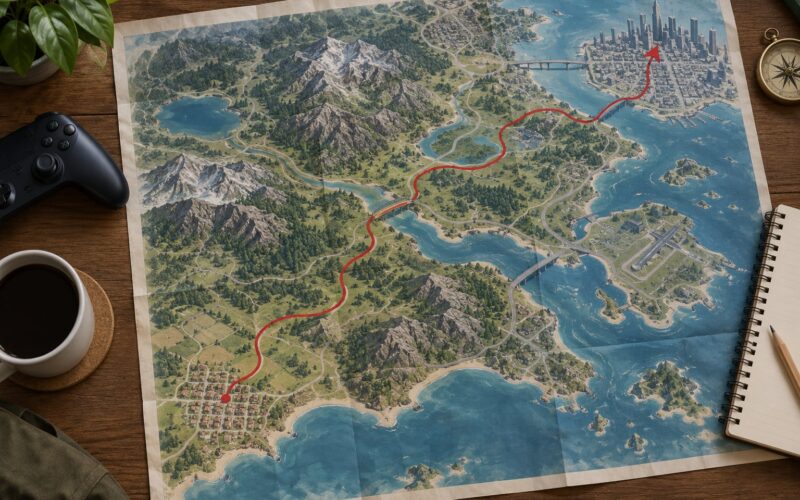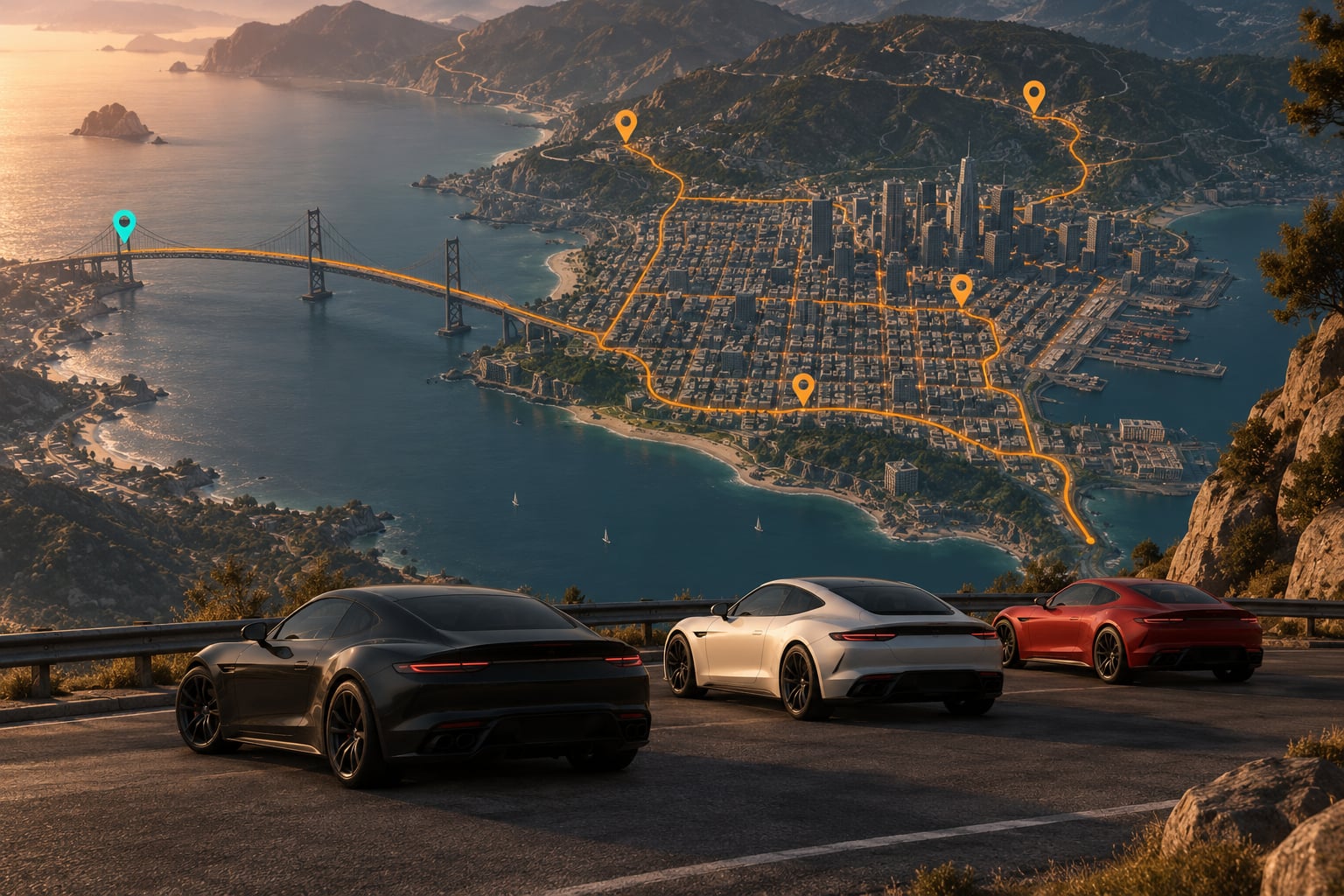
Rare cars hide in three places: fixed spots, traffic spawns, and version-specific conditions. Check the permanent locations first, then work a short high-traffic route, then reroll traffic until the model appears, confirm it, and save straight away. A focused route beats driving around for two hours, and most of the searching is over before you turn the engine.
This guide covers the Grand Theft Auto entries specifically, from GTA V story mode back to GTA III on handhelds, and it works the same way on console and PC. If you are searching more broadly, a useful way to find rare cars in open world maps is to treat every attempt as a repeatable loop rather than a one-off hunt. Know the vehicle, know the rules, know the route.
Time needed depends entirely on the car. A permanently parked vehicle takes a couple of minutes if you know the spot. A time-gated traffic spawn can take a dozen rerolls or an alarm set for 4:00 in the morning. Difficulty is low if your version is right and annoying if it is not, which is why step one comes before any driving.
Table of Contents
- 1What You Need
- 2Step-by-Step: Finding Rare Vehicles Efficiently
- 31. Confirm the Vehicle and Your Game Version
- 42. Filter the Map for Likely Locations
- 53. Check Permanent and Story-Specific Spawns First
- 64. Learn the Clues That Lead to Rare Traffic
- 75. Reroll Traffic Without Rerolling the Whole Session
- 86. Search High-Traffic Roads and Repeated Routes
- 97. Verify the Car and Store It Safely
- 10Common Mistakes That Make Rare Cars Harder to Find
- 11Game and Platform Differences at a Glance
- 12Rare Cars in Modded and Mobile Maps
- 13Frequently Asked Questions
- 14Why can I find a rare car online but not in story mode?
- 15How do I make rare cars appear again after looking for a long time?
- 16Are rare car spawn rates different on PC and console?
- 17Can I search for a rare car while another player is driving it?
- 18What is the safest way to keep a rare car after finding it?
- 19Conclusion
What You Need
You need the exact edition and platform you are actually playing, because vehicle pools changed between releases and between story mode and online. Grab the in-game map from the pause menu plus whatever vehicle list the game gives you, so you are reading names rather than guessing from a screenshot.
You also need a way to compare vehicle names accurately. A tracker, a wiki page or a plain text file of the exact model names works. Small differences in naming send you looking for a car that was never in the pool.
Finally, keep a clean save you can reload, a short route you can repeat without thinking, and either a pen or a screenshot habit for logging each attempt. A free slot or an empty garage saves you from starting every attempt from scratch.
Step-by-Step: Finding Rare Vehicles Efficiently
1. Confirm the Vehicle and Your Game Version
Look up the exact vehicle name first, then find it in the pause menu of your build. Older titles on newer systems sometimes have trimmed vehicle lists, so a car listed in a guide from a different platform may not exist in yours at all.
Next, separate permanent vehicles from traffic spawns. Some rare cars only exist in a fixed spot, a mission, a garage or a dealership. If you treat those as traffic, you will reroll forever and never get close. Most hunting guides that frustrate players make exactly this mistake.
Write the game, platform and mode on the same line as the car name. That one habit prevents the most common wasted session.
2. Filter the Map for Likely Locations
Open the pause map and use whatever filters your version has. GTA V and GTA Online separate categories such as vehicles, activities, properties and stores, and story mode uses a similar layered map with its own markers. The old titles have no filter at all, so there you narrow the search by landmarks instead.
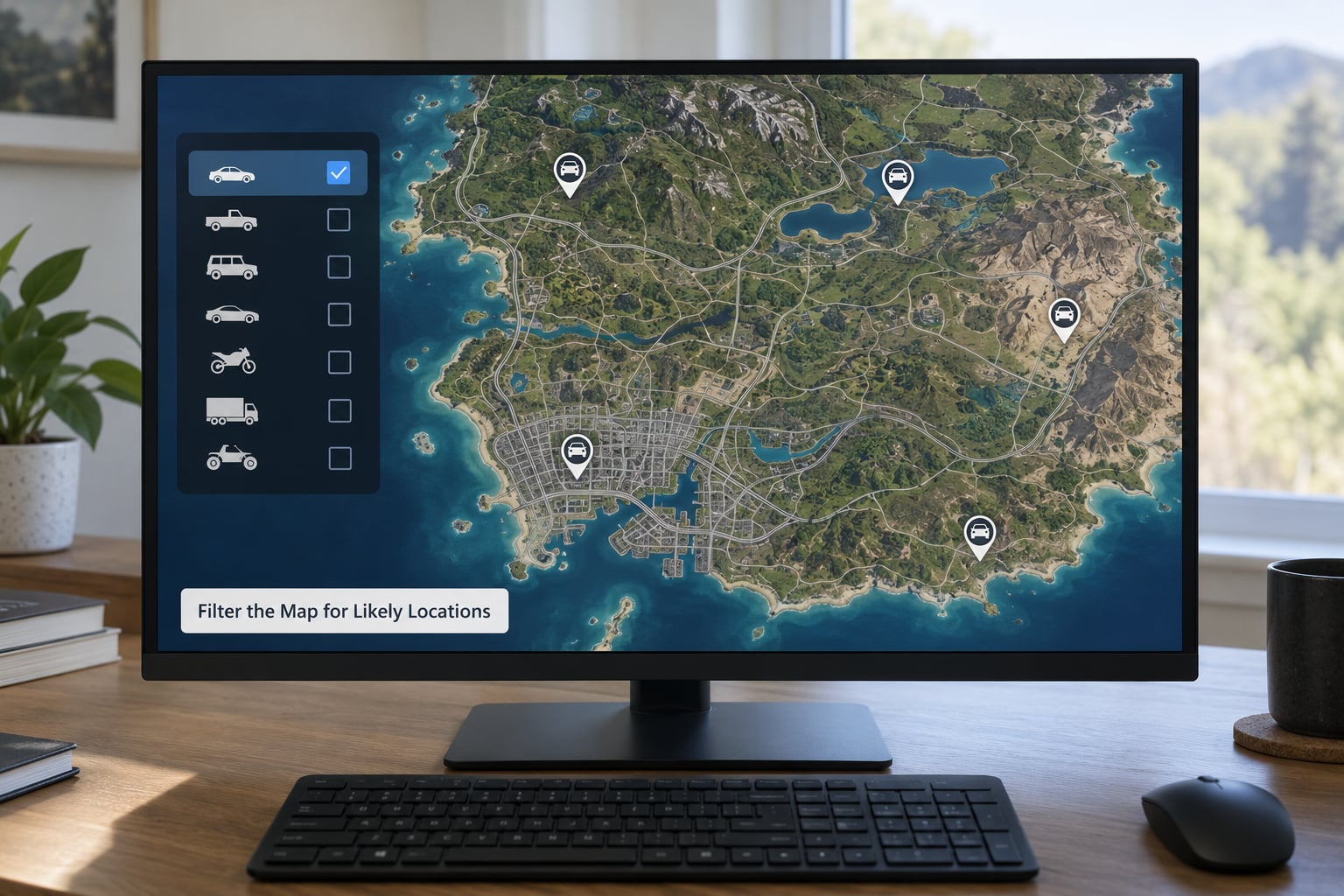
Build a route of five or six waypoints rather than a list of twenty. Mark each candidate spot, then order them so the last one ends near a road with heavy traffic. That way the drive between checks doubles as the traffic search.
On handhelds and older consoles the same filter idea becomes a mental one: name three landmarks you can recognise instantly, because the loading screens are long and the map is not interactive.
3. Check Permanent and Story-Specific Spawns First
Permanent vehicles are the best odds in the game. They sit in a mission, a garage, a dealership, an airport hangar, a dock, an estate, a hideout, or on a secluded road where civilian traffic never goes. They do not move, they do not depend on the clock, and they come back after every session.
Story mode has a separate pool from online, and online has its own set of vehicles you cannot get in single player. Check the mode before you check the map. Vehicles tied to a mission only appear after that mission, so progression gates a lot of the rarest content.
Repeatable story scenes, such as a repeatable job that ends in a specific garage, are worth learning too. You are not looking for a hidden car so much as a repeatable sequence that hands one over.
4. Learn the Clues That Lead to Rare Traffic
Some traffic vehicles give themselves away. An uncommon paint job on a common chassis, three of the same model in a row, or a car behaving oddly near a contact all suggest the pool is unusual right now. Denser traffic at a junction is a good sign; an empty stretch of motorway is not.
Recently finished activities matter more than people expect. Some vehicles appear more often for a short window after a mission or a contact call ends, so the ten minutes after a job can beat an hour of idle driving.
Spawn rates vary by game, by location and sometimes by time of day, and the numbers differ between the main release and later versions. Treat any exact percentage you read as a rough guide, not a guarantee.
5. Reroll Traffic Without Rerolling the Whole Session
Rerolling means refreshing the traffic pool around you without reloading the whole save. In GTA V, a single-player or online session can be changed through the pause menu, and joining or leaving a session does the same job more slowly.
On older titles the same effect comes from passing through a specific area, then reversing out and repeating. San Andreas, Vice City and GTA III all work this way, and the control scheme differs between console and handheld versions, so expect to spend a minute finding the combo.
A few things invalidate a spawn and waste the reroll: staying in the same spot, being too close to a rare car when you trigger the change, or moving the character far enough that the game rebuilds a different area. If two rerolls in a row produce nothing, change location, not just the session.
6. Search High-Traffic Roads and Repeated Routes
The most productive real estate is motorways, tunnels, big intersections, bridges, industrial districts and the arterial roads into the city centre. Traffic density decides how many models you see per minute, and no skill increases that number.
Learning how to find rare cars in open world maps comes down to one habit: pick a short route and run it until the pool gives you what you want. Five clean laps with notes beat one wide sweep of the whole map, because the second one covers four times the ground for the same number of spawns.
Keep the loop short enough that you are not bored. Boredom is what makes people quit a search that was actually about to pay off.
7. Verify the Car and Store It Safely
When something looks right, do not assume. Read the model name in the pause menu, and check whether the car you wanted has a required colour, a specific variant or an upgrade version. Several rare vehicles appear as a base model first and only count once modified.
Then store it. Some vehicles can only sit in a garage, a safehouse, an apartment or a clubhouse, and a few cannot be stored at all outside a certain mode, which the guides often gloss over. If the car cannot be parked, keep it in a safe location or deliver it before you log off.
Save the game and write down the conditions: the time of day, the weather, the loop, the position on the map. A rare car that took twenty attempts to appear is usually reproducible, and the notes are what make the second one fast.
Common Mistakes That Make Rare Cars Harder to Find
The most common mistake is searching in the wrong edition. Vehicle lists differ between story mode and online, between the original release and later versions, and between console and PC. Confirm the build before you trust any list, including this one.
The second mistake is treating a fixed vehicle as a traffic spawn. Rerolling will never move a car that is permanently parked. The reverse mistake is just as common: rerolling in a location that has no chance of producing the vehicle at all, such as rural roads when the car is an urban-only model.
Restarting mid-attempt throws away good conditions. If the traffic looks promising, finish the loop. Many players lose an hour of progress by quitting the moment nothing appeared.
Ignoring the one-player versus online split sends people looking for vehicles that only exist in the other mode. That distinction is not a small detail; it is the difference between a car that exists and one that does not.
Installing incompatible mods breaks the search. On PC, a replaced vehicle file or a changed map can alter or remove rare traffic, so test with a clean setup before you assume a spawn has vanished.
Trusting community lists without checking dates is the last one. Guides written for an earlier version go stale, and a location that stopped working two updates ago is still copied around as fact.
Game and Platform Differences at a Glance
| Game and version | Useful search method | Map filters | Common reroll approach | Biggest version caveat |
|---|---|---|---|---|
| GTA V story mode | Fixed mission vehicles, garages and secluded-road spots | Layered pause map with category markers | Change session or reload | Pool differs from online |
| GTA V online | Traffic spawns with time and activity conditions | Map layers plus store and vehicle markers | Join or leave a session | Some vehicles only exist here |
| GTA IV | Fixed spots plus city traffic checks | Simple map, limited categories | Reposition and repeat the block | Small vehicle pool, so spawns are rare |
| San Andreas | Fixed lots, hideouts and driving checks | Old-style map with symbols | Pass through a checkpoint area and reverse out | Different control scheme on handheld ports |
| Vice City | Traffic checks on the island roads and bridges | Symbol map, no filters | Short drive out and back | Very small pool, expect long searches |
| GTA III and handheld conversions | Mostly fixed mission and hideout vehicles | No map filters, landmarks only | Walk or drive out of the area | Newer ports can change handling and traffic |
The pattern is clear. Newer entries give you filters and cleaner session changes, older entries give you landmarks and manual repetition. The same seven-step loop covers all of them, only the mechanics move.
Rare Cars in Modded and Mobile Maps
An installed add-on car is not a rare car in the traffic pool. It is a file your game loads on demand, and it often appears the first time you find a workshop, a menu or an editor, regardless of where you drive. If you are hunting a mod, the search ends at the installation step.
What mods do change is the world. A replacement map moves roads, changes which districts traffic spawns in, and can strip original vehicles out entirely. If you play a heavily modded setup, confirm the original game first and hunt rarities on a clean install.
On PC, the check is straightforward: remove the mods, verify the vehicle still spawns, then add them back one at a time to see which one changed the pool. On console, mods come from the console’s own mod system, and support varies by title and by game version, so check that your specific release accepts them before installing anything.
On Android and other handheld conversions, performance settings change how much of the map loads at once, and simplified settings can reduce traffic. Raise the detail level before a search, or the pool you are cycling through is smaller than the one you think.
Frequently Asked Questions
Why can I find a rare car online but not in story mode?
Each mode has its own vehicle pool. Cars that appear as random traffic in online are not part of the story mode civilian traffic list, and several online-only vehicles exist nowhere in single player. Check which mode the guide you are reading refers to, then search that mode. The same car name can also behave differently in each.
How do I make rare cars appear again after looking for a long time?
Reroll the traffic pool near where you are instead of reloading the whole save, then work the same short loop. Move to a different area first if two attempts return nothing, because staying close to the same spot often reuses the same pool. On titles without a session menu, drive out of the area and back in to force the same refresh.
Are rare car spawn rates different on PC and console?
The underlying vehicle lists are usually the same, but the surrounding conditions differ. Different builds carry trimmed lists, and mods on PC or the console mod system can add or remove vehicles entirely. Traffic density also depends on the version running, so a rate from one build is a rough guide rather than a fixed rule for another.
Can I search for a rare car while another player is driving it?
Online, a car another player owns is the same model but not a spawn for you, so riding along will not help you find one. It can help with positioning and with convoy hunting, where traffic around a group of vehicles sometimes differs from traffic around a lone car. Still confirm the model in your own pause menu before you count it.
What is the safest way to keep a rare car after finding it?
Confirm the model and any required variant in the pause menu, then store the car in a garage, safehouse, apartment or clubhouse and save immediately. Some vehicles cannot be parked outside a particular mode, so move it or deliver it before logging off. Write down the time, weather and location too, since the same spawn is usually repeatable.
Conclusion
Verify the version and the mode first, because everything after that depends on it. That is the difference between knowing how to find rare cars in open world maps and wandering for an afternoon.
Then clear the fixed locations, which cost minutes and never fail. Work a short loop of high-traffic roads, reroll the pool near you, and change area the moment two attempts come back empty. When the car finally appears, confirm the model and variant, store it, save, and write down the conditions so the next search takes a fraction of the time.