If a car is upside down in a driving game, the fastest fix is usually the game’s own reset or recover command, and it takes about five seconds. If the game has no such command, walk away from the vehicle, approach it again, or grab any nearby car to nudge it back onto its wheels. When the car flips over repeatedly instead of staying put, the cause is physics: a high center of gravity, soft suspension, or too much speed and torque into a corner.
Most players hit one of those three situations at some point, whether they’re cruising through Los Santos, tuning a car in BeamNG.drive, or flying a jump in a Roblox driving game. The recovery part takes a minute. The stopping-it-forever part needs a bit of tuning, and there is a lot of contradictory advice about it online, so this guide covers both, game by game, and tells you which fix belongs to which symptom.
Table of Contents
- 1What You Need
- 2Step-by-Step: How to Fix a Car That Flips Over in Game
- 3Use the Standard Vehicle Recovery Controls
- 4Try Camera and Player Movement Controls
- 5Use a GTA-Specific Reset or Recovery Method
- 6Fix Vehicles That Keep Flipping Over
- 7Common Mistakes When Fixing an Overturned Car
- 8Frequently Asked Questions
- 9How do I flip a car back over in GTA Online?
- 10Why is my car stuck on its roof in GTA 5?
- 11How do I recover a flipped car in a modded GTA game?
- 12What is the fastest way to fix a car that flips over in game?
- 13Can I recover an overturned car on Android?
- 14Why does my modded car keep flipping over?
- 15Conclusion
What You Need
Almost nothing. There is no tool, item or mod required to right an overturned vehicle in a normal game session, and you will not find a wrench in any inventory.
What you may need depends on the game:
- A reset or recover command – the built-in key that puts your car back on the road or upright. BeamNG.drive and Forza Horizon both have one, and most mobile driving games put a respawn button on the HUD.
- A pause menu with a vehicle reset option – the fallback when a dedicated key is missing.
- The interact or enter-vehicle button – every game uses a different key for this, and re-triggering it while standing next to an inverted car often rights it.
- Phone or interaction menu access – in GTA Online, the in-game phone is the only way to request a replacement vehicle without a third-party tool.
- A second vehicle – the oldest recovery trick in every open-world game, and still the fastest one when you are nowhere near a reset key.
- Mod tools, if the car is a mod – OpenIV and CodeWalker for GTA V and FiveM handling files, or the in-game tuning menus in BeamNG.drive and the Forza series.
Keep one other thing in mind before you start changing numbers: driving aids. Traction control, stability management and steering assist are on by default in a lot of games, and players often blame the car when the car is fine.
Step-by-Step: How to Fix a Car That Flips Over in Game
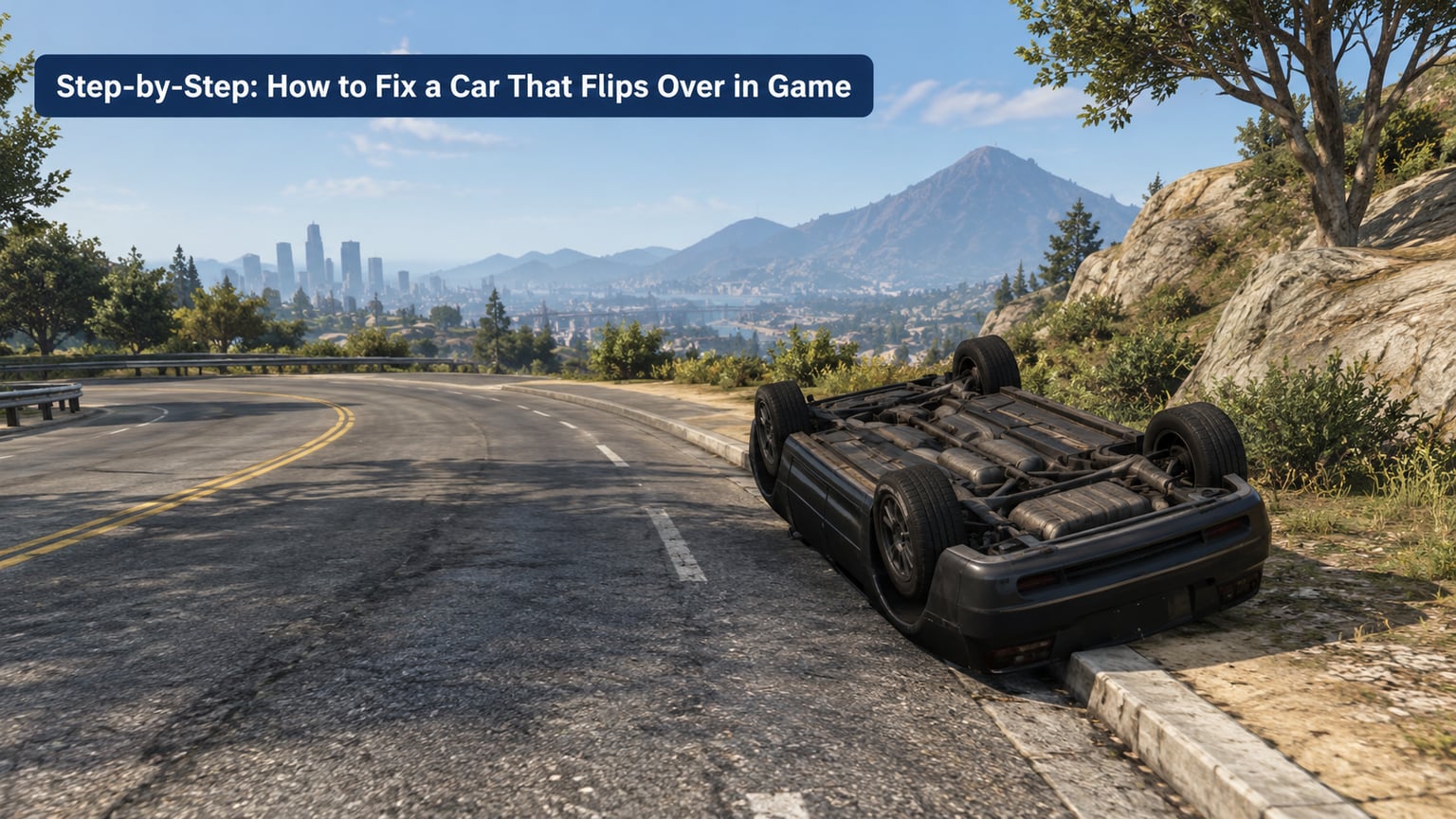
Work from the top of this list down. The first three steps take under a minute and solve the problem outright in most cases. Only move to the fourth step if the car keeps coming back, which means the flip is a handling fault rather than a recovery problem.
Use the Standard Vehicle Recovery Controls
Most games ship with a reset key, and it is almost always the fastest way to fix a car that flips over in game. The binding varies by title and by whether you are on keyboard or controller, so check the controls screen if the first press does nothing.
- BeamNG.drive: Ctrl+R resets the vehicle and returns it to an upright position.
- Forza Horizon: the reset option in the pause menu puts you and the car back on the nearest road with the damage cleared.
- Gran Turismo: use the recover car option in the pause menu.
- Mobile and Roblox driving games: tap the respawn or reset vehicle button on the screen, usually in a corner of the HUD.
You will know it worked when the car is level, the camera sits behind the rear bumper again, and you are able to apply throttle. If the reset key does nothing, you are usually pressing a key that the game has remapped, so open the controls menu rather than mashing the same one.
Try Camera and Player Movement Controls
If the game has no reset command, the next cheapest fix is to change where your character is standing. Rotating the camera and re-approaching the vehicle triggers the enter-vehicle check again, and plenty of games use that check as a soft reset: the vehicle snaps back to a valid seat position and orientation as you get in.
Here is the sequence that works most often:
- Walk away from the car by five or six steps, so the interaction prompt disappears.
- Turn the camera so the vehicle is centered and you can see the driver’s side.
- Walk back to the door and press the enter-vehicle button once.
- If the car is still inverted, press the exit button while you are seated, then re-enter.
- As a last resort before quitting, hold the melee or suicide key to respawn at a hospital or checkpoint. GTA V, DayZ and Project Zomboid all support this.
The reason this works is worth knowing, because it saves you from tuning a car that is not broken. Many physics engines treat being seated as a stable state and will resolve the vehicle to the nearest upright seat transform on entry.
Use a GTA-Specific Reset or Recovery Method
In the GTA games the answer depends on which mode you are in, because story mode and online have completely different rules. Story mode has cheat codes and Director Mode. GTA Online has neither, and any method that looks like a cheat is a third-party trainer.
Story mode options, in order of preference:
- Open Director Mode and choose a Safehouse objective. It relocates you and respawns your vehicle, which gets you moving again in seconds.
- Use the spawn a vehicle cheat from a phone contact, enter the code, and pick a model. The new car appears next to you.
- Exit the car and hold the melee key to respawn at a hospital, then collect a new vehicle.
Online is more limited. There is no cheat system in GTA Online, so the workable routes are the in-game phone, another vehicle, or a reset from another player:
- Open the phone, go to Services and call the Mechanic to have a fresh vehicle delivered. This works even if your current car is on its roof in an alley.
- If you own a vehicle stored in your garage or a property, request it from the phone or the Interaction Menu. The old wreck stays where it is.
- Find any working car nearby and use it to push your flipped car over. Driving your front bumper under the raised side is the standard move.
- While driving another car, use the Interact menu to ask a nearby player to nudge you upright, or use a trainer if you already run one, since most trainers include an upright or flip-vehicle option.
On FiveM and other modded servers, one extra trick is worth knowing: a flipped vehicle in front of other players is a frequent request. The server’s recovery or admin vehicle command can spawn you a replacement without a restart, and you can ask in the in-game chat rather than reloading a save.
Fix Vehicles That Keep Flipping Over
If the car rights itself and then rolls over again on the next corner, you have a handling fault. Work through these in order, because the early items cost nothing and fix most cases.
- Lower the center of gravity. This is the single most effective change and the one most game developers make by default. Add ballast low in the chassis, or lower the mass position in the vehicle’s physics settings. Weight above the roll center creates the moment that rotates the body.
- Widen the track. A narrow track width relative to the center of gravity is a common build flaw in player-made vehicles in Scrap Mechanic and Roblox games. Pushing the wheels out moves the roll center away from the body’s mass and the car stops tipping.
- Stiffen the suspension and keep damping high. Soft springs let weight transfer further before the tires react, so the body rotates past the point where it can recover. Players on r/ScrapMechanic trace most of their flipping builds to weight distribution and track width rather than tires.
- Lower the ride height if it rolls in corners. This one is case-specific: lower it for cornering flips, and raise it for jumps.
- Change the tire compound. A long-running GTPlanet thread found racing tires to be the trigger, with players reporting that switching to a sports compound stopped the rolling. Very high grip plus high torque plus a tight entry line produces a roll moment the chassis cannot absorb.
- Add downforce rather than grip. In BeamNG.drive the advice from the forums is consistent: aero parts that push the car down help, and more cornering grip does not. Downforce adds load without adding the sliding that grip-based fixes tend to introduce.
- Toggle the driving aids off for one clean test. Traction control and stability management can mask a problem or create one. Drive a lap with them off before you change anything else.
Jumps are the exception that proves the rule. When a car flips on landing rather than in a corner, the fix goes the other way: increase ride height slightly and keep stiffness and damping at full, which is the fix a player in r/DriveWorldRoblox landed on for exactly that symptom. A low car has no suspension travel left to absorb the impact, so it pivots on its roof contact point.
Clipping a curb is the third distinct case. One wheel dropping while the others stay planted twists the body hard, and the usual answer is more suspension travel and softer tires rather than a lower body.
If you are working on a modded car in GTA V or FiveM, the equivalent of the center of gravity change lives in the handling file. Edit the complete handling.meta entry for that model rather than a few loose values, make sure the changes are in the same block the game reads, then test a freshly spawned vehicle, since an existing one keeps its old values. OpenIV handles the install, and CodeWalker is the easier place to read and edit the file. If two scripts are editing handling for the same vehicle, that conflict shows up as a car that flips only in one part of the map or only after a cutscene triggers.
A warning worth repeating: you will find advice online about gluing the tires together to stop a car rolling. That is an RC-car fix and it works there. In a game it breaks the physics, because the wheels can no longer spin or slip independently, and the car ends up unable to corner at all.
Common Mistakes When Fixing an Overturned Car
Most failed recoveries come down to one of these, and each has a quick fix.
- Pressing the same command over and over. If the reset key does not work once, it will not work the fifth time. Check the controls screen for the current binding.
- Standing on top of the car. You have to be off it and a few steps clear before you re-approach, otherwise the game keeps you in the same invalid state.
- Using a command that does not exist in your mode. Story mode cheat codes do nothing in GTA Online, and that is by design, not a bug. Use the phone and the Mechanic instead.
- Ignoring the terrain. A car on a steep embankment or wedged against a wall often cannot be righted in place. Drive it out of the position first, or reset it to the nearest road.
- Lowering ride height by default. It is the right fix for cornering rolls and the wrong fix for landing flips. Decide which symptom you actually have before touching the slider.
- Treating a broken mod install as a driving problem. If the car flipped the moment you spawned it and never behaved normally, the install or the handling file is the suspect, not your inputs.
- Copying RC-car fixes into a driving game. Gluing tires or locking wheel rotation solves a problem that only exists on a tiny RC chassis.
- Reloading the whole game as a first move. Respawning a vehicle is a two-second action in every game covered here. Restarting a save takes minutes and fixes nothing that a respawn would not.
One last habit that pays off: change one setting at a time and drive the same corner. Tuning five sliders and then testing tells you nothing about which one mattered.
Frequently Asked Questions
How do I flip a car back over in GTA Online?
GTA Online has no reset command, so use the in-game phone instead. Open the phone, go to Services and call the Mechanic to have a working vehicle delivered to you. If the car is a personal vehicle, request it from the phone or the Interaction Menu. With no phone access, find any running car and push your flipped one over with its bumper, or ask another player on the server to nudge you upright.
Why is my car stuck on its roof in GTA 5?
In story mode, the car is stuck because the physics engine never resolved the vehicle to a valid seat position. Use Director Mode and pick a Safehouse objective, which relocates you and respawns the car. Alternatively, use the spawn vehicle cheat from a phone contact. In GTA Online the same symptom is normal after a big crash, and the in-game Mechanic contact is the cleanest way to replace the vehicle.
How do I recover a flipped car in a modded GTA game?
FiveM and other modded servers usually have no personal reset, but they do have a working mechanic service in most roleplay servers. Check the phone menu for a Services tab, or ask in the chat, where other players regularly help with flips. If the server has an admin or recovery command available to you, use that. Last resort, walk away and press the melee key to respawn at a hospital and take a new vehicle.
What is the fastest way to fix a car that flips over in game?
Press the game’s reset or recover command. In BeamNG.drive that is Ctrl+R, in Forza Horizon it is the reset option in the pause menu, and mobile driving games put a respawn button on the HUD. If your game has no reset, walk five steps away from the car, turn the camera, and press the enter-vehicle button again, which resolves the seat position in many physics engines.
Can I recover an overturned car on Android?
Yes, on most Android driving games the respawn or reset vehicle button sits in a corner of the HUD, and it returns the car to the road. Roblox driving games often have the same control inside a GUI. If no button is visible, open the pause menu and look for a respawn option, then restart the app as a last step. Touch-only games without any reset usually need the app reopened.
Why does my modded car keep flipping over?
Almost always a physics or installation fault rather than your driving. Add ballast low in the chassis or lower the center of mass, widen the track, stiffen the suspension, and add downforce instead of extra grip. In GTA V and FiveM, edit the complete handling.meta entry for the model and test a freshly spawned vehicle, because existing cars keep old values. Two scripts editing the same handling file will also cause consistent flipping.
Conclusion
Start with the game’s own recovery command, because it is instant and it solves the problem in one press. If there is no reset, walk clear of the car and re-enter it to force a valid seat position, then fall back to a respawn or a replacement vehicle. And if the car keeps flipping, lower the center of gravity first, then match the fix to the symptom: lower ride height for cornering, higher ride height with firm damping for jump landings, and downforce over grip. Published for 2026 and kept current as these games update.