You may not re-upload an existing mod, or any part of it, without express permission from the original author. A free download is not permission, and the hosting site’s Terms of Service are a separate layer on top of whatever the author allowed. Learning how to read mod permissions before reuploading takes about fifteen minutes per file once you know where to look.
This guide walks through that read: where permission text physically lives on each major platform, what each Nexus Mods permission label actually means in plain English, how to find the person who can grant rights, and what to do when the wording is vague or the author has vanished. Last updated October 2026.
Table of Contents
- 1What You Need
- 2Step-by-Step
- 3How to Read Mod Permissions Before Reuploading
- 4Identify Who Can Grant Permission
- 5Check the Rights You Want to Exercise
- 6Resolve Missing, Conflicting, or Unclear Terms
- 7Document and Recheck Before Publishing
- 8Common Mistakes
- 9Frequently Asked Questions
- 10Can I reupload a mod if its original download was free?
- 11What should I do if a mod has no license or readme file?
- 12Does permission to download include permission to modify a mod?
- 13Can I reupload a mod on a website that shows advertisements?
- 14Do I need written permission to mirror a mod file?
- 15Can I reupload an old version after the creator updates the mod?
- 16Conclusion
What You Need
Permission checks fail when people read a mirror, a repost, or a repost of a repost. Start from the authoritative source and gather five things before you decide anything.
- The original download page URL. The page the author published on, not a mirror, archive site or file listing you found through search.
- The packaged files, unpacked. Open the archive locally and look for a licence file, readme or changelog inside the folder structure.
- The licence or readme text. Copy it into a plain text file and date it. Screenshots of the permission block are also useful evidence.
- Creator contact details. A profile message inbox, Discord handle, forum account, or an email address published on their profile page.
- Prior correspondence. Any earlier reply, comment or public thread where permission was discussed or granted.
- Version and date. The version number you downloaded and when. This matters later, because permission terms can change between versions.
Keep all of it in one folder per mod. When a claim gets challenged months later, a dated permission file is worth more than your memory of the conversation.
Step-by-Step
How to Read Mod Permissions Before Reuploading
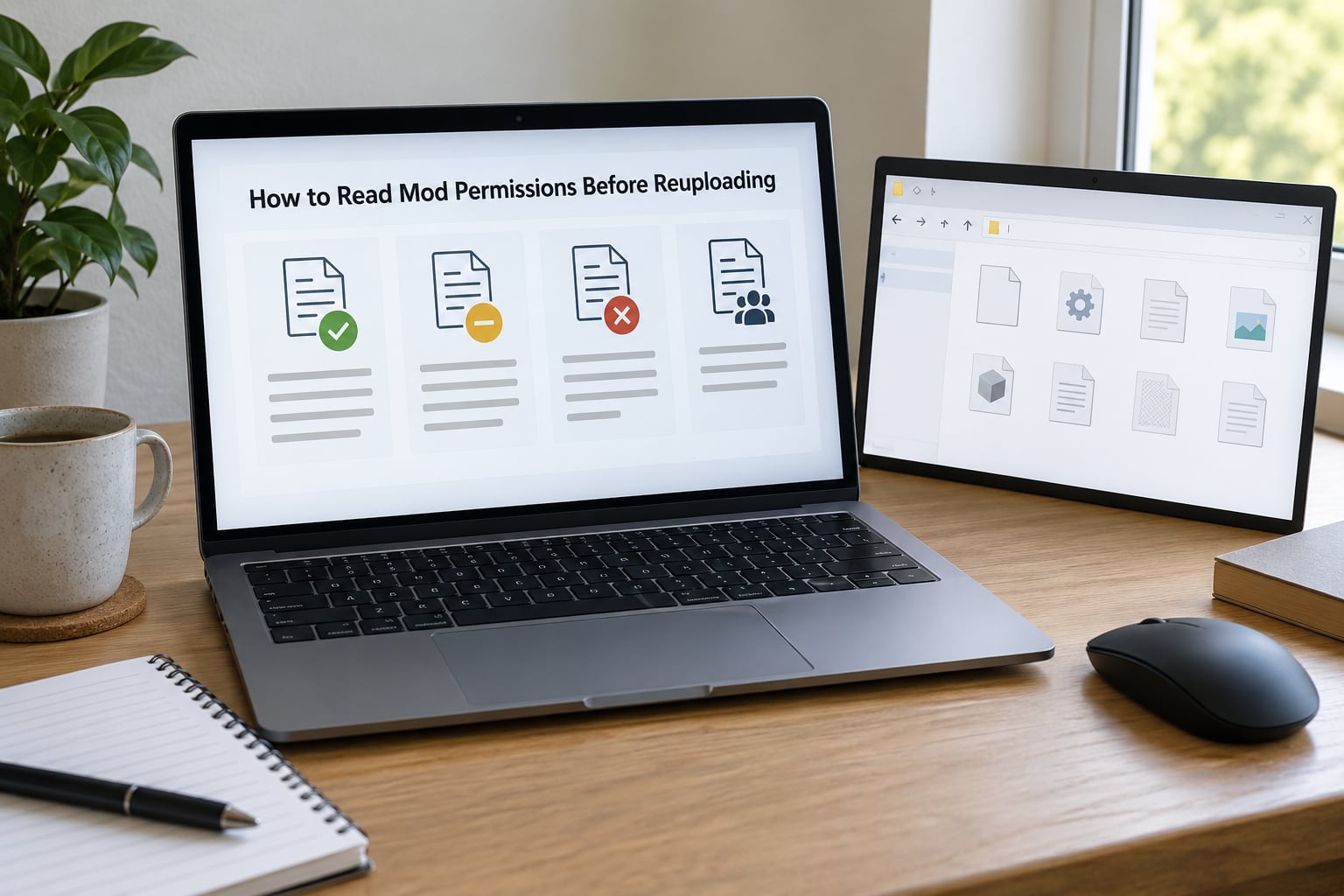
Permission information appears in one of four places, and you need to check all of them because each answers a different question. The page’s description tells you what the author wants. The permissions block tells you what the author allows. The licence file inside the archive tells you what happens to the code itself. And the platform’s own policy tells you whether the site will even host your upload.
Start by distinguishing a licence from a personal request. A licence is a permission statement that applies to anyone who reads it: use these terms, do these things, give this credit. A personal request is a sentence aimed at one person, usually an author asking people not to bundle their file into a pack or convert it to another game. When both exist, the narrower instruction still governs your specific action.
| Permission label | What it means in plain English | Can you reupload? |
|---|---|---|
| Other user’s assets | The file bundles work from other creators, who have not granted anything to you | No. This flag blocks redistribution even when the main author says yes |
| Upload permission | Permission to re-upload the file itself to another account or site | Only if it reads allowed, and only without third-party assets |
| Modification permission | Permission to edit the file for your own use or for a fix | No. Editing rights do not include reposting the edited file |
| Conversion permission | Permission to port the mod to a different game or engine | No. Converting is a separate grant from modifying |
| Asset use permission | Permission to reuse files, textures or scripts inside a different mod | No. It covers reuse in your work, not redistribution of the original |
| Asset use in sold files | Permission to use the assets in a mod or file you sell or donate | No, and it also governs whether you may sell anything built on it |
The line most people misread is modification permission. A green tick there means you may change the file, and it says nothing about publishing your change. Authors who want fixes shared online usually say so in the description or author notes, and that separate sentence is the one that authorises a public re-release.
You also want to read for commercial limits. Non-commercial, personal use only, and no redistribution all mean the same practical thing: you may run it on your own machine, you may not put the files anywhere other people can fetch them. Some of the most widely circulated mods ship exactly that wording in their footer.
Identify Who Can Grant Permission
Permission comes from the person who owns the rights in the work, and that is not always the person whose account you are looking at. A commissioned texture pack may belong to the artist who made the textures. A long-maintained script may be governed by a team rather than the uploader’s account. A conversion of an original mod belongs to both the converter and the original author.
| Where the permission lives | Where to look | How fast it changes |
|---|---|---|
| Nexus Mods | Permissions and credits block on the mod page, above the file list | Only when the author edits it |
| GTA5-Mods and similar | Author notes and the copyright footer in the description | Free text, so wording varies |
| ModDB | Description and the files or addons listing | Rarely structured |
| GitHub repositories | LICENSE file in the repository root, plus any README notes | Clear, but check the year of the last commit |
| Inside the archive | LICENSE.txt, readme, credits.txt in the unpacked folder | Ships with a specific version only |
| Discord or email | Your own message history with the creator | Private, so keep your own copy |
Two habits avoid most mistakes here. First, never treat an uploader as the owner when the page credits someone else; if the assets carry a third-party name in the file credits, that person holds the rights to their part. Second, prefer a repository licence over a forum post, because a licence is written to be read by strangers.
Also worth knowing: the game publisher’s position is separate from the author’s. Some publishers set rules for what their own assets can be used in, and those rules bind every modder regardless of what the author allowed. That layer lives in the platform’s Terms of Service, not on the mod page.
Check the Rights You Want to Exercise
Turn your plan into a list of specific rights, then match each one against what you found. Most bad uploads fail because the plan was fuzzy: the author thought you were fixing a bug for yourself, and you published a repackaged download.
- Install and run it for personal use. Almost always allowed, and usually the default.
- Change files for personal use. Needs modification permission, or a personal request that permits fixes.
- Publish your edited files. Needs explicit written permission for redistribution, not just modification.
- Mirror the original file. Needs upload permission in writing. A mirror is a redistribution even if nobody pays.
- Include it in a mod pack or installer. Counts as redistribution. Bundling tools with a download list is also redistribution.
- Sell or accept donations. Needs the commercial asset-use term, which is often set to not allowed by default.
- Use files from it in your own mod. Needs asset use permission for each contributor, not just the lead author.
- Port or convert it to another game. Needs conversion permission, plus permission from anyone whose assets are inside.
The other user’s assets flag deserves its own habit. If it is present, stop and enumerate every contributor named in the file credits. Your rights are only as broad as the least generous permission in that list, and you have no way to inherit a grant the contributors never made. Bundled libraries make the same point: shared tools such as script hosts or interface libraries often have their own licences that nobody authorised you to repackage, even when the main mod is freely redistributable.
Porting is the case people most often get wrong. Fixing a texture path is modification. Rebuilding the mod for a different engine is conversion, and many authors allow the first while refusing the second. Ask for the one you actually need.
Resolve Missing, Conflicting, or Unclear Terms
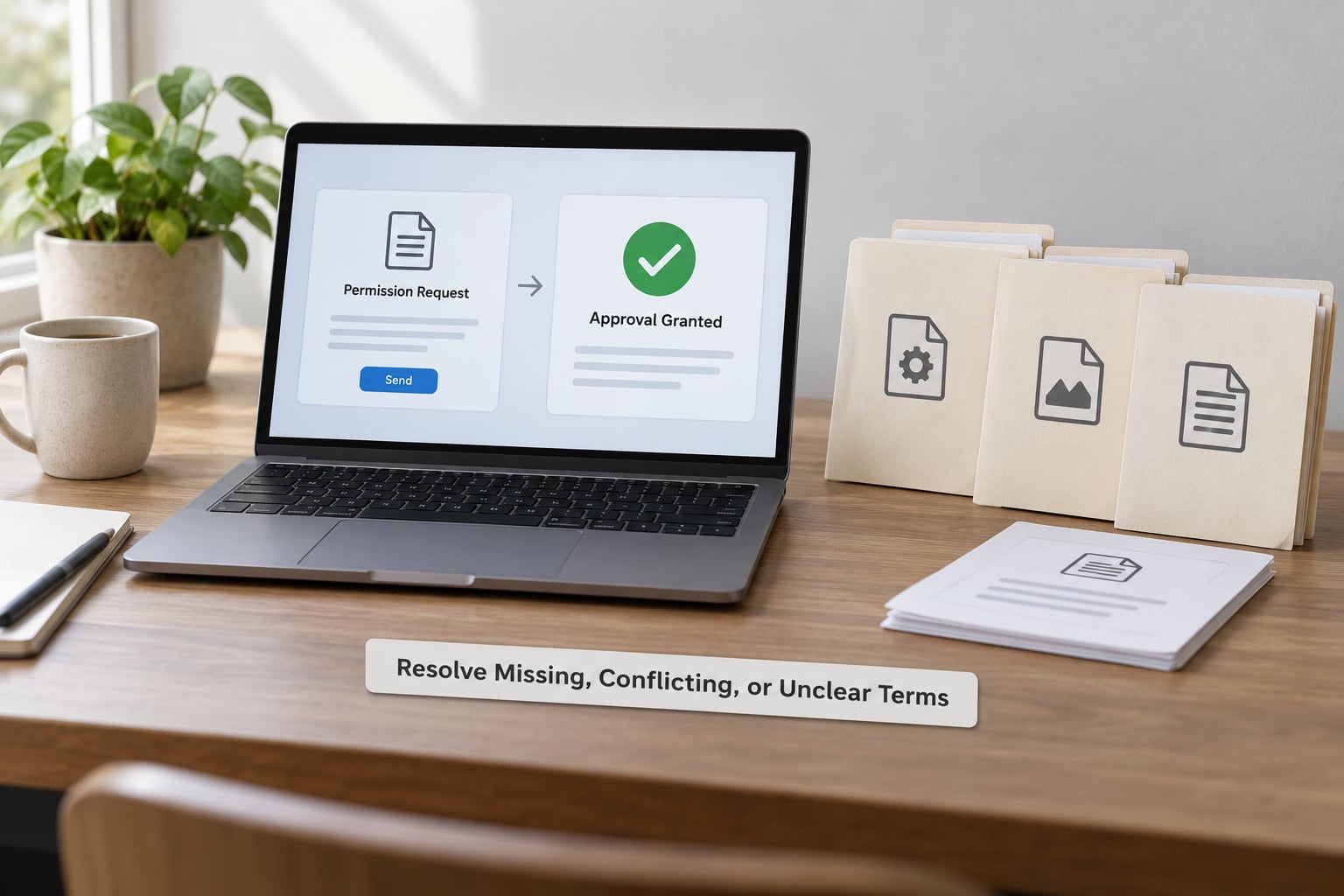
When the licence is missing or the wording contradicts itself, treat it as unanswered rather than as permission. Save a copy of the page as it looked on the date you checked, note exactly which sentences conflict, and write to the rights holder.
Ask specific questions rather than a general request for blessing. A message that says whether you plan to modify, re-upload, convert, bundle, or sell, and asks about each one separately, gets a usable answer. Vague requests get vague replies that settle nothing.
Hi, I’m working with your mod [name] (version [x], downloaded from [link]) and I’d like to [modify it for my own use / publish a fixed version on my page / include it in a free mod pack / convert it for another game].
The file lists [modification: allowed / not specified] and [conversion: not specified]. Before I do anything, can you confirm whether I’m allowed to [specific action]? If yes, what credit line or link would you want, and would you like it noted on the original page?
Nothing will be published until you reply. If you’re not the right person to answer, could you point me to whoever is?
Send it through a channel that leaves a record you control, such as a message inbox or email. A yes on Discord is fine, but screenshot it and save the message, because permission given privately and never repeated in public is exactly the kind of thing that gets remembered differently a year later.
If the author never replies, platforms differ in what they accept. One widely used guideline is a documented fallback: ask, wait seven days for a reply, then publish only if the release is genuinely abandoned, naming it original author and your handle together, keeping the original description and install instructions, tagging the author, and taking it down immediately if they later object. Check your target site’s own rules too, because several will not host a re-release at all.
When an account is deleted and the creator is genuinely unreachable, the mod is orphaned with no clean route to a re-upload. Ask the platform staff for the official procedure rather than improvising, and be prepared for the answer to be that you cannot host it yourself.
Document and Recheck Before Publishing
Write one audit record per reupload and keep it with the files you publish. Six fields cover almost everything a dispute needs.
- Source URL and version number.
- A dated copy of the licence or permission text you read.
- Copies of any written permission, with dates.
- The exact credit wording the author asked for, plus their profile link.
- The date you downloaded the files and the date of your upload.
- The destination page and every third-party asset you found inside the archive.
Recheck the record when the licence changes, when the author releases a new version, when you change what you are doing with the files, or when the platform updates its Terms of Service. Permission that was granted for a fix in one version is not automatically permission for a repackaged release of a later one, and a permission the author withdraws applies going forward rather than to uploads already made.
Common Mistakes
Treating a free download as unrestricted. Free describes the price, not the rights. Most free mods grant personal use and modification, which is not the same as redistribution.
Skipping the non-commercial clause. If the terms say personal use or non-commercial, your download link is already a redistribution the moment anyone else can fetch it, whether or not you charge anything.
Removing the creator’s name. Credit is a condition, not a courtesy. If the author asked for a link to their original page, a bare username is not the same thing. Put their name, the exact credit wording they requested, and a working link to the original release.
Editing files and assuming the green tick carries over. Modification permission covers your own machine. Publishing the edit needs its own permission, in writing.
Using a mirror instead of the original page. The permissions on a third-party file listing may be wrong, stripped, or copied from a different mod. Go back to the source page.
Reuploading an old version after the author updates. Your permission covers a specific release. Check whether the current version changed the licence, and prefer pointing players at the author’s current file over hosting a stale copy.
Bundling tools you did not check. Script hosts, interface libraries and installers often carry their own terms. Repackaging them is a separate act from repackaging the mod, and it is the fastest way to get an upload removed.
If you spot someone else reuploading a mod without permission, keep side-by-side proof: your download date, the original page, a copy of the licence text, and the infringing page with its own upload date. Then notify the author first, and use the platform’s takedown process if they want it pursued.
Frequently Asked Questions
Can I reupload a mod if its original download was free?
No. Free describes the price, not the permission. Almost every mod grants you the right to install it and, usually, to modify it for personal use. Re-uploading the files, bundling them in a pack or mirroring them are all redistribution, and each needs upload permission from the original author, granted in writing. Check the permissions block or licence file for that term, and if it is not set to allowed, ask before you upload anything.
What should I do if a mod has no license or readme file?
Treat silence as unanswered, not as permission. Save a dated copy of the download page, check the description, author notes and comments for any usage note, and look inside the unpacked archive in case a licence file ships with a specific version. If nothing anywhere states the terms, contact the rights holder with specific questions about what you plan to do. Do not publish the reupload while you wait for an answer.
Does permission to download include permission to modify a mod?
No. Downloading and modifying are separate rights, and modifying is separate again from publishing your changes. On Nexus Mods these appear as distinct permission labels: modification permission covers editing the file, while upload permission covers re-posting it. Many authors allow the first and refuse the second unless you ask first. If your plan ends with a public download, you need written permission for redistribution, not a modification tick.
Can I reupload a mod on a website that shows advertisements?
The presence of ads can push a release into commercial territory, which most licences do not grant by default. The asset-use term for sold files is usually the one that decides this, and it is commonly set to not allowed. Even without ads, running a donation link or a paid membership can raise the same question. Get an explicit answer from the author for the specific model you run, and keep the written reply with your other evidence.
Do I need written permission to mirror a mod file?
Yes. A mirror is a redistribution: the files are copied to a server and served to other people, which is the same act as re-uploading even though nothing changes hands. You need upload permission covering that destination, and a credit block pointing at the original page if the author asked for one. Mirroring to speed up downloads for players on slow connections does not change the answer, and a platform that disallows re-releases will remove the mirror regardless of the author’s wishes.
Can I reupload an old version after the creator updates the mod?
Check the current version before assuming your old permission still covers you. If the author changed the licence or tightened the credit requirements in the update, the new terms apply, and your permission was granted against the earlier release. Pointing players at the author’s current file is usually the better route anyway, because old versions conflict with new ones. If you still need to host the older release, ask the author and say plainly which version you are publishing.
Conclusion
Find the authoritative download page first, open its permissions block or licence file, and confirm that the specific right you need is granted there. If it is not, write to the rights holder and wait for a written answer before you publish anything. Everything else in this process is bookkeeping around that one decision.