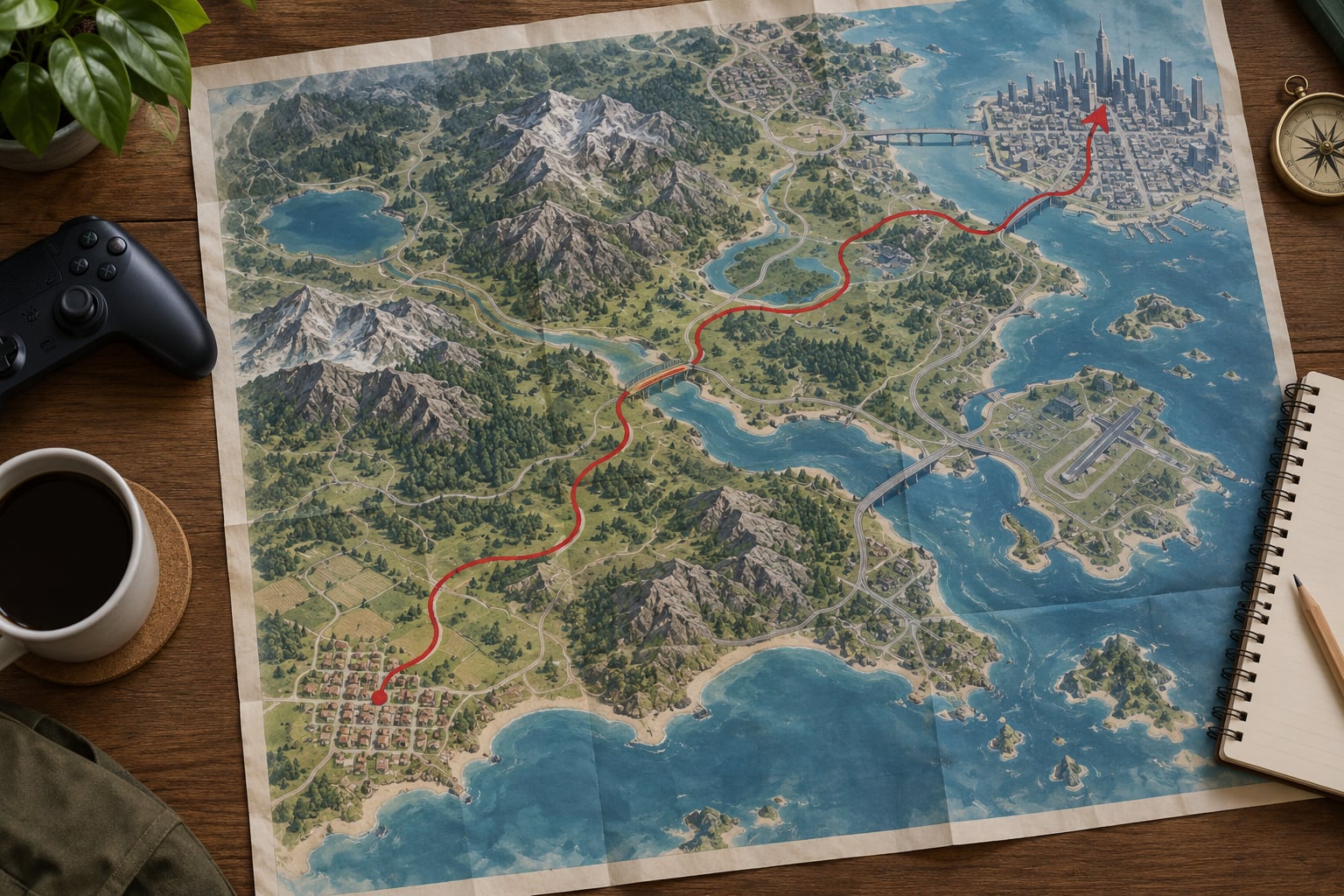
How to explore a map without fast travel comes down to one habit: use the pause map as a route planner, not a teleport menu. Pick a landmark you can actually see from where you are standing, travel toward it on foot, by road or by water, and note what you pass on the way. GTA III through GTA V ship with no fast travel network anyway, so the work is making those trips count.
I have played every mainline GTA entry start to finish without ever once opening a travel menu, because none of them has one. What took me a while to work out was the navigation method, and it is the same method every open world uses whether it has fast travel or not. That is what this guide walks through.
Menus and map symbols moved a lot across the series. GTA III and Vice City open a flat overhead map, San Andreas adds a rotating 3D view and the country roads outside the cities, GTA IV uses a pause-screen map, and GTA V added a large zoomable map with fast travel only in GTA Online. Anything below is written so it still works when the interface looks nothing like the one in your version.
Table of Contents
- 1What You Need
- 2Step-by-Step: How to Explore a Map Without Fast Travel
- 3How to explore a map without fast travel by setting a clear starting point
- 4Plan a route using roads, coastlines, and landmarks
- 5Use missions and activities to guide exploration
- 6Travel on foot or by vehicle instead of teleporting
- 7Mark discoveries and save at safe locations
- 8Use optional map and mod features carefully
- 9Common Mistakes
- 10Treating a route as a straight line
- 11Reading the map at the wrong zoom
- 12Running out of fuel mid-crossing
- 13Heading into areas that are locked
- 14Not saving after a successful crossing
- 15Ignoring the stamina budget on foot routes
- 16Installing a map mod for the wrong GTA version
- 17Frequently Asked Questions
- 18Can you explore a GTA map without using fast travel?
- 19How do you avoid getting lost when fast travel is unavailable?
- 20Do I need a mod to explore a map without fast travel?
- 21Can I complete missions without fast travel?
- 22Which GTA game is best for a no-fast-travel exploration challenge?
- 23Conclusion
What You Need
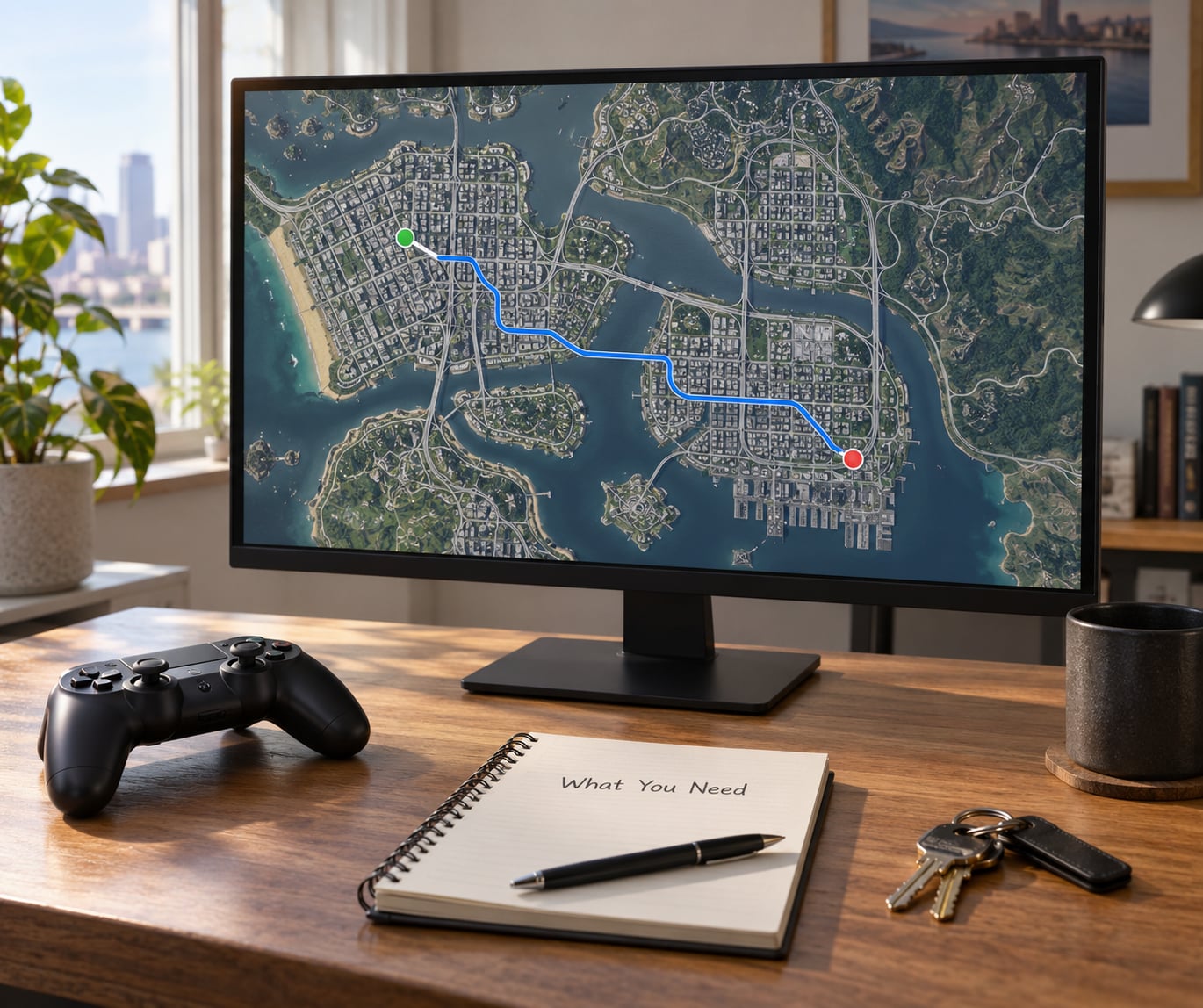
You genuinely need very little here, which is the point of the challenge.
- A title that fits your session. GTA III and Vice City are small enough to cross on foot in an evening. San Andreas, GTA IV and GTA V are county-sized, so you are committing to hours, not minutes.
- A clear save slot. Long crossing attempts fail, and a reload is the fastest fix.
- One reliable vehicle. A car, bike, boat or plane in early GTA turns a punishing trip into a boring one.
- A route chosen before you start. Two or three landmarks, in order. Not a wandering loop with no destination.
- Basic awareness of your own stamina. In survival modes, sprinting burns food and water faster than sprinting burns energy.
One thing worth checking first: whether your game actually has any fast travel at all. Mainline single-player GTA titles have none. GTA Online, where you own property, lets you request vehicles from nearby, which players casually call fast travel, though it is really a summon. If that is where you play, the same method applies, you just have more shortcuts available to you.
Nowhere does any mainline entry give you a teleport menu with a list of discovered locations, so there is nothing to disable and nothing to remove. The rule is self-imposed, which means you decide how strict to be with yourself.
Step-by-Step: How to Explore a Map Without Fast Travel
How to explore a map without fast travel by setting a clear starting point
Open the pause map and find yourself before you do anything else. On GTA III and Vice City the map is a flat overhead grid with a small arrow for your position. San Andreas rotates, GTA IV zooms and pans on the pause screen, and GTA V lets you scroll in and out over a huge district view. In every one, your marker sits in the middle or edges of the screen, and the compass strip at the top shows your heading.
Now choose one nearby destination that you can plausibly reach in the time you have. Nearby matters. Pick something two districts over on the first run and you will spend an hour in a car learning nothing except that roads take time.
Do not select a marker and tap travel. In the games that have no fast travel there is nothing to tap, and in the ones that do, that is the exact habit you are trying to break. Set the destination in your head or in a phone note instead, then close the map and orient.
You will know it worked when you can answer three questions without reopening the map: what is my heading, what is my next landmark, and roughly how long the leg takes.
Plan a route using roads, coastlines, and landmarks
Roads are the backbone of any GTA crossing. Highways in San Andreas and GTA V connect regions with long unbroken straights, and staying on one is faster than cutting across scrubland every ten seconds. Interstate 5 in San Andreas, for instance, runs the length of the state, and sticking to it means you cover most of a route without needing to look at the map.
Shorelines work the same way. Coastlines give you an unbroken edge to follow, and in Vice City and GTA V the water on one side of the screen tells you which way you are heading even when nothing else is visible. Sail or drive with the ocean to your shoulder and you cannot drift far off course.
Then name your landmarks. Good ones are tall, lit, unique in shape and visible from distance: a radio tower, a stadium dome, a bridge, a hill with a distinct outline, a pier sticking into the water. In GTA V the downtown skyscrapers and the Vinewood sign work; in Vice City the police station, the mall and the big hotel towers each anchor a different part of the map. Pick three in a line, aim for the nearest, and the next two come into view as you close on the first.
This is the whole trick, and it is the same in every open world game with or without fast travel: you move from reference point to reference point instead of icon to icon.
Use missions and activities to guide exploration
Story missions are the best travel engine in the series. Each one drops a marker somewhere you have not been and makes you drive or walk there for real. In the early GTA V missions you are given jobs across the city and the countryside, and those markers will take you through areas a free roam never would.
Side activities pull in a similar direction. Races start at one end of a district and finish at the other. Taxi and delivery jobs send you down side streets. Rampages place targets across a neighbourhood. Military bases, gang territory and Las Venturas all pull a character outward on their own.
Collectibles are the reason most people attempt this in the first place. Hidden packages, secrets, stash houses and the collectible cars hidden in GTA V’s Los Santos and Vinewood require real searching. You will not stumble on most of them while fast travelling, which is exactly why the on-foot version is worth doing.
Let the game hand you the destination, then decide how you get there. That is the cleanest way to explore without burning out.
Travel on foot or by vehicle instead of teleporting
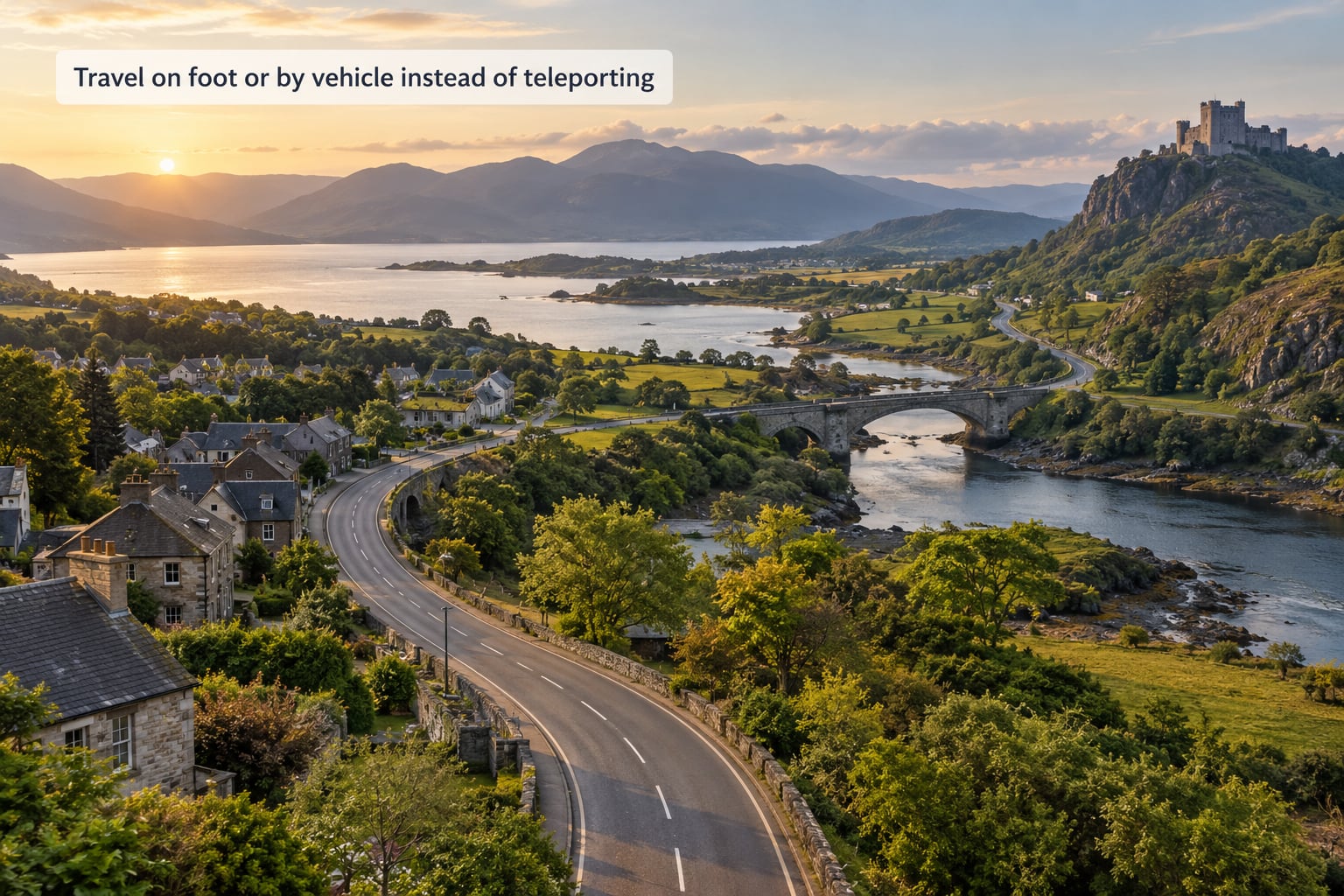
Walking is the slowest option and the most rewarding one. You see the alley shortcuts, the yard gates, the rooftop routes and the interiors that a car cannot reach. The cost is stamina and attention, and in the older games with no stamina bar that cost is simply wall-clock time.
Cars are the default and cover most ground quickly. GTA III, Vice City and San Andreas have varied handling, with San Andreas adding bikes, planes and boats. A plane in San Andreas is the fastest way to cross the whole state, and most players underestimate how fast until they try it.
Boats matter on map edges. Coastlines, lakes and river routes in San Andreas, Vice City and GTA V are often shorter than the road network that loops around the water, and a boat skips the loop entirely.
Helicopters appear in GTA IV onward and remove most road planning from the problem. Each hover mission or a cheat-provided bird aside, they are rare in normal play, so treat them as a bonus rather than a plan.
Bikes split the difference. Faster than running, nimble enough to cut across grass and rooftops, and they cost no fuel.
Whatever you pick, the practical rules are the same: keep an eye on the fuel gauge, expect traffic to slow you on roads, remember that some areas are blocked by gates or mission state, and plan a way back to a safe location before you commit to a long leg.
Mark discoveries and save at safe locations
Your own notes matter more than any in-game marker, because the game only marks what it decided to mark. When you reach a new district, write down what you found and how you got there. A note that reads entered through the drainage tunnel under the docks, exit on the canal side, is genuinely useful three hours later.
Many players also keep a physical map or a printed screenshot. Physical paper is worth the effort in a city like Los Santos, because you can fold it, mark routes in pen and spread it on the passenger seat.
Save often, and save at the moment of arrival rather than the moment of departure. Reaching a new neighbourhood, saving, then pressing on means a crash costs you seconds instead of the whole crossing. Safehouse, garage, hotel and club icons on the map all work as sensible stopping points. They are not travel points, so using them does not break the rule.
Save before anything experimental too, including mods and unusual vehicles.
Use optional map and mod features carefully
Mods can add map areas, custom markers, extra vehicles or new conversion features, and some visual overhauls change how the minimap or compass reads. That is a preference, not a requirement. None of it is needed to explore a map without fast travel, because the base game already gives you the whole world.
Check the version number before installing anything. Map and gameplay mods built for one GTA release often break on a later patch, and a mod that assumes a specific file layout can crash the game on load. Read the installation notes fully, keep the file list the mod author lists, and remove nothing else from the game folder.
Back up your saves first, every time. Then install, load one save, walk around for a few minutes and confirm the map still behaves before you trust it on a long crossing.
One rule I keep: optional tools should support your route, not replace it. If a marker is telling you where to go rather than where you already are, it works against the challenge.
Common Mistakes
Treating a route as a straight line
The most common failure is drawing a direct line from A to B on the map and following it through buildings, fences and water. Fix: pick two or three intermediate landmarks and move between them. A road that curves around a mountain is almost always quicker than the straight line you think you are saving.
Reading the map at the wrong zoom
Fully zoomed out, GTA V’s map and San Andreas’s country view compress everything into a shape that is useless for judging distance. Fix: zoom until you can see individual roads, then plan there, and compare your planned route against the on-screen travel time if the game offers one.
Running out of fuel mid-crossing
Refuelling stations exist in most titles but not on every road, and the cross-country run in San Andreas can outlast a tank. Fix: top up whenever you pass a station or pump, and keep a full tank when a leg crosses wilderness. On foot you never face this problem at all, which is one honest argument for walking.
Heading into areas that are locked
Military zones, gang territory, water barriers and mission gates all block routes, and they often block them without an on-screen explanation. Fix: check the area’s state before you commit, and approach locked borders on foot, where gates and walls often have gaps. A locked area usually opens later in the story, so noting its location for a return trip saves time.
Not saving after a successful crossing
A crash or a police encounter two minutes from the far side undoes the whole run. Fix: save on arrival, every time, even at a spot you think is unremarkable. Save slots are cheap, and the slot you thought was a bad idea is usually the one you end up reloading.
Ignoring the stamina budget on foot routes
Sprint until the bar empties, then walk while enemies catch up. Fix: break long routes into 30-second sprint bursts with walking gaps, and sprint on the flat or downhill. In survival modes, eating before a long crossing is more efficient than eating during it.
Installing a map mod for the wrong GTA version
Wrong build, missing dependency, distorted minimap, endless loading. Fix: match the mod to your exact game version, read the full instructions, and test on a throwaway save. Keep a note of the file names you added so removal is easy if it causes trouble.
Frequently Asked Questions
Can you explore a GTA map without using fast travel?
Yes, and in the mainline single-player titles you have no choice, because GTA III, Vice City, San Andreas, GTA IV and GTA V contain no fast travel network. You cross the world on foot or by car, bike, boat, plane or helicopter. Missions, roads, coastlines and visible landmarks give you a route. The only rule is the one you set yourself.
How do you avoid getting lost when fast travel is unavailable?
Orient before you set off, name two or three landmarks in order, and travel between them rather than at a straight line. Follow roads and shorelines instead of open ground, and save on arrival at every new district. If you get turned around, stop, pick the tallest thing you can see, and head for that. Opening the map constantly actually breaks immersion more than looking is worth.
Do I need a mod to explore a map without fast travel?
No. Everything needed is in the base game already, which is why this works on any platform without setup. Mods can add map areas, custom markers, vehicles or visual overhauls, but they are optional extras. If you install one, match it to your exact GTA version, read the instructions fully, and back up your saves before launching.
Can I complete missions without fast travel?
Every story mission in the single-player titles can be attempted by driving, riding, boating or walking to the marker, because there is no fast travel option to rely on in the first place. Some activities grant transport of their own, such as a mission vehicle or a helicopter, and you can use those without breaking the rule. If a mission stalls, retry it or pick a safer route rather than dropping the challenge.
Which GTA game is best for a no-fast-travel exploration challenge?
GTA III and Vice City suit a short session, since both cities can be crossed on foot in an evening and every corner fits in one trip. San Andreas offers the widest variety of travel, with bikes, planes and boats, but the state is big. GTA V has the densest world for collectibles and hidden secrets. Pick the size that matches the hours you actually have.
Conclusion
Exploring a map without fast travel comes down to treating the map as a planning tool and the world as the actual game. Locate yourself, name two landmarks, pick the travel method that fits the terrain, and save when you arrive.
If you are starting now: load a fresh save, pick a district you can reach from where you already are, choose one landmark you can genuinely see, and start travelling toward it without touching the map again. Keep optional mods out of it until the route works without them.
Keep going with one district per session and the map stops being a checklist long before it stops being useful.