If you are working out how to credit mod authors when sharing screenshots, the short version is simple: name the creator, name the mod exactly as the mod page lists it, and link to that page. Put the credit line in the post body, video description, or caption itself, near the top, and say plainly which part of the work is theirs and which part is yours. That takes about thirty seconds once you have the three details to hand.
Most of the confusion I see comes from two places. People think credit means permission, which is not how it works, and people think a screenshot needs nothing at all because they did not redistribute any files. Both assumptions cause trouble, and the second one is the one that gets you a stern message in your inbox.
This guide covers the whole path: finding the original page, checking what the author asked for, writing a credit line you can paste as-is, placing it correctly on each platform, and handling the awkward cases — a mod built on another mod, a dead page, an inactive author, or a post you already published without credit.
The same habits hold whether you are posting a GTA V mobile mod, a Skyrim load order, a Minecraft modpack, or a one-off texture pack. Keep a small note next to every mod you install, and the hard part never comes up again.
Table of Contents
- 1What You Need
- 2Step-by-Step: How to Credit Mod Authors When Sharing Screenshots
- 31. Identify the Mod and Its Creator
- 42. Check the Mod’s License or Credit Request
- 53. Write a Clear Credit in the Caption
- 64. Add a Source Link and Keep the Context Together
- 75. Ask Permission When the Mod Requires It
- 86. Preserve Attribution When Reposting or Editing
- 9Common Mistakes
- 10Frequently Asked Questions
- 11Do I need to credit a mod author if I only share a screenshot and do not distribute the files?
- 12What is the best credit format for a screenshot caption on Instagram, Discord, or a forum?
- 13Can I credit the site where I downloaded the mod instead of the original creator?
- 14Do I need permission before posting a screenshot of someone else’s mod?
- 15How should I credit a mod in a video thumbnail or a montage with several mods?
- 16What if the mod page gives no attribution instructions?
What You Need
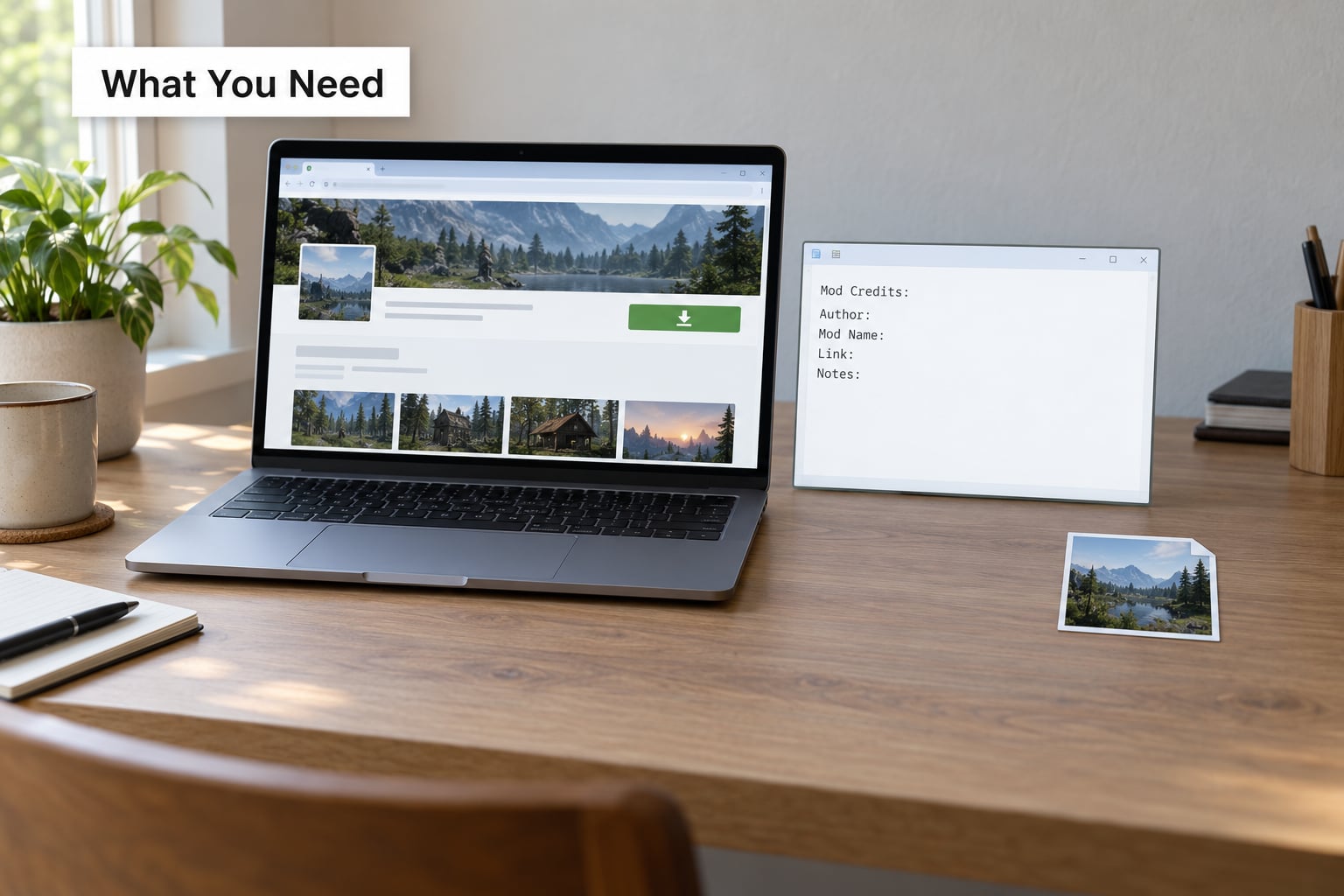
Six details cover nearly every credit you will ever write. Gather them from the mod’s own page, not from the page that reposted it.
- The mod’s exact name. Copy the title character for character, including version numbers if they are part of the title.
- The creator’s name or team. Use the spelling and capitalisation the author uses on their profile. A wrong handle is worse than no handle.
- The original page URL. The mod page on the site it was published on, not a mirror, torrent listing, or reposted download.
- The version you used. Optional in a caption, useful in a load order guide or a tutorial where behaviour differs between builds.
- Any stated credit requirement or licence. Some pages put this in the description, some in a permissions box, some only in the file’s readme.
- The wording the author asked for. If they wrote a specific sentence, use their sentence exactly. Rewriting someone’s requested credit is one of the fastest ways to annoy them.
Write these down as you install, not after you post. The habit that prevents almost every mistake is a running list: author, mod name, page link. A modpack author on ModTheSims described exactly this — record every creator while you apply the content, and the credit list is finished by the time you upload.
Step-by-Step: How to Credit Mod Authors When Sharing Screenshots
1. Identify the Mod and Its Creator
Open the page you actually downloaded from. If you found the mod through someone else’s post, a reupload, or a Discord link that now redirects, you are one step removed from the source and one step away from crediting the wrong person.
Work backwards instead. Search the mod’s distinctive name on the site where you believe it was published, check whether the page lists an original author, and confirm the file name or archive matches what you installed. Mod managers such as Vortex and Mod Organizer 2 keep a record of the page a mod came from, which saves a lot of guessing when a folder name is generic.
If the page you have is a mirror, credit the original author and mention the mirror only if it is genuinely the only place the file survived. If a mod has been passed around so far that no original page exists, keep searching — author profiles, an archived version of the page, and the mod’s own Discord channel usually still point somewhere.
2. Check the Mod’s License or Credit Request
Mod pages vary in how clearly they state their terms, so look in three places: the description, any permissions or licensing field the site provides, and the readme or licence file inside the archive.
What you are looking for is one of a few things. A clear permission grant, which tells you what is allowed and under what conditions. A named licence, which tells you what attribution obligates you to provide. A request such as “credit me and link the mod page,” which is a request rather than a licence but should still be honoured. Or nothing at all, which is the most common case and the reason people guess.
Three families cover most mods. Creative Commons licences require attribution and sometimes more: CC BY asks for credit with a link, CC BY-SA asks for credit and requires derivatives to carry the same licence, CC BY-NC forbids commercial use. Open-source licences like MIT and Apache 2.0 require credit in distributed copies. And a large group of mods simply say nothing, which is why asking still makes sense.
A screenshot you took yourself is a weaker case than a file you redistributed. Most authors are relaxed about the first and strict about the second, and the strictness is not arbitrary — they wrote the thing.
3. Write a Clear Credit in the Caption
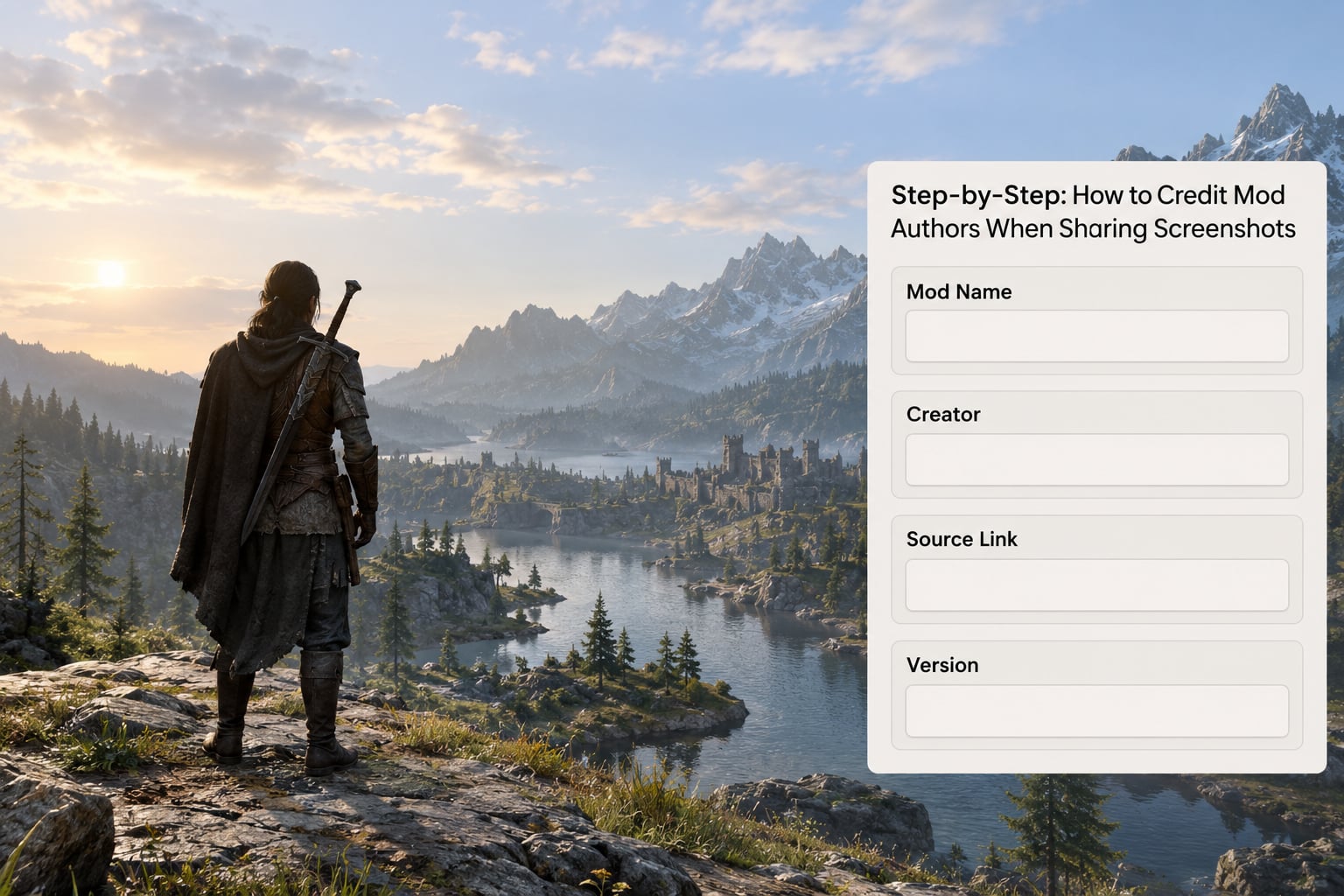
A credit line needs four things: the creator’s name, the mod’s name, the link to the original page, and a short note about what the creator made. Everything else is optional garnish.
Screenshot of [Mod Name] by [Creator Name].
Mod page: [link]
Game: [game name and edition]
My edits: [cropped, colour-graded, nothing]
That block works almost anywhere. These variants cover the platforms people actually post on.
Reddit post body:
[Mod Name] by [Creator Name] — [link]
Screenshot is mine. Everything visible in the mod is [Creator Name]'s work.
YouTube description:
Mods used:
- [Mod Name] by [Creator Name] — [link]
- [Second Mod] by [Second Creator] — [link]
Gameplay filmed by me. All mods credited to their original authors.TikTok / Shorts caption:
Mod: [Mod Name] by [Creator Name]
Full mod page in bio
#gaming #modsModpack listing credits file:
[Mod Name] — [Creator Name] — [link] — version [x]
Textures borrowed from [Author] under CC BY — [link]One sentence is worth over a hundred when you are posting on TikTok, where captions get buried under hashtags: put the creator’s name in the caption text, not only in a link. Mention them directly if you know the account. A tag that reaches the author does more for them than a bare URL.
If the author wrote their own preferred credit sentence, paste it above your own line rather than beside it.
4. Add a Source Link and Keep the Context Together
A credit without a link is a hint, not a reference. The link is what lets a reader verify the mod, download it, and land on the author’s page where the visits count.
| Platform | Where the credit goes | What to include |
|---|---|---|
| End of the post body, or the first line if the post is short | Mod name, author, mod page link, your subreddit or nothing extra | |
| Discord | The message text, not a pinned-message-only note | Mod name, author, link, and who else in the server might want it |
| YouTube | Video description, in a titled section near the top | Every mod used, one per line, with links |
| TikTok / Shorts | Caption text, and a link in the bio | Mod name, author handle, one link |
| Twitch | Chat announcement plus a panel or overlay | Mod name, author, link, updated when the load changes |
| Steam Workshop | The item description, in a credits section | Mod name, author, original page |
| Blog or wiki page | A caption under the image plus a credits list at the end | Author, mod name, link, licence if known |
| Modpack listing | The description and any bundled credits file | Every mod, author, link, and version you used |
Put alt text on the image too, and name the mod in it. Alt text reading “photo of a red car, unnamed mod” tells a screen reader user nothing and tells a search engine nothing. “Screenshot of the visual overhaul car mod by an independent creator” is a sentence of context in the one place readers cannot see.
Watermarking the mod name into the corner of the image is reasonable when you expect reposters. Cropping out an existing watermark is not.
5. Ask Permission When the Mod Requires It
Credit and permission are different things, and treating one as the other causes the problems you see on every modding forum. A credit line tells readers who made the mod. Permission tells the author they have agreed to your specific use. Most authors will accept a credited screenshot without being asked; fewer will accept their mod repackaged into a bundle, monetised, or edited.
Ask first when you are redistributing files, putting the mod in a pack or collection you host, using it commercially, editing the mod into something new, or when the page specifically requires approval. Keep it short and specific.
Hi [name] — I'm putting together a short showcase video and would like to use about
15 seconds of gameplay from [Mod Name], with your name and a link to the mod page
in the description. No files, no monetisation. Is that okay with you?
Short and concrete beats long and apologetic. Say what you want, where it will appear, and how you will credit. People are surprised by how reasonable most replies are. One thread on r/skyrimmods is entirely people asking whether contacting authors directly was welcome, which suggests the etiquette is less loaded than new players fear.
If the author never answers, wait a reasonable period and do not use it commercially. Silence is not permission.
6. Preserve Attribution When Reposting or Editing
Screenshots travel. Your post gets screenshotted, reposted, translated, and cropped, and at each hop the credit either travels with it or does not.
When you repost someone else’s screenshot, credit the person you took it from and credit the original author in the same line. You are now the source for them. When you crop, colour-grade, annotate, or remove the game’s user interface, add one line saying what you changed. Editing for clarity is normal; editing in a way that hides which mod is on screen is not.
For a mod built on top of another mod, credit both and in the right direction. If your texture pack borrows assets, the pack author first, the original asset author second, with each link. A modpack author working with textures under CC BY, Apache, and MIT licences asked on r/MinecraftForge exactly how to structure that list, and the honest answer is: one line per creator, each with their own link, sorted either alphabetically or by the order they appear in your pack, as long as you stay consistent.
When a mod page has been deleted or the author has stopped modding, credit the last known author and note the situation. “Mod page no longer available, original author [name]” is honest and useful. Silently reposting under a new name is what turns a community into a mess.
Common Mistakes
Crediting the uploader instead of the author. A reupload is not a source. Follow it back to the original page and link that; if you genuinely cannot find it, say so in the credit line rather than blaming whoever posted last.
Crediting the site instead of the person. “Screenshot from Nexus Mods” names a platform, not a creator. Name the author, then link the page.
Burying the credit at the very bottom. On Reddit and in YouTube descriptions, the bottom is where nobody scrolls. Put the credit in the first few lines, or under a heading near the top.
Rewriting the author’s requested wording. If someone asked to be credited a specific way, that wording is the point. Use it verbatim, even if you think yours reads better.
Treating credit as permission. Naming the author does not license you to repackage files, sell access, or claim the work. Anything beyond a screenshot you shot yourself needs a yes.
Cropping out the evidence. Removing a watermark, a mod name in the interface, or the version number from the user interface makes the mod harder to identify and harder to credit later.
Claiming a mod as your own. Showing off a mod you installed is fine. Presenting it in a portfolio as work you made is the fastest route to a takedown and a very public argument.
Ignoring licence conditions. CC BY-NC content used in a monetised video is a real problem, and so is editing an asset marked No-Derivatives. Read the terms rather than assuming credit alone covers you.
Two habits close most of these gaps. Record the credit line in your notes the moment you install anything, and re-check your own older posts now and then — a lot of uncredited reposts are simply posts that went out before anyone told the poster the rule.
Frequently Asked Questions
Do I need to credit a mod author if I only share a screenshot and do not distribute the files?
Credit them anyway. You did not distribute files, so you are not redistributing their mod, but the screenshot reproduces their work and most authors expect a name and a link. Keep it short: mod name, author, link to the original page. If the page states specific terms, follow them. If the author asks you to take a screenshot down later, that is their call to make and it is reasonable to honour it.
What is the best credit format for a screenshot caption on Instagram, Discord, or a forum?
One line in the post text, not in a comment or a bio. Use this order: mod name, creator name, link to the original mod page. On Instagram and TikTok put the creator’s handle in the caption text itself, since links are not clickable there. On Discord put it in the message rather than a pinned note. On Reddit put it in the post body, near the top for a short post.
Can I credit the site where I downloaded the mod instead of the original creator?
No. The site is the host, not the author, and crediting it gives the creator nothing. Link the mod page itself, which names the author and counts a visit to their profile. If you only ever saw a mirror or a repost, track the file back to the original page before posting. If the original page is gone, credit the last known author by name and note that the page is no longer available.
Do I need permission before posting a screenshot of someone else’s mod?
Usually a clear credit is enough for a screenshot you took yourself, and most authors will not mind. Ask first if you plan to redistribute files, bundle the mod into a collection you host, use it commercially, edit the mod into something new, or if the mod page specifically requires approval. When you do ask, say what you want, where it will appear, and how you will credit. No answer is not a yes.
How should I credit a mod in a video thumbnail or a montage with several mods?
Credit every mod you used, one per line, in a titled section near the top of the description rather than buried at the bottom. If the mod itself is not visible in the thumbnail, say so in the caption. For a montage, list all mods in the description and name the ones shown in the first frames of the caption. If a mod is built on another mod, credit both with a link to each page.
What if the mod page gives no attribution instructions?
Treat silence as neutral rather than as permission. Use the standard four-part credit anyway: creator name, exact mod name, link to the original page, and a note on what you changed if you changed anything. Many mods are released without any licence file simply because the author never got round to it. A correct credit costs you one line and costs the author nothing if you would rather not contact them.
So if you take one thing from this: how to credit mod authors when sharing screenshots comes down to three details written in one visible line, next to the image rather than at the bottom of the page. Start with the mod page you downloaded from, confirm the author’s name on it, and write the credit before you post, not after someone asks. If you did post without credit already, edit it now, add the line, and leave a short comment noting the correction. Correcting it quickly and openly costs you nothing; letting an uncredited repost circulate is what authors complain about. Then keep a running note of author, mod name, and link for everything you install, and the whole question stops coming up again.