High poly mods lag on phones because they ask the GPU to transform far more triangles, sample far bigger textures, and run heavier shaders than the original assets were built for. When that per-frame work exceeds what the phone can do, frames get dropped. This is a hardware limit, not a broken install.
Most people notice it ten minutes into a session, after the phone has warmed up and the game is busy rendering a city street instead of an empty menu. The mod looked fine in the load screen. That gap is the whole problem.
Table of Contents
- 1What Makes High Poly Mods Different on Phones?
- 2Level of detail, and why removing it matters
- 3Materials and shaders
- 4Why High Poly Mods Lag on Phones
- 5The six causes, in the order they usually bite
- 6Frame pacing is why high FPS can still look choppy
- 7Cause, symptom and fix at a glance
- 8How Many Polygons Are Too Many for a Phone?
- 9Why high poly mods lag on phones: there is no single number
- 10High Poly Mod Performance: Common Causes
- 11How to tell whether the GPU is the bottleneck
- 12How to tell whether heat is the bottleneck
- 13How to tell whether it is scripts, shaders or loading
- 14How to Reduce High Poly Mod Lag on Android
- 15How to Make High Poly Mods Run Smoother
- 16Reduce the mesh
- 17Downscale textures and use a compressed format
- 18Merge materials and simplify shaders
- 19Add level of detail
- 20Do High Poly Mods Work on Low-End Phones?
- 21Android and iOS behave differently
- 22Why Does a Mod Lag Only in Certain Locations?
- 23High Poly Mods vs Low Poly Mods on Mobile
- 24Frequently Asked Questions
- 25Why is my game running high FPS but not smooth?
- 26Does texture quality actually affect FPS on mobile?
- 27How can I fix sudden FPS drops in a modded game?
- 28Why does 60 FPS still look choppy on my phone?
- 29Will clearing my phone storage fix mod lag?
- 30Does more RAM make high poly mods run smoother?
- 31Conclusion
What Makes High Poly Mods Different on Phones?
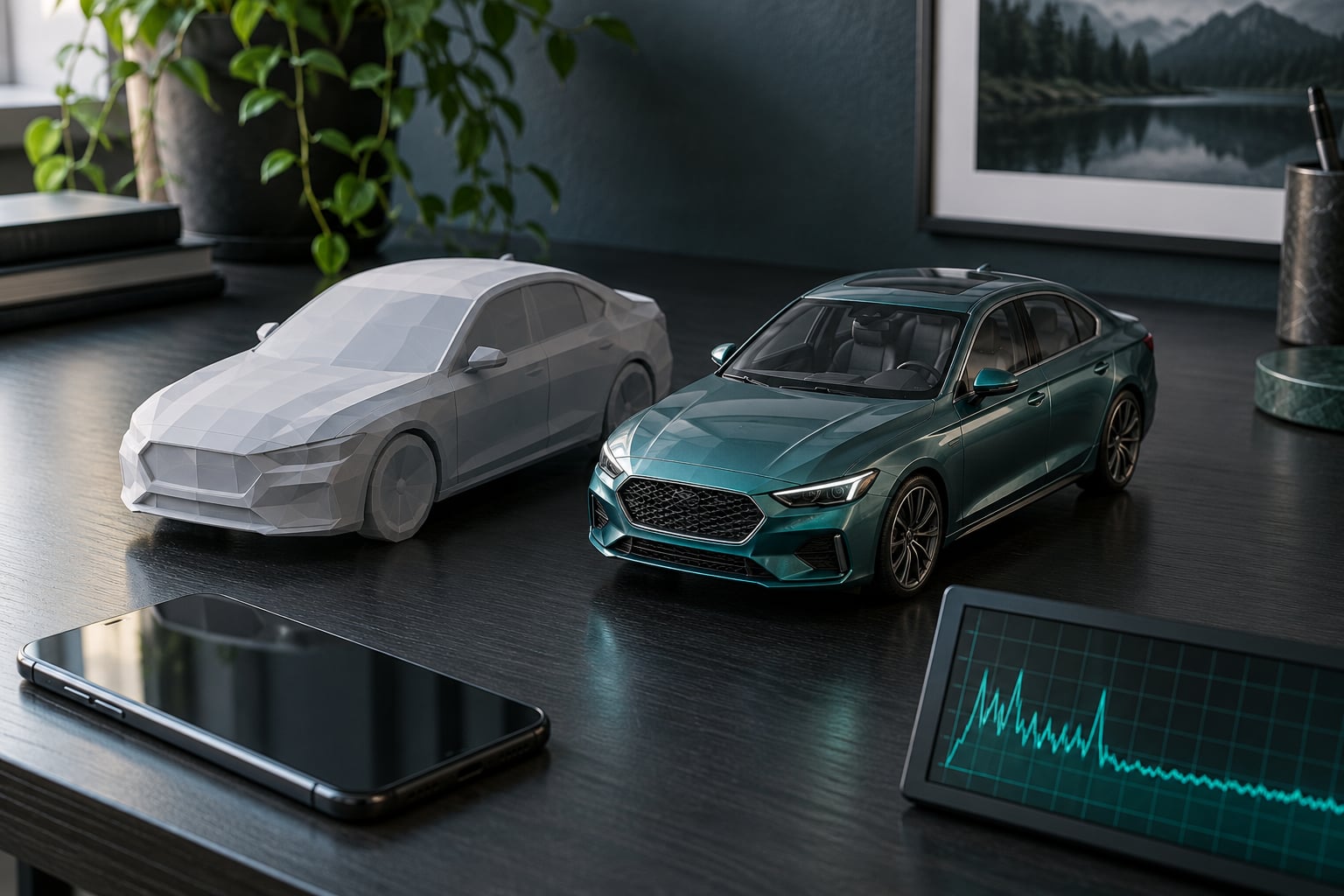
A high poly mod is a replacement asset built with far more detail than the original. A car that shipped with 8,000 triangles might arrive at 120,000. Textures that were 512×512 might be 4096×4096. Both changes look great on a monitor and both are expensive on a phone.
It helps to think of a phone as having four separate budgets, not one. Each mod spends from a different pocket.
- Geometry budget — triangle and vertex counts, which the GPU transforms every frame.
- Memory budget — RAM for the data and GPU memory for textures.
- Draw call budget — how many separate objects the CPU has to hand to the GPU.
- Heat budget — how long the chip can hold peak speed before it clocks down.
You can blow through any one of them and get the same symptom. That is why “my phone is fine, other games run great” is not actually an argument.
Level of detail, and why removing it matters
Level of detail, usually called LOD, is the trick where a distant object gets swapped for a cheaper version of itself. A phone gets two or three LOD tiers. A desktop game might ship ten. A high poly mod often ships as a single detailed mesh with no LODs at all, which means the full triangle count is being paid at every distance.
Materials and shaders
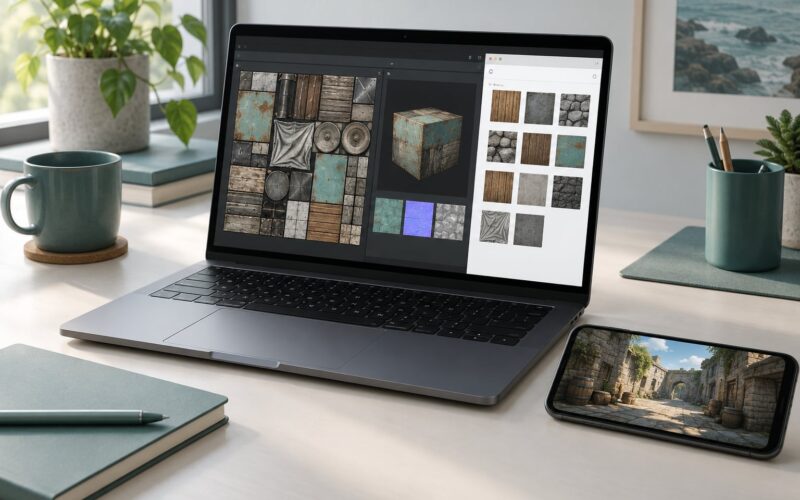
Each material on a model is a separate instruction set for the GPU to run per pixel. A mod with twelve material slots costs far more than one with two, even when the triangle count is identical. Normal maps, metalness maps and clearcoat layers all add per-pixel work on hardware that has a fraction of the throughput of a desktop GPU.
Why High Poly Mods Lag on Phones
At 60 FPS, the phone has 16.7 milliseconds to finish one frame. At 120 FPS it has 8.3. Every triangle transform, texture sample, shader instruction and draw call has to fit inside that window. A high poly mod does not add a little work; it multiplies the base cost of the object it replaces.
The six causes, in the order they usually bite
- Triangle load. Every vertex gets transformed, clipped and shaded. Past a few hundred thousand triangles on screen, a mid-range mobile GPU starts dropping frames on geometry alone.
- Texture memory and bandwidth. A 4096×4096 texture with an RGBA format is roughly 64 MB uncompressed. A handful of those exhausts the memory pool the GPU shares with the system, and the driver starts evicting or refusing to load them.
- Draw calls and overdraw. Each separate object is a request from the CPU. Hundreds of them per frame saturate the CPU side long before the GPU is busy, and drawing pixels more than once (overdraw) burns fill rate that never shows up in any triangle counter.
- Shader complexity. Desktop shaders branch, sample and compute freely. Mobile shaders are a simplified path. A mod shipping the wrong one costs several milliseconds per object by itself.
- Render resolution and refresh rate. Rendering at full native resolution on a 1440p panel leaves little headroom. And on a 60 Hz screen, a game fighting to hit 60 produces visible stutter even at 59.
- Thermal throttling. Phones have no fans. After a few minutes of full GPU load, the SoC drops clocks to stay within temperature limits, and frame rate falls off a cliff in a straight line.
Frame pacing is why high FPS can still look choppy
An FPS counter reports an average. Frame pacing is about whether those frames arrive at even intervals. A game running at an average of 60 that hitches to 12 every time it loads a new chunk looks far worse than one holding a steady 40, and the counter will not tell you that.
This is the exact complaint in the gaming communities: the number is high and the game still feels broken. Heavy geometry and oversized textures make it worse because the hitch is longer and more frequent. It also explains why a 60 Hz panel can look choppy even at a true 60 — the panel can only redraw 60 times a second, so anything below that ceiling shows up as uneven motion rather than a lower number.
Cause, symptom and fix at a glance
| Likely cause | What it looks like | First thing to change |
|---|---|---|
| Triangle overload | Steady low FPS everywhere the mod is visible | Reduce view distance, or use a lower-poly version |
| Texture memory | Black or missing textures, long stalls on load | Drop texture quality to medium |
| Draw calls | FPS independent of how much is on screen | Cut object count, merge small props |
| Shader complexity | Constant cost even on a single object | Use the game’s mobile or simple shader path |
| Resolution and refresh | Everything feels soft and slightly uneven | Lower render scale, match refresh rate |
| Thermal throttling | Fine for 5 minutes, then falls off steadily | Cool the phone, disable battery saver |
How Many Polygons Are Too Many for a Phone?
There is no universal number, because the budget depends on the chip, the resolution, the shader, how much of the object is on screen at once, and how long you expect to play. Any article quoting a single figure is simplifying past the point of usefulness.
Why high poly mods lag on phones: there is no single number
The same mod that runs fine on a flagship can crawl on a budget chip, and two different flagships can behave completely differently depending on thermal design. Your most useful number is not a spec, it is a measurement: install the mod, stand in a fixed spot, and read the frame rate before and after.
That said, rough bands help you decide whether a mod is worth downloading at all.
| Device class | What it means | On-screen triangle comfort zone | Texture size to stay under | Realistic FPS with heavy mods |
|---|---|---|---|---|
| Budget (4-6 GB RAM) | Older or low-bin SoC, shared GPU memory | Under 100k | 512×512 to 1024×1024 | 20-30, stuttery in dense scenes |
| Mid-range | Modern 6-8 core chip, 8 GB RAM | 100k-300k | 1024×1024 to 2048×2048 | 30-45 in most scenes |
| Flagship | Top-bin SoC, active or large vapour cooling | 300k-600k | 2048×2048 to 4096×4096 for hero objects only | 45-60 before throttling |
These are practical bands rather than published specifications, and hardware varies enough that your own numbers may land outside them. Treat them as a filter for “is this mod even plausible on my phone”, not as a guarantee.
One more caution: those budgets apply to what is visible at once. A single 300k-triangle character standing in an empty street is usually fine. The same character in a crowd of twenty with reflection probes and shadow casting is a completely different frame budget.
High Poly Mod Performance: Common Causes
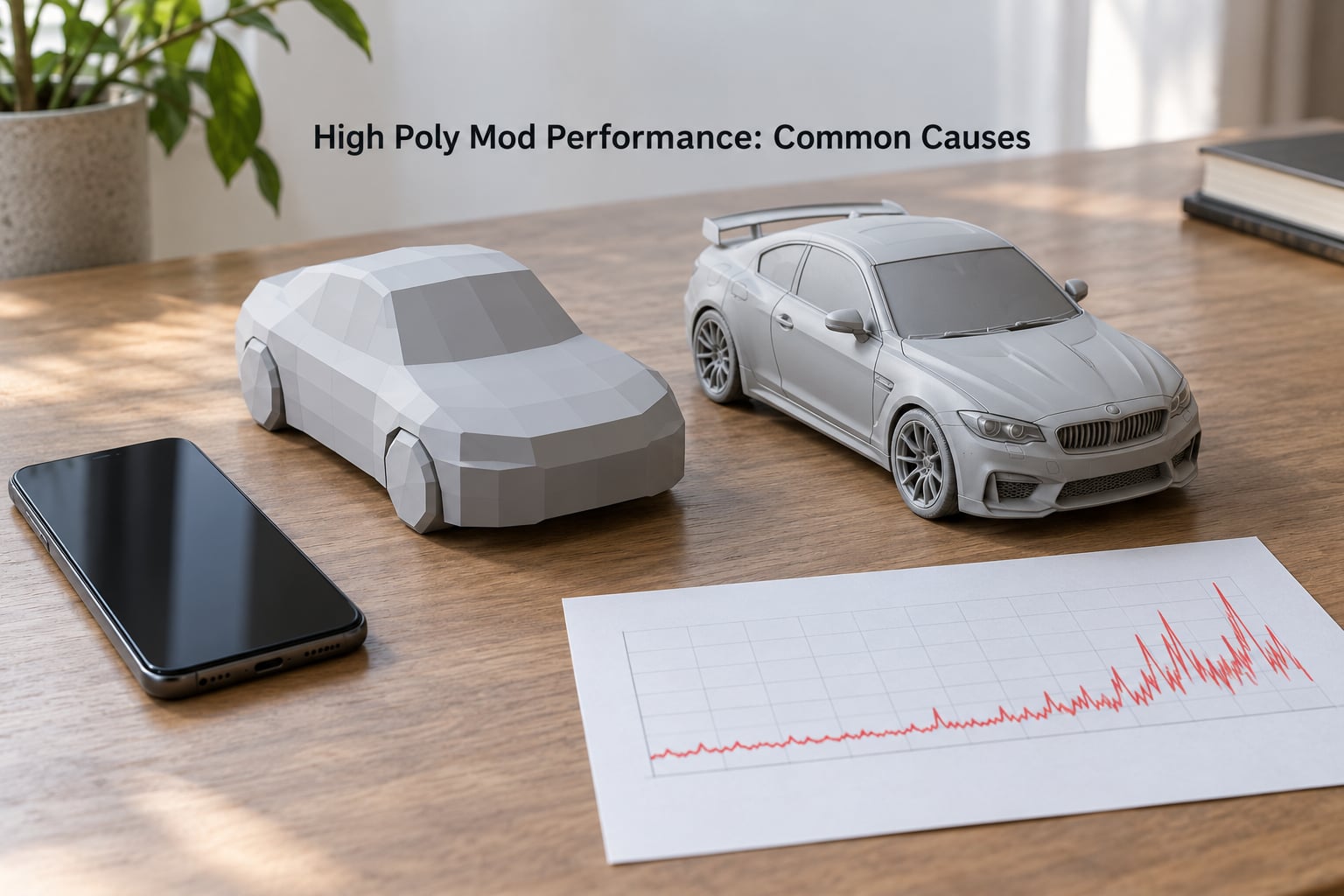
The cause list above is ordered by how often each one turns out to be the real answer. Here is how to work out which one you have instead of guessing.
How to tell whether the GPU is the bottleneck
Lower the in-game render scale or resolution to about 70 percent and watch the frame counter. If the frame rate climbs noticeably, you were fill-rate or resolution limited, which is a GPU-side problem. If nothing changes, geometry or CPU work is dominating.
A second test: turn the camera to face empty sky. If the frame rate jumps while you are looking at nothing, the cost is in what is being drawn. If it stays flat, the cost is in the game logic running underneath.
How to tell whether heat is the bottleneck
Load a save, stand somewhere quiet, and check the frame rate at one minute and again at six. A stable number means you have headroom. A number that slides from 55 down to 32 without any change in the scene is thermal throttling, and no graphics setting will fix it because the limiter is temperature, not workload.
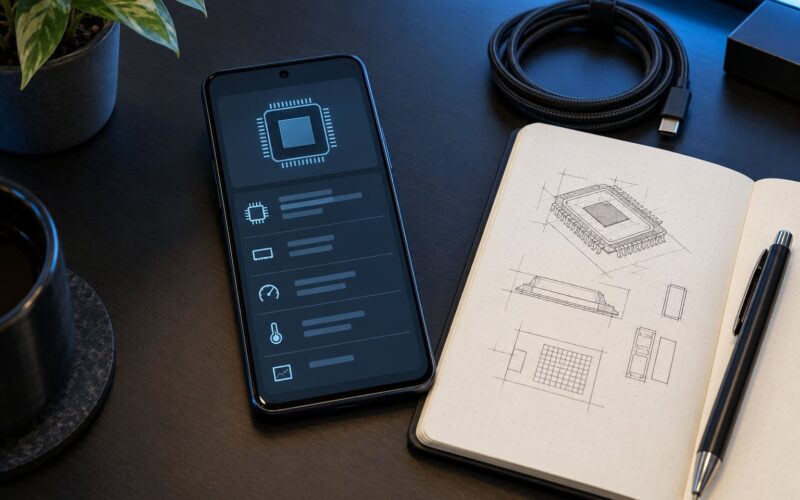
Any phone thermal monitor overlay will show you the temperature and the clock speeds side by side. Watch them during a ten-minute session and the drop-off is obvious.
How to tell whether it is scripts, shaders or loading
Add mods one at a time and record the frame rate after each. Modders often describe the case where no single addition was the problem, it was the total count, which is exactly what this method catches.
Stutter that appears only during asset streaming rather than steady-state rendering points at loading, not polygons. Stutter that appears the instant a new object enters view usually points at shader compilation or a sudden burst of draw calls.
How to Reduce High Poly Mod Lag on Android
Work down this list in order. The first three cost you nothing visually and fix most cases.
- Turn off battery saver mode. Android throttles CPU and GPU hard in saver mode, and plenty of users never notice it is on. This is free performance.
- Set the display refresh rate to match the game. Forcing the highest rate makes the GPU work harder for frames you may not be able to reach anyway.
- Lower shadows and view distance before anything else. Shadows and draw distance multiply with object count, so they cost far more in a modded scene than in the base game.
- Drop texture quality one step. This is usually the biggest single win when a mod ships 2K or 4K textures.
- Lower render scale. A slightly softer image at a stable frame rate beats a sharp one that stutters.
- Close background apps. Free RAM and reduce competing GPU work, though this helps far less than most people expect.
- Test in a low-traffic area first. An empty street tells you what the mod costs. A crowded one tells you what the mod costs plus everything around it.
- Play in shorter sessions. If your phone throttles after five minutes, that is a cooling problem and the fix is the phone, not the mod.
On Android specifically, also check that the game is not being forced through a compatibility or battery-optimised mode by the system. Some devices silently cap refresh rate for background or thermally throttled apps.
How to Make High Poly Mods Run Smoother
When you cannot lower settings any further, the mod itself is the problem. If you build, convert or pack these mods yourself, this is where the gains are.
Reduce the mesh
Decimation tools strip triangles from a model without ruining its silhouette at normal viewing distance. Taking a 300k-triangle character down to 40k is often invisible at gameplay distance and removes the bottleneck entirely. Apply it to props, not to whatever the player stares at from one metre away.
Downscale textures and use a compressed format
Most phone mod loaders can bake textures into compressed formats. ASTC at 6×6 and ETC2 are the ones phone GPUs decompress in hardware; an uncompressed RGBA texture is many times larger in memory for a visible difference nobody will notice at arm’s length.
A rough rule: halving texture dimensions cuts memory to a quarter. Dropping from 4096 to 1024 turns a roughly 64 MB texture into about 4 MB compressed.
Merge materials and simplify shaders
Every material is a draw call and a shader. Baking the small parts of a weapon into one atlas, or merging painted-on details into a single texture, cuts both at once. Swap any desktop-grade shader for the engine’s mobile or simple path where one exists.
Add level of detail
If your toolchain supports it, adding two lower-poly swap meshes for distance does more for frame rate than any texture work. The player’s car is always close. The forty cars parked along the road are not.
And reduce scene density. A flora or foliage overhaul multiplies the object count across a whole region, which is why players on heavily overhauled setups report a steady slide from 60 down into the 30s without any single obvious cause.
Do High Poly Mods Work on Low-End Phones?
They work. Whether that means playable or smooth is a different question. Low-end devices usually hit the 20-30 FPS range with detail-heavy mods, which is fine for a slow simulator and miserable for anything where you drive or fight.
The most common hard failure on budget hardware is not frame rate, it is memory. Phones share RAM between the system, the game and the GPU, and a mod that loads a large texture set can push the whole game into being killed or into a reload loop. If your game restarts itself or freezes on entering a new area, memory is the thing to check, not triangles.
Adding more RAM does not create more GPU memory, and it does not make rendering faster. If your device already has enough for the game and the mods, extra RAM changes nothing about the frame rate.
Android and iOS behave differently
Android devices vary enormously in thermal design, so the same chipset behaves differently across brands. Many run hotter and throttle sooner because of how each manufacturer tunes the thermal curve and power limits.
iOS devices have a tighter, better-integrated memory system and generally hold sustained clocks for longer, but the memory ceiling is lower and less forgiving, so an oversized texture pack has less room to fail gracefully. The lesson on iOS is that you get less warning before something breaks.
Why Does a Mod Lag Only in Certain Locations?
If it only stutters somewhere specific, the mod’s base cost is survivable and something about that spot pushes it over. Crowded streets, dense forests and interiors are the usual suspects, and players usually describe exactly this pattern, with frame drops concentrated in the busiest areas of a map rather than spread evenly across it.
Four things change from one location to the next. Draw calls scale with visible objects, so a market square with 200 props makes 200 requests a frame. Overdraw rises indoors and in dense foliage because the same pixel gets shaded several times. Shadow cascades need more resolution as the view distance grows. And overlapping mods stack: two detailed mods in the same region cost the sum of both.
Test in an empty area, then in the crowded one, and subtract. That difference is the location cost, and lowering draw distance or shadow quality attacks it directly.
High Poly Mods vs Low Poly Mods on Mobile
Here is the honest trade-off across the five things people actually care about on a phone.
| Criterion | High poly mod | Low poly mod |
|---|---|---|
| Visual quality up close | Noticeably better on hero objects | Flatter, but rarely wrong at normal distance |
| Frame rate | Frequent drops on mid-range hardware | Stable, leaves headroom for everything else |
| Memory use | Can exhaust the pool and cause reloads | Comfortable on budget devices |
| Install size | Large, slow to load on mobile data | Small, quick to install |
| Compatibility | Often built for a different engine or a newer version | Far more likely to just work |
For a vehicle you look at while parked in a garage, high poly is worth it. For a vehicle you drive past at speed in traffic, the extra triangles buy you nothing you can see, which makes the low poly version the better choice by every measure that matters.
Frequently Asked Questions
Why is my game running high FPS but not smooth?
Because an FPS counter shows an average, not consistency. Your phone may hit 60 and then hitch to 15 for a fraction of a second while it loads a texture, compiles a shader or streams in a chunk of geometry. That uneven spacing is frame pacing, and the eye notices it far more than the average number does. Lower render scale and turn on an FPS overlay with a frame-time graph to see it.
Does texture quality actually affect FPS on mobile?
Yes, often more than polygon count. A 4096×4096 uncompressed texture takes roughly 64 MB of memory, and several of them exhaust the pool the phone GPU shares with the system. Once it is full, the driver evicts and reloads textures mid-frame, which shows up as stutter and sudden frame drops. Dropping texture quality one step is usually the single biggest easy win.
How can I fix sudden FPS drops in a modded game?
Check three things in order. First, heat: if the drops come after several minutes, the phone is throttling, and no setting will fix it. Second, texture memory: drop texture quality one step and test again. Third, scene density: lower view distance and shadows, which scale with how many objects are visible. Add mods one at a time so you know which change moved the number.
Why does 60 FPS still look choppy on my phone?
Two reasons. Your display may only refresh at 60 Hz, so anything below that ceiling shows as uneven motion rather than a lower number. And frame rate is not frame pacing: the average can be 60 while individual frames arrive at wildly uneven intervals. Choppy motion at a steady 40 is a much better experience than 60 on average with frequent hitches.
Will clearing my phone storage fix mod lag?
No, not for frame rate. Free storage helps with installing and loading a large mod pack and stops the system from slowing down when it is nearly full, but it does not change how fast your GPU renders triangles. This is one of the most repeated pieces of bad advice in modding communities. If clearing storage genuinely changes things, the cause was the install, not the performance.
Does more RAM make high poly mods run smoother?
Only if your device was actually short on memory. Extra RAM cannot be converted into GPU memory, and it does not make the processor or graphics chip faster. If the game was already running without being killed or reloaded, more RAM will not change your frame rate at all. Look at temperature, texture size and view distance instead.
Conclusion
High poly mods lag on phones because they spend more of the frame budget than a phone has, and the shortfall shows up as dropped frames and stutter rather than an error message. Start by loading the mod in an empty area and reading the frame rate, because that number tells you which of the four budgets is actually the problem.
Then drop the heaviest settings first: texture quality, shadows, view distance. If it still stutters after ten minutes, it is heat, and the fix is a cooler device or shorter sessions. If it is stuttering from the first second, the mod is simply too heavy for your phone, and a lighter version is the honest answer.