Blender vs ZModeler for car mods comes down to one question: do you want a free, flexible 3D suite where you build everything from scratch, or a paid tool built specifically around game engine formats? Most GTA V and FiveM modders end up using both, with Blender doing the modeling and ZModeler handling the game-format export. If you only ever build one type of car, that hybrid split may not be worth the extra step.
The honest answer changes depending on what you’re making. Someone building a single street car for their own GTA V install can go entirely free with Blender and the Sollumz add-on. Someone running a FiveM server with dozens of vehicles needs the predictable export path that ZModeler has always provided.
Table of Contents
- 1Blender vs ZModeler for Car Mods at a Glance
- 2Modeling Tools and Interface
- 3How hard-surface car modeling compares in practice
- 4Selections, transforms and scene organization
- 5Which interface frustrates beginners less
- 6GTA and Open-World Game Compatibility
- 7How editable parts, LODs and dummies work in each tool
- 8Collision data and part separation
- 9Materials, Textures, and Car Finishes
- 10Where Blender needs extra setup
- 11Which one looks closer to the game out of the box
- 12Export, Plugins, and Editing Workflow
- 13Direct export versus the DAE bridge
- 14Modeling from scratch versus adapting an existing base
- 15Repeated edits after the first release
- 16Animation, Rigging, and Vehicle Parts
- 17Wheels, suspension and hydraulics
- 18Lights, interiors and extra parts
- 19Learning Curve and Community Resources
- 20Tutorials and community size
- 21Time to a first working car
- 22Which Should You Choose?
- 23Frequently Asked Questions
- 24Is Blender better than ZModeler for GTA car mods?
- 25Can Blender make car mods for GTA 5?
- 26Is ZModeler free for making car mods?
- 27Is Blender difficult for beginners making car mods?
- 28Do I still need ZModeler if I have Blender?
Blender vs ZModeler for Car Mods at a Glance
The table below covers the criteria that actually decide this choice for car modders: cost, modeling power, game-format export, materials, animation, learning curve, and who each tool suits best.
| Criterion | Blender | ZModeler 3 |
|---|---|---|
| Cost | Free, open source | Limited free version, paid license tiers for full export |
| What it is | General-purpose 3D creation suite | Game-format importer, editor and exporter |
| Modeling power | Full sculpting, retopology, modifiers, procedural tools | Quads and hard-surface editing built for game assets |
| GTA V export | Via the Sollumz add-on | Native, direct yft and ytd output |
| UV and texture work | Full UV editor, baking, node-based materials | UV mapping plus a built-in game material library |
| Animation and rigging | Full armature, rigging and animation suite | Handles animation imported from other tools |
| Add-ons and plugins | Large open add-on ecosystem, Sollumz included | Smaller add-on ecosystem, built around game formats |
| Learning curve | Steeper, wider interface | Shallower for vehicle work, dated in places |
| Best for | Environments, props, custom shaders, learning one tool | Fast, repeatable game vehicle production |
ZModeler’s licensing is the biggest single difference in the table. Blender costs nothing, which changes the whole calculation for beginners who are not sure they will keep modding. ZModeler’s terms have shifted over the years, so check the official product page before you commit to anything paid.
Modeling Tools and Interface
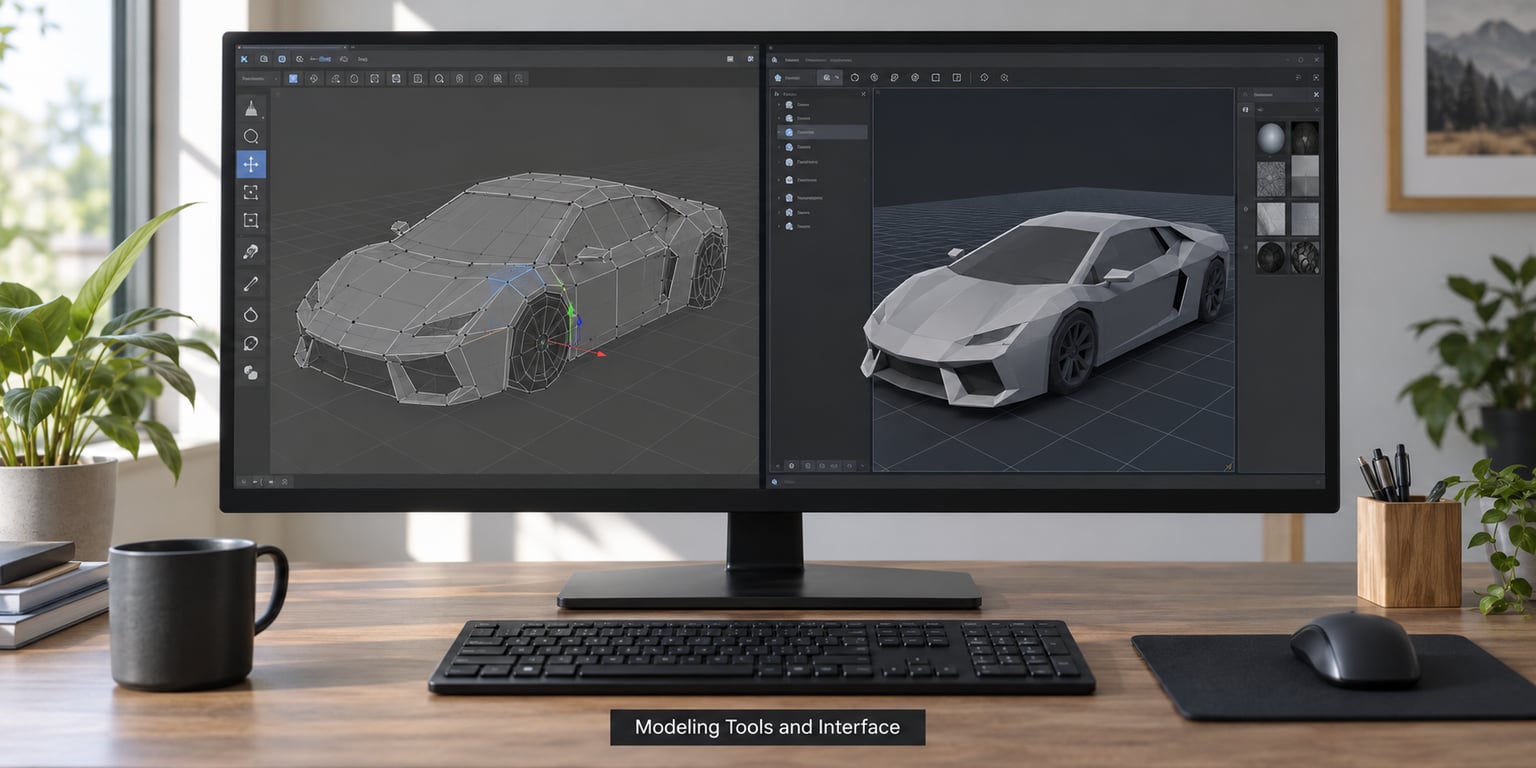
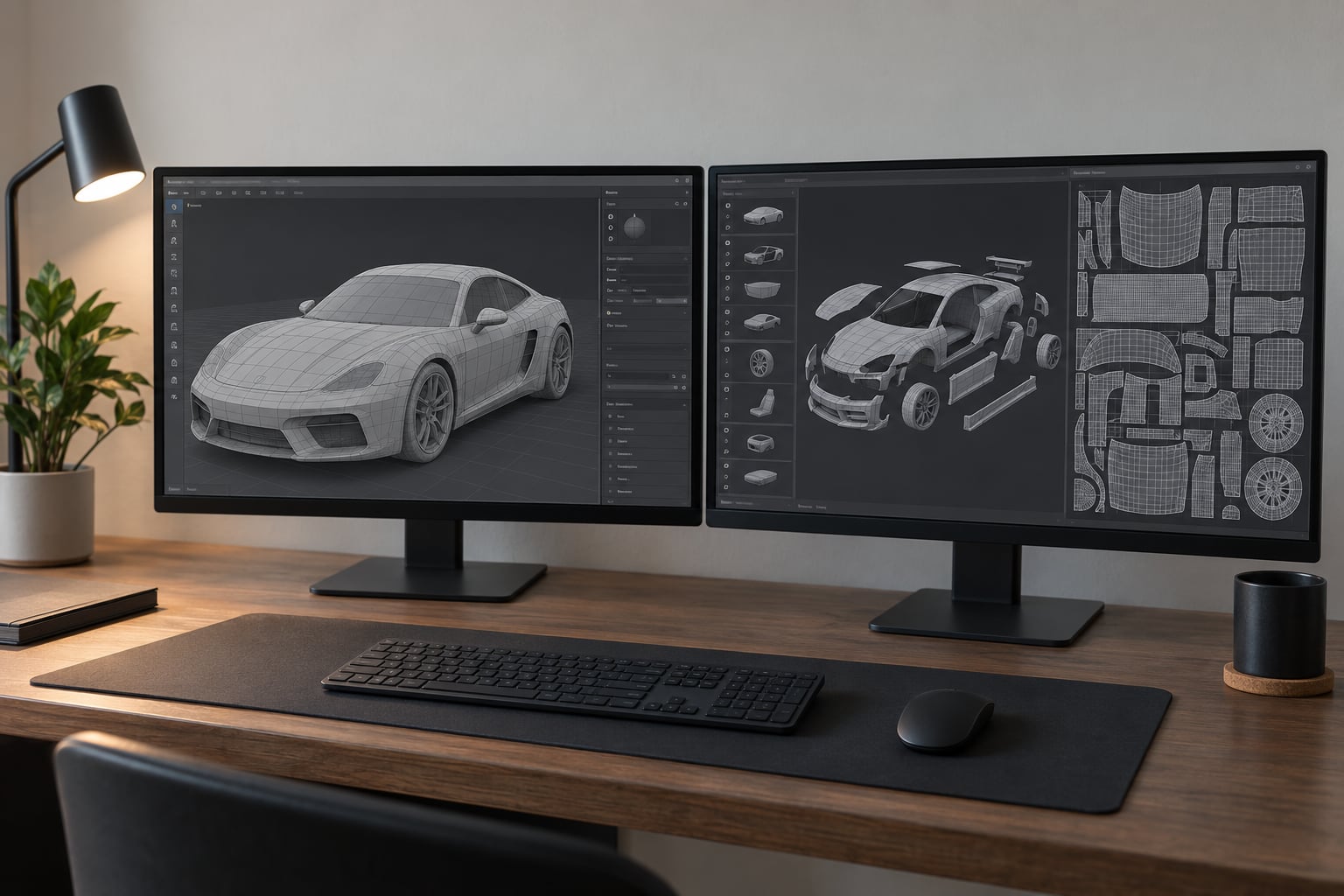
Blender is a general-purpose 3D creation suite. It does modeling, sculpting, texturing, animation, simulation and rendering, which is why car modders who also build maps or props tend to stay inside it.
ZModeler is narrower. It imports, edits and exports game engine assets, with the interface built around quad modeling, object hierarchies, UV sets and material slots. If your entire goal is producing a drivable vehicle, that narrowness is a feature.
How hard-surface car modeling compares in practice
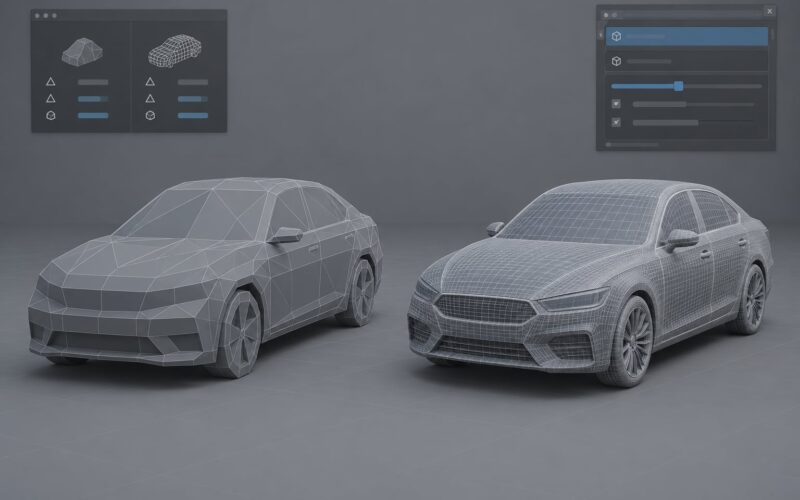
Both tools handle hard-surface car work well, just differently. Blender gives you modifiers, the mirror tool and subdivision surface for shaping body panels smoothly, then you retopologize into clean quads for export. That process takes practice but the ceiling is high.
ZModeler is more direct for panel geometry. Because it was designed around game-ready vehicles, box modeling a door or a fender feels more immediate, and the object outliner maps closely to what the game needs.
Selections, transforms and scene organization
Blender’s outliner is flexible but general, so a car scene can become messy fast without naming conventions. ZModeler’s scene management is narrower and more opinionated, which is helpful when you want a part-per-name structure that survives export.
Which interface frustrates beginners less
Blender’s default UI is a lot to take in, and people coming from simpler tools often bounce off it in the first week. ZModeler is easier to sit down in, though modders who have used it report memory issues and dated interface elements that have not aged well.
GTA and Open-World Game Compatibility
Blender can produce GTA V cars, but not with zero preparation. Geometry usually needs UV mapping, part naming and applied transforms before export. Sollumz, the Blender add-on, handles most of that setup natively and is now the standard Blender route for GTA assets.
ZModeler exports directly to yft, ytd and ydd, which is the format family GTA V vehicles use. That direct path is why it has stayed in so many modders’ toolkits even as Blender’s capabilities improved.
How editable parts, LODs and dummies work in each tool
A drivable vehicle is not one mesh. It needs separate nodes for body parts, wheels, lights, interior and extras, plus LODs for distant detail and dummy objects the game uses to attach components. ZModeler exposes these as native concepts you can create and edit directly.
In Blender, Sollumz adds GTA-specific node types and helpers so you can build the same structure inside a familiar interface. It is more setup than clicking a button in ZModeler, but it gives you more control over the result.
Collision data and part separation
Both tools let you keep body panels as separate objects for damage and customization. ZModeler handles collision and part hierarchy setup more directly. In Blender you build the hierarchy yourself and let Sollumz tag the pieces for export.
The end result can be identical in the game. The difference is how much assembly work sits between your finished model and a loadable asset.
Materials, Textures, and Car Finishes
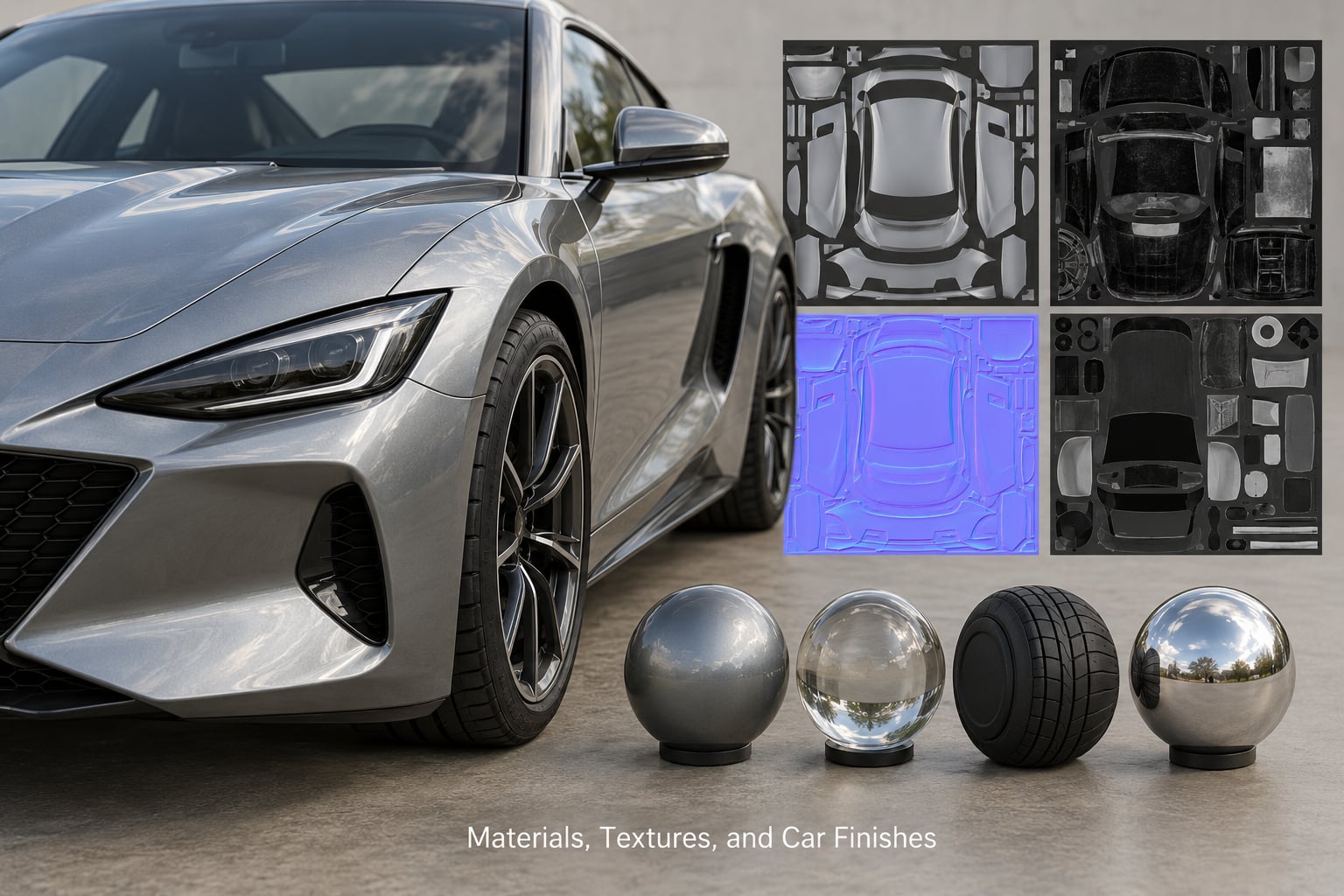
Blender has the deeper material system. It gives you a node-based shader editor, baking, and full control over how car paint, glass and metal react to light, including custom shaders no other program gives you.
ZModeler has the more convenient one for games. Its material library includes ready-made game shaders for car paint, chrome, glass and damage textures, so you assign a slot and move on rather than building a shader graph from scratch.
For liveries and decals, Blender wins. You can unwrap, paint and bake textures with full image editing control. ZModeler handles texture assignment, but its painting tools are basic by comparison.
Where Blender needs extra setup
Game materials are a Blender add-on away. You spend time setting up material slots, mask textures and bump maps so the shader reads correctly in the engine, where ZModeler would have handed you a working preset.
Which one looks closer to the game out of the box
ZModeler, for vehicle work specifically. Its presets are tuned for game engines, so a car looks close to in-game before you have touched anything. That head start is real, and it is the single strongest argument for ZModeler.
Export, Plugins, and Editing Workflow
The classic hybrid workflow is: model in Blender, export to DAE (Collada), import into ZModeler, reassemble the hierarchy and dummies, then export to yft and ytd. It works, but modders consistently report the DAE bridge loses or remaps materials and that reassembling the hierarchy afterward is a pain.
That friction is exactly what Sollumz was built to remove. With it, Blender handles the GTA-specific setup and export natively, so ZModeler is no longer required for most new vehicle projects.
Direct export versus the DAE bridge
Direct export is faster and loses less. Both ZModeler’s native exporter and Sollumz produce the game files without the intermediate format. The DAE bridge still matters for one specific case: when you want to hand a finished Blender model to a collaborator who works in ZModeler.
Modeling from scratch versus adapting an existing base
Adapting an existing vehicle base is faster, and this is where ZModeler has a genuine edge. It imports existing game vehicles so you can rework a body, add parts or adjust proportions without starting from an empty scene. In Blender, importing an existing asset through Sollumz works too, but the workflow is newer and less battle-tested.
Repeated edits after the first release
Modding is rarely one-and-done. Version two of a car usually means moving a light, widening a fender or splitting a panel. Both tools handle this, but ZModeler’s asset-first structure means you reopen a known working file rather than rebuilding the export setup each time.
Animation, Rigging, and Vehicle Parts
Blender wins animation outright. It has a full rigging and animation suite, so if your car needs working doors, moving suspension or custom animations built from scratch, Blender is the tool for the job.
ZModeler handles animation that comes from elsewhere. It imports and exports animation through DAE and is used to place the animated parts into the vehicle hierarchy, but it is not where you author complex rigs.
Wheels, suspension and hydraulics
Animated wheels and suspension travel are common in tuning and hydraulic mod builds. Blender’s rigging tools let you build these animations yourself, then export them into the game structure. ZModeler is faster for the standard wheel-spin and steering setup most cars need.
Lights, interiors and extra parts
Interior modeling, light placement and bolt-on accessories work in both. ZModeler’s material and part libraries speed up standard lights and trim. Blender gives you more control when you are modeling a custom interior from scratch or building an unusual part.
For ELS (Extended Lighting System) police builds, both tools produce the light data the game needs. Blender requires you to set up the nodes yourself, while ZModeler has done this more often and with fewer surprises.
Learning Curve and Community Resources
Blender has the steeper initial climb because it is a general-purpose suite with a wide interface and many concepts to absorb. The payoff is that everything you learn transfers to environments, props and other 3D work, not just cars.
ZModeler is shallower for vehicle work. You can be producing a working export faster, and for a car-only modder that is the relevant learning curve. Its community is smaller and much of the material online is years old.
Tutorials and community size
Blender has a large, active community with a deep library of car modeling tutorials, and the Sollumz documentation has matured well past its early alpha stage. ZModeler’s community is smaller and more forum-based, with tutorials often built around a specific game rather than general modeling.
Time to a first working car
For a simple kitbash-style car, expect faster results in ZModeler. For a fully custom model built from scratch, Blender is the better long-term investment because you learn transferable skills and can reuse the model for renders, exports and other games.
Which Should You Choose?
Choose Blender if you are starting out, want zero cost, plan to build maps or props as well as cars, or want full control over materials and custom shaders. With Sollumz, it now handles the GTA export path well enough that ZModeler is optional for most new vehicle projects.
Choose ZModeler if you produce many vehicles and want the fastest route to a loadable game asset, if you regularly adapt existing vehicles rather than building from scratch, or if you need the standard material and light presets without extra setup.
Consider both if you already know Blender and want to hand finished DAE models to collaborators who work in ZModeler, or if your workflow mixes vehicle production with custom environments.
The clearest signal: if cost is a factor and you are not sure how long you will mod, start with Blender. You can always add ZModeler later if your vehicle volume grows.
Whichever route you pick, build one complete car before starting a second. Understanding why one panel renders wrong teaches you more than reading a dozen tutorials.
Frequently Asked Questions
Is Blender better than ZModeler for GTA car mods?
Blender is better for modders who want a free, flexible modeling environment and also build environments, props or custom shaders. ZModeler is often better if you focus only on producing game-ready vehicles quickly, since its exporters and material presets are built around that specific job. For most new projects, Blender with Sollumz handles the export step well enough.
Can Blender make car mods for GTA 5?
Yes. Blender can create and edit car models for GTA 5, but the geometry usually needs preparing for the game asset system. That typically means UV mapping, naming parts, applying transforms and setting up materials, which the Sollumz add-on handles for you. Once the setup is done, Blender exports the yft and ytd files directly.
Is ZModeler free for making car mods?
Partly. ZModeler has shipped a limited free version alongside paid tiers that unlock the full export workflow, but availability and terms have changed several times. Check the official product page before planning a paid workflow. Blender is free and open source, which is why it is the default starting point for modders just getting into car modeling.
Is Blender difficult for beginners making car mods?
Blender has a steeper initial learning curve because it is a general-purpose 3D suite, but the curve is manageable if you focus first on modeling, UVs, materials and export. A simple kitbash car is a realistic first project. Expect to spend your first weeks just getting comfortable with the interface before the modeling feels natural.
Do I still need ZModeler if I have Blender?
For most new GTA vehicle projects, no. With the Sollumz add-on, Blender handles the game-specific setup and exports yft and ytd files directly, so ZModeler is no longer required. You would still reach for ZModeler if you regularly adapt existing game vehicles or prefer handing off DAE files to collaborators who work in it.
Start with Blender and Sollumz if cost matters or you are new, and add ZModeler only when your workflow needs its faster game-vehicle export or its vehicle libraries. Build one complete car first, then decide whether the paid tool earns a place in your setup.