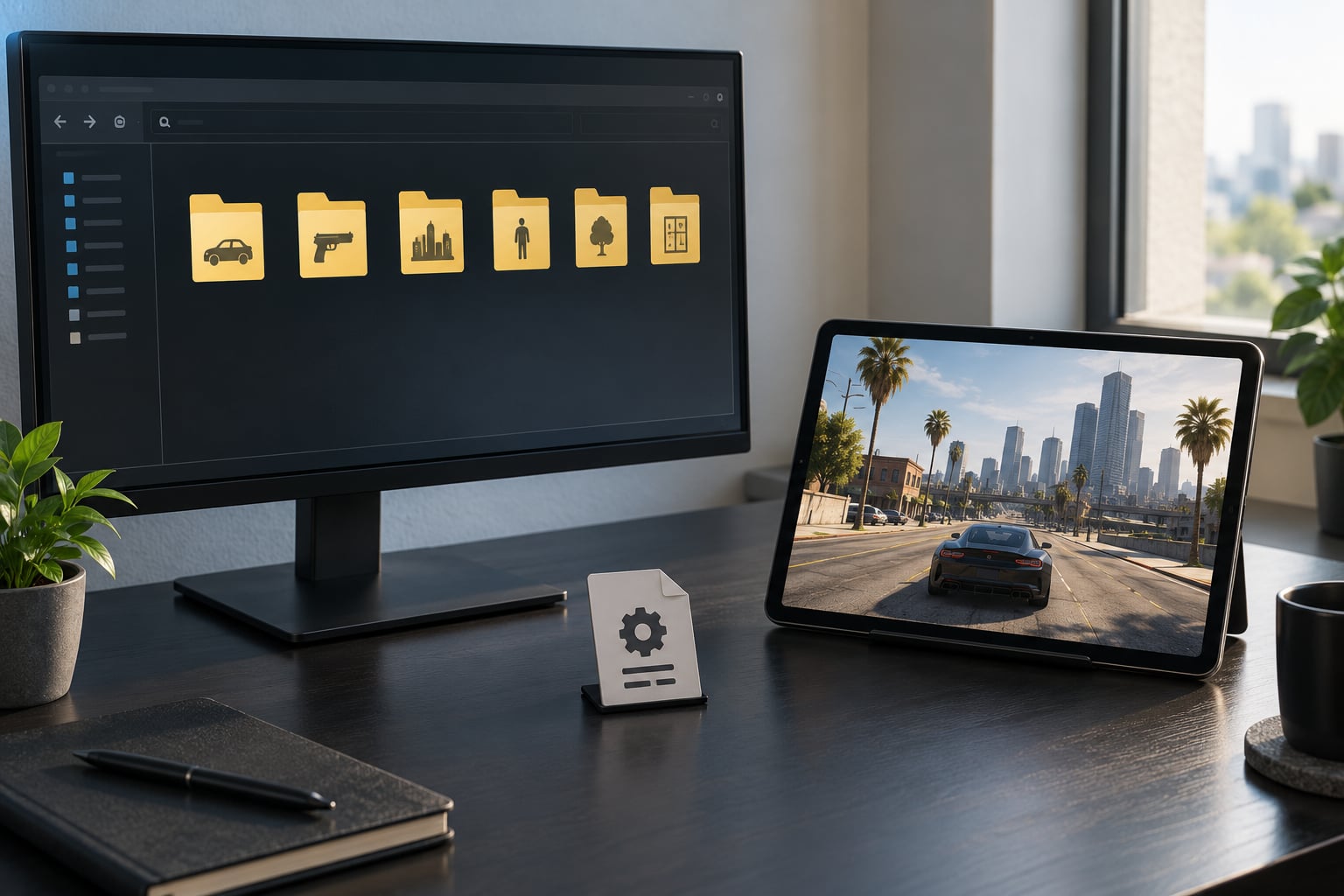
You can make a mod that works on both PC and mobile, but not with a single portable file. You author one platform-neutral master project, then build two separate packages from it: one for desktop with its own loader and folder paths, one for Android with its own loader library, memory budget and touch controls. For a small texture or vehicle swap that takes an evening once you know the pipeline. Scripted gameplay overhauls take considerably longer, mostly because every line has to be checked on both platforms.
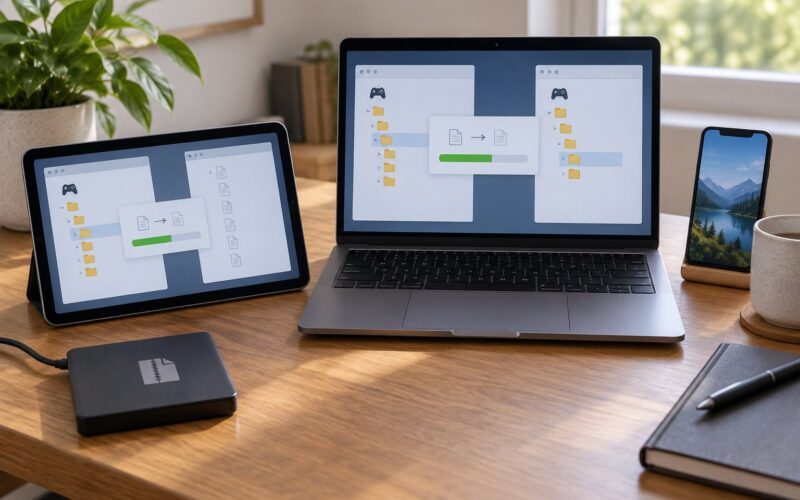
The idea that trips people up is the expectation of a universal ZIP. A mod file is bound to the game’s folder structure, the loaders its developer supports, and the CPU architecture of the device it runs on. Nothing transfers by accident. What you can do is make the transfer deliberate and repeatable, so one source produces both builds and each build installs cleanly on the platform it was made for.
This guide covers 2026 tooling and folder conventions for the most common setup, where PC is a native desktop build and mobile is a native Android build of the same game.
Table of Contents
- 1What You Need
- 2Step-by-Step: How to Make a Mod That Works on Both PC and Mobile
- 31. Confirm the PC and Mobile Game Versions
- 42. Choose a Mod Format Both Platforms Can Read
- 53. Separate Shared Assets From Platform-Specific Files
- 64. Edit With a Neutral Master Copy
- 75. Adapt Paths, Controls, Performance, and UI Settings
- 86. Package Separate PC and Mobile Installations
- 97. Test on PC First, Then on Android
- 108. Troubleshoot the First Failure
- 11Common Mistakes
- 12Frequently Asked Questions
- 13Can I use the same mod file on PC and Android?
- 14Do I need a different version of a mod for PC and mobile?
- 15Is it possible to get mods on iOS?
- 16Why does my mod work on PC but not on mobile?
- 17Do I need to back up my game before modding?
- 18How do I keep my mod working after a game update?
- 19Conclusion
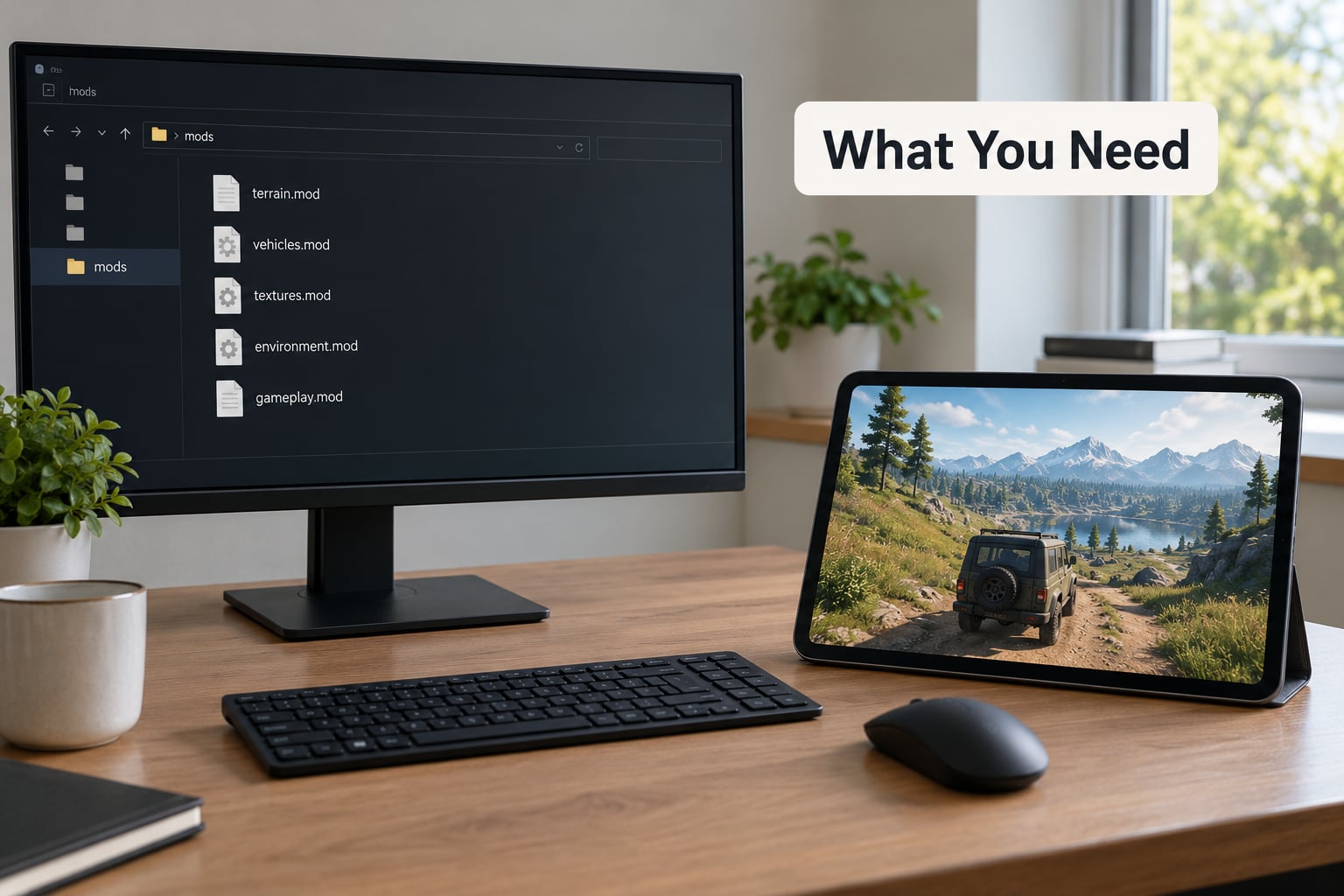
What You Need
Start with an honest inventory before you touch a single asset. Most failed cross-platform mods fail here, at the preparation stage, rather than at the editing stage.
- The exact PC build. Edition, region, patch version and whether it is Steam, Epic or Rockstar. Write the build number down somewhere outside the game folder.
- The exact Android build. Same fields, plus the Android version and the phone model with its RAM. Some ports are separate apps with separate update cycles.
- A text editor. Notepad++ or similar, for config files, manifest lists and loader settings.
- An archive tool for building and unpacking, plus an image editor that can export to the formats each platform expects.
- File access on the phone. A file manager with permission to write into the game’s data directory. On many Android ports this means a root or emulator-style container.
- Reference copies of the original assets. Untouched, unmodified files from both platforms to diff against later.
- Two test devices. Ideally your PC and one genuinely low-spec Android phone, since high-end hardware hides memory problems.
- Backups of both game installs before you change a single path.
One distinction matters more than the rest. Original PC files are the game’s own archives in the developer’s native format. Converted mobile files are those same assets re-imported and re-exported by the mobile port, often with different compression and different internal naming. Game-specific pack formats are the container files each build expects, such as dlcpacks on PC or the mobile equivalent. A mod that works across both must speak the second and third, while being authored from the first.
Step-by-Step: How to Make a Mod That Works on Both PC and Mobile
1. Confirm the PC and Mobile Game Versions
Identify both editions precisely, then check whether the two share a compatible asset format at all. Compare the engine version and the asset container version, not just the store listing. A mod built against a remaster will not load on the original release, and a mod built against one region may reference file hashes that do not exist in another.
Record four things for each platform: the edition, the build number, the engine and asset format, and the mod loader the game ships with or the community supports. If the mobile port uses a different engine version, the honest answer may be that you are building two mods with shared source rather than one mod with two packages. Decide that now, before any asset work.
2. Choose a Mod Format Both Platforms Can Read
Pick the delivery method first, because it constrains everything downstream. There are three realistic routes, and the choice is really about how much control you want.
The cleanest route is a game with built-in mod support or a platform mod SDK such as mod.io. Here the game itself fetches and loads your content through an in-game browser, so file paths, permissions and architectures stop being your problem. If the game exposes a mod API on both PC and mobile, this is by far the least fragile option.
The second route is loose-file modding with a loader on each platform. On PC that usually means OpenIV plus Script Hook V, an ASI loader, a mods folder and a dlclist.xml. On Android it means an equivalent loader library compiled for the device architecture. You control every file, and you also own every failure.
The third route is an emulation layer, where the mobile device runs the Windows build inside a container such as GameHub, Winlator or GameNative. Because it is the PC build running on an ARM device, PC mod files mostly carry over. Users on r/EmulationOnAndroid report reaching the PC game directory through those containers, with real friction around glibc setup, memory configuration and per-device tuning. It is the least portable answer for your players, but the least work for you.
A single source file is only possible when the mod is pure configuration or pure data in a format both builds already parse, such as a graphics preset. Anything involving custom assets needs two packages.
3. Separate Shared Assets From Platform-Specific Files
Open a folder and sort every file into two piles. Shared assets are your textures, meshes, sound and data tables. Platform-specific files are paths, permissions, loader libraries, config defaults and anything that names an operating system.
Then list what must physically change between builds. Filenames may need case changes, since some Android file systems are case-sensitive in ways desktop Windows is not. Directory depth usually differs. Compression settings differ, because the mobile build often expects compressed archives the PC build reads directly. File sizes differ, because textures get downscaled. Naming rules differ if one build uses a manifest and the other uses an auto-scan folder.
Write these rules down as a build checklist. Every future change runs down it, which is what stops the two packages from drifting apart.
4. Edit With a Neutral Master Copy
Build the mod from a clean, uncompressed master folder using the original game assets as the reference. Editing an installed mobile package directly is the single most expensive mistake in this whole process: the package is signed, it gets re-signed on every update, and your changes vanish without warning.
Keep exactly one canonical PC-side master. If you also need a mobile master, keep it as an imported copy generated from the same source, never as an independent edit. The moment two copies get edited by hand, you have two mods that slowly stop matching.
Version control helps here. A local repository with a commit per finished change gives you a rollback path when an update breaks a file and makes the two-platform build repeatable.
5. Adapt Paths, Controls, Performance, and UI Settings
Cross-platform compatibility changes come in two flavours. Required changes stop the mod working. Optional changes stop it being pleasant on a smaller device.
On the required side: hardcoded desktop paths must become platform variables, any keyboard input binding needs a touch or button mapping, and resolution-dependent UI offsets need scaling anchors instead of pixel coordinates.
On the performance side, mobile memory is the constraint people underestimate. Budget textures against the device rather than against your desktop. A 4K texture set that costs nothing on a PC can exhaust memory on a phone and crash it silently. Drop texture resolution for the mobile build, cut draw calls by merging materials, prefer low-poly variants for distant geometry, and check total texture memory rather than individual file sizes.
Expose those quality choices as a config file with sensible defaults rather than hardcoding them. A player on a flagship phone should be able to raise the settings, and a player on a cheap device should still be able to load your mod without editing a hex value.
6. Package Separate PC and Mobile Installations
Build two archives from the master and put both inside one download, separated by platform folders. Give each one a version label and a short readme that names the game build it was made for.
The PC package should contain the assets plus whatever install instructions your loader expects, with the mods folder created inside the game directory rather than replacing original archives. The mobile package should contain the mobile assets, the loader library for the architectures you support, and the exact path where the game reads them from. Mention storage permission explicitly, because that is where a lot of installs fail silently.
A folder layout like MyMod/shared, MyMod/pc and MyMod/android, with a plain text install note at the root, keeps things readable. Do not present a universal folder as a one-click installer. It isn’t one, and players who assume it is will file bug reports that waste your time.
7. Test on PC First, Then on Android
Run a repeatable sequence rather than an improvised one. Install the PC package into a clean copy of the game, confirm the loader sees it, load a save, play ten minutes, save and reload, then uninstall and check the game is back to its untouched state.
Then repeat exactly that sequence on Android, plus three things PC cannot tell you: whether touch controls still work, whether the frame rate holds on your low-spec device, and whether the game survives a cold start with the mod active.
Write down which device and which build revealed each problem. That note is worth more than the fix itself, because the same failure usually returns after the next game update.
8. Troubleshoot the First Failure
Change one thing at a time. Bundled changes produce failures that are impossible to attribute and very slow to untangle.
Check the loader’s log first if it has one; on PC the OpenIV mods folder can appear empty when the game is verifying files and wiping replaced archives, and a Menyoo-style menu that has stopped working is usually a loader or script-hook problem rather than a mod problem. On mobile, confirm permissions, confirm the exact path, clear the app cache, and lower the graphics settings before you assume the mod is broken.
Compare the mod against the supported game version. Collect the log, the device model, the game build and the exact symptom before you repackage anything.
Common Mistakes
Most of these are quick to fix once you know what they are.
- Desktop paths baked into config. Fix: use a variable the loader resolves at install time, never a literal path.
- Case-sensitive filenames breaking on Android. Fix: rename everything to lowercase and match the manifest exactly.
- A format only one platform parses. Fix: export a second copy in the format the other build expects.
- Oversized textures. Fix: downscale for the mobile build and cut total texture memory.
- PC-only script or hook dependencies. Fix: a native library compiled for desktop never runs on a phone; supply a separate build for the device architecture.
- Missing storage permission on Android. Fix: grant it in system settings before first launch and say so in the readme.
- A stale game version. Fix: pin the build your mod supports and label it in the filename.
- Incomplete install. Fix: uninstall fully, reinstall, and verify the untouched game runs before adding files again.
- Works only after a clean reinstall. Fix: that symptom almost always means leftover state. Clear the app cache and the mod folder rather than reinstalling the whole game.
Frequently Asked Questions
Can I use the same mod file on PC and Android?
Only for some mod types. Configuration and data files in a format both builds already parse, such as graphics presets, can often be shared unchanged. Anything with custom assets, custom scripts or a native library needs two separate packages built from one master, because folder paths, permissions and CPU architectures differ between desktop and Android.
Do I need a different version of a mod for PC and mobile?
Almost always, yes. The right mental model is one source project and two builds, not two mods. You author your assets once, then export a PC package with desktop paths and loader settings and a mobile package with Android paths, permissions, a mobile loader library and reduced texture sizes. Both ship inside one download.
Is it possible to get mods on iOS?
Not in the way PC and Android allow. iOS sandboxing gives apps very limited file system access and there is no equivalent of OpenIV or a loose-file mods folder. Loose-file modding on an iPhone is generally not possible for a normal install. If your target includes iOS, the realistic route is a game with its own in-game mod browser or a platform mod SDK.
Why does my mod work on PC but not on mobile?
The most common causes are wrong file paths, case mismatches in filenames, missing storage permission, a native library built for the wrong CPU architecture, textures too large for the device memory, or a game build on the phone that predates the one you built against. Check permissions and paths first, then clear the app cache, then reduce graphics settings.
Do I need to back up my game before modding?
Yes, every time. Game file verification will wipe hand-replaced files and can force a large re-download, and Android repacks often reset themselves on update. Keep an untouched copy of both installs outside the game folder. A mods folder that loads files instead of replacing originals is safer, but it is not a substitute for a backup.
How do I keep my mod working after a game update?
Keep your files in a separate mods folder that the loader reads, never over the game’s original archives, and pin the game build your mod was made for in your filename and readme. Test against the new build early, keep your source in version control so you can roll back, and maintain a compatibility note listing which builds are known broken.
Conclusion
Start with the boring part. Write down both game builds, decide which of the three routes you are using, and confirm whether the two platforms even share an asset format. That decision saves more time than anything else in this guide.
Then build one uncompressed master and never edit it in place. When you are ready, export two packages, label the game version each one targets, and put both in a single download with a readme that says plainly which folder goes where. Test the PC build, then test on a low-spec Android phone, and keep a note of every failure with the device and build that produced it. That is how you make a mod that works on both PC and mobile without rebuilding it from scratch after every game update.